
OpenAI’s Content Provenance API gives developers a way to check supported image and audio files for provenance signals associated with OpenAI tools. It is useful for content-review workflows, fact-checking, moderation, and media-labeling systems—but it is not a universal AI detector. A result can show that a supported signal was found; it cannot establish the complete history, accuracy, ownership, or context of a file.
This guide explains how to submit a file, interpret the response, understand supported formats, and avoid the most common mistakes when using provenance results.
What the Content Provenance API checks
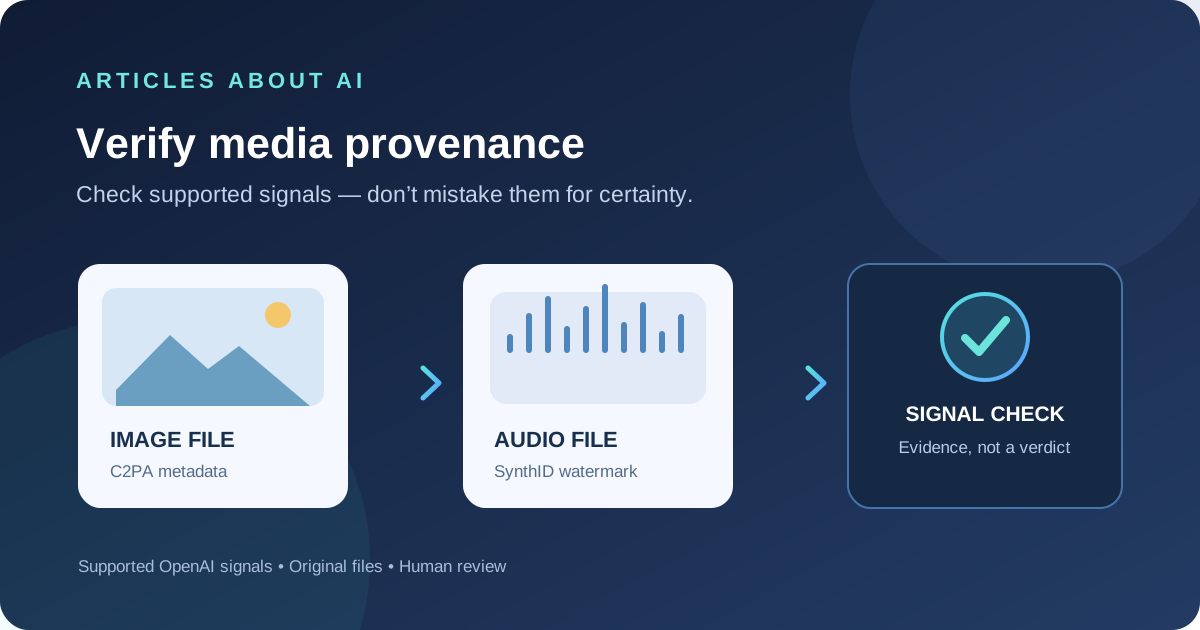
The API checks an uploaded image or audio file for supported OpenAI provenance signals. According to OpenAI’s official Content Provenance guide, the checks include:
- C2PA Content Credentials for images: signed metadata that can include the issuer and AI-use details.
- SynthID for supported images and audio: a watermark embedded in the media itself.
These signals work differently. C2PA relies on a manifest and its validation state; metadata may be removed when a file is edited, converted, or shared. SynthID is embedded in the media and may survive some transformations, but changes can weaken or remove a detectable signal.
The API does not currently identify content generated by every AI provider. It checks supported OpenAI provenance signals, so it should not be treated as a general-purpose AI detector.
How to make a provenance check
Send one supported file to the Content Provenance endpoint. The official endpoint is POST https://api.openai.com/v1/content_provenance_checks. Use an API key stored securely in an environment variable, not in browser code or a public repository.
For example, with cURL:
curl https://api.openai.com/v1/content_provenance_checks \
  -H "Authorization: Bearer $OPENAI_API_KEY" \
  -F "file=@./example.png;type=image/png"
Replace example.png with the original file you want to check. The multipart upload must contain the file field; do not manually set the multipart content-type header when using cURL’s -F option, because cURL supplies the boundary.
The API returns the completed result in the response. You do not need to create a background job or poll for completion. See the official API reference for the current request schema and response object.
Supported files and limits
OpenAI documents support for these formats by default:
| Media | Supported formats |
|---|---|
| Images | PNG, JPEG, WebP |
| Audio | MP3, Opus, AAC, FLAC, WAV, PCM |
Each uploaded file must be no larger than 50 MiB. Audio must be 60 seconds or shorter after decoding. The endpoint checks one file per request. If an upload is rejected, confirm the file format, media type, size, and audio duration before changing application code.
Availability and rate limits can differ by organization. A 404 may indicate that the organization does not have access, while a 429 indicates a rate-limit issue; check the returned status and error details rather than repeatedly submitting the same file.
How to interpret the response
The response includes a results array. Read each result separately: images can have C2PA and SynthID entries, while audio results include the applicable SynthID check. The API may omit checks that do not apply to the submitted media.
A C2PA result can include fields such as outcome, validation_state, issuer, model, and generated_at. A SynthID result reports whether a supported watermark was detected and may include model or generation-time information when available.
Use the outcomes carefully:
- Detected: the check found the particular supported signal described by that result. For C2PA, inspect the validation state and issuer before drawing conclusions.
- Not detected: the check did not find that supported signal. It does not prove that the file was created by a person.
- Invalid or absent credentials: do not treat an invalid manifest as trustworthy evidence. A missing manifest may simply mean that no usable C2PA record is present.
A positive result is evidence of a specific provenance signal, not proof that the media is accurate, unedited, legally owned, or presented in its original context. It also does not identify the person who created the file or reveal the prompt that was used.
Why a signal may be missing
A “not detected” result can have several explanations. The file may have been created before the relevant signal was available, produced through an unsupported model or export path, or generated by another provider. Image cropping, screenshots, compression, format conversion, and metadata removal can also affect the evidence available to the check. Audio edits or very short clips can make watermark detection less reliable.
When possible, verify the original exported file rather than a screenshot or a copy that has passed through several messaging and editing tools. Preserve the original and record where it came from, when it was received, and what transformations were applied. These steps help reviewers interpret the result without claiming more certainty than the evidence supports.
Build provenance checks into a review workflow
A responsible implementation should combine the API result with contextual checks rather than automatically treating one signal as a final verdict.
- Validate the upload. Check file type, size, duration, and whether the file is safe to process.
- Record the result precisely. Store the signal type, outcome, validation state, and timestamp needed for the workflow. Avoid retaining media longer than necessary.
- Preserve uncertainty. Distinguish “signal detected” from “AI-generated with certainty,” and distinguish “not detected” from “human-created.”
- Escalate consequential cases. For legal, journalistic, safety, or high-impact decisions, combine provenance results with source records and human review.
- Handle errors explicitly. Retry only transient failures, honor retry timing when provided, and stop when the request budget or retry limit is reached.
OpenAI also provides a public verification experience at openai.com/verify for supported media. That can be useful for an individual file, while the API is intended for integrating checks into a product or organizational workflow.
How this differs from AI text detection
Media provenance checks and text-watermark detection solve different problems. OpenAI has separately described text watermarking in its official text provenance announcement. For more background, see our guide to OpenAI’s textGrain watermarking approach.
For broader research, our guide to checking sources in ChatGPT Search explains why a cited source is evidence to inspect—not a guarantee that every claim is correct.
Key takeaway
Use the Content Provenance API to look for supported OpenAI signals in eligible images and audio, not to decide whether any media anywhere is AI-generated. Preserve original files, interpret each result independently, and keep human review in the loop when the decision matters.
Official documentation: Content Provenance guide · Create a provenance check · OpenAI provenance signals