
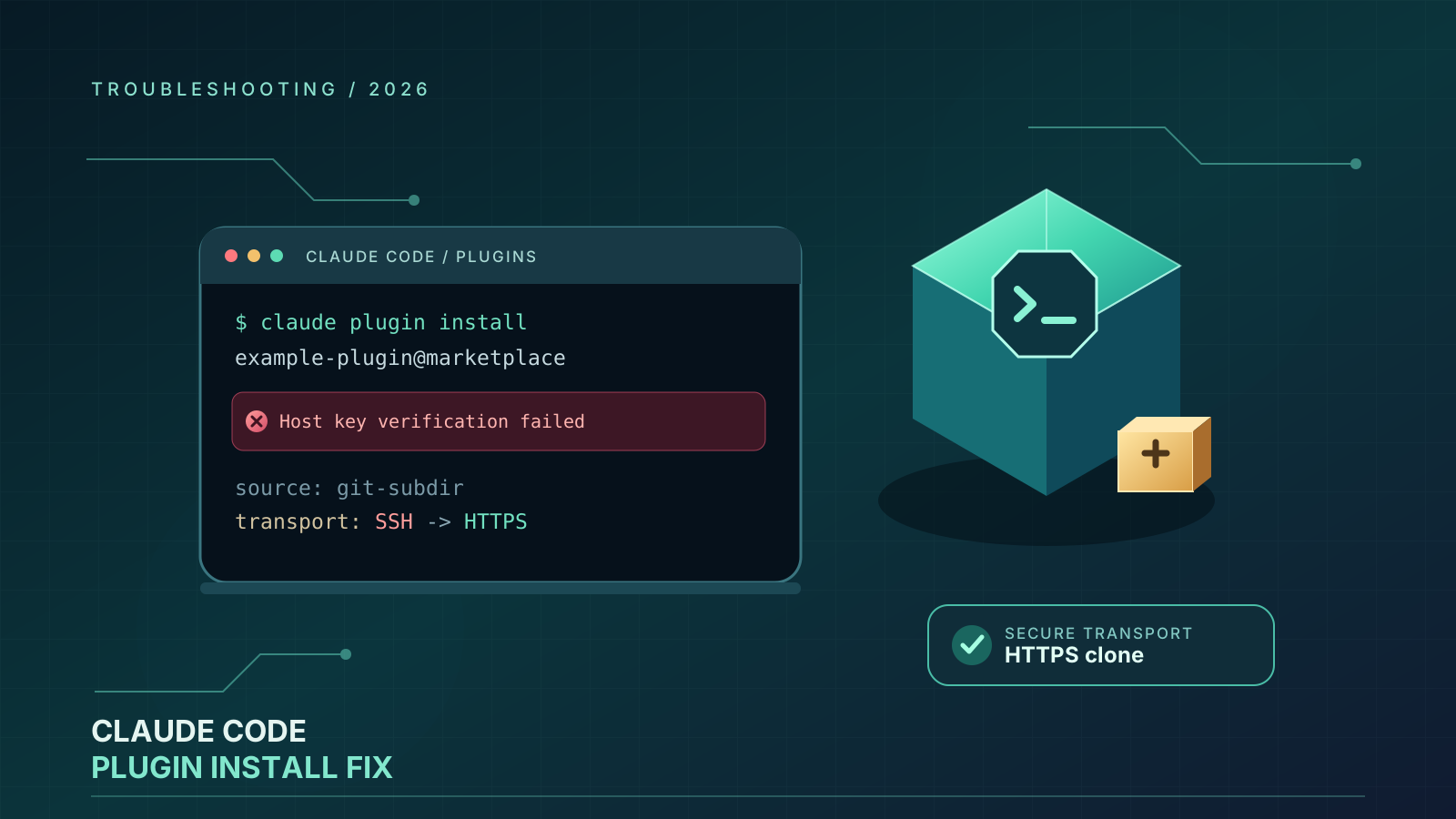
Claude Code plugin installation can fail even when the marketplace itself was added successfully and the GitHub repository is public. Two common messages are:
Permission denied (publickey)Host key verification failed
These errors can look like a broken plugin, an invalid marketplace, or a Claude Code outage. In some cases, however, the problem is the transport used to clone the repository. Claude Code may attempt to use SSH for a GitHub shorthand source, while the machine running the install has no usable SSH key, no accessible SSH agent, or no trusted host key in its SSH configuration.
A documented report filed in the Claude Code issue tracker on October 14, 2026, describes a specific case in Claude Code 2.1.299: a git-subdir plugin source written as owner/repo was cloned using an SSH URL and failed with Host key verification failed, while a comparable github source cloned over HTTPS and succeeded. The reporter confirmed that replacing the shorthand with a full HTTPS URL worked as a workaround. This is evidence of a specific failure mode, not proof that every plugin installation error has the same cause.
This guide explains how to identify that failure mode, switch to HTTPS where appropriate, check SSH safely when SSH is required, and avoid changes that can weaken your security.
First, identify the exact error
Before changing configuration, copy the full error message and note where it appears: in the Claude Code desktop app, in an interactive /plugin workflow, or after running a terminal command such as claude plugin install.
Permission denied (publickey)
This normally means the Git operation attempted SSH authentication but the SSH client could not authenticate with a key accepted by GitHub. Possible causes include a missing key, a key not loaded into the SSH agent, an SSH agent that the selected Git executable cannot reach, or an SSH command that differs from the one you tested manually.
On Windows, for example, Git for Windows may use its bundled SSH executable while your terminal test uses Windows OpenSSH. If your key is supplied by a third-party agent, the two SSH clients may not have equal access to it.
Host key verification failed
This is different from a missing user key. SSH host-key verification checks the identity of the server you are connecting to. A failure can mean the host key is missing from known_hosts, or that the key presented by the server differs from the key already recorded.
Do not treat this message as a routine prompt to disable verification. GitHub recommends checking its official host-key information before changing trusted host keys. If you cannot verify the server identity, stop and investigate rather than bypassing the check.
The desktop app only says that installation failed
The desktop interface may show a generic installation failure without exposing the underlying Git error. If you can reproduce the problem from the terminal, the terminal output can provide a more useful diagnosis. Do not assume that the plugin itself is defective until you have checked the source URL and clone method.
Fix 1: Use a full HTTPS URL for a git-subdir source
If the marketplace entry uses "source": "git-subdir" and its url is written as a GitHub shorthand such as "OWNER/REPOSITORY", try specifying the full HTTPS URL instead.
For example, a shorthand entry may look like this:
{
  "name": "example-plugin",
  "source": {
    "source": "git-subdir",
    "url": "example-org/example-monorepo",
    "path": "plugins/example-plugin"
  }
}
Change only the url value to the repository’s HTTPS clone URL:
{
  "name": "example-plugin",
  "source": {
    "source": "git-subdir",
    "url": "https://github.com/example-org/example-monorepo.git",
    "path": "plugins/example-plugin"
  }
}
Replace the example organization, repository, and plugin path with the real values. Keep the existing path if it already points to the plugin’s correct subdirectory. The git-subdir source is intended for a plugin stored in a subdirectory of another repository, so changing the path accidentally can create a different installation failure.
Save the marketplace file, then retry the installation using the same marketplace and plugin name. If you maintain the marketplace, validate the JSON and test the change with a clean environment before distributing it to other users.
This workaround is directly supported by the recent issue report and by the official marketplace reference, which says that git-subdir accepts either a full Git URL or GitHub owner/repo shorthand. It does not guarantee that an unrelated repository, authentication, network, or plugin-manifest error will be fixed.
Fix 2: Tell Claude Code to prefer HTTPS for GitHub shorthand sources
For a broader workaround, Claude Code documents the environment variable CLAUDE_CODE_PLUGIN_PREFER_HTTPS. Setting it to 1 makes supported GitHub owner/repo plugin sources use HTTPS rather than SSH. This is useful in CI runners, containers, or machines without a configured SSH key for GitHub.
macOS and Linux
Set the variable in the terminal before starting Claude Code:
export CLAUDE_CODE_PLUGIN_PREFER_HTTPS=1
claude
If Claude Code is already running in that terminal, close that process and launch it again from the terminal where the variable is set. The variable is inherited by processes started from that environment; setting it in one shell does not automatically affect an already-running desktop application or a different terminal.
Windows PowerShell
Set the variable for the current PowerShell session, then launch Claude Code from that same session:
$env:CLAUDE_CODE_PLUGIN_PREFER_HTTPS = "1"
claude
This setting is temporary for that PowerShell session. If you close the terminal, open a new one, and run Claude Code there, set the variable again unless you have configured it through your normal environment-management process.
What this setting does—and does not do
It changes the preferred clone transport for supported GitHub shorthand sources. It does not repair an invalid marketplace manifest, a wrong subdirectory path, a private repository for which you lack permission, or a general network failure. It also does not mean every plugin source type is interchangeable.
For a git-subdir entry that still attempts SSH, the explicit HTTPS URL in Fix 1 is the clearest targeted workaround to test. Check the exact source type and your installed Claude Code version if behavior differs.
Fix 3: If SSH is required, check the SSH client Claude Code actually uses
Some organizations require SSH, and some private-repository workflows depend on existing SSH credentials. In that case, diagnose SSH rather than switching transport blindly.
1. Test authentication to GitHub
Run:
ssh -T [email protected]
A successful authentication message indicates that the SSH client you invoked can authenticate to GitHub. It does not necessarily prove that Claude Code’s Git process uses the same SSH executable, configuration, or agent.
2. Compare the SSH clients on Windows
If the test succeeds but Claude Code still reports Permission denied (publickey), inspect which SSH executable Git uses. Git for Windows may use a different executable from the Windows OpenSSH client.
If your environment is deliberately configured to use Windows OpenSSH, you can test that client for one command from PowerShell:
$env:GIT_SSH_COMMAND = "C:/Windows/System32/OpenSSH/ssh.exe"
claude plugin install PLUGIN@MARKETPLACE
Replace PLUGIN@MARKETPLACE with the actual plugin identifier. This is a diagnostic workaround, not a universal Windows fix. Use the path that actually exists on your machine, and remove the temporary variable when the test is complete if you do not want it to affect later Git operations in that shell.
A Git configuration alternative is to set core.sshCommand to the intended SSH executable, but do that only if you understand the effect on other repositories and tools that use Git. A global Git setting can change behavior outside Claude Code.
3. Check the SSH agent and key permissions
If the expected SSH client is being used, confirm that the relevant key is loaded and that the agent is available to the process. On Windows, a third-party key agent may work in one terminal while remaining inaccessible to another SSH executable. On macOS and Linux, verify the agent and key setup appropriate to your environment.
Do not paste private keys, access tokens, or credential files into Claude Code prompts, issue comments, or marketplace manifests. Never add a personal access token directly to a repository URL that will be shared with others.
Fix 4: Treat host-key failures as a security check
If the exact error is Host key verification failed, determine whether the problem is an absent host-key entry or a genuine key mismatch. Consult GitHub’s official documentation for the current SSH host keys and fingerprints:
GitHub Docs: Error: Host key verification failed
Only update your trusted host-key record after verifying the key using an official source. Do not fix the issue by turning off strict host-key checking, accepting an unverified key, or deleting all of known_hosts without understanding the consequences. Those steps can remove an important protection against connecting to an impersonated server.
If the failure is caused by a missing SSH setup and the repository is public, using HTTPS may be simpler than configuring SSH. If it is caused by a changed or suspicious host key, investigate the identity problem first.
Fix 5: Check repository visibility and permissions
HTTPS avoids the need for an SSH key when cloning a public repository, but it does not grant access to a private repository. If the plugin lives in a private repository, verify that the account or credential helper used by Git has the necessary access. Claude Code’s plugin installer uses the credentials available on the machine; it does not magically grant access to a repository.
Also confirm that:
- The repository owner and name are spelled correctly.
- The repository still exists and is reachable from your network.
- The
git-subdirpath points to the directory that contains the plugin. - The marketplace JSON is valid and its plugin source uses the right fields.
- Your organization has not blocked the source or restricted plugin installation through policy.
If a public repository fails over HTTPS as well, the cause may be unrelated to SSH—for example, DNS, a firewall, proxy configuration, an invalid URL, or a repository that was moved.
A quick decision table
| Symptom | First action | What it tells you |
|---|---|---|
git-subdir with owner/repo fails on host-key verification |
Try a full https://github.com/OWNER/REPO.git URL |
Tests whether the shorthand-to-SSH path is the issue |
Permission denied (publickey) on a public repository |
Set CLAUDE_CODE_PLUGIN_PREFER_HTTPS=1 and retry |
Avoids SSH for supported GitHub shorthand sources |
| SSH works in one terminal but Claude Code fails | Compare SSH executable and agent access | The two processes may be using different SSH setups |
| Host key changed or cannot be verified | Check GitHub’s official host-key documentation | Avoids disabling an important security check |
| HTTPS fails on a private repository | Check Git credentials and repository permissions | HTTPS still requires authorization for private content |
| Plugin installs but fails to load | Check plugin manifest, path, and compatibility | The problem may be after the Git clone stage |
When to stop troubleshooting and report a bug
If a full HTTPS URL still fails for a public repository, the environment variable has no effect, and the marketplace entry is valid, collect a minimal reproduction. Include the Claude Code version, operating system, source type (github or git-subdir), a sanitized marketplace entry, and the exact error. Avoid including tokens, private URLs, SSH private keys, or confidential repository names.
The recent report that motivated this guide is Claude Code issue #26588: Marketplace plugin cloning should default to HTTPS instead of SSH. It records the difference between the github and git-subdir source behavior in a clean environment and describes the full-HTTPS-URL workaround. Check the issue for any later maintainer response before assuming the behavior remains unchanged in a newer release.
Frequently asked questions
Do I need a GitHub SSH key to install a public Claude Code plugin?
Not necessarily. Public repositories can generally be cloned over HTTPS without an SSH key. The source configuration and Claude Code’s clone behavior determine whether SSH is attempted.
Is Permission denied (publickey) the same as Host key verification failed?
No. The first usually concerns client authentication; the second concerns verifying the server’s identity. The remedy depends on which message appears.
Does CLAUDE_CODE_PLUGIN_PREFER_HTTPS=1 fix every plugin error?
No. It changes the preferred transport for supported GitHub shorthand sources. It does not resolve incorrect paths, invalid manifests, missing access to private repositories, or unrelated network failures.
Should I disable SSH host-key checking?
No. Do not disable host-key verification to make installation succeed. Verify the host key through GitHub’s official documentation or use HTTPS when appropriate.
Related Articles
- How to Fix Claude Code “No Response from API” Error (2026) — for API connection failures that occur after Claude Code starts working.
- Claude Code official environment variables reference — for documented configuration variables, including HTTPS preference for plugin sources.
- Claude Code marketplace reference — for the supported
git-subdirsource fields.