
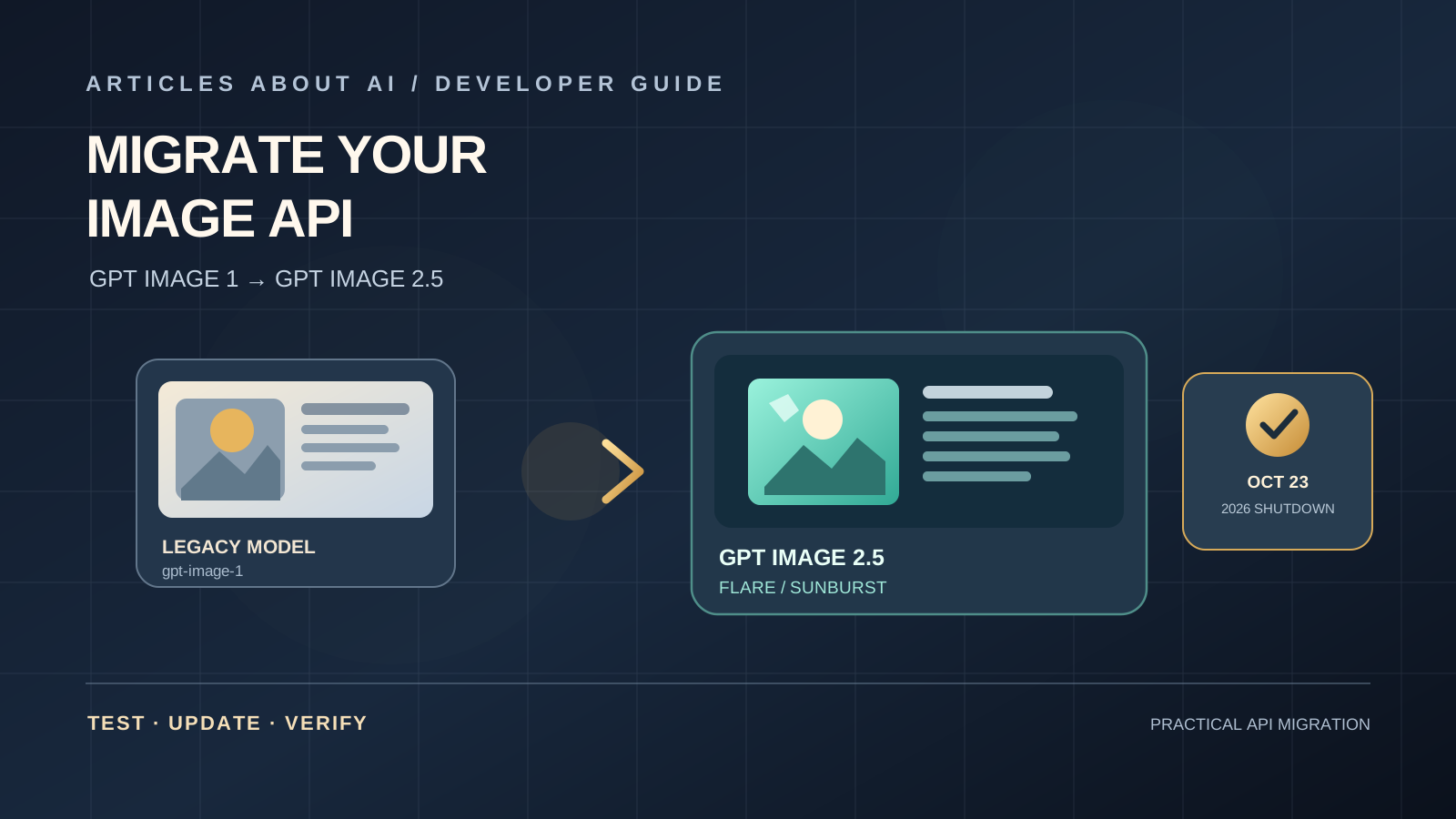
OpenAI has scheduled the retirement of gpt-image-1 for October 23, 2026. If an application still sends image-generation or image-editing requests to that model, developers should treat the date as a production deadline—not simply a documentation change. A retired model can turn a previously reliable feature into a failed request, an empty result, or an interruption in a workflow that depends on generated images.
OpenAI lists GPT Image 2.5 Flare and GPT Image 2.5 Sunburst as recommended replacements. The right choice depends on the task and the quality bar: Flare is the speed-oriented option to test first when the current output quality is already acceptable, while Sunburst is worth evaluating for demanding use cases where image quality is the priority. Do not switch solely because a model name looks newer. Run your own prompts and compare the results.
This guide explains how to find every use of gpt-image-1, select a replacement, update an integration, test generation and editing, and deploy the change safely before the shutdown.
1. Confirm whether your application uses GPT Image 1
Start by searching the whole project, not just the main image-generation function. The model identifier may be stored in a configuration file, environment variable, background worker, serverless function, scheduled job, or third-party integration.
Search for these strings:
gpt-image-1model: "gpt-image-1"model: 'gpt-image-1'images.generateimages.edit
For a local codebase, a simple command-line search can help:
grep -Rni --exclude-dir=node_modules --exclude-dir=.git "gpt-image-1" .
If your environment has ripgrep installed, use:
rg -n --hidden -g '!node_modules' -g '!.git' 'gpt-image-1'
These searches are a starting point, not proof that every dependency has been found. Also check deployment variables, secrets-management configuration, workflow definitions, and any service that calls the OpenAI API on your behalf. If a model name is set outside the source code, changing the source alone will not update production.
Record each match and classify it as production code, a test, an example, a stale comment, or a third-party integration. Prioritize live paths that generate images for users, create product assets, edit uploaded images, or run in automated pipelines.
2. Choose between GPT Image 2.5 Flare and Sunburst
OpenAI’s migration guidance recommends testing a replacement against the current workflow rather than assuming one model is best for every task.
Start with GPT Image 2.5 Flare when:
- Your existing images already meet your acceptance criteria.
- Response time and throughput matter to the user experience.
- You generate many variations and need to evaluate whether the faster option preserves sufficient quality.
- You want to compare latency and cost on a representative set of prompts before changing production.
Evaluate GPT Image 2.5 Sunburst when:
- Your current results fail a demanding visual-quality requirement.
- The task involves complex compositions or detailed edits.
- You need to compare difficult prompts, reference-image preservation, or text rendering carefully.
- Flare does not meet your quality threshold in testing.
The practical rule is simple: define what “good enough” means for your product first. If Flare passes the same quality checks and improves the response time you measure, it may be the better fit. If it does not, test Sunburst. Model descriptions are useful for choosing candidates, but your own workload is the evidence that should decide.
Review the official OpenAI image prompting and migration guide and the model deprecation schedule before you finalize the target model. These pages are the source of truth for supported model identifiers and retirement dates.
3. Save a baseline before changing the model
Before editing code, capture a small but representative test set from your existing system. Include ordinary requests and the difficult cases that tend to fail.
A useful baseline should include:
- Text-to-image prompts: common requests from real users, including short and detailed prompts.
- Image edits: examples where the application modifies an uploaded image rather than creating one from scratch.
- Reference images: cases where a face, product, logo, layout, or other identifying feature must remain recognizable.
- Text inside images: banners, labels, mockups, and graphics with exact wording.
- Output requirements: image dimensions, file format, transparency, and any downstream processing.
- Failure cases: long prompts, invalid input, timeouts, retries, and requests that are rejected by validation.
Save the original prompt, model identifier, request settings, output, response time, error information, and any user-facing quality rating. Keep reference images and outputs in a controlled test location, following your organization’s privacy and retention rules.
This baseline matters because changing the model and rewriting the prompt at the same time makes the result difficult to diagnose. For the first comparison, keep the prompt, input image, output dimensions, and other supported settings as consistent as possible. Adjust one variable at a time.
4. Update the model identifier in your API request
If your application uses the OpenAI SDK, the model is typically selected in the image request. The following example shows the shape of a JavaScript request; check the current API reference for the exact parameters supported by the model and SDK version you use.
Before:
const result = await client.images.generate({
  model: "gpt-image-1",
  prompt: "A clean editorial product photograph of a ceramic coffee cup",
  size: "1024x1024"
});
A first test with Flare:
const result = await client.images.generate({
  model: "gpt-image-2.5-flare",
  prompt: "A clean editorial product photograph of a ceramic coffee cup",
  size: "1024x1024"
});
To evaluate Sunburst, run the same test prompt with the supported Sunburst model identifier:
const result = await client.images.generate({
  model: "gpt-image-2.5-sunburst",
  prompt: "A clean editorial product photograph of a ceramic coffee cup",
  size: "1024x1024"
});
These snippets illustrate the model-selection change; they are not a substitute for checking the current request schema. If your existing request includes extra parameters, confirm each one is supported by the replacement before carrying it over. Do not assume that every legacy option behaves identically across model generations.
For a clean migration, avoid scattering model IDs across the codebase. Store the selected model in one configuration value where practical, validate it during startup, and document who owns changes to that setting. This makes future model retirements easier to handle.
5. Review parameters and response handling
Changing the model name is necessary, but it is not the entire migration. Compare your current request with the current documentation for the replacement and check each setting.
Generation and editing
If you use both client.images.generate and client.images.edit, test both flows. A successful text-to-image request does not prove that an image-editing pipeline works correctly. Editing can involve input images, masks, preservation constraints, and output handling that are not exercised by a basic generation test.
Size, quality, format, and transparency
Verify the supported values for image dimensions, quality settings, output formats, and background transparency. Do not assume a setting accepted by the older model is accepted by the newer one. If your app requires transparent PNG or WebP output, make that an explicit acceptance test and inspect the actual returned file.
Input fidelity and reference preservation
Legacy image requests may use options that control how input-image details are handled. Check the replacement’s documentation before sending those parameters. If a parameter is no longer supported or its meaning has changed, remove or replace it deliberately rather than silently ignoring an API error.
Response format and downstream code
Check how your SDK returns generated image data and how your application converts it into files, URLs, thumbnails, or stored assets. Confirm that error handling does not assume an old response shape. If your workflow uses retries, queues, or background workers, test those paths as well.
6. Build a repeatable comparison test
A side-by-side test should compare the same inputs across the current model and each candidate. Do not judge a replacement from a single attractive sample.
Create a table for your own results:
| Measure | What to record |
|---|---|
| Instruction following | Did the image include the required objects, layout, and constraints? |
| Visual quality | Were anatomy, lighting, texture, and composition acceptable for the use case? |
| Text accuracy | Was required text spelled and positioned correctly? |
| Reference preservation | Were important features of the supplied image retained? |
| Editing precision | Did the edit change only what was requested? |
| Latency | Record typical and slow responses across repeated requests. |
| Reliability | Count errors, timeouts, retries, and incomplete results. |
| Cost | Calculate the cost using current official pricing and your actual request mix. |
Set a pass threshold before reviewing the outputs. For example, a product-image pipeline may require accurate product geometry and background transparency, while a social-media illustration tool may place more weight on composition and turnaround time. The threshold should reflect your product, not a generic score.
Run repeated requests because image outputs can vary. For editing, inspect the full sequence of edits, not only the first step. If the task requires a region to remain pixel-identical, do not rely on a prompt alone; use an image-compositing or masking workflow that enforces that requirement.
7. Roll out gradually and keep a rollback path
Once the replacement passes your tests, deploy it in stages where your architecture allows it.
- Development: update the model identifier and run unit and integration tests.
- Staging: test realistic prompts, input files, output formats, error handling, and expected traffic patterns.
- Small production sample: route a limited share of eligible requests to the new model if your application supports controlled rollout.
- Monitor: track failures, latency, retry rates, cost per accepted image, and user-reported quality issues.
- Expand: increase traffic only after the new workflow meets your predefined thresholds.
Keep the old configuration available as a reference during testing, but do not build a production plan that depends on calling a model after its announced shutdown. A rollback should mean returning to a known-supported configuration or temporarily disabling the affected feature—not relying on a retired model indefinitely.
If your application does not support gradual routing, deploy during a monitored window, verify the critical user journeys immediately, and keep a ready-to-apply configuration change for the supported replacement.
8. Add monitoring for future model retirements
A one-time migration fixes the immediate deadline, but model retirement is an ongoing maintenance concern. OpenAI documents model deprecations and recommends checking the model listing endpoint for an optional shutdown_date field when available.
For a production service, consider maintaining a small inventory containing:
- Model identifier and the feature that uses it.
- Code owner and service owner.
- Date last tested.
- Known replacement candidates.
- Automated tests and quality thresholds.
- Retirement date, where officially announced.
- A link to the relevant official documentation.
Review this inventory as part of dependency maintenance. Do not treat a blog post or a third-party model list as the final authority for an API shutdown. Confirm the date and recommended replacement in the provider’s own documentation, and recheck it before scheduling a production change.
9. Troubleshoot common migration problems
The request returns an invalid-model error. Check the spelling of the model identifier, confirm the name in current official documentation, and verify that the account and project can access it. Avoid guessing a model name from a marketing label.
A request fails after changing the model. Compare the full request payload with the current schema. Test parameters individually and inspect the API error message. Update the SDK if the relevant feature requires a newer version, but do not change unrelated dependencies without a reason.
Image editing behaves differently. Re-run the same input and prompt, inspect the supported edit options, and compare which details change. Be explicit about features that must be preserved. For strict preservation requirements, enforce them with a deterministic image-processing step.
The new model is faster but quality is inconsistent. Repeat tests across representative prompts and measure both average and slow responses. Consider Sunburst if Flare does not meet the defined quality threshold. Do not accept lower quality just because the response arrives sooner.
Costs change unexpectedly. Review the current official pricing and calculate costs from your actual image sizes, quality settings, and request volume. Include retries and failed calls in operational analysis. Do not assume a faster model is automatically cheaper.
The feature still fails after deployment. Check every environment, queue, scheduled job, and service that may still use the old model identifier. Inspect deployment logs and verify the configuration actually loaded by the running service.
10. Final migration checklist
Use this checklist before the October 23, 2026 retirement date:
- Search the codebase and deployment configuration for
gpt-image-1. - Confirm the shutdown date and replacement identifiers in official OpenAI documentation.
- Save baseline prompts, reference images, outputs, and performance measurements.
- Test GPT Image 2.5 Flare and evaluate Sunburst where image quality requires it.
- Review parameters for generation, editing, dimensions, format, transparency, and input-image handling.
- Run automated tests and a representative manual quality review.
- Update staging and verify all critical workflows.
- Deploy the replacement and monitor errors, latency, costs, and output quality.
- Check logs for any remaining requests to the retired model.
- Record the selected model and add a reminder to review future deprecations.
Conclusion
The safest way to migrate from GPT Image 1 is to treat the retirement as a compatibility project: discover every dependency, save a baseline, test the recommended replacements, review request parameters, and roll out only after the results meet your requirements. GPT Image 2.5 Flare is a sensible first candidate when speed matters and existing quality is sufficient; Sunburst deserves testing when the workflow needs a higher quality ceiling. Your own representative tests—not the model name alone—should determine the final choice.
Start with the official OpenAI deprecation schedule and image prompting guide, then complete and verify the migration before October 23, 2026.