
How to Use Android’s New Scam Protections: Gemini, Call Forwarding, and Screen Sharing
Last updated: October 15, 2026.
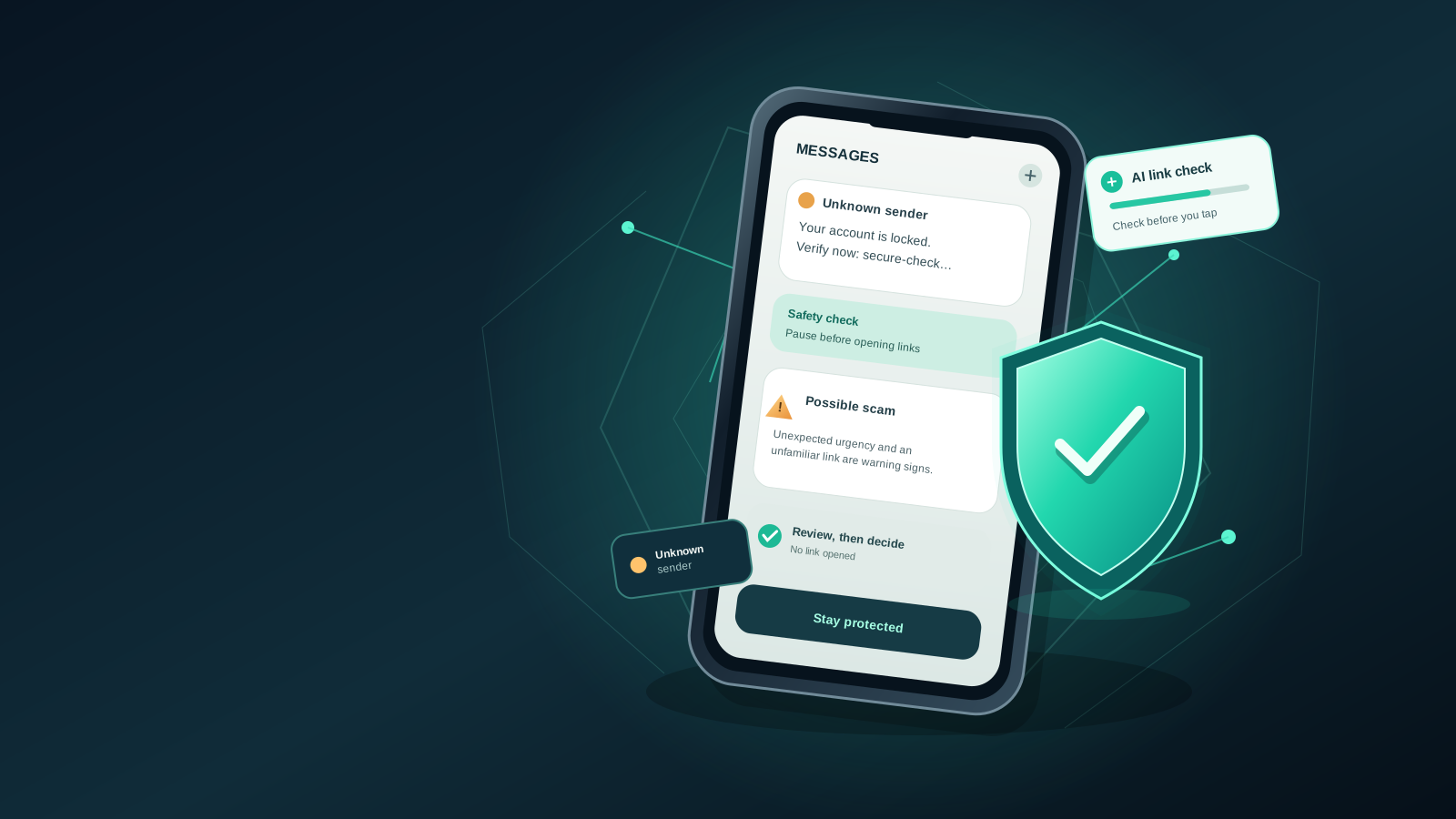
Android’s built-in security tools can help you recognize suspicious messages, dangerous links, and common mobile scams before you respond. Google announced another set of Android scam protections on October 14, 2026. Alongside an optional Enhanced Protection setting that adds cloud-based Gemini analysis in Google Messages and improves checks for unfamiliar links on supported devices, the announcement covers expanded chat alerts, privacy protections during screen sharing, safeguards against call-forwarding scams, and verified financial calls in participating markets.
The important distinction is that the announcement is not the same as immediate availability. Google says Enhanced Protection will roll out in the coming weeks. Some existing protections are already available, while other capabilities depend on your phone model, Android version, country, app version, and rollout status.
This guide explains what to check on your Android phone today, how to handle a suspicious message safely, what Google’s new Gemini features are intended to do, and how to avoid assuming that every device has the same protections.
What changed in Google’s October 2026 announcement?
Google’s announcement describes several layers of protection intended to make mobile scams harder to carry out. The most important changes span messaging, links, screen sharing, phone settings, and bank impersonation. Their rollout schedules differ, so an announcement should not be mistaken for universal availability.
1. Enhanced Protection adds another layer to message scam detection
Google says the new Enhanced Protection mode will allow Scam Detection in Google Messages to use more capable cloud Gemini models to assess the context of conversations with unknown senders. That matters because some scams do not begin with an obvious malicious link or an immediate request for money. A conversation may start with an apparently harmless message and gradually shift toward pressure, impersonation, or a request for sensitive information.
Google says this additional analysis will run through Private AI Compute, its secure cloud-processing environment. The company describes the system as designed to keep the processed data private and inaccessible to Google itself. That is Google’s stated privacy design; users should still read the product’s current disclosures and settings when the feature becomes available to them.
Availability: Google says Enhanced Protection will roll out in the coming weeks. Do not assume you can enable it today simply because the announcement has been published. The new screen-sharing safeguards have a separate October rollout for Android 15 and later, while the call-forwarding protection is expected in early December on Pixel and other select devices.
2. Gemini Nano is intended to improve checks for unfamiliar links
Existing protections can flag links associated with known malicious or phishing websites. The challenge is that scammers can register new domains that have not yet been catalogued. Google says that, with Enhanced Protection enabled, Gemini Nano on supported devices will help evaluate unfamiliar links using real-time web signals before a user opens them. Its announcement lists Pixel 10 and newer, Samsung Galaxy S26 series, Galaxy Z Flip and Z Fold8, and other select devices; the exact eligible list may change, so check Google’s current documentation.
This is a supplementary warning system, not a guarantee that every unsafe URL will be detected. Treat unexpected links cautiously even when your phone does not display a warning.
3. Google is expanding scam alerts to more Android devices
Google says it is working with Android device makers to expand scam detection in chat notifications to hundreds of millions of additional users later in 2026. The announced partners include HONOR, Infinix, iQOO, itel, JOVI, Motorola, OPPO, OnePlus, realme, TECNO, vivo, and Xiaomi.
This expansion is not a promise that the feature is already available on every device from those brands. Availability may vary by model, country, software version, and rollout schedule.
4. Android is adding privacy safeguards during screen sharing
Google says Android is extending its automatic hiding of sensitive information during screen sharing beyond native apps to Chrome and Android WebView. The goal is to blank out login fields and payment screens while a screen-sharing session is active, reducing the risk that a helper, remote viewer, or scammer can see passwords or payment details.
Google says this feature is rolling out during October to devices running Android 15 or later. The rollout may be gradual, and behavior can depend on the app and device. Until the protection is available, avoid displaying passwords, card security codes, recovery codes, or banking details while sharing your screen. Stop sharing before entering sensitive information.
5. Android is adding warnings against call-forwarding scams
Some fraudsters persuade victims to enter a call-forwarding code or try to make a malicious app redirect incoming calls, potentially allowing them to intercept one-time passcodes and account-recovery calls.
Google says Android is adding safeguards that block apps from quietly enabling call forwarding in the background. It will also warn users if they are tricked into manually entering a relevant MMI forwarding code on the dial pad. Google says this protection is expected to become available starting in early December on Pixel and other select devices, so it should not be assumed to be active on every Android phone today.
If an unexpected caller tells you to dial a code, open a link, or change call settings to “secure” an account, stop and verify the request with the service provider through an independently obtained official contact method.
6. Verified financial calls are expanding in selected markets
Google also describes a system that works with participating financial institutions’ official apps to verify whether an incoming call claiming to be from a bank was actually initiated by that institution. If the verification fails, Android can end the call and alert the user. Google reports that this system has blocked more than three million spoofed calls from Banco do Brasil and Itaú Unibanco since its June launch, and says the feature is also protecting customers of other institutions, including Revolut.
This is a partner-based feature, not a universal bank-call verifier. It depends on the participating institution, its supported app, and market availability. Do not assume that a call is genuine simply because your phone does not show a warning; contact your bank through its official app or the number printed on your card when in doubt.
Official announcement: Google’s new Android protections against mobile scams.
Step 1: Check which scam protections your phone already has
Android does not have one universal scam-protection screen that looks identical on every phone. Google Pixel, Samsung Galaxy, and other Android devices may use different menus and supported features. Start with the apps and settings available on your own device rather than following instructions for a different model.
Check Google Messages
- Open Google Messages if it is installed and is the messaging app you use.
- Tap your profile picture or account icon to open the app menu.
- Open Messages settings.
- Look for a section called Spam protection or a similarly named safety setting.
- Review the available controls and their descriptions. If scam detection or spam protection is offered, check whether it is enabled.
- If you cannot find a setting, do not assume that your phone is unsafe. The option may depend on device eligibility, region, app version, or the current rollout.
Menu names can change between app versions. If the wording on your phone differs, consult the official Google Messages help pages rather than changing unrelated settings.
Check for scam alerts in notifications
Some eligible Android devices can warn users about suspicious messages in notifications from supported chat apps. This feature is separate from ordinary spam filtering inside Google Messages and is not available on every device or in every country.
Open your phone’s Settings and use the settings search field to look for terms such as scam detection, spam protection, or Advanced Protection. Read the result carefully: a search result may refer to a different feature, and some options may not exist on your model.
You can also check Google’s official guide, Protect yourself with scam detection on your phone. It explains eligibility and describes protections that are available only on select Android devices.
Keep your apps and system updated
Install Android security updates and update Google Messages and Google Play services through the update mechanisms available on your phone. Updates can deliver fixes and features, but an update alone does not mean every newly announced feature has reached your device.
To check for system updates, open Settings and search for System update or Software update. The exact path depends on the manufacturer. Install updates from your device’s official settings or trusted app store; do not download an alleged “scam protection update” from an unfamiliar website or a message link.
Step 2: Recognize the warning signs of a scam message
AI-powered detection can help, but recognizing common manipulation tactics remains useful. Pause when a message combines urgency with a request to click, pay, log in, install an app, or reveal a verification code.
Look for these warning signs:
- Unexpected urgency: The sender says your account will be closed, a parcel will be returned, or a payment will be blocked unless you act immediately.
- Requests for secrets: A message asks for a password, one-time passcode, recovery code, card PIN, or other authentication detail.
- Unfamiliar links: The displayed name looks familiar, but the actual website address is misspelled, unusually long, or unrelated to the organization.
- Unexpected payments: You are asked to pay a fee, buy gift cards, transfer cryptocurrency, or send money to “release” a prize or parcel.
- Impersonation: The sender claims to be your bank, a delivery company, a government agency, a colleague, or a relative but asks you to use an unusual contact method.
- A conversation that changes direction: A friendly or ordinary conversation gradually becomes a request for money, sensitive information, or secrecy.
One warning sign alone does not prove a message is fraudulent. The goal is to slow down and verify the request through a channel you independently know is legitimate.
Step 3: Check a suspicious link without opening it
If a message contains an unexpected link, do not tap it just to see where it goes. A link can lead to a convincing imitation of a real login page, and a website can change after it has been sent.
Use this safer sequence:
- Pause. Do not follow the message’s instructions while you feel rushed.
- Inspect the address. If your messaging app lets you copy the link without opening it, you can examine the domain carefully. Avoid pasting private or personalized links into public services.
- Use the official app or website. If the message claims to be from a bank, delivery company, or online service, open that organization’s app yourself or type its known website address into the browser.
- Verify independently. Contact the organization using a phone number or contact method obtained from its official website, card, or app—not from the suspicious message.
- Report or block when appropriate. Use the reporting options provided by your messaging app if the message appears fraudulent.
A secure connection symbol does not prove a site is legitimate. Fraudulent websites can use HTTPS too. Likewise, a familiar logo, professional design, or correct spelling is not enough to establish that a message is genuine.
Google says its upcoming Gemini Nano link checks are intended to add another layer of analysis for unfamiliar links on supported devices. They should be treated as an additional safeguard, not a replacement for these habits.
Step 4: Understand what Gemini does—and what it does not promise
The October 2026 announcement describes two different roles for Gemini technology.
Cloud Gemini models in Enhanced Protection: Google says the models will evaluate the context of conversations with unknown senders to help detect complex scams. This is designed to complement existing on-device detection.
Gemini Nano on supported phones: Google says the on-device model will help assess unfamiliar URLs using real-time web signals when the relevant protection is enabled and available.
These are not identical systems, and not every Android phone necessarily supports both. Do not assume that a phone can run Gemini Nano simply because it runs Android or has the Gemini app installed. Device and feature eligibility matter.
Nor should you treat an AI warning as a final verdict. A legitimate message can sometimes look unusual, and a scam can sometimes evade automated detection. If a message asks for money, passwords, or authentication codes, verify the request independently even when no warning appears.
Step 5: Understand privacy and cloud processing
Privacy is a reasonable concern when a security feature analyzes messages. Google says the new cloud-based analysis will use Private AI Compute, a secure environment designed to process data privately. The announcement distinguishes this additional cloud analysis from existing on-device detection.
That distinction is useful, but it does not mean all messaging activity is always processed in exactly the same way. Google’s help documentation notes that users may choose to report a message as spam, which can send the selected message and its contents to Google for analysis. The details depend on the feature and the action you take.
Before enabling a new protection, review the description shown on your device and the linked privacy information. Consider these questions:
- Does the feature process information on the device, in the cloud, or through both?
- Is the feature optional, and where can it be turned off?
- Does reporting a message send its contents for analysis?
- Does the protection apply to all messages or only to eligible conversations, apps, or links?
- Is the feature supported on your model and in your region?
Do not forward suspicious messages containing personal information to random accounts or upload private message screenshots to unknown “AI scam checker” websites. Use built-in reporting tools and official support resources where possible.
Step 6: What to do if you already tapped a suspicious link
Tapping a link does not automatically mean your phone has been compromised. What matters is what happened next. If you entered a password, shared a verification code, installed an app, granted permissions, or authorized a payment, take action promptly.
If you entered a password
- Open the real service through its official app or website, not through the message.
- Change the affected password. If you reused it elsewhere, change it on those accounts too.
- Review account sessions, recovery details, and recent security activity.
- Enable multifactor authentication where available, preferably using a method resistant to phishing when supported.
If you shared a one-time code or approved a login
Contact the relevant service through its official channel immediately. Review recent logins and revoke sessions or devices you do not recognize. Never share a new code with someone who contacts you unexpectedly, even if they claim to be helping you secure the account.
If you installed an app from a link
Do not open it again. Review recently installed apps and their permissions, and remove anything you do not recognize or trust. Run Google Play Protect using the controls available on your device. If you believe a banking or payment account may be affected, contact the provider promptly and follow its fraud-response instructions.
If money or payment details were involved
Contact your bank, card issuer, payment provider, or relevant exchange using an official number or app. Explain what happened and ask what protective steps are available. Preserve relevant messages and transaction details. If you are unsure whether your device or account is still at risk, seek help through the manufacturer’s or service provider’s official support channel.
Avoid installing a second app advertised by the scammer as a “cleaner,” “recovery tool,” or “security fix.” That can extend the original attack.
Step 7: Why you may not see Enhanced Protection yet
Google’s October 14 announcement says Enhanced Protection will roll out in the coming weeks. If the setting is missing today, that is consistent with a staged rollout and does not necessarily indicate a problem.
Several factors can affect availability:
- Your phone may not support the relevant on-device AI capability.
- The feature may not have reached your model or region.
- Google Messages or system components may need an update.
- A feature may be available only in a particular app, Android version, or device family.
- A rollout may be gradual even among otherwise eligible devices.
Check the official announcement and Android help documentation for current eligibility rather than relying on social media posts that promise a universal activation method. Do not change your phone’s region, install unofficial system packages, or use unknown APK files just to force an unreleased feature to appear.
Quick checklist: make your phone safer today
Use this checklist as a practical starting point:
- Review spam or scam-protection settings in Google Messages.
- Install available Android security and app updates from official sources.
- Never share passwords, PINs, recovery codes, or one-time passcodes in response to an unexpected message.
- Verify financial, delivery, and account warnings through an official app or website.
- Avoid opening unfamiliar links simply to inspect them.
- Report suspicious messages using the messaging app’s built-in controls.
- Check Google’s official eligibility guidance before expecting a new feature to appear.
- If you already disclosed account details, secure the account and contact the service provider immediately.
Frequently asked questions
Is Gemini scam detection available on every Android phone?
No. The new protections depend on supported devices, software, region, and rollout timing. Google says Enhanced Protection will roll out in the coming weeks. Gemini Nano link checks are limited to supported devices, screen-sharing protections are rolling out to Android 15 and later, and call-forwarding safeguards are planned for early December on Pixel and other select devices.
Do I need to install a separate Gemini security app?
The October 2026 announcement describes protections integrated into Android and Google Messages, not a requirement to install a separate third-party security app. Check the official Google documentation for the exact features supported by your device.
Does the new feature guarantee that every scam will be blocked?
No. Scam detection can reduce risk, but no automated system catches every fraudulent message or malicious link. Continue to verify unexpected requests independently.
Does cloud analysis mean Google reads every message?
Google says Enhanced Protection will use Private AI Compute for secure cloud analysis of relevant conversations, while existing on-device detection remains part of the protection. Read the feature’s current privacy explanation and settings when it becomes available. Do not generalize one feature’s data handling to every messaging function.
What should I do if the option is missing?
Check for official app and system updates, confirm your device’s eligibility, and consult Google’s support documentation. Because the new feature is rolling out gradually, the setting may not be available on your device yet.
Final takeaway
The practical response to Android’s new AI security features is twofold: use the protections that your phone already supports, and keep applying careful verification habits. Google’s October 14, 2026 announcement covers more than Gemini-powered message analysis and link checks: it also introduces screen-sharing privacy safeguards, call-forwarding warnings, broader notification alerts, and verified financial calls in selected markets. These features have different eligibility and rollout schedules, and Enhanced Protection is not instantly available to everyone.
Until the rollout reaches your device, review existing settings, avoid unexpected links, verify urgent requests independently, and act quickly if you have shared account credentials or payment information. AI can provide another warning layer; informed decisions remain essential.
Official sources
- Google: New Android protections to help keep you safe from mobile scams (October 14, 2026)
- Android Help: Protect yourself with scam detection on your phone
- Google Messages Help Center