
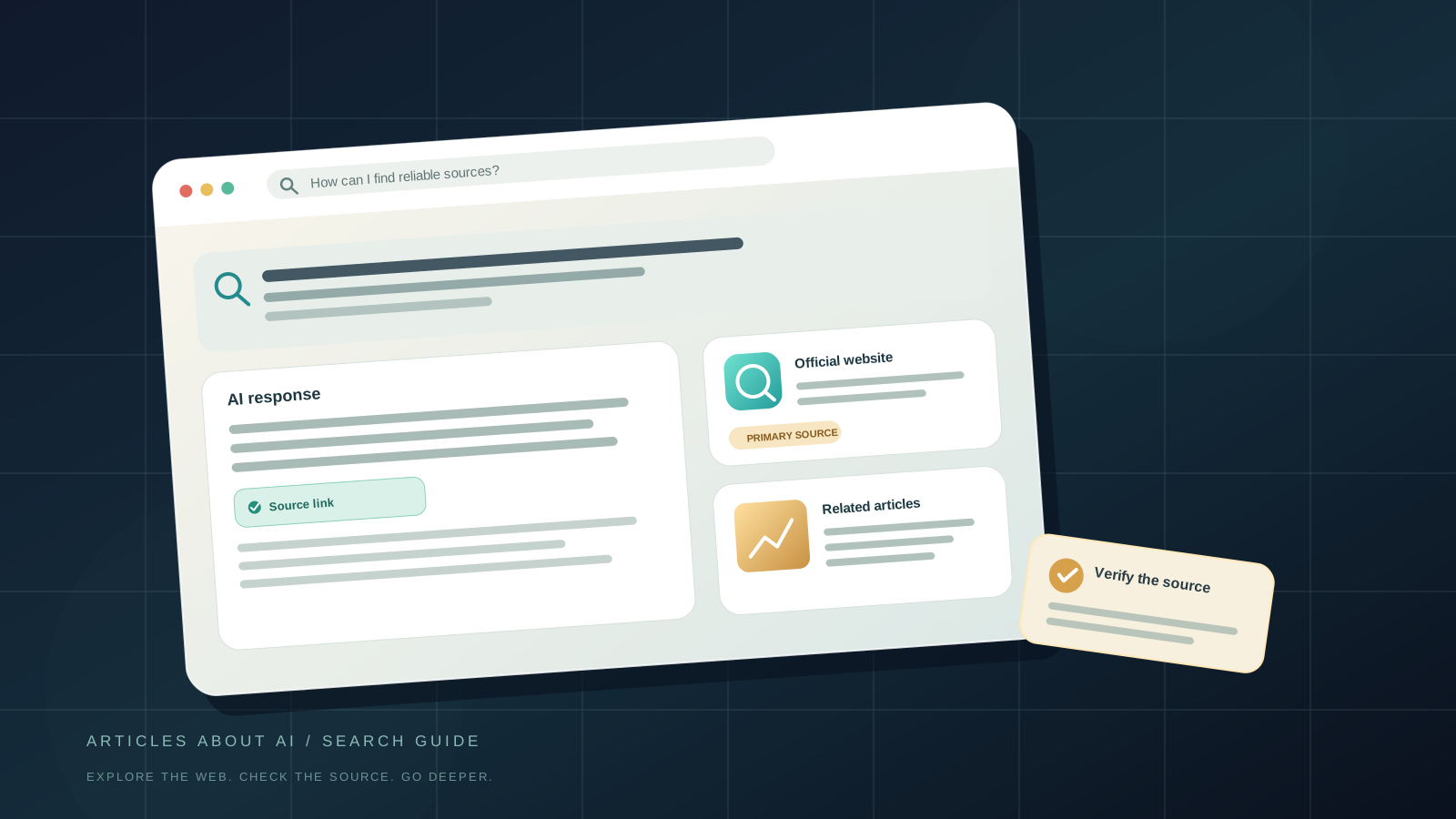
Google Search is evolving beyond a list of blue links. In AI Mode and AI Overviews, an answer may summarize a topic and include links that let you inspect the pages behind the explanation. On October 15, 2026, Google announced changes intended to make those links easier to find, surface relevant official websites for some tasks, make timely news coverage more visible, and give related articles a more prominent presentation. Google also said it had begun testing clickable creator and publisher names on some video results in AI Mode.
These changes are useful, but they do not mean every search will show the same layout or that every AI-generated statement is automatically verified. Features can vary by query, language, location, account, device, and rollout stage. This guide explains how to use the available elements, how to find original sources, and how to check important claims rather than relying on an AI summary alone.
What changed in Google’s AI search experience?
Google’s announcement describes several updates across AI Mode and AI Overviews. Availability is not uniform, and some elements are tests or gradual rollouts rather than controls every user can access today.
1. Links can appear closer to the relevant part of an answer
Google says it has increased inline links in its AI experiences and is updating how frequently key links appear higher in responses. An inline link is embedded in a word or phrase inside an answer. It can take you directly to a page relevant to that part of the explanation, rather than requiring you to search separately for the source.
When you see a link in an AI answer, treat it as a path to investigate, not as proof that the surrounding sentence is correct. Open it and check whether the page actually supports the claim.
2. Some tasks may show a section for official websites
Google says it will test a dedicated section near the top of certain AI responses to highlight official destinations, with context explaining why each link may be useful. This can be especially helpful when a search is asking where to complete a task or find information from the organization responsible for it.
For example, if you are looking for a software product’s official download page, a government form, or a company’s support instructions, a direct official destination is generally preferable to an unofficial mirror or a page that merely repeats the information. The section is not guaranteed to appear for every query.
3. Timely articles and news carousels are expanding
Google says it is beginning to roll out prominent carousels for timely articles to additional locations and languages. These carousels can make recent reporting easier to discover and may highlight sources a person has selected as preferred sources.
A carousel is a discovery feature, not a complete survey of all reporting. Check publication dates, compare independent sources, and open the underlying articles before repeating a developing claim.
4. Related articles may be more visible
Some AI responses already end with links that can help people explore a topic further. Google says it is making these links more prominent and engaging, including image thumbnails and a more clickable design.
Use these links to explore different angles, but read the article itself. A thumbnail or headline can simplify a nuanced issue, and a related link is not necessarily an endorsement of the article’s accuracy.
5. Creator and publisher names are being tested as links
Google says it has started testing clickable creator and publisher names on video results that lead to Search profiles in AI Mode. Where available, a profile can provide additional context about the creator and their broader work.
A profile can help you identify who is speaking, but it does not replace checking the evidence in a particular video or article.
How to use Google AI Search to find the original source
The exact interface depends on the search and on which features have reached your account. Use this process whenever AI Mode or an AI Overview appears.
Step 1: Start with a specific question
Ask a question that makes the information you need clear. Instead of searching for a broad phrase such as “AI privacy,” try “What does the official privacy policy say about how my conversations are used?” For a product issue, include the product name and the task, such as “official instructions to export my account data.”
Specific queries make it easier to judge whether a source answers your actual question. They also reduce the chance of confusing general commentary with official instructions.
Step 2: Read the answer, then look for inline links
Scan the answer for linked words or phrases. If a statement matters to your decision, open the link closest to that claim. Do not assume that a link at the bottom supports every sentence above it; the linked page may cover only one part of the response.
If no useful source link is visible, try a more focused search or switch to standard web results. You can also search for the exact claim in quotation marks when appropriate, then compare the results with the original organization or document.
Step 3: Check the destination before trusting it
Look at the domain and the page title. Is it the official organization, a primary document, a reputable news outlet, a personal blog, or a page selling a product? Similar-looking domain names can belong to unrelated sites. Be particularly careful with downloads, payment pages, account recovery, and requests for credentials.
A result that looks official is not enough on its own. Check that the domain is spelled correctly and that the page’s purpose matches your task. Avoid entering passwords or payment details after following an unfamiliar link from an answer.
Step 4: Compare the wording with the source
Find the relevant passage on the page. Does it explicitly support the AI answer, or does it say something narrower? Pay attention to dates, qualifications, exceptions, and words such as “may,” “testing,” “eligible,” or “in selected regions.”
If the AI answer says a feature is available to everyone but the official page says it is rolling out gradually, rely on the qualification in the official source. Summaries can omit details that change the meaning.
Step 5: Follow the evidence one step further
For important claims, inspect the source cited by the article you opened. A news report may link to a company announcement, research paper, court filing, or public dataset. Whenever possible, read that primary source directly.
This is particularly important when the claim involves a product release, a policy change, a health or financial decision, or a security vulnerability. An original source can clarify what was announced, when it applies, and what remains uncertain.
How to find an official website in an AI response
If Google displays a dedicated official-websites section for your query, use it as a shortcut to the organization’s own page. The section is being tested for certain searches, so do not worry if it does not appear.
If the section is absent, you can still find an official page manually:
- Search for the organization or product name together with a phrase such as “official documentation,” “support,” “download,” or “privacy policy.”
- Check the domain against links from the organization’s verified main website.
- Prefer documentation maintained by the vendor for setup instructions, and the relevant public agency for government procedures.
- Check the page’s date or version when the instructions may have changed.
- Avoid third-party download sites when the software publisher provides an official download.
For technical troubleshooting, an official support page is useful for supported steps, while community discussions can reveal additional real-world problems. Keep those roles separate: a community answer is a lead to investigate, not automatically the definitive instruction.
How to explore recent news without confusing freshness with accuracy
Google’s expanded article carousels are designed to help people discover timely reporting on some searches. When a developing event matters, use the following checks:
- Check the timestamp. Confirm the publication date and, where shown, the last-updated time. A recently updated page can contain older reporting, so inspect the article’s actual context.
- Find the first-hand source. Look for a statement, document, release note, research paper, or direct interview underlying the report.
- Compare independent coverage. Multiple sites repeating the same press release are not necessarily independent confirmation.
- Separate fact from interpretation. Headlines and analysis can draw conclusions that the underlying announcement does not explicitly make.
- Recheck later. Early reports may change as new evidence becomes available.
Preferred Sources can help you see more from websites you have chosen, where the feature is available. Google says it is extending the visibility of these sources in AI search experiences. This can improve discovery of publications you follow, but it does not mean that a preferred source is always right or that other sources should be ignored.
A simple method for checking AI-generated claims
Use a three-part check before you rely on an important statement.
Origin: Where did the information first appear? Prefer a primary document or direct statement when one exists.
Support: Does the linked page actually say what the AI answer claims? Read the relevant paragraph, not just the headline or snippet.
Context: Is the information current, complete, and applicable to your location, account, or version of the product? Check for conditions and exceptions.
If one of these checks fails, do not repeat the claim as established fact. Refine your query, look for another source, or state that the information could not be confirmed.
For research involving numbers, compare the original table or methodology rather than relying only on a summary. For policy questions, read the applicable policy section. For technical instructions, verify the product version and operating system. The more consequential the decision, the more important this process becomes.
What to do when the new features do not appear
Google’s announcement describes a mixture of changes, tests, and rollouts. A missing carousel or official-sites section does not necessarily mean your Search app is broken.
Try these steps:
- Make the query more specific and repeat the search.
- Open the standard web results if the AI interface does not provide useful links.
- Check whether the same feature is described as a test or gradual rollout in Google’s announcement.
- If you use the Google app, update it through your device’s official app store and retry, but remember that an app update cannot guarantee access to a server-side experiment.
- Avoid assuming that changing language, location, or account settings will unlock a feature; availability can depend on Google’s rollout and eligibility rules.
If the goal is simply to find a source, you do not need to wait for a new interface. Standard Search results, official documentation, and direct links from an organization’s website remain useful alternatives.
Can you trust Google’s AI answers more because the links are clearer?
Clearer links make it easier to investigate an answer, but they do not guarantee that the answer is complete or correct. A link can be relevant without supporting every sentence, a source can be outdated, and two articles can repeat the same unsupported claim.
Use AI answers as a starting point for exploration. For everyday, low-risk questions, a quick check of the cited source may be sufficient. For consequential decisions, look for primary evidence and more than one credible source. Do not treat the visual prominence of a link, an official-site label, or a creator profile as a substitute for evaluating the underlying information.
The bottom line
Google’s October 15, 2026 update is focused on making the web easier to explore from AI Mode and AI Overviews: inline links can be easier to reach, official destinations may be highlighted for certain tasks, timely article carousels are expanding, and related articles and creator information are becoming more discoverable.
The most useful habit is simple: ask a clear question, open the link that supports the relevant claim, check the original page, and verify its date and context. These steps work whether the new interface is available to you or you are using ordinary Search results.
Official source: Google: More ways to connect with the web from Search. Google’s announcement is the best place to confirm the scope of the rollout and distinguish announced tests from features already available to every user.