
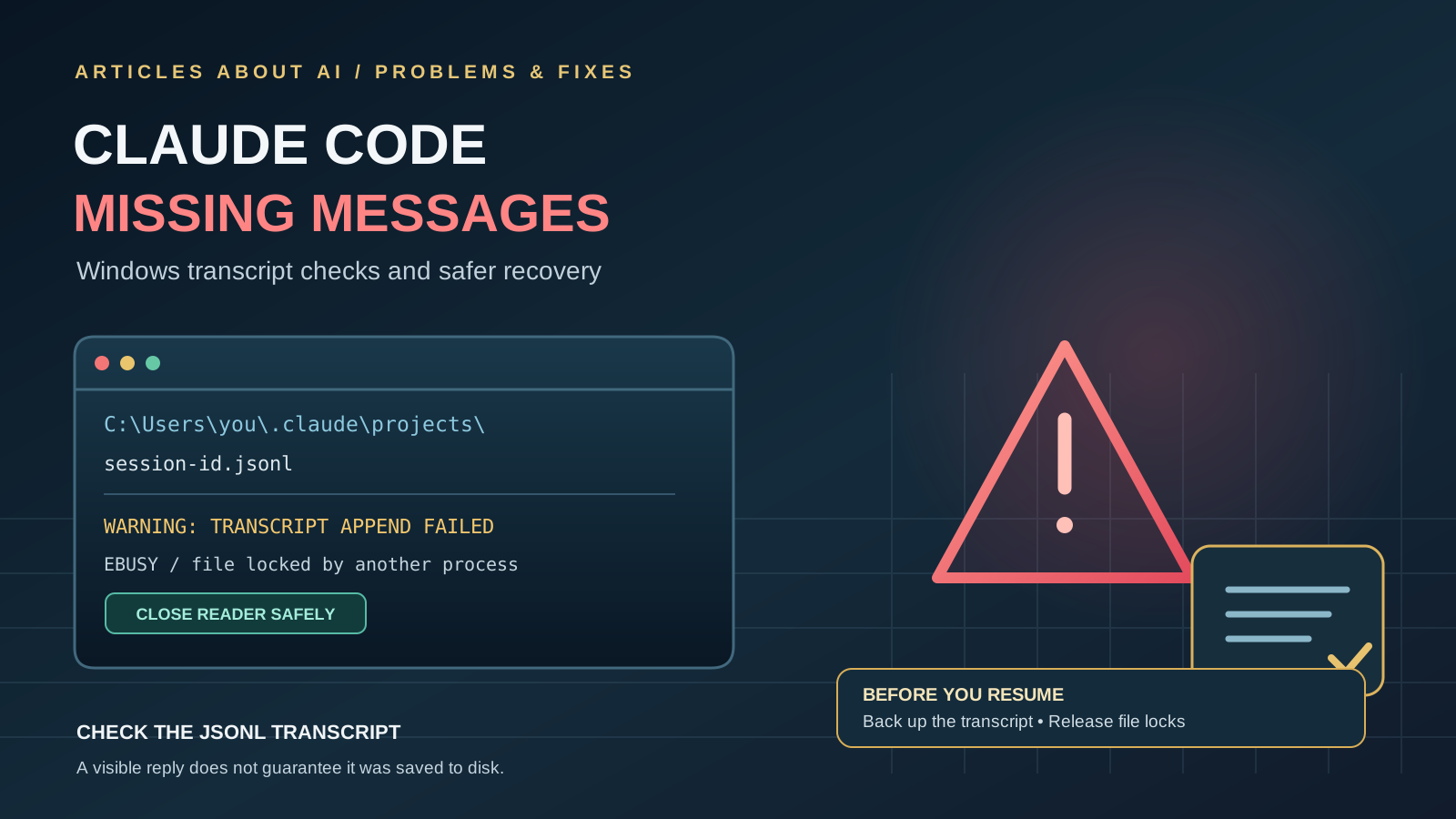
If Claude Code appears to keep working but parts of a conversation are missing from its saved session transcript, do not immediately delete the session or reinstall the application. A Windows bug report published on October 20, 2026, describes a specific way this can happen: another process holds the transcript file open without allowing writes, Claude Code’s append operation fails with EBUSY, and the failed records are not immediately written again.
The report concerns a particular Windows setup and a file lock caused by the user’s own long-running PowerShell tooling. It is not evidence that every missing Claude Code message has the same cause, and the report does not establish that Anthropic has shipped a fix. This guide explains how to check for the reported condition, prevent the file lock, and approach recovery cautiously.
What causes Claude Code transcript messages to go missing?
Claude Code stores local session transcripts as JSONL files under the user’s Claude projects directory. On Windows, the path commonly starts with:
%USERPROFILE%\.claude\projects\
Each session has its own transcript file. In Claude Code issue #103702, the reporter found that roughly 50 minutes of records were missing while the session continued to run tools and make changes to disk.
The cause identified in that incident was a long-lived PowerShell process reading the transcript with [IO.File]::ReadLines(). The reader was left undisposed after the loop exited early. Because the file was opened with sharing settings that prevented writes, Claude Code’s transcript appends failed with Windows’ EBUSY sharing violation.
The report describes a second problem: failed records were counted as written by the session’s internal bookkeeping, so normal recording did not immediately try those records again. In that incident, 107 records reappeared during a later compaction, but they were appended out of chronological order. If the application had been quit or the session resumed before that compaction, the reporter believed the records could have been lost permanently.
These details matter. The immediate file-lock cause was specific to the reporter’s PowerShell reader, while the handling of failed transcript writes is the Claude Code behavior raised in the issue.
Step 1: Protect the transcript before troubleshooting
Before attempting recovery:
- Stop scripts or utilities that inspect the active transcript, especially long-running PowerShell processes.
- If you can identify the session’s
.jsonlfile, make a copy of it while preserving the original. Do not edit the original transcript by hand. - Keep the current Claude Code session open while you investigate, if it is still available. Do not assume that quitting, restarting, or resuming the session will restore missing records.
- Record the approximate time range of the missing messages and any visible error such as
EBUSYorTranscript write failed.
A backup protects the evidence you have now. It does not itself recover messages that were never written to the file.
Step 2: Release PowerShell file handles correctly
If your own PowerShell script reads a transcript, ensure the reader is disposed even if a loop exits early. Prefer a try/finally pattern:
$path = "C:\path\to\session.jsonl"
$reader = [System.IO.StreamReader]::new($path)

try {
    while (($line = $reader.ReadLine()) -ne $null) {
        # Inspect the line here.
        # Use 'break' if you need to stop early.
    }
}
finally {
    $reader.Dispose()
}
Replace the example path with the actual transcript path. The finally block ensures the reader is closed when the script finishes normally or exits the loop with break.
For a short one-off inspection, use a command that reads the file and exits instead of leaving a persistent PowerShell process holding an open reader. Avoid running a monitoring loop against a live transcript unless your code explicitly closes the file after each read.
If you use a third-party log viewer, watcher, or automation script, close it temporarily and check whether it is holding the active JSONL file open. Do not terminate random system processes or delete Claude Code session files to clear a lock.
Step 3: Check whether transcript writes are failing
A visible conversation in the app does not prove that every message has been persisted to disk. In the reported incident, the session continued doing work even though some transcript records were missing.
The reporter said the message Transcript write failed (<code>): ... was visible in debug logging, while the desktop app’s main.log did not show the failure. Therefore, an empty desktop log is not proof that transcript writes succeeded.
After releasing any external file lock, check the relevant session transcript again and compare the records around the affected time. If you use a text editor or inspection tool, close it afterward so it does not retain a lock. Avoid sharing a transcript publicly without reviewing it first: session logs may contain source code, file paths, prompts, and other private project information.
For general troubleshooting steps, consult the official Claude Code error documentation. The issue-specific behavior described here is documented in the original GitHub report.
Step 4: Can /compact recover the missing messages?
In the reported case, the records were appended during a later compaction while the same session process still retained the conversation in memory. However, the recovered records appeared in a block before the compaction boundary rather than in their original chronological positions.
That is an observation from one incident, not a dependable recovery procedure. Do not run /compact expecting it to restore every missing message. First release the file lock and preserve a copy of the transcript. If the session is important, avoid actions that could discard its in-memory conversation until you have assessed the risk.
If you decide to test compaction after backing up the transcript and releasing the lock, verify the result afterward and retain the original backup. If the messages remain missing, the public issue does not provide a universal repair method. Consider reporting the exact Claude Code version, Windows version, error text, and a redacted reproduction to Anthropic.
Step 5: Prevent the same problem in future sessions
- Dispose of PowerShell readers, streams, and file handles in a
finallyblock. - Avoid leaving scripts that read a live transcript open indefinitely.
- Keep backups of important project artifacts and do not treat a transcript file as the only copy of important work.
- If you notice missing records, preserve the current session and transcript before restarting or resuming.
- Check whether the problem follows a file lock before concluding that Claude Code has lost conversation history for another reason.
These steps address the file-lock scenario in the report. They will not solve unrelated problems such as a desktop UI failing to display a transcript that is present on disk.
Frequently asked questions
Does this mean Claude Code routinely loses messages on Windows?
No. The issue documents a specific incident in which a PowerShell process held a transcript file open and prevented writes. It does not establish how often this happens across Windows users.
Will restarting Claude Code restore the missing messages?
There is no guarantee. The reporter said records could be recovered during compaction while the same process still held the conversation in memory. Quitting or resuming the session first may remove that opportunity, so back up the transcript and investigate before restarting.
Is /compact a confirmed fix?
No. It restored records in the reported incident, but the recovered records were out of chronological order and the behavior is not guaranteed. Treat it as an uncertain observation, not an official repair.
What should I include in a bug report?
Include the Claude Code and desktop app versions, Windows version, whether the CLI or Desktop app is being used, the approximate missing time range, the relevant error message, and a minimal description of any script that reads the transcript. Redact API keys, personal data, proprietary code, and sensitive paths before sharing logs.
Bottom line
If Claude Code messages are missing from a Windows transcript, first check whether a script or viewer is holding the JSONL file open. Close file handles reliably, back up the transcript, and verify the saved records before restarting or resuming the session. The October 20 report also raises a genuine concern about how failed writes are retried, but the reported workaround is specific to one incident and should not be presented as a guaranteed fix.
Sources: Claude Code issue #103702 · Claude Code official error documentation
Related reading: How to Fix Claude Code “No Response from API” Errors · How to Fix Claude AI When It Stops Responding