
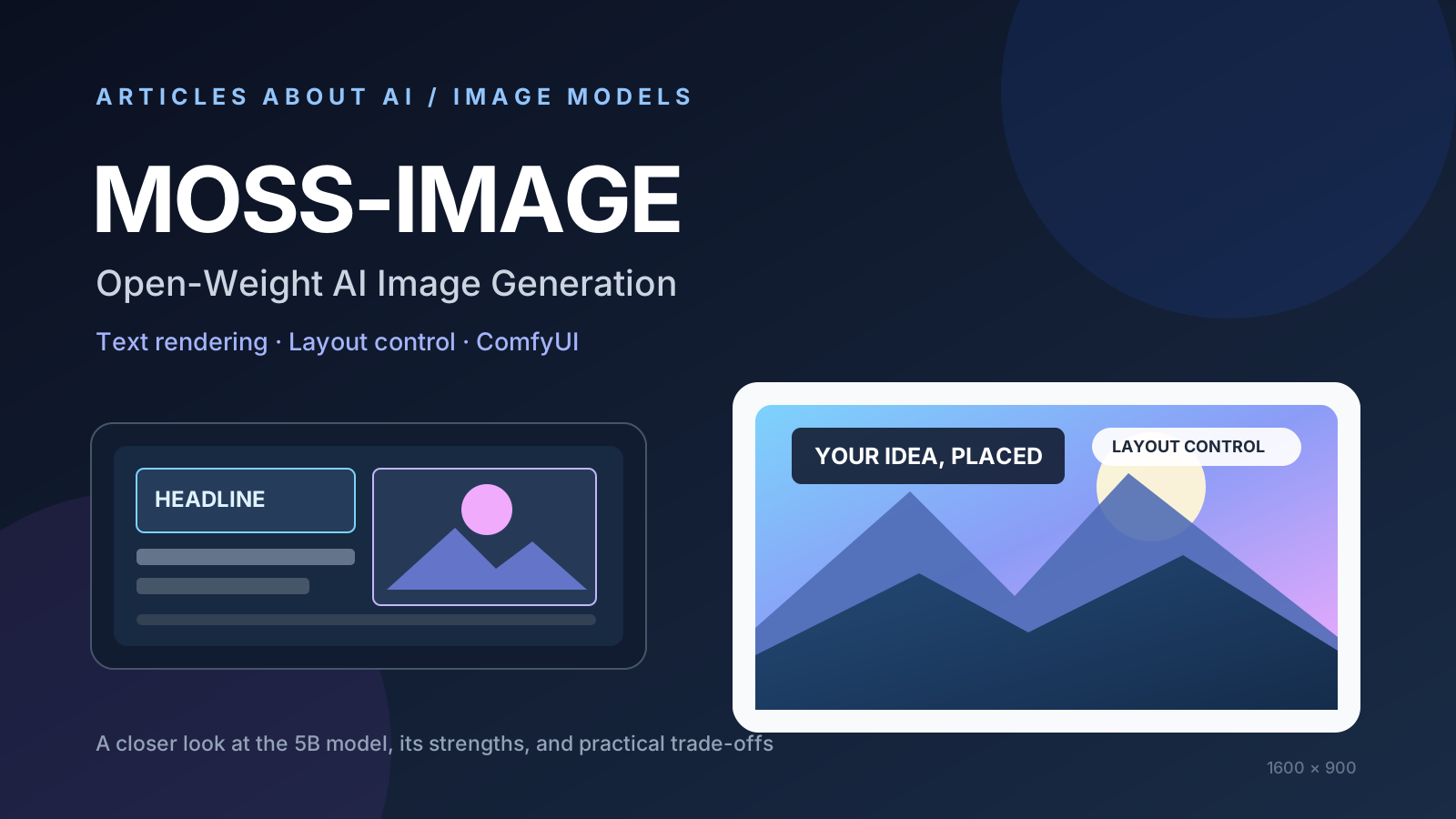
MOSS-Image is an open-weight text-to-image model from OpenMOSS built around a 5-billion-parameter diffusion transformer (DiT). Announced on October 16, 2026, the model family focuses on a practical challenge in AI image generation: creating images in which text and visual elements appear in the intended places, rather than relying only on a broad descriptive prompt.
The project publishes model code and weights and provides a ComfyUI integration. Its headline capabilities include layout-guided generation, text rendering, support for long prompts, and workflows that can be adapted or fine-tuned. These features make MOSS-Image worth investigating for posters, diagrams, product concepts, and other designs where composition matters.
This is a technical overview based on the project’s published documentation, not a claim that we independently benchmarked the model. Output quality, speed, memory use, and suitability for commercial work depend on the checkpoint, setup, prompt, and applicable license terms.
What is MOSS-Image?
MOSS-Image is a family of text-to-image models released by OpenMOSS. Its core model is a 5B-parameter DiT designed to generate images from natural-language instructions. The official project describes two main checkpoints:
- MOSS-Image-Base: the base checkpoint intended to provide a foundation for further fine-tuning and experimentation.
- MOSS-Image-SFT: a supervised fine-tuned checkpoint that is a sensible starting point for many users who want to generate images directly.
The project emphasizes more than general image quality. It aims to give creators better control over where text, objects, and other visual elements appear in the final composition.
Official resources: MOSS-Image source code and model documentation and the project’s technical report.
What makes MOSS-Image different?
1. Layout-guided image generation
A standard text-to-image prompt describes a scene, but it does not always provide precise control over the position of each element. MOSS-Image also supports a structured layout workflow in which elements can be described and assigned bounding boxes.
For example, a poster brief might specify a headline at the top, a product image on the right, and supporting text near the bottom. A layout representation gives the model more explicit instructions about where those elements should go.
This is useful when composition is part of the requirement—not merely a stylistic preference. However, layout guidance should not be treated as a guarantee of pixel-perfect placement. Always inspect the generated image and correct any misplaced or distorted elements.
2. Text rendering inside images
Text is a persistent weakness in many image-generation systems. Letters can be misspelled, words can merge, and small text can become difficult to read. OpenMOSS identifies text rendering as a core focus of MOSS-Image and provides examples that emphasize clearer text grouping and structured layouts.
That makes the model interesting for poster concepts, title graphics, mock advertisements, and visual explainers. It does not remove the need for proofreading. For publication-ready artwork, verify every word and consider adding final typography in a design editor when exact spelling, branding, or accessibility is essential.
If misspelled text is your main problem, see our practical guide on how to fix text in AI-generated images.
3. Long prompts and detailed instructions
The project documentation advertises support for prompts of up to 4K tokens. Longer prompts can help describe multiple objects, visual relationships, style requirements, and text-placement constraints in one request.
More words do not automatically produce a better image, though. Put the most important requirements first, use specific spatial language, and avoid contradictory instructions. Our guide to writing better AI image prompts covers a practical approach to building and refining prompts.
4. Multiple visual styles and customization
OpenMOSS describes MOSS-Image as suitable for a range of styles, including anime and photorealistic images. The project also highlights fine-tuning, which can help researchers and developers adapt a base model to particular tasks or visual domains.
Those are project-stated capabilities, not a universal quality ranking. The best way to assess a model is to test it on the images you actually need and compare the results with other tools using similar prompts and output dimensions.
5. ComfyUI support and an adaptable workflow
MOSS-Image provides an integration for ComfyUI, a node-based interface used to assemble image-generation workflows. This can appeal to people who want to connect model loading, prompt conditioning, generation settings, and other processing steps in a reusable graph.
Check the official MOSS-Image repository for the current installation instructions, model files, and supported workflow. ComfyUI support and model packaging can change over time, so follow the latest instructions rather than assuming every older installation will work without an update.
How to get started with MOSS-Image
The exact setup depends on whether you want to run the model locally and which hardware you have. Use the official documentation as the source of truth for the current requirements.
- Review the official repository. Read the README and user guide before downloading model files.
- Choose the right checkpoint. Start by considering MOSS-Image-SFT for direct image generation; choose the Base checkpoint if your goal is fine-tuning or experimentation.
- Check hardware and storage requirements. Model weights and text encoders can be large. Confirm the current file sizes, memory requirements, and supported precision options before downloading anything.
- Set up a compatible ComfyUI workflow. Follow the official installation route and use the matching model files and workflow template. If your ComfyUI version is old, check whether an update is required.
- Begin with a simple prompt. Describe the subject, composition, visual style, and any exact text. Add structured layout information when precise placement is important.
- Inspect the output. Check spelling, object positions, visual artifacts, and whether the result meets your intended dimensions. Refine the prompt or layout rather than assuming the first result is final.
Do not download third-party model files from unfamiliar sources simply because they use a similar name. Prefer the official project and clearly documented distribution channels.
Example: a layout-aware poster prompt
The following is an illustrative prompt idea, not a benchmark result or a guaranteed output:
Create a clean technology-event poster. Place the headline “BUILD WITH AI” across the top, a single abstract glowing geometric object in the centre, and the date “NOVEMBER 2026” in a clear footer. Use a dark navy background, restrained cyan highlights, strong contrast, generous spacing, and a modern editorial style. Keep the headline and footer separate from the central artwork.
For a layout-guided workflow, describe each item separately and specify its intended position using the format required by the current MOSS-Image documentation. Then compare the generated result with the original brief. If exact typography is critical, proofread and finish the text in a design tool.
MOSS-Image vs. other AI image generators
MOSS-Image is not automatically better than every hosted image generator. It is a different option with a particular emphasis on open weights, structured layouts, and workflow customization.
| Requirement | Why MOSS-Image may be worth testing | What to verify |
|---|---|---|
| Control over composition | Layout-guided generation can express element positions more explicitly | Whether the output follows your layout consistently |
| Text inside images | Text rendering is a stated project focus | Spelling, readability, and small-text quality |
| Local or custom workflows | Public weights and ComfyUI support allow more control over setup | Hardware needs, installation effort, and model license |
| Long instructions | The project advertises prompts up to 4K tokens | Whether the extra detail improves your specific result |
| Fine-tuning | The Base checkpoint is intended as a foundation for adaptation | Training data, compute, technical expertise, and evaluation |
| Quick browser-based creation | A hosted generator may require less setup | Privacy, usage limits, export options, and recurring costs |
If you mainly want a simple starting point, read our comparison of the best free AI image generators in 2026. If you need a particular art style, our guide to AI image generators for anime and character art covers a different use case.
Is MOSS-Image open source, and can you use it commercially?
The project publishes its code and model weights under an open license; the official repository identifies the project license as Apache-2.0. However, do not assume that a model’s license automatically clears every legal issue associated with a generated image.
Before commercial use, read the license and any notices that accompany the specific checkpoint and files you download. You remain responsible for checking trademarks, copyrighted material, personal likenesses, platform rules, and the requirements that apply in your jurisdiction. Also distinguish between permission to use model weights and ownership or legal status of a particular generated output.
For research, product development, or deployment, document the checkpoint version, source, license, and any modifications used in your workflow.
Strengths and limitations
Potential strengths
- Openly available model code and weights for inspection and experimentation.
- A workflow designed to provide more explicit control over layout.
- A stated focus on rendering text within generated images.
- Long-prompt support for detailed instructions.
- ComfyUI integration for reusable, node-based workflows.
- A Base checkpoint that can support fine-tuning experiments.
Limitations to keep in mind
- Local setup can require substantial downloads, compatible hardware, and technical configuration.
- Image quality and speed depend on the checkpoint, precision, resolution, and hardware.
- Text rendering can still require manual correction.
- Structured layouts guide generation but do not guarantee exact placement in every result.
- A public model is not necessarily as convenient as a hosted tool for users who want instant results without installation.
- Performance claims should be checked against reproducible tests; we have not independently benchmarked MOSS-Image for this article.
Who should try MOSS-Image?
MOSS-Image is worth evaluating if you are a developer, technical artist, researcher, or designer who wants to experiment with open-weight image generation and more structured control over composition. It may be particularly relevant for poster concepts, visual explainers, title graphics, and workflows that benefit from explicit layout instructions.
It may be less suitable if you need a zero-setup service, guaranteed flawless text, or a production workflow that has already been validated for your hardware and legal requirements. In those cases, compare it with hosted tools and test a representative set of prompts before changing your process.
Frequently asked questions
Is MOSS-Image free to download?
The official project publishes its code and model weights publicly. Downloading and running them may still involve storage, hardware, electricity, or cloud-compute costs. Review the current license and distribution details before use.
Does MOSS-Image work with ComfyUI?
The project provides a ComfyUI integration. Check the official repository for current installation steps, supported model files, and version requirements, as these can change.
Can MOSS-Image generate readable text?
Text rendering is one of the model’s stated priorities. Results still need to be inspected for spelling, spacing, and legibility, especially when the image contains small text or precise brand wording.
Is MOSS-Image better than hosted AI image generators?
There is no universal winner. MOSS-Image offers open weights and layout-oriented workflows, while hosted services may be simpler to use. Compare them on your own prompts, hardware, editing needs, and budget.
Can I use MOSS-Image for commercial projects?
Check the official license and the terms for the exact checkpoint and files you use. Separately review the content of each generated image for copyright, trademark, privacy, and other applicable concerns.
Sources and further reading
- Official OpenMOSS/MOSS-Image repository — source code, checkpoints, license, and user documentation.
- MOSS-Image technical report and research materials — technical background from the project.
- ComfyUI MOSS-Image documentation and news — additional context on layout control and ComfyUI workflows.
Final verdict
MOSS-Image is a notable open-weight model to investigate because it combines text-to-image generation with an explicit focus on layout control, text rendering, and adaptable ComfyUI workflows. Its most interesting promise is not that it replaces every image generator, but that it gives technical users another way to structure and customize image creation.
The practical next step is to test the official SFT checkpoint on a small set of real tasks—especially posters or graphics with text—and compare the results, setup effort, and hardware requirements with your existing tools.