
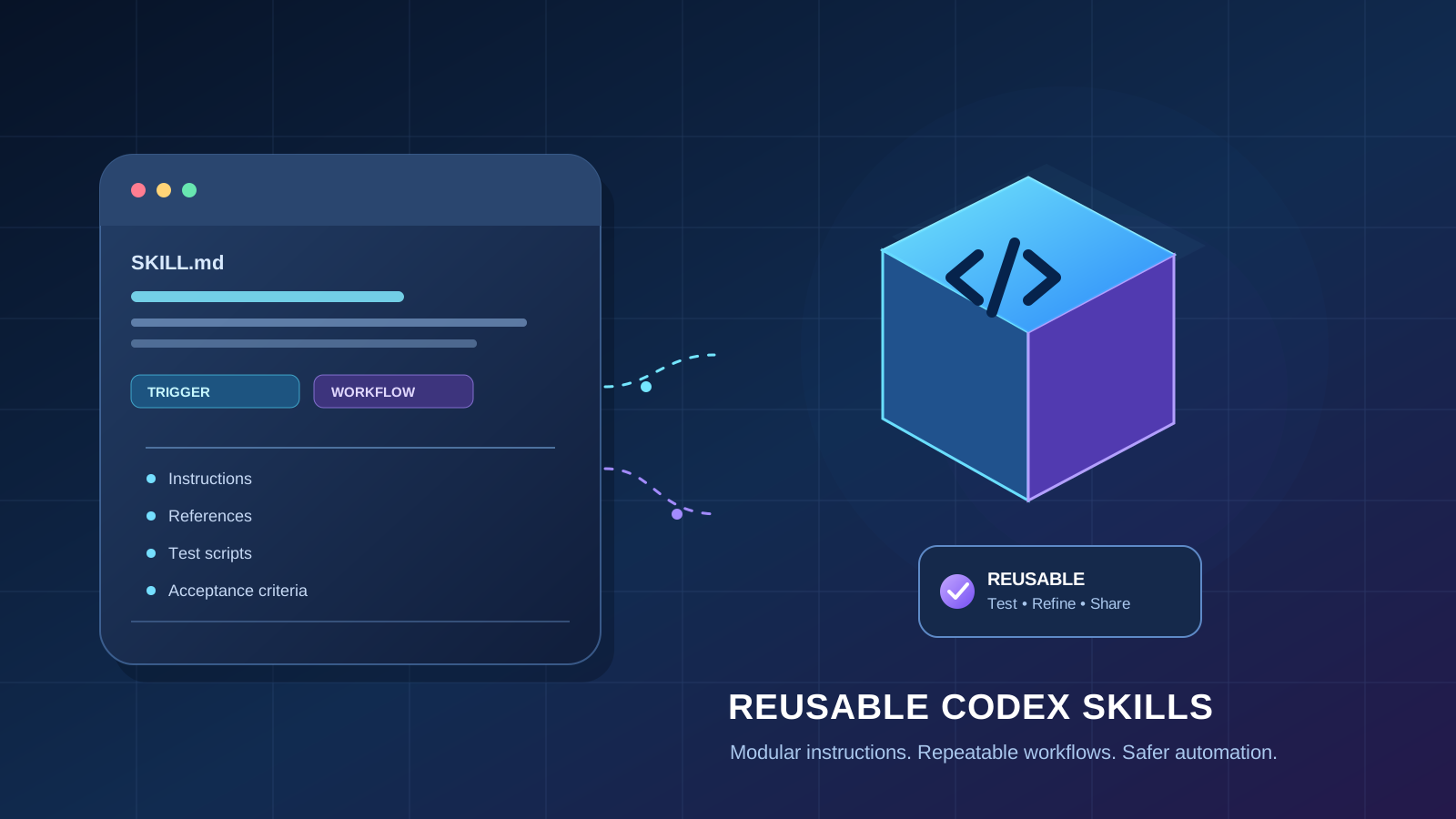
A coding agent becomes more useful when it can follow the same reliable process across repositories instead of relying on a long prompt every time. Codex skills let you package repeatable instructions, supporting files, and optional scripts so Codex can apply a workflow when it is relevant. Plugins can bundle and distribute related capabilities where the supported Codex environment provides plugin support.
This guide shows how to design a small, reusable skill, test it, and decide whether you need a plugin or an external tool integration. The examples are templates: adapt paths and commands to your project, and verify current behavior against the official Codex documentation before using them in a production workflow.
Skills vs. plugins vs. MCP: choose the right building block
These terms describe different layers, so they should not be treated as interchangeable.
- Skill: A reusable package of instructions and resources for a task. A skill commonly has a
SKILL.mdfile and may include reference material or scripts. - Plugin: A packaging and distribution mechanism for grouping capabilities in environments that support Codex plugins. Check the current documentation for the supported manifest format and installation path before publishing one.
- MCP server or tool integration: A way to expose tools or data sources to an AI application. It is useful when a workflow needs to call an external service, query a system, or perform an action beyond reading project files.
Start with a skill when the main requirement is a repeatable process. Consider an MCP integration when the agent needs a defined external capability. Use a plugin when you need to package or distribute a set of supported capabilities together.
For related context, see our guide to steering a running Codex task in ChatGPT Desktop and our explainer on OpenAI models and Codex workflows on Google Cloud.
Before you build: define one repeatable task
Choose a workflow that has clear inputs, steps, and a verifiable result. Good starter examples include:
- Reviewing a pull request for project-specific conventions.
- Running the correct tests after a code change.
- Preparing a release checklist from repository files.
- Checking documentation links and flagging likely broken references.
- Summarizing a bug report into reproduction steps and a regression-test plan.
Avoid making the first skill a broad instruction such as “do all development work.” Narrow tasks are easier to test, safer to reuse, and less likely to trigger irrelevant behavior.
Write down four things before creating files:
- Trigger: When should Codex use this workflow?
- Inputs: Which files, arguments, or user details are required?
- Procedure: What steps should be followed, and in what order?
- Acceptance criteria: What observable result proves that the task is complete?
Step 1: create the skill directory
Use the folder structure required by the current Codex skills documentation. A simple skill may look like this:
review-checklist/
├── SKILL.md
├── references/
│   └── review-policy.md
└── scripts/
    └── check-diff.sh
The names are illustrative. Follow the official Codex instructions for where skills are discovered in your specific environment, and do not assume a folder created in one environment will automatically be available in another.
Keep the skill self-contained. Put the instructions that Codex needs to select and run the workflow in SKILL.md; put longer standards in references/; and add scripts only when they provide a clear, testable benefit.
Step 2: write a concise SKILL.md
A useful skill description explains both what the skill does and when it should be used. The following is a starter template, not a guarantee that every optional field is supported by every Codex version:
---
name: review-checklist
description: Review a code diff against this repository's conventions and report actionable findings. Use when asked to review changed code or prepare a pull-request review.
---

# Repository Review Checklist

## Goal
Identify concrete, actionable issues in the current change.

## Procedure
1. Read the repository's contribution guide and relevant local instructions.
2. Inspect the changed files and understand the surrounding code.
3. Check correctness, error handling, security, tests, and consistency.
4. Run only relevant, non-destructive checks that are available.
5. Report each finding with file, line, impact, and a suggested fix.
6. If no actionable issue is found, summarize what was checked and any limits.

## Constraints
- Do not claim a test passed unless it was actually run and its result was observed.
- Do not edit files or open a pull request unless the user asks.
- Do not expose secrets found in the repository.
- Ask for clarification when required context is missing.
Keep the description specific. If it is too broad, Codex may not know when the skill is appropriate; if it is too narrow, the skill may not be selected for relevant requests. Follow the current official schema if it differs from this illustrative example.
Step 3: add references only when they improve consistency
Long policy text can make the main instructions harder to scan. Move stable, detailed material into a reference file and tell Codex when to read it.
For example, references/review-policy.md could define the project’s severity levels:
# Review Severity

- Critical: likely data loss, credential exposure, or a severe security failure.
- High: a major correctness issue affecting common use.
- Medium: a meaningful bug with a narrower impact or a missing regression test.
- Low: a maintainability or clarity issue with limited immediate risk.

Report only findings supported by the diff and repository evidence.
Avoid duplicating the same rules in several files. Duplicated instructions can drift apart and make it unclear which version is authoritative.
Step 4: use scripts for deterministic checks—not as a substitute for judgment
Scripts are useful for repeatable checks such as formatting, validating file names, or running a project’s existing test command. Keep scripts short, document their dependencies, and make their effects clear.
For example, a review skill might point Codex to the repository’s existing test command rather than inventing one:
1. Inspect package.json, pyproject.toml, Makefile, or the project's documented test instructions.
2. Select the narrowest relevant test command.
3. Explain the command before running it if it is expensive or has side effects.
4. Record the actual exit status and relevant output.
Do not put destructive commands, production credentials, or hidden network actions into a skill. Review scripts before running them, and use a sandbox or a disposable test repository when their behavior is uncertain.
Step 5: test the skill with realistic prompts
Do not judge a skill from a single successful demonstration. Test it against at least these cases:
| Test case | What to check |
|---|---|
| Direct request | The skill is selected for an explicit request to perform its task. |
| Related request | The skill is used when the task is described in ordinary language. |
| Unrelated request | The skill does not activate unnecessarily. |
| Missing input | Codex asks a useful question or clearly states its limitation. |
| No findings | The report does not invent problems to fill space. |
| Risky action | The workflow respects permissions and does not perform unrequested changes. |
Run the same test prompts after meaningful edits. Keep a short changelog of what changed and which cases were re-tested. A reusable workflow should improve consistency without forcing the agent to apply the same procedure to unrelated tasks.
Step 6: package a plugin only when distribution requires it
A skill can be enough for an individual or a repository. A plugin may be appropriate when a team needs to distribute a set of supported skills or other capabilities as one unit.
Before packaging, check the latest official plugin documentation for:
- The required manifest and directory structure.
- Which skill, tool, or integration types are supported.
- Installation and update behavior.
- Permission and trust prompts shown to users.
- How to test the package locally before sharing it.
- Whether the intended Codex client and account support the feature.
Do not copy a manifest from an old tutorial and assume it is still valid. Plugin formats and supported installation surfaces can change. Validate the package against the current documentation and test installation in a non-production environment first.
If the workflow needs to query an external API or operate a separate system, determine whether a supported MCP server or integration is the correct boundary. Our guide to AI coding agents and their workflows can help frame that decision.
Step 7: use safe defaults for team workflows
Reusable instructions can influence actions across many projects, so treat a skill as code that needs review.
- Least privilege: Give tools only the access required for the task.
- Human approval: Require explicit confirmation for deployments, destructive operations, purchases, permission changes, or external messages.
- Secret handling: Never hard-code API keys or ask Codex to print them. Use your organization’s approved secret-management method.
- Evidence-based reporting: Require the agent to distinguish completed checks from checks it could not run.
- Version control: Review changes to
SKILL.md, scripts, and references just as you would review application code. - Reproducibility: Document dependencies and expected outputs so another developer can verify the result.
- Scope limits: State what the skill must not do, especially when it has access to a shell, network, or write-enabled tools.
A skill’s instructions are not a security boundary by themselves. Enforce important restrictions through actual tool permissions, sandboxing, and review processes.
Troubleshooting: why a skill may not be used
If Codex does not select your skill, check the following in order:
- Discovery location: Confirm that the skill is in a location supported by the Codex environment you are using.
- Required file and metadata: Verify the expected filename, frontmatter, and required fields against the current official documentation.
- Description clarity: State the task and the circumstances that should trigger the skill in plain language.
- Request match: Test a direct request using the same words as the description, then try a natural-language variation.
- Environment and version: Confirm that the relevant client supports skills and that the latest changes have been loaded as documented.
- File references: Check relative paths, capitalization, and whether referenced files are actually present.
- Conflicting instructions: Look for project instructions that contradict the skill or impose a different workflow.
If the skill is selected but produces weak results, narrow the goal, add an example of the expected output, and make completion criteria more explicit. Change one thing at a time so you can identify which adjustment helped.
Practical checklist before sharing
- The skill solves one clearly defined recurring task.
- Its description says when it should and should not be used.
- The instructions identify required inputs and completion criteria.
- References and scripts are included only when needed.
- The workflow has been tested with direct, indirect, unrelated, and incomplete requests.
- Scripts and tool permissions have been reviewed for side effects.
- No credentials or sensitive data are included.
- A second developer can follow the instructions and verify the output.
- Any plugin packaging follows the current official documentation.
- The team knows how to update, review, and retire the workflow.
Official documentation and further reading
Because Codex capabilities and packaging requirements can evolve, confirm the current supported workflow in OpenAI’s documentation before distributing a skill or plugin:
For related Articles About AI guides, continue with faster steering in Codex Desktop, OpenAI models on Google Cloud and Codex workflows, and comparing Claude Code, Codex, and Gemini CLI.
Conclusion
The most reliable way to start is to turn one repeated task into a narrow skill, make its instructions and acceptance criteria explicit, and test it against both relevant and irrelevant requests. Add scripts only for deterministic checks, and package a plugin only when you need a supported distribution mechanism. Clear boundaries, least-privilege access, and honest reporting make reusable Codex workflows easier to maintain and safer to share.