
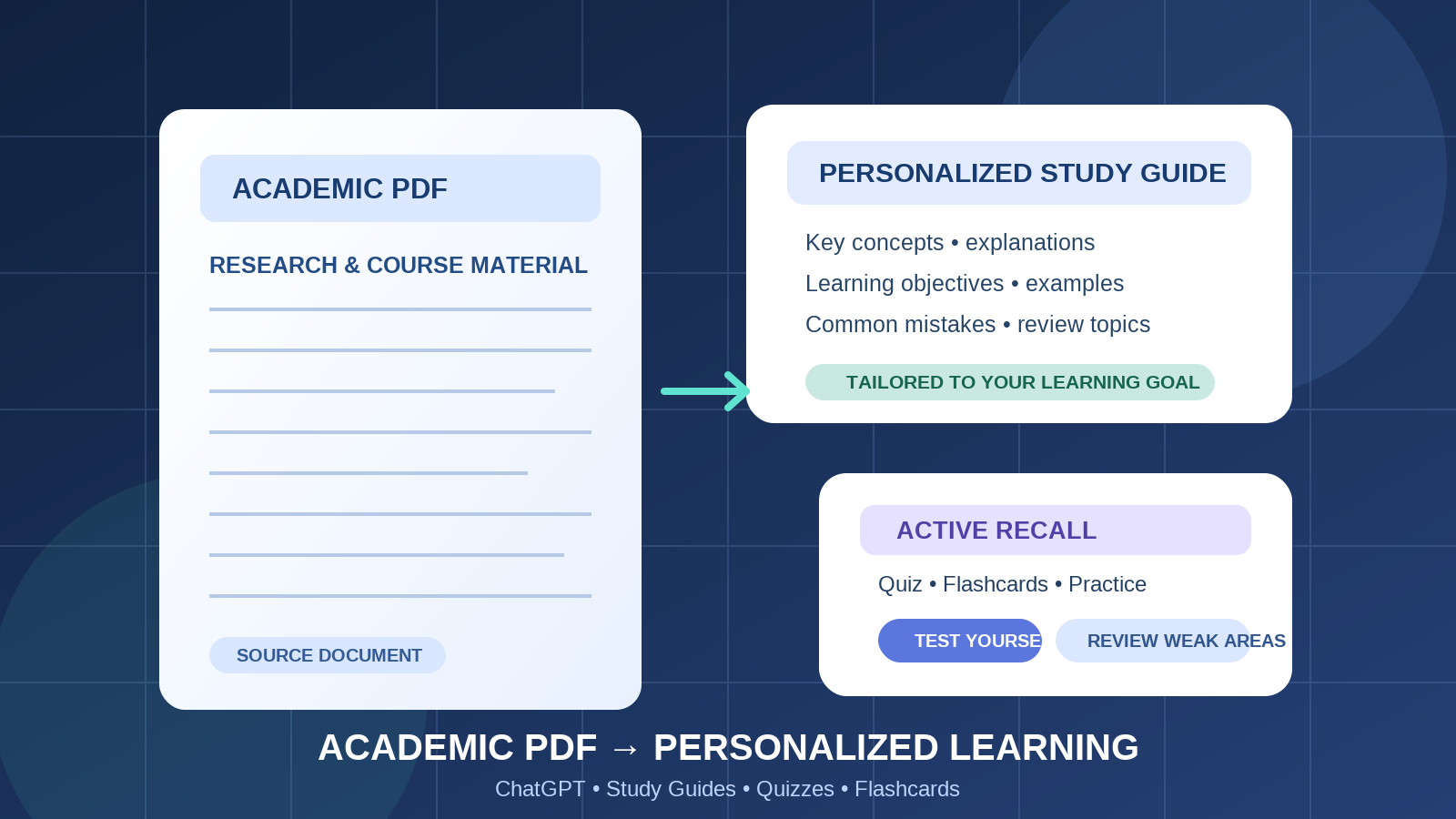
Academic PDFs can be difficult to study from when they contain dense explanations, unfamiliar terminology, long research sections, tables, equations, or information spread across many pages. ChatGPT can help transform those documents into a study guide tailored to your course, knowledge level, exam format, and the concepts you find challenging.
Instead of asking for a generic summary, you can use ChatGPT to identify the document’s structure, explain difficult sections, extract key concepts, generate practice questions, create flashcards, and build a review plan. This guide shows you how to turn academic PDFs into personalized study guides with ChatGPT, while keeping the original document as the source of truth and using active learning to check what you actually understand.
What ChatGPT can create from an academic PDF
With a PDF attached to a conversation, you can ask ChatGPT to create several different study resources:
- Personalized study guide: Organized explanations adjusted to your course level, learning goals, and available study time.
- Chapter or section summaries: Short summaries that preserve the main argument, important evidence, and key terminology.
- Concept explanations: Layered explanations of difficult ideas, from plain language to a more technical level.
- Flashcards: Question-and-answer cards for definitions, formulas, distinctions, and processes.
- Practice quizzes: Recall, comprehension, application, and analysis questions.
- Exam preparation: Practice tests, answer rubrics, and targeted review of mistakes.
- Reading maps: An outline of the PDF showing which sections are most relevant to your learning objectives.
- Review plans: A schedule that prioritizes difficult concepts and revisits them over time.
The quality of the output depends on the PDF, your instructions, the model’s file-reading capabilities, and how carefully you check the generated material. ChatGPT can make mistakes, especially with complex layouts, scanned pages, charts, equations, footnotes, or references.
Step 1: Upload the PDF and tell ChatGPT what you are studying
Open ChatGPT and start a regular conversation. Use the attachment option to upload your academic PDF. Supported file types, limits, and available analysis features can vary by plan and workspace.
Do not begin with “summarize this PDF.” First provide context:
- Your course or subject.
- Your current level (for example, first-year university or graduate level).
- The purpose of studying the document.
- The exam or assignment format, if known.
- How much time you have.
- Concepts you already understand and topics you find difficult.
Example prompt
I am a second-year university student studying [COURSE]. I uploaded an academic PDF about [TOPIC]. I am preparing for [EXAM / COURSE OBJECTIVE] and have [TIME] available. My current understanding is [WHAT I KNOW], and I struggle most with [DIFFICULT AREAS]. First, inspect the PDF and tell me its structure, major topics, learning objectives, and any limitations you have reading it. Do not create the study guide yet.
This first step helps establish the study context and allows you to catch missing pages or misunderstood document sections before generating a large amount of material.
Step 2: Create a reading map before summarizing
A reading map shows how the PDF is organized and helps you decide what to study first. It is especially useful for textbooks, review papers, long research articles, and course packets.
Prompt:
Create a reading map of the uploaded PDF. List its major sections and subsections, the central question or purpose of each section, key concepts, important evidence or examples, and connections between sections. Identify which sections appear essential for my learning goal and which are supplementary. Cite page numbers or section headings when they are available in the document. Flag anything you cannot confidently read or locate.
Review the map against the original PDF. A reading map can reveal that a document is organized around a central argument, a sequence of processes, competing theories, methods and results, or a set of related case studies.
Step 3: Generate a personalized study guide
Once you have checked the reading map, ask ChatGPT to build the guide around your specific learning goal.
Study guide prompt
Using the uploaded PDF as the primary source, create a personalized study guide for [COURSE / TOPIC] at [LEVEL]. My goal is to [LEARNING OBJECTIVE], and I have [TIME] to study.
Organize the guide into:
- A short overview of the document’s main argument or subject.
- The most important learning objectives.
- Key concepts and definitions.
- Explanations of difficult concepts in clear language.
- Important theories, processes, formulas, or frameworks.
- Evidence, examples, or findings that support each major idea.
- Comparisons between concepts that are easy to confuse.
- Common misconceptions and likely exam traps.
- A short “what I must remember” section.
- Questions I should be able to answer without looking at the guide.
Prioritize the material relevant to my goal. Include page or section references when possible. Do not invent information missing from the PDF; label gaps and distinguish the document’s claims from your own explanatory additions.
Customize the guide by your learning level
You can make the same source more accessible or more technical.
For a beginner:
Explain the material as if I am new to this subject. Define technical terms before using them, use simple analogies, and introduce complexity gradually. Preserve the important academic meaning.
For an advanced student:
Assume I understand the foundational concepts. Focus on the argument’s assumptions, methods, limitations, competing interpretations, implications, and unresolved questions. Do not oversimplify technical terminology.
For an exam-focused guide:
Focus on the learning objectives and concepts most likely to be assessed. Include a balanced mix of recall, explanation, comparison, and application. Do not claim that any topic will appear on the exam unless the course materials explicitly say so.
Step 4: Turn difficult sections into explanations you can understand
A personalized study guide should not merely shorten the PDF. It should help you understand concepts that are difficult to learn from the original writing.
Select a specific section, page range, equation, table, or concept and ask for a layered explanation.
Prompt:
Explain [CONCEPT / SECTION] from the uploaded PDF in three layers:
- A plain-language explanation in 3–5 sentences.
- A university-level explanation using the correct terminology.
- A worked example or analogy that demonstrates the idea.
Then explain why this concept matters in the broader document. Identify the page or section you used. If the PDF does not explain a point fully, say so instead of filling the gap with unsupported claims.
For mathematical or technical material, ask ChatGPT to preserve the original notation and show each step. Verify calculations, assumptions, units, and symbols against the source.
Step 5: Create flashcards from the PDF
Flashcards are best for information you need to retrieve quickly: definitions, distinctions, formulas, sequences, terminology, and essential examples.
Prompt:
Create 20 high-quality flashcards from the uploaded PDF for [COURSE / TOPIC]. Each card should test one idea. Include a mix of:
- Key-term definitions
- Explain-why questions
- Compare-and-contrast questions
- Process or sequence questions
- Formula or method recall
- Application questions
Keep answers concise but accurate. Add a page or section reference to each card where possible. Avoid duplicate cards, vague wording, and questions that require several unrelated answers. Do not include facts that are not supported by the PDF unless they are clearly labeled as supplemental.
Review the cards and split any that contain too many concepts. A flashcard should normally have one clear retrieval target.
Step 6: Build an interactive quiz
A quiz can help identify gaps that a summary hides. Ask ChatGPT to test you rather than display all answers at once.
Prompt:
Quiz me on the uploaded PDF and my study guide. Ask one question at a time and wait for my answer. Use a mixture of recall, conceptual understanding, comparison, application, and analysis. Do not reveal the answer or hint before I attempt the question. After each answer, evaluate it, explain any mistake, and reference the relevant part of the PDF when possible. Track concepts I miss or answer incompletely. At the end, summarize my performance and recommend what to study next.
After completing the quiz, create a targeted second round:
Based on the questions I missed or answered incompletely, create a new quiz using different wording and new examples. Focus on the underlying concepts rather than repeating the original questions. Increase the difficulty gradually and keep the answers hidden until I respond.
Step 7: Turn the PDF into a practice exam
For a midterm, final, certification, or course assessment, ask ChatGPT to create an exam blueprint before generating questions.
Exam blueprint prompt
Based on the uploaded PDF and these learning objectives [OBJECTIVES], propose a practice-exam blueprint. Include topic coverage, question types, difficulty, point values, and estimated time. Identify any learning objective that the PDF does not adequately cover. Wait for my approval before generating the exam.
After reviewing the blueprint:
Generate the practice exam using the approved blueprint. Include clear instructions, point values, and a realistic time limit. Do not show the answer key or explanations until I submit my answers. Use only source-supported material unless a question is clearly labeled as an application requiring additional knowledge.
This two-stage process makes the exam more balanced and reduces the risk of ChatGPT concentrating on whichever topics are easiest to extract from the PDF.
Step 8: Personalize the guide using your mistakes
The most useful study guide may be the second version, created after you test yourself.
Prompt:
Here are my quiz answers and the concepts I struggled with. Revise my study guide to prioritize those weaknesses. For each weak concept, include a concise explanation, one worked example, one common misconception, and two new practice questions. Keep concepts I already understand in a short review section. Do not simply repeat the quiz answers.
This approach adapts the guide to your actual performance instead of assuming every page deserves equal study time.
Step 9: Use ChatGPT Study Mode for guided PDF learning
ChatGPT Study Mode is designed to support learning through questions, step-by-step explanations, checks for understanding, and guided practice. When file uploads are available, it can work with PDFs and other course materials.
To use it:
- Start a regular ChatGPT conversation.
- Select Study from the available tools or enter the Study mode interface.
- Attach your PDF or course material.
- Tell ChatGPT your course, level, goal, and what you already understand.
- Ask it to work through one section at a time, quiz you, and wait for your answers.
You can use this prompt:
I uploaded a PDF for [COURSE]. Help me learn it in Study Mode. Start by identifying the main topics and asking diagnostic questions one at a time. Then teach the concepts I need, using the document as the source. Give hints rather than complete answers when I am stuck. Check my understanding before moving to the next section and finish with a short quiz.
Study Mode is not a guarantee of accuracy or a replacement for the instructor, course readings, or academic requirements. Review important information against the original PDF.
For a dedicated guide, see How to Use ChatGPT Study Mode to Master Difficult University Subjects.
Step 10: Create a review plan for the time you have
If you have a week, organize the study guide around spaced review and independent practice. If you have only one evening, prioritize the main concepts and test yourself rather than rereading every page.
Example: seven-day review plan
- Day 1: Read the map and study guide. Identify the five most important concepts.
- Day 2: Review key definitions and use flashcards without looking at answers.
- Day 3: Explain the difficult concepts from memory and complete application questions.
- Day 4: Take a short quiz. Review only the errors and incomplete answers.
- Day 5: Work through a practice exam or representative problems.
- Day 6: Revisit weak concepts and test them with new questions.
- Day 7: Complete an independent final check without the PDF or ChatGPT open.
Ask ChatGPT to customize the schedule to your exam date, available hours, and quiz performance.
Prompts for different types of academic PDFs
Research paper
Create a study guide for this research paper. Explain the research question, hypothesis, background, methods, sample or data, results, limitations, and implications. Distinguish the authors’ findings from their interpretation. Identify terms I should understand and create questions that test whether I can explain the paper’s design and conclusions.
Textbook chapter
Turn this chapter into a structured study guide organized around its learning objectives. Include definitions, key principles, formulas, worked examples, concept comparisons, common mistakes, and a short practice quiz. Prioritize concepts over minor details.
Literature review
Map the major themes, areas of agreement, disagreements, methods, and gaps discussed in this review. Explain how the themes relate to one another. Create a study guide that helps me understand the field’s structure rather than memorizing individual paper summaries.
Technical or mathematical PDF
Identify the major equations, variables, assumptions, and methods in this PDF. Explain each equation step by step, show one worked example, and create new practice problems with different values or conditions. Do not skip algebra or reasoning steps. Flag any formula or symbol you cannot confidently read.
Short reading before class
I have 20 minutes to prepare for class. Create a concise guide with the central argument, five essential ideas, key vocabulary, two points that may be confusing, and three questions I can bring to discussion. Keep it grounded in the PDF.
How to verify your personalized study guide
ChatGPT can misread or omit information. Before using a generated guide for an exam, check the following:
- Page references: Confirm that cited pages or sections actually contain the referenced information.
- Definitions: Compare technical terms with the PDF and your instructor’s terminology.
- Equations: Verify symbols, assumptions, units, and calculations.
- Charts and tables: Check whether the explanation accurately reflects the figure, axis labels, and data.
- Research findings: Confirm the sample, method, results, limitations, and the distinction between correlation and causation.
- Answer keys: Ensure each answer is supported and that multiple-choice questions have a clear correct answer.
- Supplemental information: Ask ChatGPT to label information that is not in the PDF so you can verify it separately.
A useful audit prompt is:
Review the study guide and quiz you generated against the original PDF. Identify unsupported statements, inaccurate definitions, missing important topics, ambiguous questions, incorrect answers, and references to pages or sections that may not be correct. Show the issues in a checklist and do not silently change the material.
Common mistakes to avoid
Requesting only a summary. A summary may help you understand the document, but it does not automatically create a personalized learning plan or test your knowledge.
Trying to study the entire PDF at once. For very long documents, work by chapter, section, or learning objective. This makes outputs easier to verify and more focused.
Treating generated questions as an official exam prediction. ChatGPT can create plausible practice questions, but it cannot know what your instructor will assess unless the course materials specify it.
Reading answers before attempting questions. Use the quiz to retrieve information from memory. Reveal explanations only after making an attempt.
Ignoring document-reading limitations. Scanned PDFs, complex tables, small text, multi-column layouts, charts, equations, and footnotes may not be interpreted correctly. Upload clearer pages or ask about a specific page when necessary.
Using AI-generated material as the only source. Keep the original PDF, syllabus, lecture notes, textbook, and instructor guidance as the authoritative references.
Uploading restricted or sensitive material. Check your institution’s rules and the service’s data terms before uploading copyrighted course packets, confidential research, personal information, or restricted documents.
Frequently asked questions
Can ChatGPT create a study guide from a PDF?
Yes. You can upload a supported PDF and ask ChatGPT to summarize, organize, explain, or transform its contents into a study guide, flashcards, quizzes, practice questions, or a review plan. The available capabilities depend on the file, model, chat tools, and account limits.
How do I make a study guide personalized to my exam?
Include your course level, learning objectives, exam format, time available, and weak topics. Ask ChatGPT to prioritize relevant concepts, use the appropriate question types, and revise the guide based on your quiz results.
Can ChatGPT make flashcards and quizzes from academic PDFs?
Yes. Ask for one-concept flashcards and a quiz that mixes recall, explanation, comparison, and application. For interactive practice, request one question at a time and ask it to wait for your answer before revealing the solution.
Can ChatGPT read charts and diagrams inside a PDF?
ChatGPT can analyze PDF content, including text and images, depending on the available file-processing capabilities. However, complex figures, low-resolution scans, or embedded images may be missed or misinterpreted. Check important visuals and upload individual pages or images if needed.
Is ChatGPT Study Mode useful for studying PDFs?
Study Mode can guide learning with questions, explanations, and checks for understanding. When uploads are available, it can reference course materials such as PDFs. It is particularly useful when you want to be questioned and coached instead of receiving a finished summary immediately.
Should I use ChatGPT or NotebookLM for academic PDFs?
The tools have different strengths. ChatGPT offers a flexible conversation, study guidance, file analysis, and personalized practice. NotebookLM is designed around source collections and source-grounded exploration. Your choice should depend on whether you need a general tutor, a workspace centered on specific documents, or both. Verify the current features and access of each tool before choosing a workflow.
The bottom line
ChatGPT can turn an academic PDF into more than a summary. With a clear learning goal and a structured workflow, you can create a personalized study guide, identify difficult concepts, generate flashcards, take interactive quizzes, practice for exams, and adapt your review plan to your mistakes.
Start by mapping the PDF, verify the map, and build a guide around what you need to learn. Then use questions and practice—not just rereading—to check whether the material is becoming knowledge you can recall and apply independently.
Sources and further reading
- OpenAI Help Center — Using study mode in ChatGPT. Official guide to guided learning, questions, step-by-step explanations, quizzes, and working with uploaded course materials.
- OpenAI Help Center — Uploading files and audio to ChatGPT. Official information about supported file types, upload limits, and working with uploaded documents.
- OpenAI Academy — Working with files in ChatGPT. Practical overview of uploading and analyzing documents and other files.
- ChatGPT for Students. Official overview of studying with PDFs, presentations, course materials, and Projects.
This article is educational information. Always verify important study materials against the original academic PDF, your course readings, and instructor guidance.