
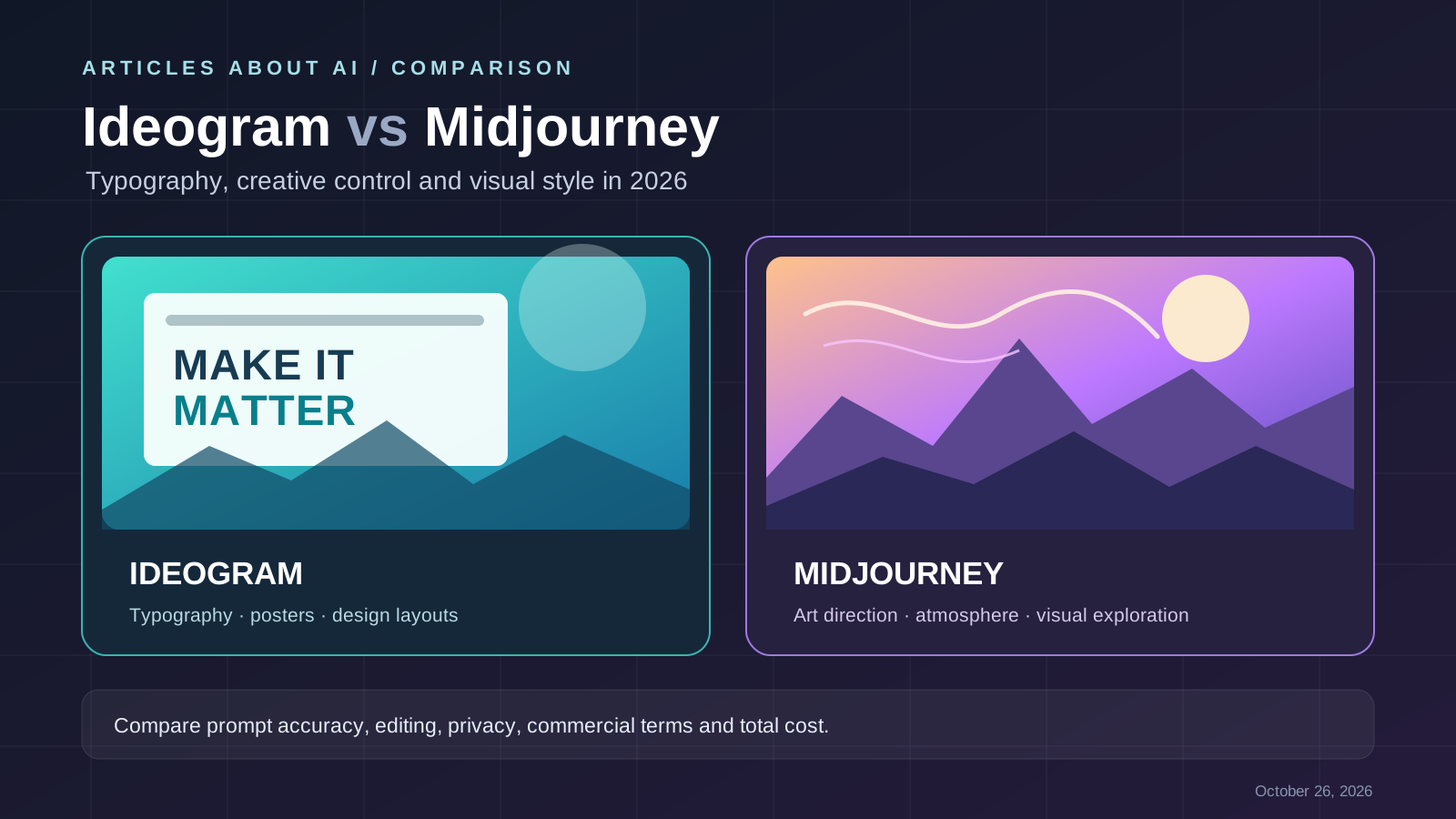
Choosing between Ideogram and Midjourney depends on the images you need to make. If your work includes posters, social graphics, product promotions, or designs where readable words matter, typography support deserves special attention. If you mainly explore mood, atmosphere, concept art, and distinctive visual styles, the overall image-making workflow may matter more.
Quick verdict: Start with Ideogram when readable text and design-oriented compositions are central to the brief. Consider Midjourney when artistic exploration and a focused image-generation workflow are your priority. This is a task-based recommendation, not a claim that one tool produces better images in every situation.
This guide compares documented features and practical selection criteria. It is not a controlled benchmark, and results vary by prompt, model version, settings, and editing effort.
Ideogram vs Midjourney at a glance
| Factor | Ideogram | Midjourney |
|---|---|---|
| Best starting point | Typography-led designs, posters, and marketing visuals | Artistic exploration, concept imagery, and stylized visuals |
| Text in images | A core documented strength of the platform | Text rendering can work, but should be tested carefully for the intended layout |
| Creative workflow | Generation plus tools such as remixing and editing, depending on model and plan | A focused image-generation workflow with its own variation and refinement controls |
| Model choice | Multiple models and settings are available through its product and API | Model versions and controls are provided through Midjourney |
| Privacy | Ideogram says images are public by default; private generation is available on eligible paid plans | Creations are open by default; Stealth Mode is restricted to eligible plans |
| Pricing | Free access may include weekly credits for eligible accounts; paid plans and credit use vary | Subscription tiers use Fast GPU time, with Relax generation on eligible plans |
| Best evaluation method | Test exact wording, layout, and editing needs | Test visual direction, consistency, and how much refinement is required |
Always confirm current capabilities and terms on the providers’ official pages: Ideogram documentation, Ideogram pricing, and Midjourney plan comparison.
1. Text rendering: the key distinction
Text inside generated images is a common source of frustration. A poster can look attractive but still be unusable if a headline is misspelled, a letter is missing, or the typography is difficult to read at the final size.
Ideogram’s official documentation specifically highlights typography for logos, branding, print-on-demand designs, and layouts. That makes it a sensible first tool to test when the prompt requires a short headline, a label, or a designed composition containing words. It does not guarantee flawless spelling or precise brand-ready typography on every generation, so inspect every result.
Midjourney can also be tested for text-led designs, but do not assume that either generator will consistently reproduce long copy, exact fonts, or complex layouts. For important campaign assets, generate the artwork first and add final text in a design editor when precise typography is essential.
A fair test is simple:
- Use the same short headline and the same visual brief in both tools.
- Generate several variations instead of selecting a single lucky result.
- Check spelling, punctuation, letter shapes, hierarchy, and contrast at the intended output size.
- Count how many attempts and manual corrections are needed before the image is usable.
For more guidance on prompting, read our guide to how to write better AI image prompts and our article on fixing misspelled text in AI-generated images.
2. Image quality and visual style
There is no universal winner for image quality. A tool may excel at one subject or style and be less suitable for another. Compare the output against the actual task rather than relying on a single sample or broad marketing claims.
When Ideogram may be the better fit
Try Ideogram first for a poster, event graphic, thumbnail, promotional layout, or product concept where text and composition need to work together. Its design-oriented features can be useful when the image is meant to communicate a message rather than serve only as an artistic scene.
When Midjourney may be the better fit
Try Midjourney when you are exploring a visual direction, building a mood board, developing a fantasy environment, or seeking a particular artistic atmosphere. Its dedicated creative workflow can suit iterative visual exploration, although the best result still depends on the prompt and model version.
Neither description replaces testing. If photorealistic product accuracy, consistent characters, or precise object placement is critical, compare several outputs and inspect details rather than judging only the overall aesthetic.
For a wider shortlist, see our guides to the best free AI image generators in 2026 and the best free AI image generators without signing up.
3. Editing and creative control
Before choosing a platform, identify the edits you actually need. Can you revise part of an image without rebuilding the whole composition? Can you preserve the main subject while changing the background? Can you make a series of related graphics with consistent styling?
Ideogram’s product documentation describes tools and workflows that include remixing, editing, reframing, and background replacement, with availability and costs depending on the model and plan. Check the current Ideogram pricing and feature table before relying on a particular tool.
Midjourney provides its own generation and refinement controls. Check the current Midjourney documentation because interfaces and model-specific features change over time.
Use the same three edit tasks on both platforms. Record whether each edit preserves the original subject, how many retries it takes, and whether the final file meets your dimensions and quality requirements. A long list of features is less useful than a reliable workflow.
4. Pricing: compare usable images, not just subscriptions
AI image costs can include subscription fees, credits, generation limits, and the time spent regenerating or editing results. A cheaper plan is not necessarily cheaper for your workflow if it takes many attempts to create one publishable image.
Ideogram pricing
Ideogram’s official pricing page lists a free option for eligible accounts and paid tiers. Its current plan structure uses credits, and credit consumption varies by model and rendering settings. The provider also describes private-generation options on eligible paid plans. Prices, allowances, and feature availability may change, so use the official Ideogram pricing page for the latest details.
Midjourney pricing
Midjourney’s official plan comparison lists Basic, Standard, Pro, and Mega tiers. The plans differ in Fast GPU time and other features; Relax generation and Stealth Mode depend on the selected tier. Review the official Midjourney plan comparison before subscribing rather than relying on old pricing screenshots.
Calculate your real cost
Use this practical formula:
Effective cost per usable image = total monthly tool cost ÷ number of final images you actually use.
Include failed attempts, editing time, privacy requirements, and any external design software. If you create a large volume of campaign graphics, test the same monthly workload on both services before committing to an annual subscription.
5. Privacy: are generated images public?
Privacy can matter for unreleased products, client projects, internal campaigns, and brand concepts.
Ideogram’s pricing information says images are published by default, while private generation is available to eligible paid subscribers. Check the current plan and verify the privacy setting before creating sensitive work. See Ideogram pricing and its Terms of Service.
Midjourney states that creations are open by default and that Stealth Mode is limited to eligible Pro and Mega plans. Confirm the current requirements in the Midjourney plan comparison.
Before uploading confidential reference images, check who can view your generations, whether the relevant privacy feature is enabled, and how the provider’s terms handle prompts, source files, and outputs. A paid account should not be treated as automatically private.
6. Commercial use, ownership, and licensing
Commercial use is not the same as a guarantee of copyright protection, exclusivity, or freedom from third-party rights. The details depend on the provider’s current terms, the assets you supply, and how the image is used.
Ideogram says users may use generated images for commercial purposes under its terms and that it does not claim ownership of generated images. Read the full Ideogram Terms of Service and confirm the terms applicable to your account and use case.
For Midjourney, consult its current Terms of Service. The provider’s commercial terms include requirements that may depend on the organization and its revenue. Verify the conditions that apply to your business before using outputs in paid advertising, packaging, or client deliverables.
For either platform, avoid prompts that reproduce protected logos, copyrighted characters, or a real person’s likeness without appropriate permission. Keep records of the plan, generation date, prompt, source assets, and edits for important commercial projects. If licensing risk is your primary concern, compare this guide with our article on Adobe Firefly vs DALL·E 3 for commercial use.
7. Which tool should you choose?
Choose Ideogram if:
- Your images need readable words, poster headlines, labels, or design-led compositions.
- You want to test integrated editing and layout-oriented workflows.
- You are willing to review credit use and plan limits for your expected volume.
- You have checked privacy settings for the type of content you create.
Choose Midjourney if:
- Your priority is artistic exploration and a dedicated image-generation workflow.
- You want to iterate on mood, atmosphere, and visual style.
- You are comfortable comparing subscription tiers and their usage limits.
- You have verified the privacy and commercial terms for your intended work.
Choose based on the job, not brand loyalty. You can also compare Midjourney vs DALL·E 3 and Stable Diffusion vs Midjourney to understand other trade-offs across image-generation workflows.
Final verdict
Ideogram is the first tool to test when typography and design layouts are central; Midjourney is a strong candidate when artistic exploration and visual style are the priority. Neither is best for every image, and this comparison is not a controlled benchmark.
Before paying, run the same prompts on both platforms, compare several results, measure the editing effort, and verify current pricing, privacy settings, and commercial terms. That small test is more useful than choosing from a generic ranking.