
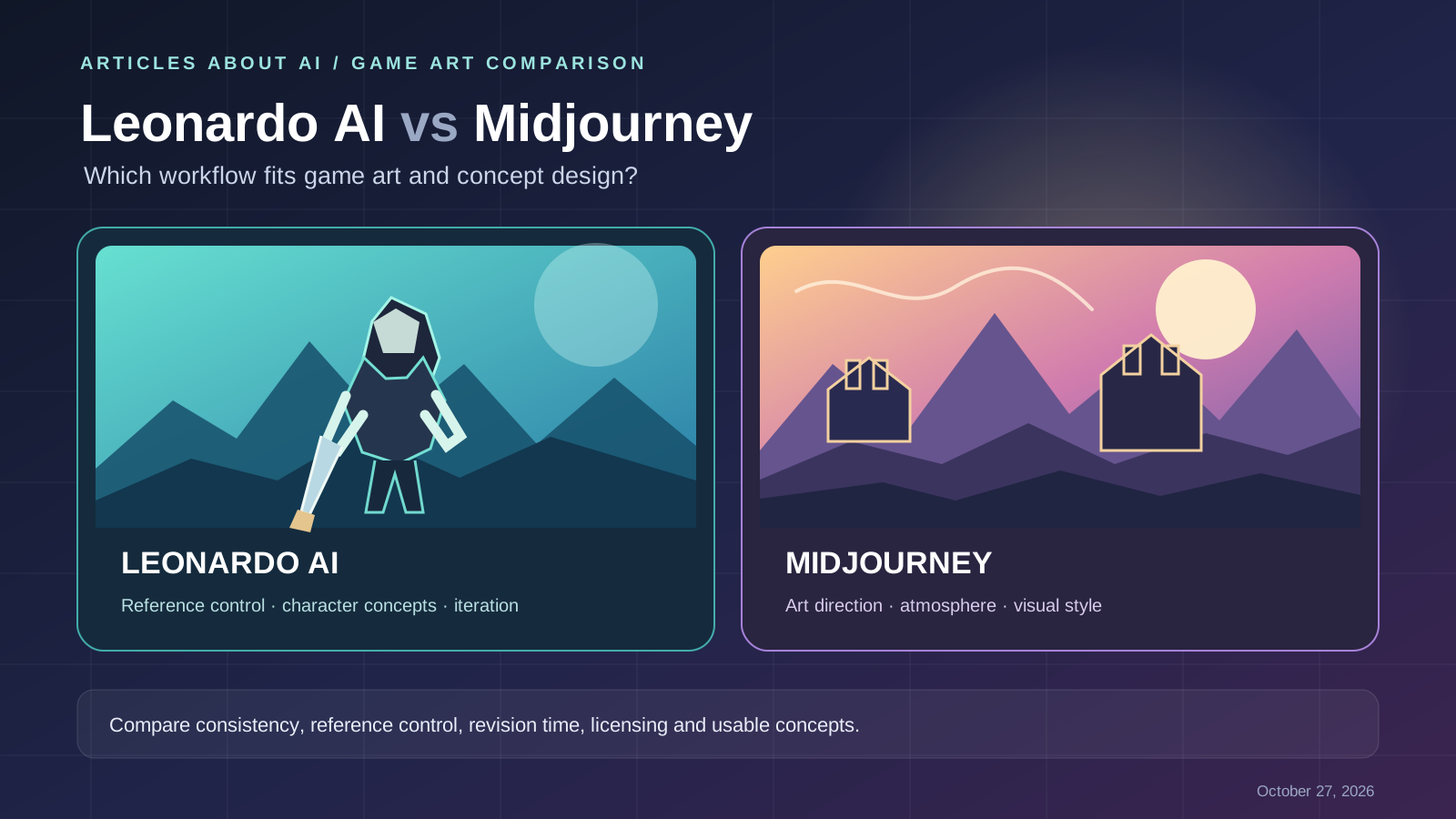
This article focuses specifically on Leonardo AI vs Midjourney for game art—character concepts, environment design, reference-guided iteration, and handoff to production. It is intentionally narrower than our general Leonardo AI vs Midjourney comparison, which covers broader image-generation features and overall platform trade-offs.\n\nChoosing between Leonardo AI and Midjourney for game art and concept design depends on where you need control in your creative workflow. A concept artist might need a range of character ideas, repeatable visual references, and targeted revisions. An indie developer might need mood boards and environment concepts quickly. A studio may also need to consider licensing, privacy, handoff to production tools, and how much manual cleanup an image requires.
Quick verdict: Start with Leonardo AI if you want to explore model options and use image-guidance workflows to steer references, poses, or visual elements. Start with Midjourney if your priority is exploring a strong visual direction and refining a coherent artistic look. These are workflow-based recommendations drawn from documented features—not the result of a controlled head-to-head image benchmark. Neither tool automatically produces production-ready game assets.
Leonardo AI vs Midjourney for game art: at a glance
| Game-art task | Leonardo AI | Midjourney |
|---|---|---|
| Early concept exploration | Useful for trying different models, presets, and visual directions | Useful for exploring mood, composition, and stylized visual directions |
| Character development | Image Guidance includes character-reference workflows; results still need review for identity drift | Omni Reference can guide a subject from a reference image in supported workflows |
| Environment concepts | Can use image references and guidance to steer composition and style | Style references and image prompts can help explore and maintain an intended look |
| Pose or composition guidance | Offers several documented guidance modes, with availability depending on model and plan | Reference images and prompt controls can guide results, but exact layout control should be tested |
| Iterative editing | Includes image editing and reference-guided workflows | Provides its own editing and refinement workflow; exact options depend on current model and interface |
| Pricing model | Free and paid plans use token allowances and feature-specific limits | Subscription tiers use Fast GPU time; Relax and privacy features depend on the plan |
| Best evaluation method | Test reference control, revision effort, and model/token costs | Test art direction, subject consistency, and revision effort |
| Production handoff | Treat outputs as concept references unless they meet your actual asset specifications | Treat outputs as concept references unless they meet your actual asset specifications |
Feature availability can change. Review the official Leonardo AI pricing page and Midjourney plan comparison before choosing a subscription.
1. Which is better for game character concept art?
Character development usually involves more than creating one attractive portrait. You may need a readable silhouette, a distinctive costume, a range of expressions, alternate equipment, and a recognizable character across different scenes.
When Leonardo AI is a good starting point
Leonardo AI documents Image Guidance and character-reference workflows that let you provide reference images alongside written instructions. Depending on the selected model and available controls, references can help guide a character’s appearance, style, pose, or composition. This can be useful when you already have a rough sketch, an approved design direction, or a reference board that the next iteration should follow.
Read Leonardo’s official Image Guidance guide for the available reference options and model-specific limitations. The feature set is not identical across every model, so check the controls in the model you plan to use.
When Midjourney is a good starting point
Midjourney provides Omni Reference for referencing a subject or object in supported workflows, alongside its broader image and style-reference tools. This can help you explore a character concept in different settings while trying to preserve recognizable features.
Reference tools do not guarantee perfect identity consistency. Face shape, costume details, accessories, proportions, and small markings may change between generations. Review each image and keep an approved design sheet as the source of truth.
A practical character-consistency test
Use the same character brief in both tools. Request a full-body front view, a three-quarter view, and a scene showing the character in action. Compare:
- Whether the silhouette and key costume details remain recognizable.
- Whether the face, hair, colors, and accessories drift between views.
- How well the tool follows your requested pose and camera angle.
- How many retries and manual corrections are needed.
- Whether the final images are useful as references for an artist or 3D modeler.
Do not score a tool from its single best image. Keep the prompt, reference images, model or version, settings, and date so you can repeat the comparison.
2. Which is better for environments and worldbuilding?
Game environments must communicate scale, gameplay context, atmosphere, and a clear visual hierarchy. A fantasy forest, a sci-fi corridor, and a stylized village each require different visual decisions.
Leonardo AI is worth testing when you want to guide generations with reference images or explore multiple model and preset options. For example, start with a rough map or composition reference, describe the landmarks that must remain visible, and compare variations with different lighting or material choices. The result can help a team discuss direction before investing in a polished environment.
Midjourney is worth testing when you are searching for a visual language: color palette, atmospheric perspective, material treatment, architecture, or the mood of a fictional world. Its Style Reference documentation explains how a reference can influence the overall look of an image.
For a fair environment test, ask both tools to depict the same scene—for example, an abandoned desert research station at sunset, with a visible entrance, a central tower, and a path leading toward the foreground. Evaluate the composition against the brief, not just its cinematic appeal.
Neither result should be treated as a reliable level layout or a final 3D environment. Perspective, spatial relationships, object counts, and gameplay readability must be checked by the team.
3. Style control, references, and creative iteration
A useful concept-art workflow often separates three questions:
- Content: What subjects and objects should appear?
- Composition: Where should those elements sit in the frame?
- Style: What palette, lighting, texture, and artistic treatment should unify the image?
Leonardo AI’s Image Guidance describes options such as style, content, character, depth, edge, sketch, and pose guidance. Which options are available depends on the model and mode. Use these controls when a reference needs to influence a particular part of the result, then inspect the image for unwanted changes.
Midjourney’s Style Reference guide explains how to carry aesthetic qualities such as color, texture, and lighting from a reference into a generation. Its Omni Reference feature serves a different purpose by helping reference a subject or object. Style matching and subject matching are separate requirements; do not assume one automatically solves the other.
For either platform, make one meaningful change per iteration. If the composition is right but the lighting is wrong, change the lighting instruction rather than rewriting the entire brief. Save approved results and record the settings used to create them.
For more general prompt techniques, see our guide to writing better AI image prompts. If you are still choosing tools, our overview of the best free AI image generators in 2026 includes Leonardo AI and explains why free-plan limits should be checked before planning a large batch.
4. Editing and the path from concept to production
AI-generated concept art is not the same as a finished game asset. A concept image may contain inconsistent geometry, unclear material boundaries, impossible mechanical parts, or details that cannot be reproduced efficiently in a 3D model.
Use the image generator to explore ideas, communicate art direction, and prepare visual references. Then have the appropriate artist or developer validate the design and rebuild it in the required production software.
Before choosing a tool, test the specific edits your team needs:
- Change the background while preserving the character.
- Explore three lighting conditions without losing the intended palette.
- Create alternate props or costume concepts while retaining key design cues.
- Refine a rough composition without changing the main silhouette.
- Produce images in the aspect ratio and resolution required for the next stage.
Track the number of revisions and the amount of cleanup needed. A workflow that produces a striking first image may still be inefficient if each revision changes details that were already approved.
5. Pricing and value for indie developers
The subscription price is only one part of the cost. Also consider generation allowances, the model you use, queue or speed limits, privacy options, and the time spent getting a usable result.
Leonardo AI uses a token-based system, and different models or settings can consume different amounts. Check the current Leonardo AI pricing and plan details rather than assuming a daily or monthly token allowance translates to a fixed number of images.
Midjourney offers Basic, Standard, Pro, and Mega subscriptions. The official plan comparison lists differences in Fast GPU time, Relax generation, and privacy features. Confirm the current limits before committing to a plan.
A simple way to compare value is:
Effective cost per usable concept = total tool cost for the period ÷ number of concepts the team actually approves.
Include failed generations and manual correction time. If your team produces concept art every week, run a small pilot using the same set of tasks in both tools before paying for a longer subscription.
6. Commercial use, privacy, and licensing
If concept art will be used in a commercial game, review the current terms for the account, subscription, and specific workflow you use. Do not treat a tool’s commercial-use statement as a guarantee that every output is exclusive, copyright-protected, or free of third-party rights.
Leonardo AI’s Terms of Service distinguish between paid-subscription content and public content, including different provisions for ownership and permitted use. Its pricing and help pages also explain privacy-related plan differences. Read the actual terms applicable to your account and verify whether generations are public or private before uploading unreleased designs.
For Midjourney, consult the current Terms of Service and plan comparison. The availability of Stealth Mode depends on the plan, and privacy settings should be checked before creating confidential work.
For both platforms:
- Avoid uploading client-owned or confidential references unless you are authorized and understand the service’s terms.
- Check whether a generation is public or private before creating sensitive concept work.
- Keep records of prompts, source assets, settings, generation dates, and edits.
- Review outputs for recognizable protected characters, logos, and other material that may raise rights issues.
- Obtain appropriate legal advice for high-value commercial releases where licensing or ownership is material.
7. A repeatable head-to-head test for your team
Rather than relying on a universal ranking, use this short evaluation with both tools.
| Test | What to create | What to measure |
|---|---|---|
| Character concept | A full-body hero with distinctive clothing and equipment | Silhouette, details, and consistency across views |
| Environment concept | A fantasy settlement or sci-fi interior | Composition, scale cues, mood, and brief adherence |
| Style matching | Two scenes that should share a visual identity | Palette, lighting, texture, and style drift |
| Targeted revision | Change one feature while preserving the rest | Unwanted changes and number of retries |
| Production handoff | A concept reference for an artist or modeler | Clarity, technical usefulness, cleanup time, and export suitability |
Use identical briefs where possible and generate several variations for each task. Have the same reviewer score both sets against the same criteria. Record the model/version and settings, because a change in the service can affect the result.
This is a practical workflow test, not a scientific benchmark. Your own prompts, design style, and production requirements determine which result is more useful.
Final verdict: Leonardo AI or Midjourney for game art?
Choose Leonardo AI first if image guidance, reference-driven iteration, and experimenting with model options are central to your workflow. Choose Midjourney first if your main need is visual exploration, atmospheric environments, and developing a distinctive style with reference tools.
If you are an indie developer, test both on one character and one environment before subscribing. If you work in a studio, include consistency, revision time, privacy, licensing, and handoff to production in your decision. Neither tool replaces art direction or guarantees production-ready assets.
For related comparisons, read Ideogram vs Midjourney and our guide to free AI image generators. The right choice is the one that helps your team create usable concepts with the least friction while meeting your quality and rights requirements.
Official sources
- Leonardo AI pricing and plans
- Leonardo AI Image Guidance documentation
- Leonardo AI Terms of Service
- Midjourney plan comparison
- Midjourney Omni Reference documentation
- Midjourney Style Reference documentation
- Midjourney Terms of Service
Last reviewed: October 27, 2026. Features, plan limits, and terms may change; verify the official pages before making a purchasing or licensing decision.