
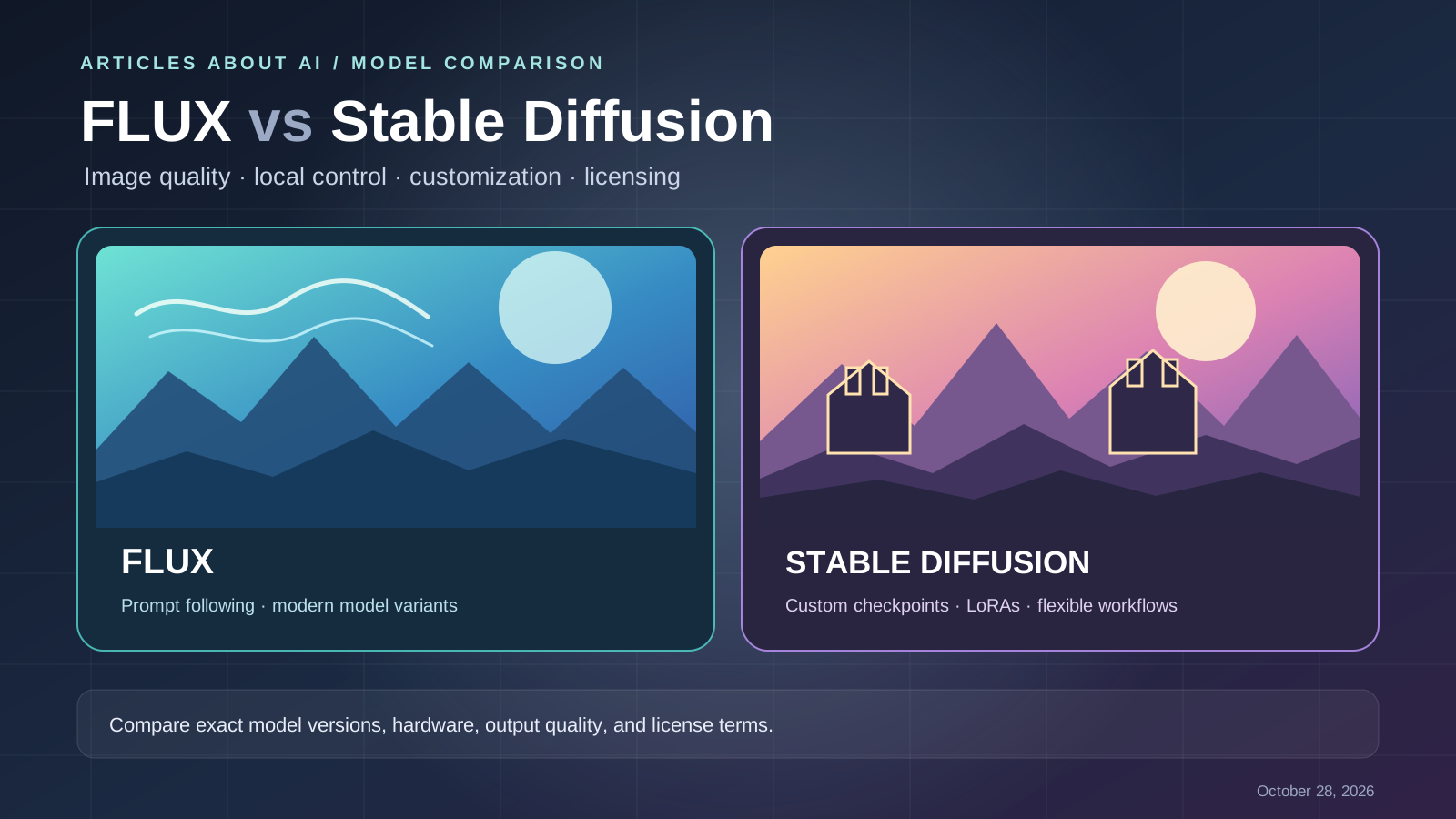
Choosing between FLUX and Stable Diffusion is not simply a choice between two single models. Both names refer to model families, with different versions, sizes, licenses, and ways to run them. Your best option depends on whether you prioritize prompt interpretation, visual style, local hardware, fine-tuning, generation speed, editing features, or the right to use outputs commercially.
Quick verdict: Start by testing a current FLUX model if your main priority is strong prompt interpretation and a modern image-generation or editing workflow. Consider Stable Diffusion models—especially SD 3.5 or SDXL—when the particular checkpoint, community tooling, custom workflows, or existing LoRAs fit your needs. This is a decision framework, not a claim that one family wins every image-quality test.
Important distinction: “open weights” does not automatically mean fully open source or unrestricted commercial use. Each model’s license must be checked separately.
FLUX vs Stable Diffusion at a glance
| Factor | FLUX | Stable Diffusion |
|---|---|---|
| What the name covers | A family of Black Forest Labs image models, including FLUX.1 and FLUX.2 variants | A family of Stability AI models, including SD 3.5 and SDXL |
| Prompt following | Depends on the selected model and workflow; evaluate complex prompts with your own examples | Depends on the checkpoint and prompt; evaluate the exact model you plan to deploy |
| Local use | Some variants have open weights; hardware and license requirements vary by model | Many checkpoints and community workflows support local deployment; requirements vary by version |
| Customization | Model-specific fine-tuning and LoRA terms apply | Custom checkpoints, LoRAs, and related tools are available, subject to each model’s license |
| Speed | Varies by model, hardware, quantization, and inference setup | Varies by model, hardware, sampler, resolution, and optimization |
| Editing | The FLUX family includes models and services designed for image editing; feature availability varies | Editing can be built with supported models, inpainting, ControlNet-style workflows, and community tools |
| Licensing | Model-specific: for example, FLUX.1 [schnell] and FLUX.1 [dev] have different terms | Model-specific; SD 3.5 and SDXL should not be assumed to share identical terms |
| Best selection method | Compare the exact model, runtime, and license against your use case | Compare the exact checkpoint, extensions, and license against your use case |
For current model availability, begin with the official Black Forest Labs documentation and Stability AI’s core models list.
1. Image quality: test the task, not the brand
There is no reliable universal winner for “image quality.” A model can produce a beautiful portrait but struggle with a crowded scene, a precise product layout, or a prompt containing several interacting constraints. Results also change with model version, resolution, guidance settings, quantization, and the inference interface.
For a fair comparison, create a small prompt set with different types of work:
- A photorealistic portrait with specified lighting and camera framing.
- A product scene with a fixed number of objects and a plain background.
- An environment containing several named elements in a specific arrangement.
- A designed image with a short, exact phrase that must be legible.
- A stylized illustration with a defined palette and composition.
Run each prompt through the exact FLUX and Stable Diffusion models you are considering. Generate several outputs per prompt and record settings. Compare prompt adherence, visible artifacts, anatomy, object counts, composition, and the amount of manual correction required.
Do not treat one impressive sample as a benchmark. If your team needs a formal comparison, use the same prompt set, output dimensions, evaluation criteria, and review process for both models.
2. Which follows prompts more accurately?
Prompt adherence matters when the image must contain specific objects, relationships, visual attributes, or text. A useful prompt states the subject, composition, lighting, style, and constraints without mixing incompatible instructions.
Black Forest Labs’ official documentation describes the current FLUX model family and its image-generation and editing capabilities. Stability AI’s Stable Diffusion 3.5 announcement describes the model variants and their intended flexibility. Those official descriptions are useful starting points, but they are not an independent head-to-head benchmark.
Use a prompt such as:
Create a clean product photograph of one matte black travel mug
on a pale stone surface. Place the mug in the center, leave generous
empty space on the left, use soft daylight from the upper right,
and keep the background plain. Do not add extra objects or text.
Then check whether each model respects the number of objects, placement, lighting, and negative constraints. For a typography test, use short text and inspect spelling carefully; do not assume a generated wordmark is ready for a brand or production asset.
For more practical prompting advice, read our comparison of Ideogram and Midjourney, which discusses text-heavy designs and the need to verify generated lettering.
3. Local generation and hardware requirements
Both model families can be accessed through hosted services, APIs, or local workflows depending on the specific model. Local generation can give developers more control over files, deployment, and repeatability, but it transfers responsibility for hardware, setup, updates, and security to the user.
Before downloading a checkpoint, verify:
- The exact model and version, not just the family name.
- The official or trusted model repository and its license.
- The recommended GPU memory, system memory, and storage.
- Whether your chosen interface supports the model without custom patches.
- The expected image dimensions, speed, and quality at your available hardware level.
Do not assume every FLUX variant fits every consumer GPU, or that all Stable Diffusion checkpoints have the same memory requirements. Resolution, precision, quantization, offloading, and the software stack can change performance significantly.
For an existing local workflow, choose the model that integrates with your current tooling with the least friction. If you are starting from scratch, run a small installation test before building a production pipeline around a checkpoint.
4. Custom models, LoRAs, and fine-tuning
Customization is often more important than the first image. A workflow may need a specific art direction, a repeatable character, a product’s visual identity, or a distinctive illustration style.
Stable Diffusion has a broad ecosystem of community checkpoints, LoRAs, and workflows. Compatibility depends on the model architecture: a LoRA made for one model family or version is not automatically compatible with another.
FLUX also has model-specific customization options, including LoRA-related workflows, but the available methods and permissions depend on the chosen variant and its license. Review the relevant model card and license before training or distributing derivatives.
Before choosing a model for customization, ask:
- Is there an existing checkpoint or LoRA that meets the brief?
- Can you train or fine-tune the exact model under its license?
- How much VRAM and training data will be required?
- Can the team reproduce the result across machines?
- Are you permitted to use the resulting model and outputs for your intended purpose?
If your team already has a tested Stable Diffusion workflow, switching to FLUX may require changes to models, nodes, LoRAs, or deployment scripts. If you are building a new pipeline, compare both families on the same target task rather than choosing based on popularity alone.
5. Speed, cost, and production workflow
Model speed is not a fixed property of the family name. It depends on the model variant, hardware, image size, precision, number of steps, batch size, and serving platform. Hosted API pricing is also different from the cost of running a model on hardware you already own.
For hosted generation, compare the provider’s current price per image or compute unit, rate limits, and output options. For local generation, account for hardware, electricity, setup, maintenance, and the time needed to manage models.
A useful metric is:
Effective cost per approved image = total generation and operating cost ÷ number of images accepted for use.
Track the number of retries, editing time, and rejected outputs. A model that is cheaper per generation can still cost more overall if it needs more attempts or substantial manual repair.
For an API-based product, also test latency, throughput, failure handling, and version stability. For a local workstation, test the actual resolution and batch size you expect to use in daily work.
6. Commercial use and model licensing
Licensing is one of the most important differences between specific models, and it is easy to overgeneralize.
FLUX licenses are model-specific
Black Forest Labs’ official FLUX licensing overview distinguishes among open-weight models. Its current overview lists FLUX.2 [klein] 4B under Apache 2.0, while several other open-weight variants—including FLUX.1 [dev] and FLUX.2 [dev]—have separate non-commercial terms unless an appropriate commercial license applies.
Check the exact model and the current terms before using it in a paid product, client work, or a production service. Do not assume a license for one FLUX variant applies to another.
Stable Diffusion licenses are also model-specific
Stability AI’s license page describes the Community and Enterprise licensing options, and its Stable Diffusion 3.5 announcement explains the original community-license terms for that release. Eligibility and terms can depend on the model and the organization’s circumstances.
Read the license attached to the precise checkpoint you download. Third-party fine-tunes may have additional terms or dependencies, so check those as well.
For both families, verify commercial rights, redistribution rules, attribution requirements, restrictions on use, and any terms that apply to model outputs. Model licensing is not a substitute for checking whether an image contains protected logos, recognizable third-party characters, or other material that creates separate rights concerns.
7. Privacy: hosted versus local workflows
Local generation can reduce the need to upload prompts and reference images to a third-party generation service, but only if your entire workflow remains local. Model downloads, plugins, telemetry, external APIs, and shared storage can introduce separate data flows.
Hosted tools may be easier to start using, but review the provider’s privacy policy and account settings before uploading confidential material. For sensitive commercial work, confirm how prompts and images are processed, retained, and shared.
Before deploying either model family, document where source images are stored, who can access generated files, whether logs contain prompts, and whether any external service receives inputs. A model’s weight license does not by itself describe the privacy practices of every interface or hosting provider.
8. A repeatable FLUX vs Stable Diffusion test
Use the following process to choose based on evidence:
- Choose exact candidates. Name the FLUX variant and the Stable Diffusion checkpoint; do not compare only family names.
- Prepare five to ten prompts. Include realistic, illustrative, multi-object, typography, and composition tasks relevant to your work.
- Keep conditions consistent. Match aspect ratio and output size where possible, and record each model’s settings.
- Generate multiple samples. Avoid selecting a winner from a single image.
- Score the outputs. Rate prompt adherence, quality, consistency, artifacts, and correction time.
- Measure cost and speed. Record time per output and cost per approved image for your deployment method.
- Check licenses. Verify the precise model and intended commercial use before production.
- Repeat on your actual hardware or API. Published demonstrations may not represent your workflow.
This approach produces a decision that is more useful than a universal ranking because it reflects the prompts, tools, and constraints your team actually has.
Final verdict: FLUX or Stable Diffusion?
Choose FLUX when a particular FLUX variant meets your image-quality and prompt-following needs and its runtime and license fit your deployment. Choose Stable Diffusion when the specific checkpoint, existing LoRAs, extensions, local pipeline, or customization workflow is a better fit.
Neither name guarantees the best result for every prompt. The correct comparison is between named model versions, tested under a consistent workflow, with license and operating costs included in the decision.
For a related comparison focused on practical creative workflows, read Leonardo AI vs Midjourney for game art and Ideogram vs Midjourney.
Official sources
- Black Forest Labs documentation
- Black Forest Labs FLUX licensing overview
- FLUX [dev] Non-Commercial License
- Official FLUX.1 model repository and variant licenses
- Stability AI core models list
- Stability AI license options
- Introducing Stable Diffusion 3.5
- Official Stable Diffusion 3.5 code repository
Last reviewed: October 28, 2026. Model availability, licensing, and product capabilities can change; check the official model and license pages before deployment.