
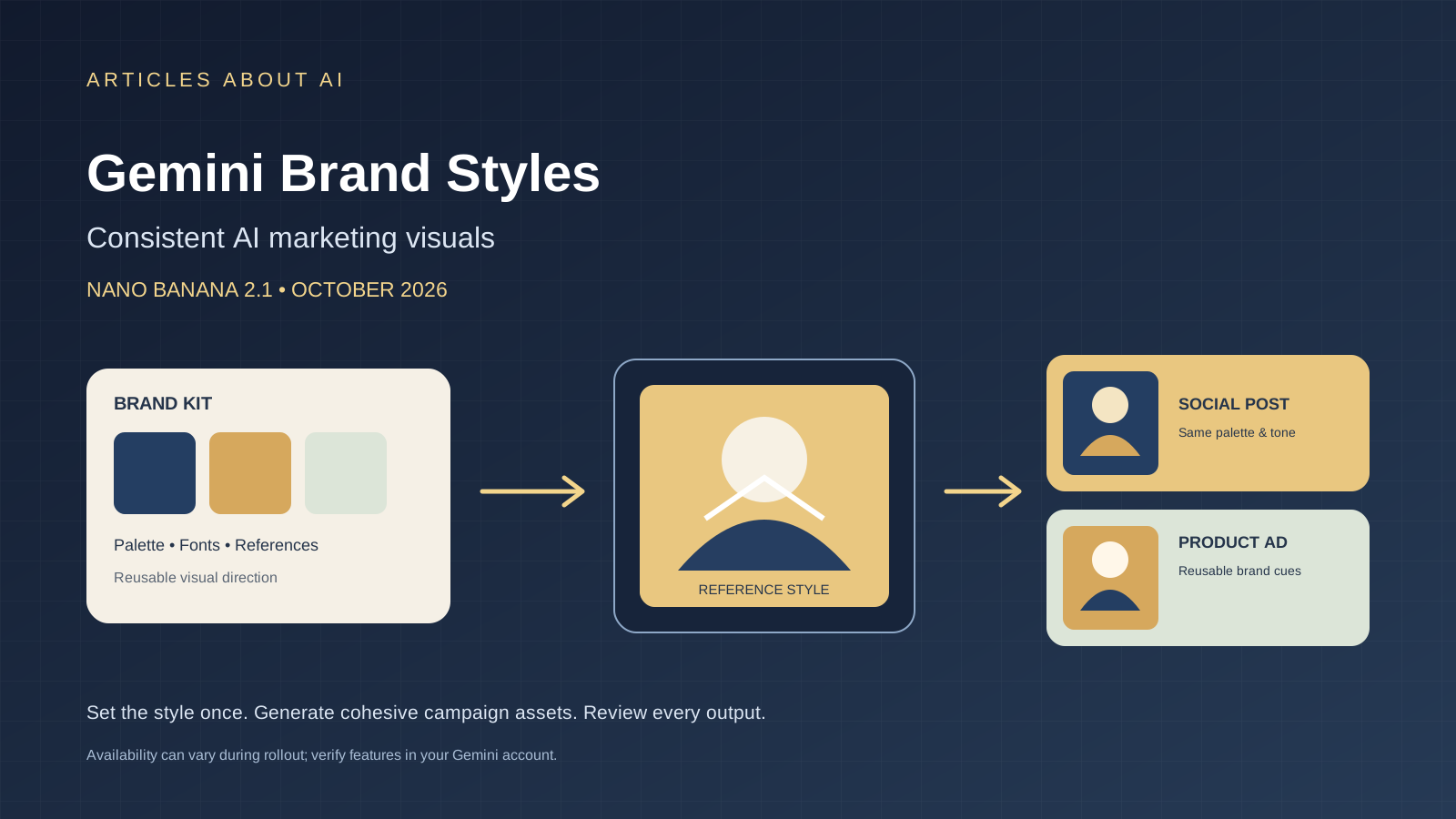
Google is adding a more brand-aware workflow to Gemini for small businesses. Announced on October 20, 2026, the new tools let business owners define a visual style using their website, brand kit, fonts, or color palette. When they create marketing visuals with Nano Banana 2.1, Gemini can retain that style across later requests, reducing the need to upload or describe the same brand guidelines repeatedly.
The change addresses a practical weakness in AI design workflows: a single generated image can look attractive while a full campaign feels inconsistent. Colors drift, product visuals vary, and each prompt may need a long reminder about the brand’s tone. Google’s new workflow is intended to make repeated content creation more cohesive. It does not guarantee pixel-perfect brand compliance, and users should review every generated asset before publishing it.
What are Gemini brand styles?
Gemini’s brand-style tools are part of a new business-focused landing page announced by Google. The company says a business can provide its website, brand kit, fonts, or color palette as a reference for its visual identity. Gemini can then use the saved visual direction when creating new marketing material with Nano Banana 2.1.
In practical terms, a brand style can include elements such as:
- Core brand colors and combinations.
- Typography references and visual tone.
- The overall look of product or campaign imagery.
- Reference assets that help communicate a preferred design direction.
The exact result still depends on the references provided and the instructions for each task. A brand palette is not a substitute for a complete design system, and generated text, logos, spacing, and product details can still require manual correction.
Google describes the new tools in its official announcement, New Gemini tools for small business owners. The company says the business hub, marketing and finance tools, and connected-app options will roll out globally to Gemini app users in the coming days. That means the announcement is confirmed, but access may not appear in every account immediately.
How Nano Banana 2.1 fits into the workflow
Nano Banana 2.1 is Google’s image generation and conversational editing model. Google’s developer documentation lists the model ID as gemini-nano-banana-2.1 and describes image generation as a supported capability. The brand-style announcement connects this model with saved visual guidance for marketing work.
The intended workflow is straightforward: provide a brand reference once, then request different campaign assets while keeping the same visual direction. For example, a small online shop might need a product announcement, a square social post, a seasonal promotion, and a website banner. Reusing a brand style can make those requests easier to manage than starting from a blank prompt every time.
However, do not confuse a persistent visual style with guaranteed identity preservation. A model may approximate colors or typography, change a product detail, or render a logo imperfectly. For high-stakes brand assets, compare the output against official brand guidelines and replace generated text or logos with approved source files when exact fidelity matters.
For technical model details, see the official Nano Banana 2.1 documentation and the Google DeepMind model card.
How to use Gemini brand styles for marketing images
The exact interface can change during rollout, so use the following as a practical workflow rather than a promise that every account already shows identical controls.
1. Prepare a clean brand reference
Gather your approved logo, brand colors, font names, product photography, and a few examples of designs that reflect the style you want. If you have a formal brand guide or brand kit, use it instead of relying on vague descriptions such as “make it modern.”
Keep the reference set focused. Old campaign artwork can contain outdated prices, discontinued products, or temporary slogans. Remove anything you do not want the model to imitate.
2. Add your website or brand kit when the feature is available
Google says Gemini can use a website, brand kit, fonts, or color palette to define a brand style. Follow the controls available in your account and confirm what information has actually been saved. Do not assume that an upload succeeded simply because you selected a file.
If your brand assets are confidential, review the applicable account and data settings before submitting them. A public-facing product catalog and an internal launch plan should not automatically be treated as equally suitable references.
3. Request one asset with a clear purpose
Start with a single deliverable, such as a product announcement for a social platform. State the audience, message, format, product details, and required visual elements. Ask Gemini to follow the saved brand style, but keep the task specific.
A useful brief might say:
Create a launch graphic for our new ceramic mug using the saved brand style. Keep the approved palette, use a clean product-focused composition, leave clear space for the headline, and do not invent product claims or alter the mug’s shape.
Treat this as a starting prompt, not a guarantee that the generated image will be publication-ready.
4. Extend the same direction to other campaign assets
Once you have reviewed the first result, request related materials such as a website banner, a promotional image, or a second social post. Describe what should change—format, message, product angle, or seasonal detail—and what should remain consistent.
Check whether the outputs preserve the intended palette, mood, product appearance, and layout. If you need exact logo placement or typography, use a design editor for final assembly instead of relying entirely on generated pixels.
5. Inspect every asset before publication
Use a short quality-control checklist:
- Are the brand colors and overall tone reasonably consistent?
- Is the product accurate, including shape, packaging, and important details?
- Is every word spelled correctly?
- Are prices, dates, claims, and calls to action correct?
- Does the image fit the target platform and aspect ratio?
- Are logos and other protected assets used according to your permissions?
- Does the image comply with applicable advertising and platform rules?
For more help, read our guides on writing better AI image prompts and fixing misspelled text in AI-generated images.
Which small businesses could benefit?
Online stores
An online store can use a consistent visual direction for product launches, seasonal promotions, and social media creatives. The key is to keep the actual product accurate. If the model changes a label, color, size, or material, the image may mislead customers even if it looks polished.
Related reading: Best free AI image generators in 2026.
Local services and restaurants
A local business can use a recurring visual style for event announcements, service explainers, and promotional campaigns. Keep opening hours, location details, pricing, and offers under human review; a visually coherent design can still contain incorrect information.
Independent creators and small brands
Creators who do not have a dedicated design team may find saved visual references useful for maintaining a recognizable style across multiple assets. They should still retain source files, approved logos, and editable layouts so the brand does not become dependent on generated images alone.
Marketing teams
A marketing team can treat Gemini as a way to produce first drafts and variations. A clear review process remains important: the model can help accelerate ideation, but it should not independently approve legal claims, regulated product statements, or final brand compliance.
Gemini brand styles versus ordinary image prompts
With an ordinary prompt, users typically describe the desired look each time. That can work well for one-off images, but it introduces repetition and makes consistency harder to manage across a campaign.
A saved brand-style workflow aims to retain shared visual guidance between requests. Its potential advantage is convenience: teams can focus more on the purpose of each new asset and less on rewriting the same style instructions. Its limitation is that style memory is not the same as deterministic design software. The model may still interpret references differently from the way a human designer would.
For logos, exact typography, regulated disclosures, or strict layout rules, consider a hybrid workflow: generate a visual concept in Gemini, then finish the asset in a design tool with approved brand components.
Connected business apps: what Google announced
Alongside brand visuals, Google announced a business landing page and easier connections to services including Google Business Profile, Google Ads, and Google Workspace, as well as third-party apps such as Adobe, Canva, Dropbox, Shopify, Wix, Zoho, and Xero.
These connections may help small businesses bring more routine work into one place, but the available actions and permissions depend on the specific integration and account. The announcement should not be interpreted as proof that every connection or capability is already active for every user.
If you plan to connect business accounts, check which data an integration can access and what actions it can perform. Start with the minimum permissions needed, and review outputs before allowing AI-generated content or analysis to influence customer communications or business decisions.
Availability and limitations
Google’s announcement is dated October 20, 2026, and says the new business tools will roll out globally in the coming days. As a result, access can vary by account during the rollout. Check your Gemini app and Google’s official announcements rather than assuming the feature is universally available today.
The Nano Banana 2.1 model is documented separately for developers, including its API model identifier and supported capabilities. Access through a developer API is not necessarily identical to the user experience in the Gemini app. Check the relevant documentation, account eligibility, usage limits, and pricing before building a workflow around it.
There are also practical limits to keep in mind:
- Brand-style consistency does not guarantee exact reproduction of a logo or font.
- Generated text, prices, and product details need proofreading.
- Reference images may contain outdated or conflicting design cues.
- Connected-app availability and permissions may vary.
- AI-generated marketing assets still need human review for accuracy, rights, and brand compliance.
Bottom line
Google’s Gemini brand-style update is designed to help small businesses create more consistent marketing visuals by reusing website references, brand kits, fonts, and color palettes with Nano Banana 2.1. It could reduce repetitive prompting and make it easier to generate a family of related campaign assets.
The best approach is to treat the feature as a creative assistant, not an automatic brand-compliance system. Prepare clean references, generate one asset at a time, compare the results against approved guidelines, and use a design editor for exact logos and typography. Because Google announced a gradual rollout, verify that the feature is available in your own account before relying on it in a production workflow.