
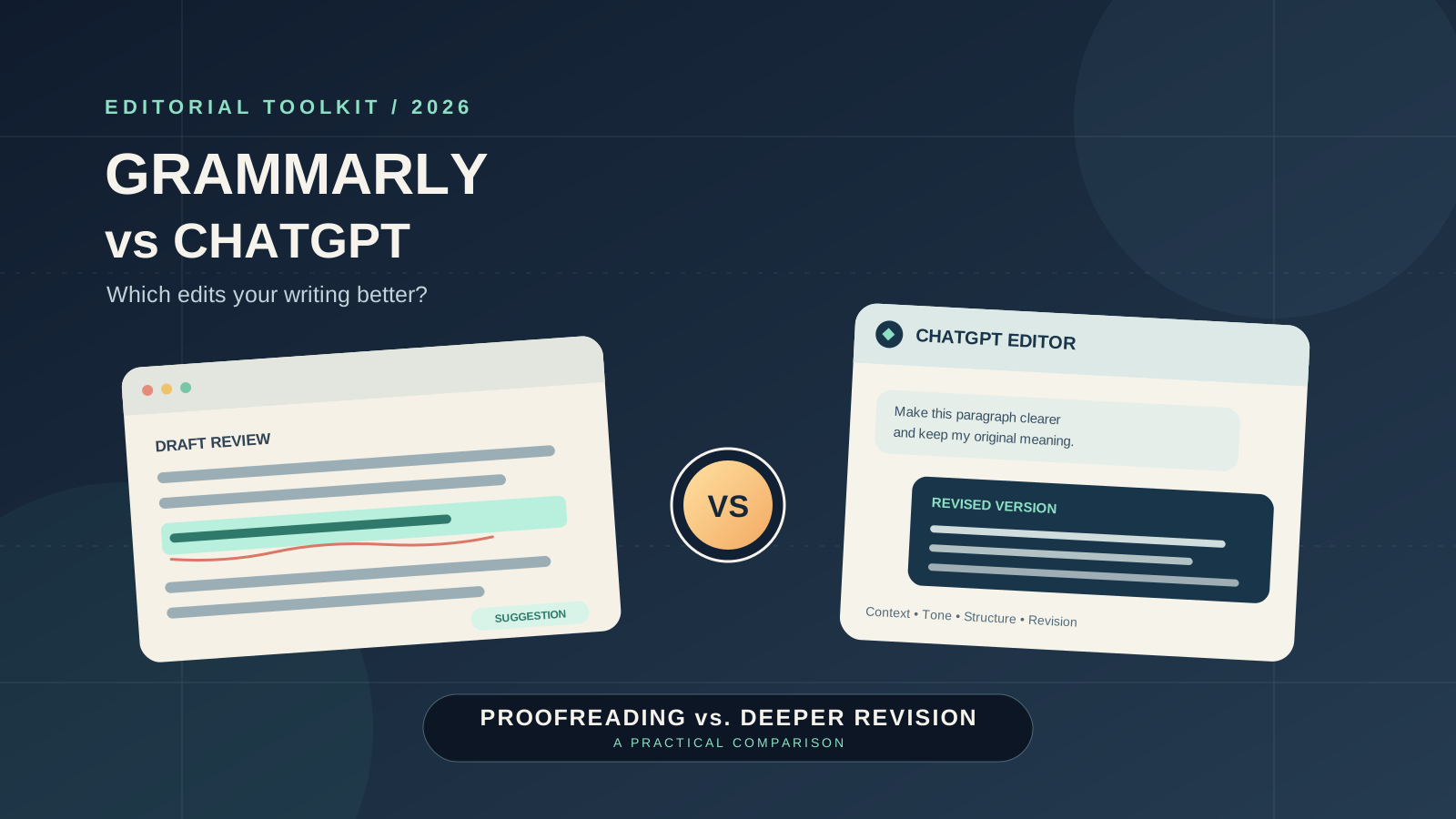
If you want to fix grammar, sharpen sentences, or make a draft easier to read, Grammarly and ChatGPT can both help—but they approach editing differently. Grammarly is built around writing feedback and corrections inside your workflow. ChatGPT is a conversational assistant that can review a passage in context, explain problems, and revise it according to detailed instructions.
So, which is better for editing? For quick spelling, grammar, and style suggestions while you write, Grammarly is often the more convenient starting point. For structural feedback, rewriting a paragraph for a specific audience, comparing alternative versions, or discussing why a passage is unclear, ChatGPT offers more flexible interaction. Many writers can benefit from using both, but you do not necessarily need two tools.
This is a feature-based comparison of the products’ documented capabilities, not a controlled accuracy benchmark. Results depend on the text, language, settings, product version, and the editor’s instructions. Test important edits against your own writing before choosing a paid plan.
Grammarly vs ChatGPT: quick comparison
| Editing task | Grammarly | ChatGPT |
|---|---|---|
| Spelling and grammar | Designed to surface corrections as you write | Can identify and explain errors when you provide text and ask for a review |
| Punctuation and sentence mechanics | Convenient for ongoing, in-line suggestions | Useful for reviewing a selected passage and explaining patterns |
| Clarity and concision | Offers writing suggestions and rewriting features, depending on plan | Can shorten, clarify, reorganize, or rewrite text to specific requirements |
| Tone and formality | Provides tone feedback and tone-adjustment options | Can adapt wording for a named audience, purpose, or tone |
| Whole-document structure | Useful for sentence-level editing and supported writing workflows | Can discuss organization, argument, transitions, and consistency when given enough context |
| Context-specific feedback | Works in supported apps and writing surfaces | Lets you explain the audience, style guide, and goals in a conversation |
| Learning from corrections | Helpful for spotting patterns in your writing | Can explain the reason for a suggested change when asked |
| Workflow | Strong for ongoing assistance in supported writing environments | Strong for deliberate review sessions and multi-step revision |
| Pricing | Free plan plus paid plans with additional features and limits | Free access and paid plans; features and limits depend on the current plan |
| Best fit | Writers who want frequent, low-friction corrections | Writers who want a flexible editor and a conversation about the draft |
The distinction is not that one tool is always more accurate. It is that Grammarly emphasizes writing assistance within the act of composing, while ChatGPT can be directed to perform a broader editorial review. Verify factual claims separately: neither a grammar correction nor a fluent rewrite proves that the underlying information is true.
1. Grammar, spelling, and punctuation
When Grammarly is the better fit
Grammarly’s core value is helping users identify writing issues while they work. Its official product information describes corrections for spelling and grammar, tone feedback, and additional writing assistance. The experience can be especially useful when you are drafting emails, reports, essays, proposals, or blog posts in a supported app and want suggestions without repeatedly copying text into another interface.
This makes Grammarly a practical choice for routine proofreading. It can bring potential errors to your attention as you write, allowing you to accept or reject suggestions one by one. Its suggestions still require judgment: a technically grammatical sentence may be appropriate in context, and a proposed correction can occasionally change the meaning or voice.
See Grammarly’s official AI writing assistance overview for its documented proofreading and rewriting features.
When ChatGPT is the better fit
ChatGPT can review a passage when you ask it to find grammar, spelling, punctuation, and usage problems. It can also explain why a sentence is awkward, distinguish a genuine error from a stylistic choice, or return a corrected version with changes described.
For a useful result, specify the level of editing you want. For example:
Proofread the text below for grammar, spelling, and punctuation only. Preserve my wording and meaning wherever possible. List each correction with a short explanation, then provide a clean version. Do not add facts or rewrite my style.
That instruction reduces the risk of receiving a polished but unnecessarily transformed draft. ChatGPT can still miss errors or introduce new ones, so review the final text before publishing.
OpenAI describes ChatGPT’s support for drafting, rewriting, and summarizing in its official capabilities overview.
Verdict: Grammarly is generally more convenient for continuous proofreading. ChatGPT is useful when you want corrections plus explanations, or when the edit needs to follow a detailed brief.
2. Clarity, concision, and sentence rewriting
Grammar is only one part of editing. A sentence can be grammatically correct yet vague, repetitive, overly long, or difficult to follow.
Grammarly offers rewriting and tone-related features, with availability depending on the plan. Its official support documentation explains how its generative AI assistance can compose, rewrite, ideate, and reply to selected text. See Introducing generative AI assistance.
ChatGPT is especially adaptable when you define what “better” means. You can ask it to shorten a paragraph by 20%, replace jargon with plain English, preserve technical terminology, keep the original point of view, or produce three alternatives with different levels of formality.
Try this prompt:
Edit this paragraph for clarity and concision. Keep every factual claim and the author’s intended meaning. Remove repetition, prefer concrete language, and do not add new information. Return (1) a revised version and (2) a brief list of meaningful changes.
Compare the result with the original. A shorter sentence is not automatically better, and an edit that removes qualifications may make a statement misleading.
Verdict: Both can help with sentence-level revision. ChatGPT is more flexible when the task includes several constraints or requires multiple alternative versions; Grammarly is convenient when you want suggestions while writing.
3. Tone, voice, and audience
A message to a customer, an academic paragraph, and a casual blog introduction need different editorial choices. The right edit improves the fit without making every writer sound the same.
Grammarly provides tone feedback and features for adjusting tone. This can be useful for a quick check that a message sounds professional, confident, or appropriately formal. Paid plans include additional rewriting and tone features; review the current Grammarly plan comparison to confirm what is included.
ChatGPT can be given a more detailed editorial brief. For example, you can ask it to preserve a warm but direct voice, avoid corporate clichés, retain first-person language, or adapt the same message for a technical audience and a general audience.
Use a prompt such as:
Review the message for tone. The audience is a long-term client, and the goal is to explain a delay without sounding defensive. Preserve the facts and commitments. First identify any wording that may sound abrupt or evasive, then suggest a lightly edited version.
A key safeguard is to ask for a light edit if you want to retain your own voice. Without that instruction, an AI tool may replace distinctive language with generic professional prose.
Verdict: Grammarly suits quick tone feedback during composition. ChatGPT is a strong choice when tone depends on context, audience, and a specific communication goal.
4. Long documents, structure, and deeper editorial feedback
Sentence-level corrections do not resolve every writing problem. A long report might have a weak opening, repeated arguments, missing transitions, inconsistent terminology, or a conclusion that does not follow from the evidence.
ChatGPT can review a supplied document or selected sections for structure and reasoning. It can suggest a clearer outline, identify repeated points, compare headings with the content, or check whether a conclusion addresses the question posed in the introduction. Results depend on the amount of text and context available, so large documents may need to be reviewed section by section.
A practical long-document prompt is:
Act as a developmental editor, not a copywriter. Review this section for structure, logic, repetition, transitions, and consistency. Do not rewrite it yet. Identify the five highest-impact issues, quote the relevant short passage for each, and explain why it needs attention. Do not invent missing evidence.
Grammarly can still be valuable during the subsequent sentence-level editing stage, particularly if you want feedback integrated into your writing environment. The two workflows can complement one another: use a broad review to decide what needs changing, then proofread the revised draft.
Neither tool should be treated as a substitute for expert review when the document contains legal, scientific, financial, or other high-stakes claims. A model can improve the wording of an incorrect claim without making it correct.
Verdict: ChatGPT is better suited to a conversational, multi-step structural review. Grammarly is useful for polishing sentences as you revise.
5. Academic writing, business writing, and blog editing
The best choice also depends on what you write.
Academic writing
Grammarly can help identify language and mechanics issues in essays, papers, and other academic work. ChatGPT can help explain unclear passages, improve transitions, and assess whether an argument is easy to follow. Neither tool should invent citations or be treated as proof that a source supports a claim. Verify references against the original publications and follow your institution’s rules for AI assistance.
Business writing
For emails, reports, customer messages, and proposals, Grammarly’s in-line suggestions can reduce friction during everyday writing. ChatGPT can help when the assignment needs more context—for example, softening a difficult message, creating alternative versions, or explaining a complex issue to a non-specialist.
Blog posts and SEO content
Grammarly can assist with readability, sentence mechanics, and tone. ChatGPT can review headings, transitions, repetition, and whether an article answers the intended reader’s question. Neither tool guarantees search rankings, originality, or factual accuracy. Editors still need to check sources, search intent, internal links, and whether the article provides useful information beyond generic summaries.
For a broader overview of writing-focused products, see our Best AI Writing Tools in 2026 comparison. If your main decision is which general-purpose assistant to use for drafting and revision, read our ChatGPT vs Claude for Writing comparison.
6. Which tool is more accurate?
There is no responsible way to declare a universal winner without a defined test set, consistent settings, a scoring rubric, and repeated trials. Grammarly and ChatGPT also serve somewhat different editing workflows, so a single “accuracy” score could hide important differences.
You can conduct a useful comparison with your own writing:
- Select three representative samples: an email, a blog paragraph, and a longer passage.
- Save an unchanged copy of each original.
- Run each sample through Grammarly and ChatGPT separately.
- For ChatGPT, use the same proofreading prompt for every sample and ask it not to add facts.
- Record corrections that are genuinely helpful, missed errors, meaning changes, false alarms, and time spent reviewing suggestions.
- Ask a human reviewer to assess the versions without knowing which tool produced each edit, if practical.
- Repeat the test with more than one sample before drawing a conclusion.
Track at least four measures: useful corrections, missed errors, meaning or voice preservation, and time to an acceptable final draft. A tool that suggests many changes is not necessarily better; unnecessary edits can create extra work.
This is a practical workflow evaluation, not a scientific benchmark. Keep the prompts, dates, product versions, and settings with your notes so that future comparisons remain meaningful.
7. Grammarly vs ChatGPT pricing: free and paid options
Grammarly offers a free plan and paid plans. Its official pricing page currently lists Free at $0 and Pro at $12 per member per month when billed annually, with a higher monthly-billing price shown on the page. Features and offers can change, and the checkout page may display regional pricing or taxes.
ChatGPT also offers free access and paid subscription options. The tools, usage limits, and available features depend on the current plan and account. Check the official ChatGPT overview and account pricing before purchasing.
Do not compare subscriptions on headline price alone. Ask:
- How often do you edit, and how much text do you review?
- Do you need corrections inside your everyday apps?
- Do you need long-form feedback or several rewrites for different audiences?
- Are the advanced features you need included in the free plan?
- How much time do you spend reviewing or undoing suggestions?
If you mainly want basic grammar feedback, start with a free option and test it on real work. Pay only when a feature you actually use justifies the recurring cost. You may find that one tool is enough.
8. Privacy and handling unpublished writing
Before pasting unpublished articles, client documents, student work, internal reports, or confidential material into an AI editor, check the service’s current privacy terms and account settings.
OpenAI’s help center explains that eligible personal ChatGPT users can control whether new conversations are used to improve models through Settings → Data Controls → Improve the model for everyone. Available controls vary by account and workspace. Read the official ChatGPT Data Controls guide.
For Grammarly, review its current privacy and security information and the terms that apply to your plan and organization. Enterprise and personal plans may provide different controls. Do not assume that the same retention, training, or administrative rules apply across every product tier.
For either service, follow your employer’s or institution’s policies, avoid uploading material you are not authorized to share, and remove sensitive details when they are not necessary for the edit.
9. A practical workflow: use both without duplicating effort
If both tools fit your needs, divide the work rather than sending every sentence through two rounds of similar corrections.
Step 1 — Review the draft’s purpose. State the audience, goal, required facts, and tone. ChatGPT can help identify structural issues before sentence-level polishing.
Step 2 — Revise the content. Make decisions about the argument, organization, examples, and missing information yourself. Verify any factual claim or citation against a reliable source.
Step 3 — Proofread the revised version. Use Grammarly or another preferred grammar checker to find mechanical issues in the text you intend to publish.
Step 4 — Review every material change. Confirm that the edits preserve meaning, terminology, attribution, and the author’s voice. Undo changes that introduce ambiguity or unsupported claims.
Step 5 — Read the final version yourself. Read it in context, including headings, links, captions, and calls to action. Automated editing can miss problems that become obvious when you read the whole piece.
If you prefer a single tool, use a repeatable prompt in ChatGPT for the specific editing task, or rely on Grammarly’s in-line assistance if that fits your normal writing environment. The right workflow is the one that consistently improves the final text without adding avoidable review work.
Final verdict: Grammarly or ChatGPT for editing?
Choose Grammarly if your main need is convenient grammar, spelling, and style feedback as you write. Its dedicated writing workflow is well suited to frequent proofreading and quick suggestions.
Choose ChatGPT if you want to discuss a draft, request a specific kind of revision, compare versions, or review structure and clarity in context. It is particularly useful when you can describe the editorial goal precisely and want the reasoning behind suggested changes.
Choose both only if they provide distinct value in your workflow—for example, ChatGPT for structural editing and Grammarly for the final proofread. There is no need to pay for overlapping features unless the time saved or quality improvement is worth the cost.
Ultimately, the best AI editing tool is not the one that changes the most words. It is the one that helps you publish clear, accurate writing while preserving the meaning and voice you intended.
Official sources
- Grammarly AI writing assistance
- Grammarly generative AI assistance guide
- Grammarly plans and pricing
- Grammarly trust and security information
- OpenAI ChatGPT capabilities overview
- OpenAI ChatGPT Data Controls
- ChatGPT official overview
Reviewed October 27, 2026. Product features, plan limits, and pricing can change; confirm details on the official pages before making a purchase.