
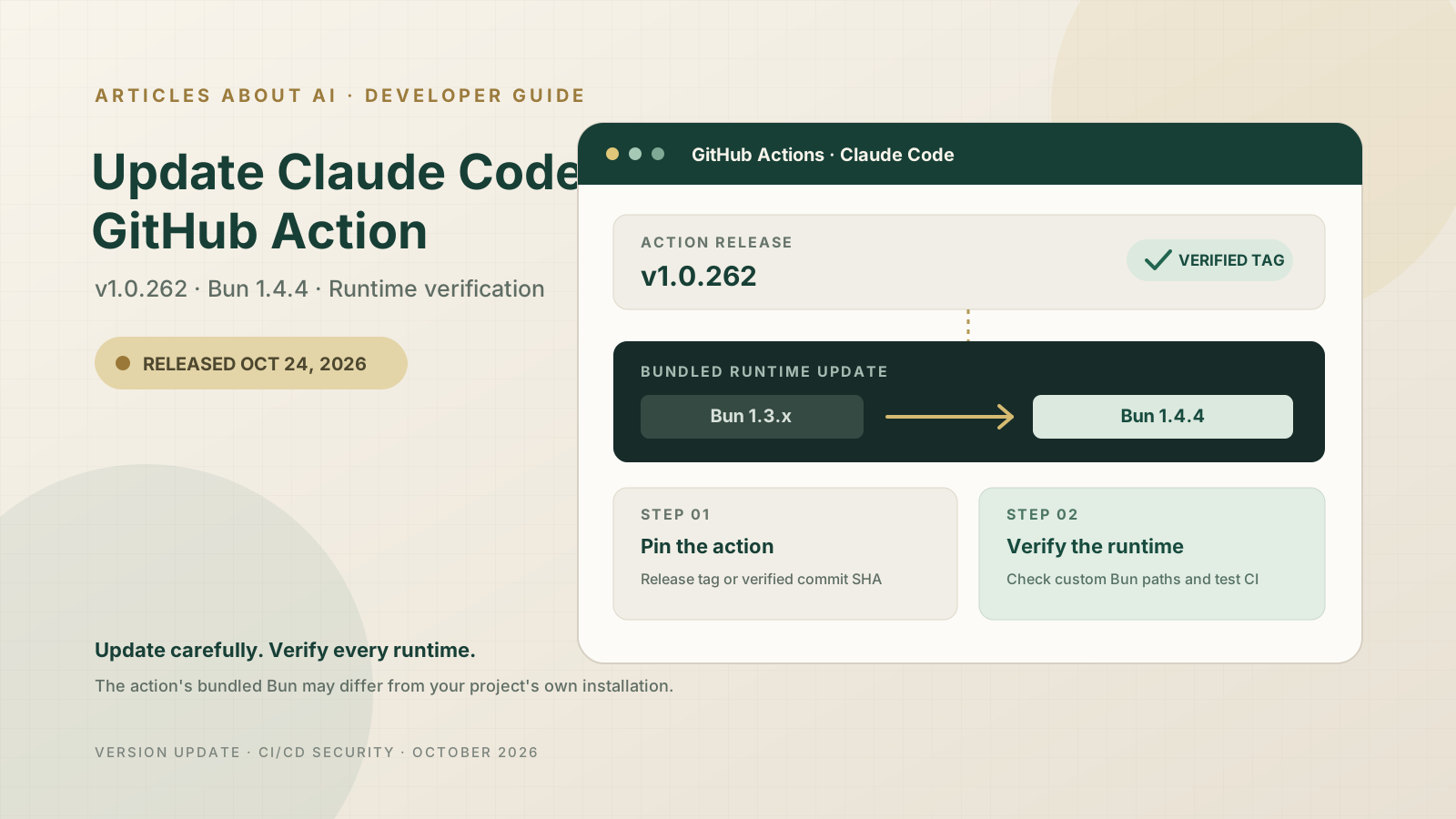
The Claude Code GitHub Action v1.0.262 was published on October 24, 2026. Its release notes list one change: updating the Bun runtime used by the action to Bun 1.4.4. That makes this a small version update with a meaningful operational detail: the action’s bundled runtime is updated, but a workflow that deliberately supplies its own Bun executable may still be using a different version.
This guide explains how to update the action, choose between a release tag and a pinned commit, check whether a custom runtime overrides the bundled one, and validate the workflow after the change. The release notes do not say the Bun bump was made specifically in response to a particular vulnerability. However, Bun’s official 1.4.4 release and security advisories document security fixes, including fixes for Brotli decoding and HTTP/3 QPACK handling. Treat those as relevant benefits of the runtime update—not as a stated explanation from Anthropic for the action release.
What changed in Claude Code GitHub Action v1.0.262?
The official release was published at 18:57:30 UTC on October 24, 2026. Its changelog says: “chore: bump Bun to 1.4.4.” The previous release, v1.0.261, was published earlier on October 24.
The key points are:
- Action release:
v1.0.262 - Runtime update: Bun
1.4.4 - Release commit:
925afb53776cf1a2b738c6bdbed37b4d4000ef13 - Scope: the Bun version used by Claude Code Action itself
- Not implied: this does not automatically update Bun separately installed by your project, your runner image, or a compiled executable checked into your workflow.
Bun’s own release notes describe security fixes across multiple areas, while its advisories mark Bun 1.4.4 as the patched version for the Brotli decoder flaw CVE-2026-111497 and the HTTP/3 QPACK amplification issue. Read the original Claude Code Action release, Bun 1.4.4 release notes, Brotli security advisory, and HTTP/3 QPACK advisory.
For context on the Brotli issue and affected runtimes, see our related report, OpenAI Codex Security Finds Brotli Vulnerability: Affected Node.js, Bun, and Envoy Versions. That article covers the vulnerability itself; this guide focuses on updating and checking Claude Code Action.
Step 1: Find the Claude Code Action reference in your workflow
Open the repository that runs Claude Code and locate the workflow file under .github/workflows/. Common file names include claude.yml, claude-code.yml, or a custom workflow name. Search for:
uses: anthropics/claude-code-action@
You may find a moving major-version tag:
- uses: anthropics/claude-code-action@v1
Or a specific release tag:
- uses: anthropics/[email protected]
The first form follows the project’s v1 release line as its maintainers move that tag. The second pins your workflow to a named release. For a deliberate update and reproducible review, you can change the reference to v1.0.262 or use the exact commit SHA published for the release.
Before editing, review the existing workflow’s triggers, permissions, authentication method, and with: inputs. Do not replace the whole file just to change one version string; preserve settings that your repository depends on.
Step 2: Update to v1.0.262
To use the release tag, change the action reference to:
- uses: anthropics/[email protected]
  with:
    anthropic_api_key: $
    prompt: "Review this pull request for correctness and security issues."
This is an illustrative step from the action’s documented automation mode. Keep your actual prompt and authentication configuration. Some deployments use the Claude GitHub App or another supported authentication path rather than an Anthropic API key; do not add a second authentication method unless the workflow requires it.
For stronger supply-chain reproducibility, GitHub recommends pinning actions to a full commit SHA. The commit associated with v1.0.262 is:
- uses: anthropics/claude-code-action@925afb53776cf1a2b738c6bdbed37b4d4000ef13
A full SHA pin prevents the referenced code from silently changing when a tag is moved, but it also means your team must deliberately update the SHA when adopting future releases. Verify the SHA against the official v1.0.262 release page before using it. If your organization uses Dependabot or another dependency-update system, make sure it can propose and review Action SHA updates.
Step 3: Check whether the workflow supplies its own Bun executable
The update to Claude Code Action’s bundled Bun does not necessarily control every Bun binary in your workflow. The action’s FAQ documents a custom input named path_to_bun_executable. If your workflow sets it, the action skips automatic installation and uses the executable at the supplied path.
Search your workflow for:
path_to_bun_executable:
If you find a custom path, check what file exists at that location and which Bun version it runs. For example, a workflow may use a preinstalled binary from a container image or a tool cache. Updating the action tag alone does not update that separate binary.
If the custom path is not intentional, review whether you can remove the override and let the action manage its own runtime. Do not delete the setting blindly: teams may need it for Nix/NixOS, prebuilt containers, controlled build environments, or compatibility testing. If you keep it, update and verify the custom Bun installation separately.
The same distinction applies to Bun installed by your application, Bun used by another workflow step, and standalone executables produced with bun build --compile. Those are separate runtime surfaces and may require their own update and rebuild process.
Step 4: Validate the workflow in a test branch
After updating the reference, open a small pull request or use a test branch to trigger the workflow. Verify the run from start to finish:
- Confirm the selected action version. Review the workflow run and its checked-out action reference. If you pin a SHA, compare it with the official release commit.
- Check runtime installation logs. Look for the Bun installation or version output exposed by the action. If the logs do not print the version, do not assume that the expected runtime was used; inspect the action’s documented setup or the runner configuration.
- Exercise the normal workflow. Test the same trigger your team uses—such as a pull request review, an issue comment, or a custom automation prompt.
- Review permissions and outputs. Confirm that comments, branches, artifacts, or other outputs still behave as expected and that the job has only the permissions it needs.
- Inspect failures before retrying. Separate dependency installation errors, authentication failures, GitHub permissions errors, and Claude API errors instead of treating every failed run as a Bun problem.
A successful run confirms that the workflow completed for that test; it is not a comprehensive security audit. Review the logs for exposed secrets and ensure the update did not broaden access to untrusted pull-request content.
Step 5: Understand the Bun 1.4.4 security fixes
Bun 1.4.4 includes several security fixes. Two official advisories are especially relevant to projects that handle untrusted compressed or HTTP/3 data:
- CVE-2026-111497 — Brotli decoder out-of-bounds write. Bun 1.4.4 updates its bundled Brotli library to 1.2.1. The advisory says Bun versions before 1.4.4 are affected and recommends upgrading. It also notes that compiled Bun executables embed their runtime and need to be rebuilt with the fixed version.
- HTTP/3 QPACK amplification. The Bun advisory says versions from 1.3.14 up to, but not including, 1.4.4 are affected. Under the described conditions, an unauthenticated peer could cause memory exhaustion or CPU stalls in an HTTP/3-enabled Bun process. The advisory recommends upgrading to 1.4.4.
These advisories do not establish that Claude Code Action itself exposed either vulnerability in every deployment. The practical lesson is narrower: when an action updates its bundled runtime, check whether your own workflow also has independent Bun installations or compiled outputs that need attention.
For the Bun applications you maintain, follow the project’s own Bun 1.4.4 release notes and security advisories. Do not treat updating Claude Code Action as a substitute for updating your application’s runtime.
Troubleshooting common update problems
The workflow still seems to use an older Bun version
Check whether path_to_bun_executable is configured, whether your runner image provides its own Bun, and whether you are inspecting the same workflow run that used the updated action. A separate project setup step may also install another version.
The action fails after the version change
Read the first meaningful error in the run logs. Confirm that the release reference or SHA is valid, that the workflow uses inputs supported by the v1.0 action, and that the authentication secret or GitHub App permissions remain correct. Compare your workflow with the current official action documentation and FAQ.
The workflow gets a 401 or 403 response
A runtime update does not fix an invalid API key, missing OIDC permission, or insufficient GitHub App access. Confirm which authentication mode the workflow uses and grant only the required permissions. The official FAQ explains that OIDC-based authentication requires id-token: write in the workflow permissions, while the exact setup depends on the chosen authentication method.
A compiled Bun executable remains vulnerable
Bun’s advisory explicitly says executables built with bun build --compile embed the runtime. Rebuild such artifacts with Bun 1.4.4 or a later fixed version, then redeploy them. Updating the GitHub Action does not rewrite an executable that was built earlier.
A custom Bun path is required
Keep the override if your environment depends on it, but manage that binary as a separate dependency. Document its source, version, update owner, and verification method. Avoid downloading a replacement from an untrusted mirror.
Security checklist for Claude Code workflows
Before merging the update, use this checklist:
- The workflow references the intended release or verified full commit SHA.
- Any
path_to_bun_executableoverride has been reviewed. - Separate Bun installations and compiled executables have been considered.
- API keys are stored in GitHub Secrets or another approved secret store—not hard-coded.
- Workflow permissions are explicit and limited to the required operations.
- Untrusted pull-request content cannot invoke privileged automation without suitable controls.
- A test run has completed, and its outputs and logs have been reviewed.
- Future Action updates are tracked through a documented review process.
If your team also uses GitHub’s AI-based security tooling, see our guide to GitHub Copilot Agentic Autofix for code scanning alerts and our overview of GitHub’s AI secret-detection model. Those tools address different parts of the security workflow; they do not replace version pinning or runtime maintenance.
Frequently asked questions
Does v1.0.262 add a new Claude model or workflow mode?
The official release notes list a Bun version bump to 1.4.4. They do not announce a new model or a new workflow mode in this release.
Is updating to v1.0.262 enough to secure every Bun application in my repository?
No. It updates the Bun runtime used by Claude Code Action. Application-level Bun installations, container images, and compiled executables may be independent and need their own assessment and update.
Should I use the v1 tag, the v1.0.262 tag, or a commit SHA?
Use the strategy that matches your maintenance policy. A major-version tag is convenient but can move as maintainers publish releases. A specific release tag is easier to audit by name. A full commit SHA offers the strongest reproducibility, but requires deliberate updates to adopt future fixes. Follow your organization’s supply-chain policy.
Was the Bun update explicitly described as a fix for CVE-2026-111497?
No. The Claude Code Action v1.0.262 release notes state that Bun was bumped to 1.4.4. Bun’s own release notes and advisories document the security fixes in 1.4.4, but Anthropic’s action release does not explicitly say that a particular vulnerability motivated the bump.
Official sources
- Claude Code Action v1.0.262 release
- Full changelog: v1.0.261 to v1.0.262
- Claude Code Action FAQ: custom Bun executable
- Bun 1.4.4 release notes
- Bun Brotli security advisory
- Bun HTTP/3 QPACK security advisory
Bottom line: Updating Claude Code GitHub Action to v1.0.262 adopts the release that bumps its bundled Bun runtime to 1.4.4. Review any custom Bun path, test the workflow, and update independent Bun installations or compiled artifacts separately. The release is a small change, but the verification matters—especially in CI workflows that handle untrusted pull requests or security-sensitive code.