
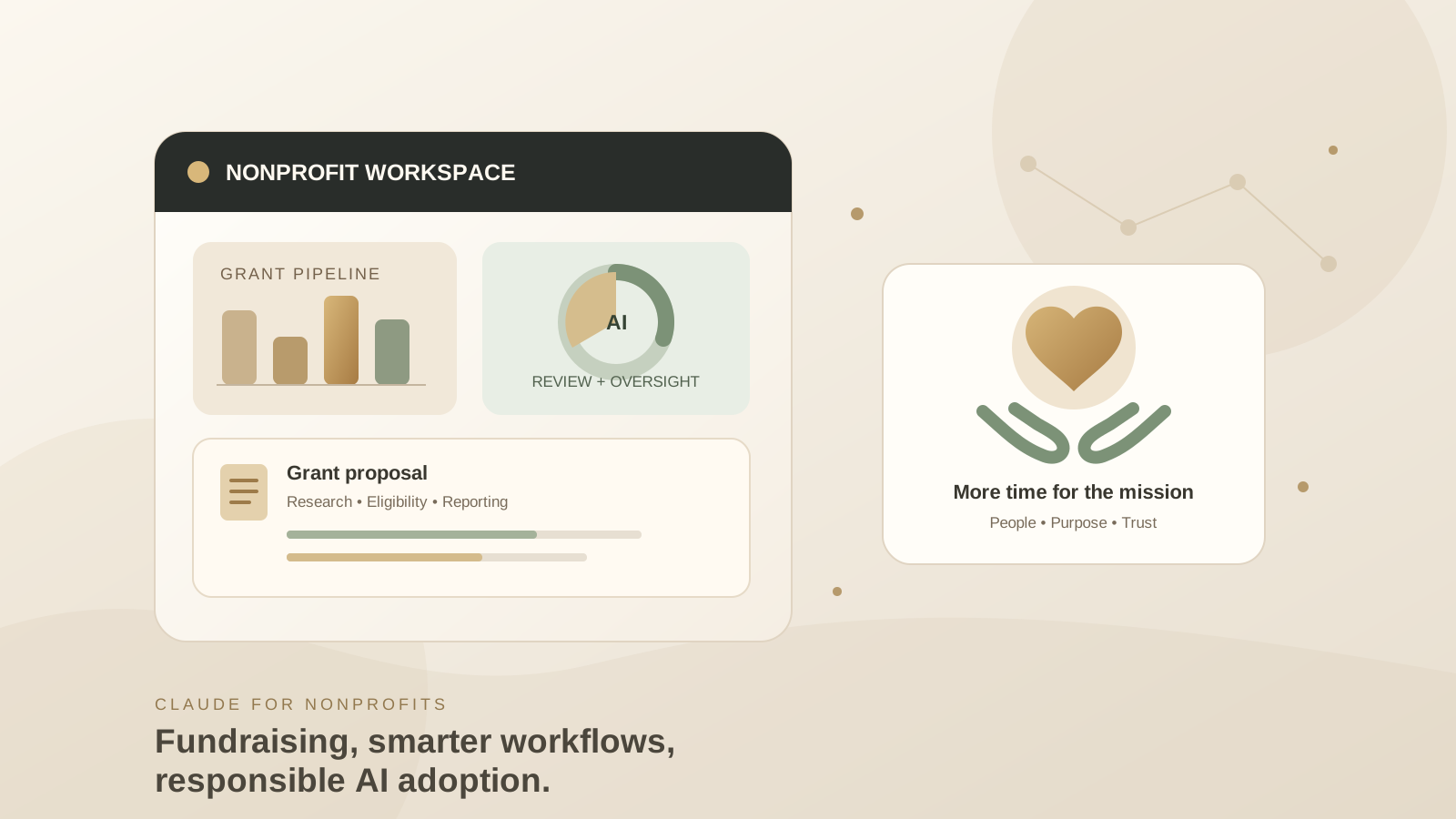
Anthropic announced its Claude for Nonprofits plugin on October 26, 2026. The new set of skills and connectors is designed to help nonprofit teams with fundraising, grant research, proposal writing, reporting, marketing, hiring, and day-to-day operations. Anthropic says the workflows were developed with a design-partner group of about 30 nonprofit organizations.
This guide explains what the plugin is intended to do, how an eligible organization can get started, and what to check before connecting donor records, grant files, or internal policies. Availability and features can depend on the organization’s Claude plan, verification status, and administrator settings, so confirm the options visible in your own workspace rather than assuming every Claude account has the same access.
What is Claude for Nonprofits?
Claude for Nonprofits combines Claude’s general AI assistance with workflows designed around the needs of mission-driven organizations. The October 26 announcement focuses on three practical areas: extending a small team’s capacity, setting up Claude with organizational context and policies, and supporting the fundraising lifecycle.
Examples include researching foundations and open grants, reviewing a request for proposals (RFP), turning requirements into a checklist, drafting a proposal from approved organizational materials, and preparing grant reports with sources for reported figures. Other workflows can help teams plan campaigns, prepare hiring materials, answer staff questions from a handbook, and prepare board or leadership documents.
The plugin is not a substitute for fundraising judgment, legal review, financial controls, or relationships with donors. Treat its output as a draft and verify claims, eligibility criteria, calculations, and deadlines before using them externally.
Official announcement: Expanding Claude for Nonprofits.
Who can access the nonprofit plugin?
Anthropic’s announcement describes the new plugin for verified nonprofit organizations and explains that the nonprofit offering is based on Claude Team and Enterprise. Access is not the same as a free feature for every personal Claude account.
Before setting up a workflow:
- Visit Anthropic’s Claude for Nonprofits page.
- Check whether your organization qualifies and complete the verification process required for your plan.
- Confirm whether your workspace is on Team or Enterprise and ask your administrator which skills and connectors are enabled.
- Open Claude and look for the nonprofit plugin or its related skills in the workspace. If it is not visible, check the official documentation or contact your organization’s administrator rather than installing an unverified third-party copy.
- Test the workflow with non-sensitive sample material before connecting real donor or beneficiary data.
Anthropic’s nonprofit page currently describes Team access for organizations purchasing 2–150 seats and Enterprise for larger organizations. It also lists nonprofit pricing and eligibility details, which can change. Review the live page for current terms, regional eligibility, and verification requirements instead of relying on a copied price in an article.
For practical onboarding, Claude Academy maintains a dedicated Claude for nonprofits learning collection, including getting-started guidance, fundraising workflows, connector tutorials, and AI Fluency training.
Step 1: Give Claude reliable organizational context
A useful AI workflow begins with accurate context. Prepare a concise, approved reference document containing your mission, programs, target communities, geographic scope, writing style, current priorities, and relevant internal policies. Include only information your organization has approved for use with the service.
Ask Claude to summarize the material and identify missing details. Check the summary against the source documents before using it. If the workspace supports organizational memory or reusable skills, review what will be retained and who can access it. Do not assume that a conversational instruction automatically becomes an organization-wide policy.
A practical starting prompt is:
Use the attached approved documents to summarize our mission, programs, target population, service area, and current priorities. Cite the source document for each factual statement. List missing or conflicting information as questions; do not fill gaps with assumptions.
This makes it easier to reuse context across grant research, campaign planning, and reporting without asking Claude to invent organizational details.
Step 2: Research grants and funders
The new nonprofit workflows are designed to help teams find potential funders and open grant opportunities, with sources attached to research. Use that capability as a research assistant, not as the final authority on whether your organization qualifies.
For each opportunity, build a review table with:
- Funder and official grant page
- Application deadline and time zone
- Geographic and organizational eligibility
- Eligible programs and expenses
- Funding range, if officially stated
- Required attachments and reporting commitments
- Source URL and date checked
- Questions that need confirmation from the funder
A useful prompt is:
Find grant opportunities that may fit our approved program summary. Use funder or government websites as primary sources. For every opportunity, provide the official source URL, deadline, eligibility requirements, geography, and required documents. Mark anything you cannot verify as “needs confirmation.” Do not infer eligibility from a grant title alone.
Open the official grant page yourself before committing staff time. Deadlines, eligibility, and available funding can change, and an AI-generated summary may miss a condition buried in the full guidelines.
Step 3: Turn an RFP into a proposal checklist
Before asking Claude to draft a grant proposal, have it extract the RFP’s requirements. This reduces the risk of a polished draft omitting a mandatory attachment or misstating a funder’s priorities.
Ask Claude to produce three outputs:
- A requirement-by-requirement checklist with page or section references.
- A list of evidence the nonprofit already has and evidence still missing.
- A draft outline that maps each proposal section to the funder’s stated criteria.
Only after staff approve the checklist should you request a first draft using the organization’s own verified program information, budget, and outcome data. Keep unsupported claims clearly marked for follow-up.
Example prompt:
Analyze this RFP and create a compliance matrix. Quote or reference the relevant section for every requirement. Separate mandatory requirements from evaluation preferences. Do not invent organizational outcomes, partner commitments, budgets, or impact statistics. Flag every missing input before drafting.
Staff should verify the final application against the original RFP and obtain the approvals required by the organization.
Step 4: Draft reports and donor communications
Claude can help turn approved project notes and financial or outcome data into a first draft of a grant report. Ask it to link each figure to its source, state the reporting period, and identify gaps rather than estimating missing numbers.
For donor communications, provide approved facts about the program and the intended audience. Review tone, names, dates, promises, and any personal details before sending. Avoid uploading confidential donor records unless your organization has approved the tool, plan, connector, and data handling for that use.
A useful reporting prompt is:
Draft a progress report using only the supplied, approved records. For every metric, include the source and reporting period. Distinguish completed activities from planned work. Do not calculate a result unless the underlying data supports it; list any missing evidence separately.
The result should remain a working draft until the program lead and finance or grants staff verify it.
Step 5: Connect nonprofit tools carefully
Anthropic’s nonprofit offering describes connections to platforms such as Blackbaud, Benevity, and Candid. Connector availability can depend on the plan, workspace configuration, and the specific service. Check the current connector documentation and your own Claude workspace to confirm what is supported.
Before enabling a connector:
- Ask an administrator to review the requested permissions.
- Connect only the systems needed for the workflow.
- Confirm which users can access the connected information.
- Test with a limited, low-risk workflow first.
- Review the output for stale, incomplete, or mismatched records.
- Document how staff should report mistakes or revoke access.
A connector makes information easier to use; it does not make every retrieved record correct or appropriate to share. Apply the same access controls and retention rules you use for the underlying donor-management or fundraising system.
Data safety checklist for nonprofit teams
Nonprofits may handle donor details, beneficiary information, case notes, employment records, financial data, and sensitive program information. Before using Claude with any of these, establish written rules for what staff may submit and which workflows require approval.
- Minimize data: Use anonymized or aggregated examples when names and identifiers are not necessary.
- Check the policy: Make sure the task is permitted under your organization’s AI and data-handling policies.
- Limit access: Enable only the connectors and permissions required for the task.
- Verify outputs: Check factual claims, totals, eligibility, quotations, and source links against original records.
- Require human approval: Keep people responsible for grant submissions, financial commitments, hiring decisions, and messages that make promises to donors.
- Review retention and plan terms: Confirm the settings and contractual protections that apply to your organization’s actual plan.
- Keep an audit trail: Record important source documents, reviewer approvals, and material changes to drafts.
Anthropic’s general statements about its products should not replace your organization’s own assessment of legal duties, donor agreements, or data-protection obligations. If the workflow involves highly sensitive personal information, consult your privacy or security lead before connecting a system.
For additional context on agent permissions and oversight, see our guide to evaluating AI agents for reliability and safety. For an example of why authorization boundaries matter, read our coverage of Claude’s reported access to Georgia election data.
Is Claude for Nonprofits worth using?
The plugin is most useful when a nonprofit repeatedly handles research-heavy, document-heavy work but still has staff available to verify the results. Grant research, RFP analysis, proposal outlines, reporting drafts, and internal policy questions are sensible starting points because the work can be checked against source documents.
Start with one low-risk workflow, measure the time it saves, and track corrections needed before expanding to donor data or more consequential tasks. Compare the total cost of the eligible plan, staff training, review time, and administration—not just the speed of generating a draft.
Claude for Nonprofits can help a small team organize work and prepare better first drafts. It cannot guarantee funding, determine eligibility on its own, or replace responsible human review.
Frequently asked questions
Is the Claude for Nonprofits plugin free?
Do not assume it is free for every Claude user. Anthropic describes nonprofit access through eligible Team and Enterprise plans and publishes separate nonprofit pricing and eligibility terms. Check the current Claude for Nonprofits page for your organization’s situation.
Can Claude find grants and write proposals?
The announced workflows support funder and grant research, RFP analysis, proposal drafting, and reporting. Staff should confirm every grant’s eligibility and deadline using the funder’s official materials, and verify all claims in a proposal before submission.
Does the plugin connect to donor-management systems?
Anthropic lists nonprofit connectors including Blackbaud, Benevity, and Candid. Confirm that the connector you need is available for your workspace and review its permissions before connecting live data.
Can a nonprofit upload donor or beneficiary data?
Only after checking the organization’s approved AI policy, plan terms, access controls, and applicable privacy obligations. Minimize personal data and use anonymized or aggregated information when possible.
Where can staff learn to use Claude for nonprofit work?
Start with the official Claude Academy nonprofit collection, which includes onboarding, fundraising, connector, and AI Fluency resources.
Official sources
- Anthropic: Expanding Claude for Nonprofits
- Claude for Nonprofits: plans, eligibility, and connectors
- Claude Academy: Nonprofit tutorials and workflows
Editorial note: This guide reflects Anthropic’s announcement dated October 26, 2026. Plan names, prices, eligibility rules, connector support, and feature availability may change. Verify the current official documentation before making purchasing or data-handling decisions.