
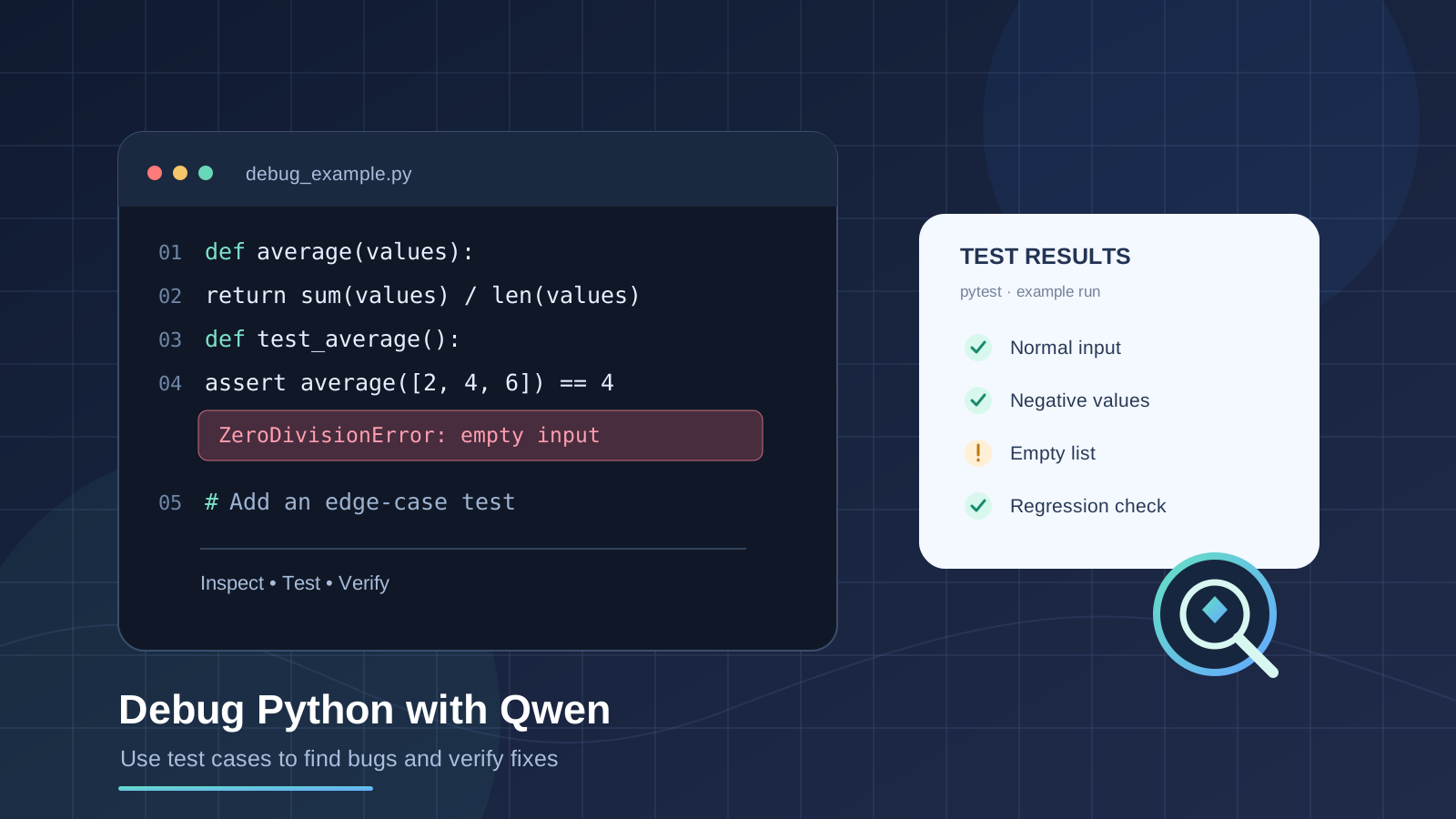
Debugging Python code with Qwen can help you understand an error, identify likely causes, create focused test cases, and evaluate a proposed fix. The most reliable workflow is not to ask an AI assistant to rewrite a function and accept the first answer. Instead, give Qwen a reproducible example, ask it to explain the failure, make the smallest justified change, and run tests to check whether the behavior is actually correct.
This guide shows how to use Qwen for Python debugging with test cases, including a practical example using pytest, prompts you can adapt, and checks to run before accepting AI-generated code.
What you need before debugging with Qwen
Prepare the following information before asking for help:
- The smallest code sample that still reproduces the problem.
- The complete Python traceback or exact unexpected output.
- The input that triggers the bug and the output you expected.
- The Python version and relevant package versions, if they may affect the result.
- Existing tests and any requirements the function must preserve.
Remove passwords, API keys, access tokens, customer data, and other secrets before sharing code or logs with an online service.
Qwen can help explain code and suggest changes. The workflow depends on which Qwen product you use. A chat interface can reason from the code and test output you provide, but you should not assume it can execute your local Python project. Qwen Code is a separate terminal-based coding tool whose official documentation describes bug analysis and running tests when available. Check the product and access method you are actually using.
Step 1: Ask Qwen to diagnose the failure before changing code
Start with a focused request rather than a broad instruction such as “fix my Python.” Include the function, traceback, reproduction steps, and expected behavior.
Prompt example:
Act as a careful Python debugging assistant.

Inspect the code and error below. Do not rewrite the code yet.

1. Explain what the traceback says.
2. Identify the exact line and likely cause.
3. Separate facts supported by the code from hypotheses.
4. Ask for any missing information needed to reproduce the bug.
5. Suggest the smallest reproducible test case.

Code:
[paste the smallest relevant code sample]

Error:
[paste the full traceback]

Input that triggers it:
[include input]

Expected behavior:
[describe the expected result]
Review the diagnosis yourself. A traceback points to where an exception occurred, but the underlying cause can be earlier in the program or in an unexpected input. Ask Qwen to explain each relevant line if the reasoning is unclear.
Step 2: Turn the bug into a failing test case
A test makes the problem repeatable. It also gives you a way to check whether a suggested fix actually works.
For example, suppose a function calculates an average:
def average(values):
    return sum(values) / len(values)
Normal input works:
average([2, 4, 6]) # Expected: 4
But an empty list causes a ZeroDivisionError. Before choosing a fix, decide what the function should do with empty input. It might raise a clear ValueError, return None, or follow a different documented contract. Do not let the AI silently choose business logic for you.
Ask Qwen to write tests for both the existing behavior and the edge case:
Write pytest tests for this function.

Cover:
- a normal list of positive numbers;
- negative and mixed numbers;
- a single-item list;
- an empty list, using ValueError as the required behavior.

Do not change the implementation yet. Explain why each test matters and make the expected results explicit.
A test file named test_average.py could look like this:
import pytest
from average_utils import average


def test_average_of_positive_numbers():
    assert average([2, 4, 6]) == 4


def test_average_with_negative_numbers():
    assert average([-2, 2]) == 0


def test_average_with_one_item():
    assert average([7]) == 7


def test_average_rejects_empty_list():
    with pytest.raises(ValueError):
        average([])
These tests define the intended contract. The last test will fail against the original implementation because it raises ZeroDivisionError, not ValueError. That failure is useful: it demonstrates the behavior that needs to change.
Step 3: Ask for the smallest fix that satisfies the tests
Once the failing test is clear, ask Qwen for a minimal patch and a brief explanation. For the example above, one possible implementation is:
def average(values):
    if not values:
        raise ValueError("average() requires at least one value")
    return sum(values) / len(values)
This change makes the empty-input behavior explicit while keeping the normal calculation straightforward. Whether it is correct depends on the requirements of your own program.
Use a prompt like this:
Propose the smallest code change that makes the supplied tests pass.

Requirements:
- Preserve behavior for valid non-empty inputs.
- Raise ValueError for an empty list.
- Explain why the change fixes the failure.
- Point out any assumptions or other edge cases.
- Show the patch only; do not claim the tests passed unless they were actually executed.
That final instruction matters. An AI-generated explanation is not evidence that code has run successfully. If you are using a chat-only interface, copy the proposed change into your development environment and test it there. If you are using Qwen Code with access to the project and test runner, inspect the proposed diff and the actual command output.
Step 4: Run pytest and inspect the real result
Install pytest in your project’s appropriate virtual environment if it is not already installed:
python -m pip install pytest
Run the relevant test file:
python -m pytest -q test_average.py
You can also run the complete test suite from the project root:
python -m pytest
Read the output rather than relying on a summary from Qwen. If a test fails, share the exact failure report with the assistant and ask it to trace the mismatch between expected and actual behavior. Do not repeatedly apply patches without understanding why the previous attempt failed.
The official pytest documentation explains test discovery, assertions, and failure reports. Its examples demonstrate how a failing assertion identifies the expected and actual values—exactly the information that helps make an AI debugging request more precise.
Step 5: Test edge cases and protect against regressions
A fix can solve one input while breaking another. Ask Qwen to review the function against the requirements and suggest additional tests, then decide which tests are relevant.
Useful Python debugging test categories include:
- Boundary values: zero, empty collections, minimum and maximum allowed values.
- Unexpected types: strings where numbers are expected, or
Nonewhere a sequence is required. - Negative values: when the function accepts numeric input.
- Repeated values: duplicate entries or identical records.
- Large inputs: data sizes that could reveal performance or memory issues.
- Regression cases: inputs that previously triggered a bug.
- Exception behavior: confirm the program raises the documented exception for invalid input.
Do not add tests for every imaginable scenario without considering the function’s contract. Prioritize realistic inputs, documented requirements, and cases that have caused failures.
Prompt example:
Review this Python function and its current pytest tests.

Create a table with:
1. input or scenario;
2. expected behavior;
3. whether an existing test covers it;
4. the risk if it is not tested.

Focus on boundary cases and regressions. Do not invent requirements. Mark any behavior that needs my decision.
Step 6: Ask Qwen to review the patch, not just the original code
After tests pass, ask for a final review of the exact changed code. Request potential regressions, hidden assumptions, unnecessary complexity, and missing tests. Then inspect the diff yourself.
A useful review prompt is:
Review this bug fix as a code reviewer.

Original bug:
[describe the reproduced failure]

Required behavior:
[list the requirements]

Changed code:
[paste the final function or diff]

Test output:
[paste the actual pytest output]

Look for regressions, untested edge cases, and behavior that conflicts with the requirements. Distinguish confirmed issues from possibilities. Do not claim the code is correct solely because the listed tests pass.
Passing tests increase confidence, but they do not prove that a program is bug-free. Keep the tests with the project so future changes can detect a return of the same bug.
Common mistakes when using Qwen to debug Python
Pasting only the last line of an error
A message such as TypeError or KeyError is often insufficient. Include the full traceback, the relevant code, and the input that caused the error.
Asking Qwen to rewrite an entire file
Large rewrites can introduce unrelated changes. Start with a minimal reproduction and request the smallest patch that meets the expected behavior.
Accepting generated tests without checking the expected results
Tests can encode the wrong assumption. Confirm every expected value and exception against the actual requirements before treating a test as authoritative.
Assuming Qwen has executed your local code
A suggested test or a plausible explanation does not mean a test was run. Verify execution in your own environment, or inspect the real output from a coding tool that has permission to run the tests.
Sharing confidential source code
Before sending code to any hosted AI tool, review your organization’s policies and remove credentials, personal information, and proprietary details that you are not allowed to disclose.
Is Qwen enough, or should you use a Python debugger too?
Qwen is useful for explaining unfamiliar code, interpreting tracebacks, suggesting tests, and proposing candidate fixes. A conventional debugger is better for inspecting live variable values, stepping through execution, and observing state at the exact point of failure. For many problems, combining AI analysis with pytest, logging, and a debugger is more reliable than using any one method alone.
For deeper coding workflows, see our guides to Qwen3.6-27B and its coding capabilities, Claude vs ChatGPT for coding, and using Gemini to optimize a large Python codebase. These offer additional context for choosing AI assistance and evaluating code changes.
Official sources and further reading
- Qwen Code documentation — official overview of Qwen Code and its coding and debugging workflows.
- Qwen Code troubleshooting guide — official guidance on diagnosing tool and environment problems.
- pytest: Get Started — official documentation for writing tests, assertions, and reading failures.
- Python unittest documentation — Python’s standard-library testing framework.
Frequently asked questions
Can Qwen debug Python code automatically?
Qwen can analyze code and propose fixes. Whether it can edit files or execute tests depends on the specific Qwen product, its tools, and the permissions you grant it. Always verify the actual code and test output.
What should I include in a Qwen Python debugging prompt?
Include the smallest reproducible code sample, the full traceback, the input that triggers the issue, expected behavior, and relevant test results. Remove secrets and sensitive data first.
Can Qwen generate pytest test cases?
You can ask Qwen to draft pytest tests for normal inputs, edge cases, and regressions. Review the assertions to ensure they match the intended behavior, then run the tests locally.
What if Qwen’s suggested fix passes one test but fails another?
Share the failing test and its complete output, ask Qwen to explain the conflict, and preserve the existing passing tests. Change the implementation only after identifying the requirement or assumption behind the mismatch.
Should I trust AI-generated Python fixes?
No fix should be accepted solely because an AI assistant suggests it. Review the patch, run targeted and broader tests, and use a debugger or code review for changes with significant impact.
Final takeaway
The most effective way to use Qwen to debug Python code with test cases is to make the failure reproducible, define the expected behavior, generate and review a failing test, request a minimal fix, and run the tests yourself. Treat Qwen as a debugging partner—not as a substitute for executable evidence, careful code review, or clear software requirements.