
GitHub scheduled six GitHub Copilot models for deprecation on October 19, 2026—today. The change covers Copilot Chat, inline edits, Ask and agent modes, and code completions. If a retiring model is missing from your workflow, or you need to prepare for the transition now, use this guide to find the suggested replacement, check model access, and validate important coding tasks.
The source for the retirement date and replacement suggestions is GitHub’s official Changelog announcement: Upcoming deprecation of selected GitHub Copilot models in mid-October. This guide turns that notice into a practical, deadline-day troubleshooting checklist. The scheduled date is not, by itself, proof that the change has completed in every client or account. Model availability can depend on your Copilot plan, client, and administrator policies, so verify the options in your own account rather than assuming every alternative is enabled.
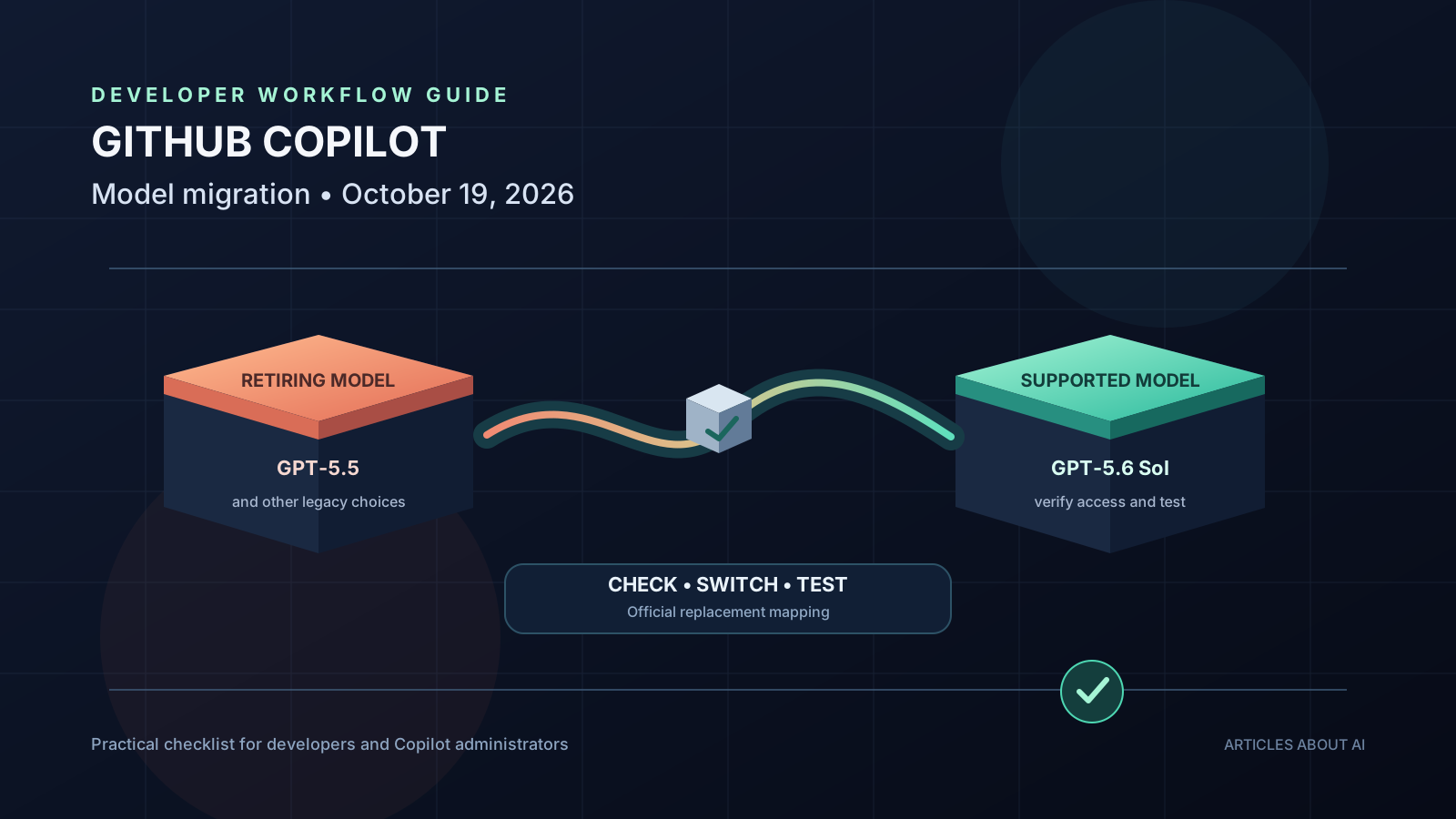
Which GitHub Copilot models are being retired?
GitHub’s September 18 announcement lists the following models for deprecation on October 19, 2026, and gives a suggested replacement for each.
| Retiring model | Suggested replacement from GitHub |
|---|---|
| Gemini 3.7 Flash | Gemini 3.8 Flash |
| GPT-5.5 | GPT-5.6 Sol |
| GPT-5.4 | GPT-5.6 Sol |
| GPT-5.4 mini | GPT-5.6 Luna |
| GPT-5 mini | GPT-5.6 Luna |
| Grok 4.5 | Grok 4.6 |
These are GitHub’s suggested alternatives, not a claim that the models are identical in output, speed, context handling, or coding style. If your workflow depends on a particular model’s behavior, test the replacement against representative tasks before relying on it for production work.
Because October 19 is the scheduled deprecation date, check your active workflows now rather than waiting for an error during a release, pull request review, or time-sensitive coding session. Identify which models you use, then confirm that the suggested alternatives are available and enabled in the relevant Copilot experience.
What does model deprecation mean in practice?
A model deprecation notice means the named model is scheduled to stop being available in the specified product experience. It does not mean GitHub Copilot itself is shutting down. You can continue using Copilot, but you may need to choose another model for conversations, edits, agent tasks, or completions that previously depended on a retiring option.
GitHub says the October 19 change applies across Copilot Chat, inline edits, Ask and agent modes, and code completions. That broad scope matters because a model selection may be used in more than one part of a developer’s workflow. Check the features you use regularly, not just the chat window you happen to have open.
The announcement also says no action is required to remove the retiring models after deprecation. The important preparation is to switch any workflows that need to continue using a supported model and to verify that the replacement is available under your plan and policies.
For a broader overview of how Copilot features fit into a development workflow, see our guide to using Gemini 4 Argon in GitHub Copilot and our article on GitHub Copilot local sandboxing.
Step 1: Find out whether you are using an affected model
Start with the places where you normally select a model. In GitHub Copilot Chat, inspect the model selector and note the current choice. Repeat the check in each supported client or workflow where you deliberately choose a model, including your IDE and any agent-oriented interface you use.
Use this quick inventory:
- Open the Copilot experience where you do most of your work.
- Open the model selector, if one is available in that experience.
- Record the selected model and whether the task uses chat, inline editing, agent mode, Ask mode, or code completion.
- Compare the model name with the six entries in the retirement table above.
- Repeat the check in other clients or team workflows where model selection may differ.
Do not assume a model choice in one client proves that the same model is selected everywhere. Teams can use different clients, personal settings, organization policies, and repository-level practices. If your organization maintains onboarding instructions or internal prompts that name a specific model, search those documents too.
If none of the six retiring models is used in your workflows, you may not need to make a model-selection change. It is still worth checking that your team knows where to find the current model list and how to respond to future deprecation notices.
Step 2: Choose the suggested replacement
For a straightforward migration, start with GitHub’s published mapping rather than selecting a model at random. Use Gemini 3.8 Flash as the suggested successor to Gemini 3.7 Flash; GPT-5.6 Sol for GPT-5.5 and GPT-5.4; GPT-5.6 Luna for GPT-5.4 mini and GPT-5 mini; and Grok 4.6 for Grok 4.5.
Treat this mapping as the first choice to test, not a guarantee of identical behavior. A replacement may respond differently to a long prompt, use tools in a different order, generate a different code structure, or require a small change to instructions. If you rely on a model for a specialized task, compare results before rolling it out to a whole team.
A useful way to test the new model is to keep a small set of representative tasks:
- Explain a function in an existing codebase without changing it.
- Implement a narrowly scoped bug fix with tests.
- Refactor a method while preserving behavior.
- Diagnose a failing unit test from its error output.
- Review a pull request diff and identify concrete risks.
- Complete a repetitive code pattern where inline completion quality matters.
- Use agent mode on a bounded task and inspect each proposed file change.
Use the same task descriptions, repository context, and acceptance criteria for the retiring model and its replacement when both are still available. Compare correctness, completeness, tool use, latency, and the amount of manual correction required. Avoid judging a model from one unusually easy or difficult prompt.
Step 3: Check your Copilot plan and administrator policies
GitHub’s notice explains that, under default model enablement, suggested alternatives are automatically enabled for Copilot Enterprise and Copilot Business customers unless an administrator has turned off the global default or explicitly disabled the model. If the global default has been turned off, an administrator may need to enable the replacement through Copilot model policies.
If a suggested alternative does not appear in your model selector, do not assume that the model is unavailable to every customer. Check the policy and plan context first.
For an organization or enterprise administrator:
- Open your organization’s or enterprise’s GitHub Copilot settings.
- Review the model policies and determine whether the suggested replacement is enabled.
- Check whether a global default or an explicit model policy is overriding availability.
- Confirm the intended policy with the team responsible for Copilot access.
- Ask a test user to verify that the replacement appears in the model selector in the relevant client.
- Communicate the change and the date to developers who rely on the retiring model.
For an individual user, open the model selector in your supported Copilot experience and review the available options. If the suggested replacement is missing and you cannot change the policy yourself, contact your organization administrator. Do not try to bypass a centrally managed setting.
The exact interface can change, and available models may vary by plan or client. Use GitHub’s current documentation and the official deprecation notice as the source of truth if a label or menu has moved.
Step 4: Test the replacement before switching important work
A model migration should be treated like a small workflow change, not merely a dropdown selection. Even when GitHub recommends a direct successor, validate the tasks that matter to you.
Create a short acceptance checklist for each important use case. For code generation, confirm that the result compiles and follows project conventions. For debugging, confirm that the explanation matches the actual stack trace and that the proposed fix addresses the cause rather than hiding the symptom. For agent mode, inspect the plan, file changes, tests, and any commands the agent proposes to run.
Use a temporary branch or a disposable test repository when the task could affect production code. Keep the scope small, review diffs, and run the project’s normal test suite. Never merge a change simply because the replacement model produced a confident explanation.
For teams, nominate one or two representative tasks and have developers compare outcomes using the same rubric. Record any prompt changes that improve results so that the migration does not depend on undocumented individual preferences. If a replacement behaves differently, update internal examples and team guidance rather than silently assuming the old prompt will remain optimal.
Our guide to evaluating AI agent reliability offers a broader checklist for assessing agent behavior, while how to migrate GPT-4o and GPT-4.1 API models to GPT-6 Luna covers a separate API migration scenario. The API article concerns a different product surface; do not confuse its migration steps with the Copilot model selector.
Step 5: Update team instructions, scripts, and repeatable workflows
A model can be named in more places than the interactive selector. Search your team’s internal documentation, code review playbooks, prompt templates, developer setup guides, and automation configuration for the retiring model names. If an instruction explicitly asks developers to use GPT-5.4, Gemini 3.7 Flash, or another retiring model, update it to reflect the supported replacement your team has tested.
Do not perform a blind global replacement across every repository. Some references may be historical notes, benchmark records, or comparisons that should remain unchanged. Review each match in context and update only active guidance or configuration that needs to change.
For shared workflows, record:
- The retiring model and its replacement.
- The Copilot client or feature where it is used.
- Whether a policy change is required.
- The test task used to validate the replacement.
- The owner responsible for confirming the migration.
- The date the team verified the new setup.
This simple record helps avoid repeated troubleshooting after the deadline. It also makes later model migrations easier because the team already knows where model choices are documented.
Troubleshooting: The replacement does not appear
If the suggested model is missing from the selector, work through these checks in order.
Check the exact model name. Make sure you are looking for the alternative in GitHub’s published mapping rather than the retiring model.
Check the experience. The options displayed may depend on which supported Copilot client or feature you are using. Verify availability in the actual workflow that needs the model.
Check organization policy. Business and Enterprise administrators may have disabled a model explicitly or changed the global default. Ask an administrator to review the current policy.
Refresh the client and sign in again if appropriate. If the policy and plan appear correct but the selector has not updated, follow the troubleshooting guidance for your client. Avoid repeatedly changing unrelated settings.
Confirm the retirement status. After the scheduled deprecation, do not build a new workflow around the assumption that the old model will return. Move to a supported alternative and test it.
If the problem persists, collect the client name and version, Copilot plan, model name, relevant error message, and the steps that reproduce the issue. Share only information you are permitted to disclose, especially when logs include source code or internal repository details.
A concise migration checklist
Use this checklist on October 19, 2026, and during any remaining transition:
- Check whether any of the six retiring models is used in your workflow.
- Select the suggested replacement from GitHub’s official mapping.
- Confirm the replacement is available in the relevant Copilot client.
- Ask an administrator to review model policies if the option is missing.
- Test representative chat, code-editing, completion, or agent tasks.
- Review generated diffs and run the project’s normal tests.
- Update active internal instructions and model-specific templates.
- Tell affected teammates what changed and where to get help.
- Keep a note of the replacement and the date it was verified.
Frequently asked questions
Does GitHub Copilot stop working on October 19?
No. The announcement concerns six selected models, not the entire GitHub Copilot product. The practical task is to move workflows that use those models to supported alternatives.
Do all users need to change a setting?
Not necessarily. GitHub says suggested alternatives are automatically enabled by default for Copilot Enterprise and Copilot Business customers unless the administrator has changed the default or explicitly disabled a model. Individual users should check their own selector; administrators should review policies when a replacement is missing.
Will the replacement behave exactly like the old model?
Do not assume so. GitHub provides suggested alternatives, but model behavior can differ. Test important prompts and tasks before relying on the replacement for production code or team-wide workflows.
Do I need to remove the retiring model manually?
GitHub says no action is required to remove the models after deprecation. Focus on identifying active dependencies, confirming model access, and validating replacements. If the old model is still visible in a particular client, do not assume that it will remain supported; follow the current official notice and verify the behavior in that client.
Where should I verify the latest details?
Use the official GitHub Changelog notice for the retirement date and mapping. Check GitHub’s current Copilot settings and documentation for the options available to your plan and client.
Check the next scheduled Copilot model change
GitHub has also announced a separate model deprecation scheduled for November 16, 2026. That notice lists Claude Opus 4.8, Claude Opus 5, and GPT-5.6 Terra, with suggested alternatives. This is a separate change from the October 19 retirement list in this guide. Review the official November deprecation announcement if your workflow uses any of those models, and do not apply the October replacement table to them.
Final recommendation
Treat October 19 as the scheduled transition date, not a reason to rush unreviewed code into production. Identify any retiring model in use, choose GitHub’s suggested alternative, check model access policies, and run representative tests. If your workflow does not use any of the six models, no migration may be necessary.
The most reliable approach is to make the smallest change that preserves your team’s working process, verify the result, and document the replacement. That gives developers a clear path through the deprecation without confusing a model retirement with the end of GitHub Copilot itself.