
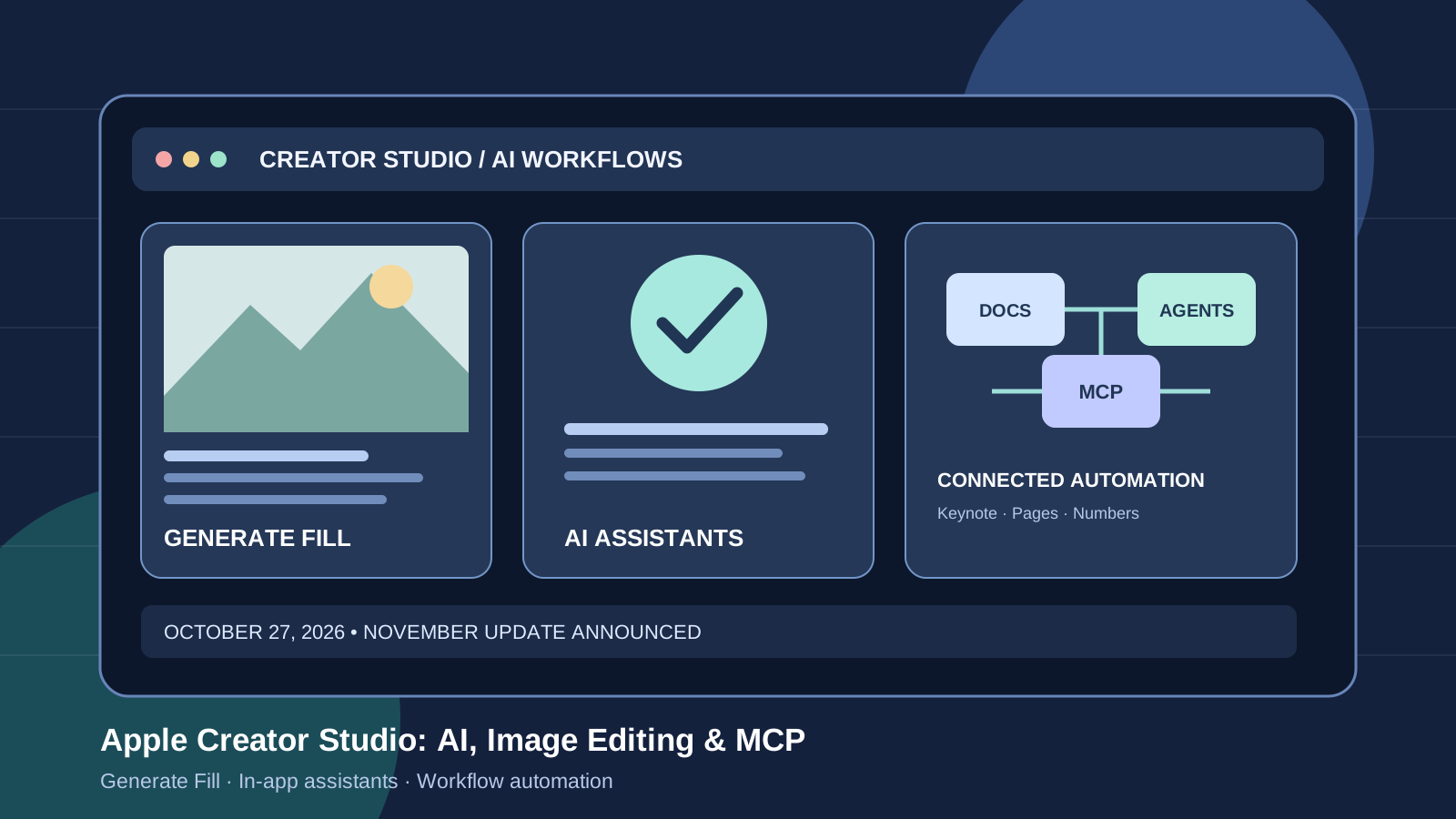
Apple announced a major update to Apple Creator Studio on October 27, 2026, bringing new AI-assisted workflows to image editing, music production, presentations, documents, spreadsheets, and video editing. The announcement is notable because it combines a generative image-editing feature with in-app assistants and support for external AI agents through the Model Context Protocol (MCP).
The update is scheduled to arrive on the App Store in November 2026. Apple says existing Creator Studio subscribers will receive it at no extra charge. That timing matters: the announcement describes upcoming features, not a release that every subscriber can already use. Some assistants will also launch in beta, with device, operating-system, and language requirements.
This guide explains what Apple announced, which tools are changing, how MCP fits into the workflow, what the subscription costs, and what users should verify before planning a creative workflow around the update.
What is new in Apple Creator Studio?
Apple’s October 27 announcement covers Pixelmator Pro, Logic Pro, Final Cut Pro, Keynote, Pages, and Numbers. The changes fall into three broad groups: generative image editing, AI-assisted creative and productivity tasks, and expanded creative assets and integrations.
The official announcement is available in Apple’s Newsroom. Independent coverage from MacRumors and The Verge also describes the new assistants, Generate Fill, and MCP support.
Pixelmator Pro Generate Fill: edit images with natural language
Pixelmator Pro is gaining a feature called Generate Fill, which lets a creator select part of an image and describe the change they want in natural language. Rather than manually painting every detail, a user can select an area and request a new element or alteration that fits into the composition.
Apple says Generate Fill is designed to match the surrounding image’s lighting, perspective, and texture. It also includes Super Resolution to help generated content remain sharp, and the result can be merged into an existing layer or placed on a new layer with masking for further refinement.
This is a meaningful workflow change for creators who need to replace an object, extend a scene, or adjust a selected region without rebuilding the whole image. It should not be treated as proof that every generated edit will look natural: the quality will depend on the selection, prompt, source image, and the task itself. We have not independently benchmarked Generate Fill against competing image editors.
For readers exploring other image workflows, see our guides to Canva Craft and its AI image-generation features and editing AI-generated images with Canva Magic Layers, ChatGPT, and Gemini. Those tools and workflows are not direct performance benchmarks for Generate Fill; they provide context for the broader AI-assisted image-editing market.
Logic Pro adds a beta AI assistant and better stem separation
Logic Pro is receiving a new intelligent assistant in beta. Apple says the assistant can help users start a song, set up a vocal track from a prompt, and refine an active project. The assistant combines Apple-built models with OpenAI models, according to the company’s announcement.
The update also improves Stem Splitter so it can isolate, replace, or rebalance drum parts without requiring the original multitrack recordings. Apple is redesigning Logic Pro’s sound browser as well, with music understanding that analyzes and tags sounds, alongside access to a Splice library.
These changes target practical music-production tasks: finding sounds, getting a session started, and adjusting drum material. The assistant is not a substitute for a producer’s musical judgment, and the announcement does not provide an independent benchmark showing that it produces better music than competing tools.
Important availability detail: the Logic Pro assistant is a beta feature for an Apple Intelligence-capable Mac running macOS 27 or later, and Apple says it is available in U.S. English only. Requirements for the assistant are stricter than the minimum requirements for the underlying Logic Pro app.
Keynote, Pages, and Numbers get context-aware assistants
Apple is also bringing assistants to its productivity apps. Unlike a separate chatbot that requires copying and pasting content, these assistants are designed to understand the document or project open in the app.
- Keynote: help with designing, animating, and refining slides.
- Pages: draft, restructure, and refine written content.
- Numbers: organize data, perform calculations, recommend charts with a one-tap preview, and build custom tables using world knowledge.
Apple says these beta assistants are based on Apple models and OpenAI. The features are intended to help people work inside their existing documents, but the announcement does not mean that every generated slide, paragraph, formula, or chart will be correct. Users should verify figures, sources, formulas, and factual statements before sharing or publishing their work.
The assistants require an Apple Intelligence-capable device running iOS 27, iPadOS 27, or macOS 27 or later, and are initially available in U.S. English. These requirements may exclude users whose devices run older operating systems or whose preferred language is not supported.
What MCP support means for AI automation
One of the more consequential parts of the announcement is Apple’s planned support for the Model Context Protocol (MCP) in Keynote, Pages, and Numbers. MCP is a standard for connecting AI systems to external tools and data sources. Apple says the new support will allow external AI agents and tools to read content, make edits, and execute automated actions directly in these apps.
In practical terms, MCP could let a compatible agent help update a presentation, revise a document, or perform an operation on spreadsheet data without relying entirely on manual copy-and-paste steps. The usefulness of any such workflow will depend on the agent, permissions, app capabilities, and safeguards that are actually available.
There are two important caveats. First, Apple specifies that MCP support in these apps requires macOS 27 or later. Second, the announcement does not establish that every third-party agent will work automatically, or that all actions can run without user review. Compatibility, access controls, and the behavior of individual tools need to be checked before deploying a workflow.
For more background on agent-based workflows, read our guide to building reusable Codex skills and plugins for AI workflows. MCP support is related to tool connectivity, but it is not the same thing as a general guarantee of compatibility with every agent or plugin.
Final Cut Pro adds MotionVFX and more stock video
The update also expands the creative assets available in Apple’s video-editing workflow. Final Cut Pro for Mac will include MotionVFX content such as effects, plug-ins, transitions, templates, titles, and motion graphics. Apple describes thousands of elements, including tools for rotoscoping, tracking, and color grading.
Apple’s Content Hub is also expanding to include stock video inside Final Cut Pro. Apple describes a more direct workflow between Final Cut Pro and Pixelmator Pro, allowing images to be edited and returned to a video project.
These are creative-tool and workflow updates rather than all being AI model releases. They still matter to content creators because integrated assets and fewer app-switching steps can affect how a project is assembled. Actual time savings will depend on the user’s existing editing process and the assets they need.
Apple Creator Studio price and availability
Apple says the new Creator Studio features will arrive on the App Store in November 2026, with no specific release day given in the announcement. Existing subscribers will receive the update for free.
Apple lists the following U.S. subscription prices for new subscribers:
- $12.99 per month
- $129 per year
- $2.99 per month or $29.99 per year for eligible college students and educators
Apple also advertises a one-month free trial for new subscribers and, subject to eligibility and terms, three months free with the purchase of a qualifying new Mac or iPad. Up to six family members can share the subscription through Family Sharing.
The apps also have one-time-purchase versions on the Mac App Store, including Final Cut Pro, Logic Pro, Pixelmator Pro, Motion, Compressor, and MainStage. Buyers should check the current app listings and operating-system requirements before choosing between a subscription and individual purchases. Prices and offers can vary by region.
Official details are available on the Apple Creator Studio page and in the October 27 Apple Newsroom announcement.
Apple Creator Studio vs. other AI creative tools
This announcement does not by itself prove that Apple Creator Studio is better than Adobe Creative Cloud, Canva, or standalone AI image generators. The practical comparison is about workflow fit:
- For image editing: Generate Fill is relevant to people who already use Pixelmator Pro and want prompt-based edits inside an image editor.
- For music production: Logic Pro’s assistant and improved drum separation may appeal to existing Logic users, but the assistant’s beta status and language requirements matter.
- For office productivity: Keynote, Pages, and Numbers assistants may reduce context switching for users who work primarily in Apple’s apps.
- For automation: MCP could make external-agent workflows more direct, but compatibility and permissions need to be verified in practice.
- For video editing: MotionVFX integration and stock video can be useful even without relying on generative AI.
Creators who primarily need cross-platform collaboration, a specific third-party model, or a particular commercial licensing arrangement should compare those requirements separately. No controlled head-to-head tests are presented here, so this article does not rank the products by output quality.
Privacy, compatibility, and limitations to check
Before adopting the new features, check the official requirements for your device and operating system. In particular, do not assume that an app’s basic compatibility guarantees access to its new AI assistant.
Keep these points in mind:
- Beta means change is possible. Features and behavior may evolve before or after general availability.
- Language support is limited at launch. Apple specifies U.S. English for the assistants described in the announcement.
- MCP adds connectivity, not automatic trust. Review the external agent you connect, the permissions it receives, and any actions it can take.
- Review generated work. Verify spreadsheet formulas, document facts, slide claims, and image edits before using them professionally.
- Check regional pricing. The U.S. prices in this article should not be assumed to apply in every country.
The official announcement is the best source for the requirements and availability Apple has committed to. Independent reports can help explain the changes, but they do not replace the vendor’s compatibility notes.
Frequently asked questions
When will the Apple Creator Studio AI update be released?
Apple announced the update on October 27, 2026, and says it will arrive on the App Store in November. The company has not specified an exact release day in the announcement.
Is the update free for current subscribers?
Yes. Apple says the announced updates will be free for existing Apple Creator Studio subscribers.
What is Pixelmator Pro Generate Fill?
Generate Fill lets users select an area of an image and describe the desired change in natural language. Apple says it matches the surrounding lighting, perspective, and texture and supports further layer-based editing.
Which apps get AI assistants?
Logic Pro gets a beta assistant, while Keynote, Pages, and Numbers receive beta assistants that use document context. Apple says the assistants are built using Apple models and OpenAI.
What does MCP support do in Apple apps?
Apple says MCP support in Keynote, Pages, and Numbers will let external AI agents and tools read content, make edits, and execute automated actions. It requires macOS 27 or later.
Are the new assistants available in every language and on every device?
No. Apple specifies Apple Intelligence-capable hardware and newer operating systems for the assistants, and U.S. English-only availability at launch. Check the official requirements before planning to use them.
Final verdict
Apple’s October 2026 Creator Studio update is significant because it brings image generation and editing, creative assistants, document-aware AI, and external-agent connectivity into a single family of apps. Generate Fill is the clearest new image-editing feature, while MCP support could be important for people building more automated workflows around Keynote, Pages, and Numbers.
The main caveat is timing: the announced updates are scheduled for November, and several assistants are beta features with explicit device and language limits. Until the update ships and can be evaluated in real workflows, the fairest conclusion is that Apple has announced a broader AI-assisted creative suite—not that it has already demonstrated superiority over competing tools.
Sources and further reading
- Apple Newsroom: Apple Creator Studio adds powerful new AI features and even more creative tools — October 27, 2026
- Apple Creator Studio — official product page
- MacRumors: Apple Updates Creator Studio With New Tools and AI Features — October 27, 2026
- The Verge: Apple is adding an AI assistant to Pages, Keynote, and Numbers
- Apple Pixelmator Pro