
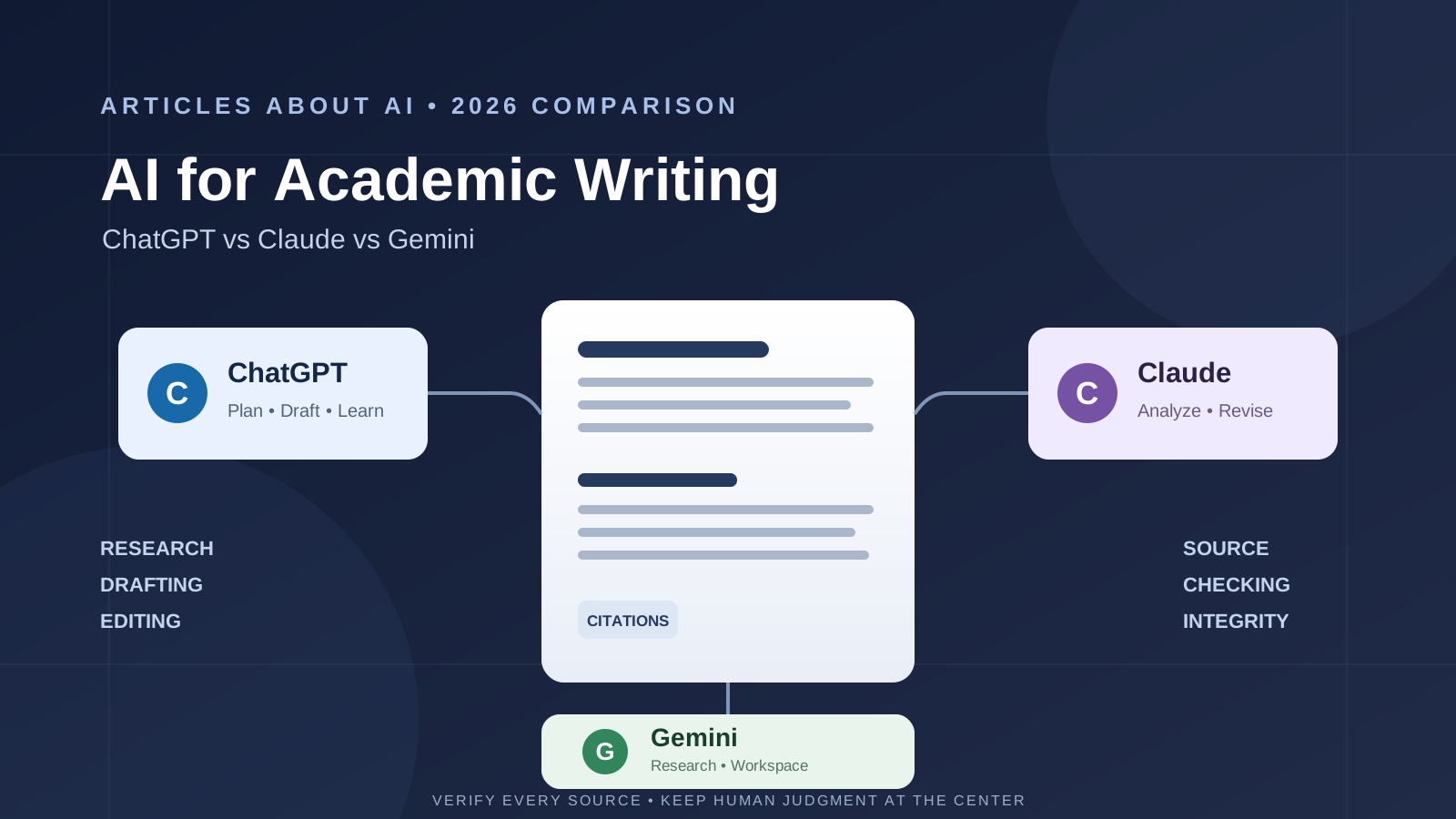
Choosing between ChatGPT, Claude, and Google Gemini for academic writing in 2026 depends on the work you need to complete. A student preparing a literature review has different requirements from a doctoral researcher revising a manuscript, a lecturer developing course materials, or a graduate student analyzing a collection of PDFs.
All three AI assistants can help with research planning, summarization, outlining, drafting support, and editing. They should not, however, be treated as substitutes for reading scholarly sources, checking references, interpreting evidence, or making the intellectual decisions that define academic work.
Quick verdict: ChatGPT is a versatile option for planning, iterative drafting, and structured research workflows. Claude is a strong choice for working through long documents, refining arguments, and conducting multi-step web research with citations. Gemini is particularly useful for people working in Google Docs and Drive, while NotebookLM offers a source-grounded way to question a defined collection of research materials. None is a dependable automatic citation authority, and no tool can guarantee that AI-assisted work complies with a university’s rules.
ChatGPT vs Claude vs Gemini for academic writing: at a glance
| Academic task | ChatGPT | Claude | Gemini |
|---|---|---|---|
| Research planning | Strong | Strong | Strong |
| Literature discovery | Deep Research and web search | Research and web search | Deep Research and Google Search |
| Working with supplied PDFs | File analysis and document workflows | Long-document analysis | Gemini file workflows and NotebookLM |
| Outlining and drafting | Flexible, iterative drafting | Strong long-form drafting and revision | Convenient drafting in Google Docs |
| Editing academic prose | Structure, clarity, and feedback | Argument flow, clarity, and consistency | Editing within Google Docs |
| Source citations | Research outputs can include citations; verify each one | Research and web search provide citations | Deep Research and source links can support verification |
| Best fit | General-purpose academic workflow | Long-form analysis and revision | Google Workspace and source-based study |
This is a workflow comparison, not a controlled benchmark. Product features, model availability, usage limits, and subscription requirements can change. Your results will also depend on the prompt, source material, discipline, and the quality of your own review.
1. ChatGPT for academic writing and research
ChatGPT can support several stages of an academic project: narrowing a research question, developing an outline, explaining difficult concepts, summarizing supplied material, reviewing a draft, and helping organize a research brief.
Its research workflow is useful when a task requires gathering and synthesizing information from multiple sources. OpenAI describes using research to move from a broad question to a structured plan, compare sources, and produce reports with citations. ChatGPT can also help turn rough notes into a clearer structure or identify gaps and contradictions that deserve further investigation.
For students, Study Mode can provide guided explanations and step-by-step learning support rather than simply producing a finished answer. OpenAI’s Study Mode guide explains how it can work with uploaded course materials and help users check their understanding.
Where ChatGPT is useful
- Turning a broad topic into a focused research question and a set of sub-questions.
- Building a literature-review outline before reading and evaluating the papers.
- Summarizing sections of supplied PDFs, lecture notes, or research reports.
- Reviewing a draft for clarity, structure, transitions, and unsupported claims.
- Creating a checklist for checking references, quotations, and methodology.
- Comparing versions of a paragraph while preserving the author’s intended meaning.
Limitations to consider
ChatGPT can produce plausible but inaccurate statements, misread a paper, or provide a reference that does not support the claim attached to it. A citation appearing in an answer is not proof that the source exists, that the bibliographic details are correct, or that the source actually says what the answer claims.
Use ChatGPT as a research and writing assistant, not as the final authority. OpenAI’s student writing guide specifically advises students to verify source details and use primary sources rather than treating AI as a replacement for scholarly reading.
Read our related guide: Gemini vs ChatGPT for Research: Which AI Gives Better Answers?.
2. Claude for academic writing and long research documents
Claude is worth considering when the assignment involves substantial reading, detailed revision, or synthesizing information across a lengthy document. Researchers can use it to interrogate an argument, identify unclear passages, compare sections, develop an outline, or improve the flow of an academic draft.
Claude’s Research feature conducts multiple searches that build on one another and provides citations that readers can inspect. Anthropic’s Research help guide explains that Research can investigate questions across the web and, when connected, selected internal sources. Anthropic also documents web search and citations, which can help users follow up on current claims.
Where Claude is useful
- Reviewing long research drafts for consistency, structure, and argument flow.
- Asking targeted questions about a supplied report or a set of research notes.
- Rewriting a dense paragraph for clarity without changing its intended meaning.
- Comparing two versions of a section and explaining what changed.
- Conducting multi-step web research and following the citations to original sources.
- Developing a coherent outline for a thesis chapter, literature review, or research proposal.
Limitations to consider
A fluent revision is not necessarily a more accurate argument. Claude may misunderstand a technical qualification, overlook a methodological limitation, or suggest wording that makes a finding sound stronger than the evidence allows. Research citations also need to be opened and checked individually.
For academic work, ask Claude to distinguish between what a source explicitly reports, what can reasonably be inferred, and what remains uncertain. Then compare its summary with the paper itself.
Related reading: ChatGPT vs Claude for Writing: Which AI Writes Better in 2026?.
3. Gemini for academic writing, Google Docs, and research
Gemini has a practical advantage for users whose academic workflow already takes place in Google Workspace. Depending on the account and enabled features, Gemini can help draft and refine text in Google Docs, use information from eligible Drive files, and assist with research tasks.
Google’s Gemini in Google Docs guide describes writing and editing assistance, including rewriting selected passages, changing tone, and using information from files as supporting context. Google’s Deep Research guide explains how Gemini can conduct in-depth research using Google Search and, where supported, additional sources such as Drive files.
For source collections, NotebookLM is also relevant. It lets users work with a defined set of materials and ask questions grounded in those sources. Google describes NotebookLM as a research and learning assistant that can provide citations to supplied material. See the Google for Education overview.
Where Gemini is useful
- Drafting and editing within Google Docs.
- Using eligible documents in Google Drive as context for a writing task.
- Exploring a research question through Deep Research.
- Organizing a collection of papers, reports, and notes in NotebookLM.
- Asking questions about supplied documents and tracing answers to cited passages.
- Preparing study notes, summaries, and structured research briefs.
Limitations to consider
Google Workspace features and access depend on the user’s plan, region, and administrator settings. A source link or an inline citation should still be checked against the original paper. NotebookLM is most useful when the notebook contains relevant, trustworthy source material; it does not make weak or incomplete sources reliable.
Related reading: How to Use NotebookLM for Research: A Practical Workflow.
4. Which AI is best for a literature review?
A literature review is not simply a collection of summaries. It requires identifying relevant scholarship, evaluating methods and limitations, comparing findings, recognizing disagreements, and explaining how the evidence relates to a research question.
For that reason, choose the tool according to the stage of the literature-review process:
- Finding and mapping a topic: ChatGPT Deep Research, Claude Research, and Gemini Deep Research can help generate search directions and discover potentially relevant sources. Treat the results as a starting list, not a complete or systematic search.
- Reading a known set of papers: NotebookLM or a document-analysis workflow in ChatGPT or Claude can help summarize and question supplied papers. Check page numbers, quotations, and interpretations against the PDFs.
- Comparing studies: Ask the assistant to create a study matrix with author, year, research question, sample, method, key findings, limitations, and relevance. Populate or verify every field from the original paper.
- Writing the synthesis: Use an AI assistant to test the organization and clarity of your synthesis, but write and defend the interpretation yourself.
If your project requires a systematic review, follow the reporting and search standards relevant to your discipline. A chatbot’s list of papers is not a reproducible database search, and it cannot replace documented inclusion criteria, screening, and methodological appraisal.
5. Which AI is best for citations and references?
No general-purpose chatbot should be trusted to generate a final bibliography without verification. AI systems can confuse authors with similar names, alter article titles, invent journal details, assign an incorrect DOI, or cite a real paper that does not support the sentence.
A safer workflow is:
- Find the paper through a scholarly database, publisher website, or the institution’s library.
- Open the original record and confirm the title, authors, publication year, journal, volume, issue, pages, and DOI.
- Read the relevant passage in the paper rather than relying only on an AI summary.
- Use your institution’s approved reference manager or citation style guide to format the entry.
- Check that every in-text citation corresponds to a real reference and that every reference is cited where required.
ChatGPT, Claude, and Gemini can help identify missing citation fields or format a reference from verified metadata. They should not be the source of truth for bibliographic records.
6. Academic editing: which assistant improves a research paper?
For editing, provide a narrow instruction and preserve control over the meaning. Instead of asking an AI to “make this paper better,” ask it to identify specific problems.
For example, you can ask each tool to:
- Flag sentences that are difficult to follow without rewriting them.
- Identify claims that need evidence or a citation.
- Separate results from interpretation in a discussion section.
- Check whether the introduction establishes the research gap.
- Find repeated ideas and unnecessary transitions.
- Suggest more precise wording while retaining technical terms.
- List potential inconsistencies between the abstract, methods, results, and conclusion.
Do not let an AI silently change numerical results, statistical interpretations, quotations, technical terminology, or the strength of a conclusion. Compare suggested edits with the original and accept only changes you can justify.
7. A practical test to compare ChatGPT, Claude, and Gemini
You can evaluate the three tools on the same task rather than relying on general claims about which model writes best.
Use one paper that you have already read and give each assistant the same PDF and prompt:
Analyze this research paper for an academic literature review. Identify the research question, theoretical framework, study design, sample, methods, main findings, limitations, and implications. For every point, cite the page or section that supports it. Separate the authors’ stated findings from your own interpretation. If the paper does not provide a detail, say “not reported” rather than guessing. Do not invent references.
Then assess each response using the same criteria:
| Evaluation criterion | What to check |
|---|---|
| Factual accuracy | Does each summary match the paper? |
| Evidence traceability | Can you locate every important claim in the cited page or section? |
| Methodological understanding | Does it correctly describe the sample, design, and limitations? |
| Completeness | Does it miss important qualifications or findings? |
| Writing quality | Is the output clear, precise, and appropriately cautious? |
| Transparency | Does it admit when information is missing or uncertain? |
| Editing usefulness | Does it improve clarity without changing the meaning? |
Do not judge the result by length, confidence, or polished prose. A shorter answer that accurately reflects the paper is more useful than a detailed answer containing unsupported claims.
8. Academic integrity: can students use ChatGPT, Claude, or Gemini?
There is no single rule that applies to every university, course, journal, or research project. Some institutions permit limited AI assistance, while others restrict particular uses or require disclosure. Journal policies may also distinguish between language editing, analysis, and the generation of substantive scholarly content.
Before using an AI assistant in an assignment or manuscript:
- Read the current AI policy issued by your university, instructor, funder, or journal.
- Do not upload confidential, unpublished, personal, or restricted research data unless the relevant rules and data protections allow it.
- Do not present AI-generated text, analysis, or references as verified original scholarship.
- Disclose AI assistance when your institution or publisher requires it.
- Retain responsibility for the accuracy, originality, citations, and conclusions of the final work.
OpenAI’s guidance for academic document drafting and revision emphasizes human review, responsibility for accuracy, and institutional compliance. The same core principle applies whichever assistant you choose: the researcher remains accountable for the work.
9. Final verdict: ChatGPT vs Claude vs Gemini for academic writing
There is no universal winner. The best AI for academic writing is the one that fits the task and helps you produce work that remains accurate, transparent, and genuinely your own.
- Choose ChatGPT if you want a flexible assistant for research planning, learning support, outlining, draft feedback, and a broad range of academic tasks.
- Choose Claude if your work often involves long documents, detailed argument revision, and multi-step research with inspectable citations.
- Choose Gemini if you work heavily in Google Docs and Drive, or want to organize and question a defined source collection with NotebookLM.
For many students and researchers, combining tools can be more useful than relying on one assistant: use a research tool to discover sources, a source-grounded workspace to interrogate papers, and an editing assistant to improve clarity. Keep the original papers, your own reasoning, and your institution’s rules at the center of the process.
The most important question is not which AI can write an academic paper fastest. It is which workflow helps you understand the evidence, communicate your reasoning, and verify every important claim before submission.
Frequently asked questions
What is the best AI tool for academic writing in 2026?
ChatGPT, Claude, and Gemini each support academic writing in different ways. ChatGPT is versatile for planning and revision, Claude is useful for long-document analysis and research, and Gemini fits Google Workspace workflows. The best choice depends on your task and institutional rules.
Can ChatGPT write a research paper?
ChatGPT can help plan, outline, explain, summarize, and revise parts of a research paper. It should not replace the researcher’s original analysis, source reading, or responsibility for the final manuscript. Follow your university or publisher’s AI policy.
Is Claude better than ChatGPT for academic writing?
Claude may suit users who frequently analyze long documents and revise extended arguments. ChatGPT offers a broad set of research, learning, and writing workflows. Compare them using the same paper and accuracy criteria rather than assuming one is always better.
Is Gemini good for academic research?
Gemini can support research through Deep Research, Google Workspace features, and NotebookLM. Its usefulness depends on feature availability and the quality of the sources supplied. Verify important claims against the original studies.
Can AI tools generate accurate academic citations?
They can help locate and format citation information, but they can also make bibliographic errors or cite sources that do not support a claim. Verify every reference against the publisher, DOI record, or academic database.
Is it acceptable to use AI for university assignments?
It depends on the rules of the university, instructor, and assignment. Check the applicable policy, disclose assistance when required, and do not submit AI-generated work as your own if that violates the rules.
Sources and further reading
- OpenAI Academy: ChatGPT for Research
- OpenAI Help Center: Using Study Mode in ChatGPT
- OpenAI: A Student’s Guide to Writing with ChatGPT
- OpenAI Academy: Draft and Revise Academic Documents in ChatGPT
- Anthropic Help Center: Use Research on Claude
- Anthropic Help Center: Enable and Use Web Search
- Google Help: Use Deep Research in Gemini Apps
- Google Docs Editors Help: Write and Edit with Gemini in Docs
- Google for Education: Gemini and NotebookLM