
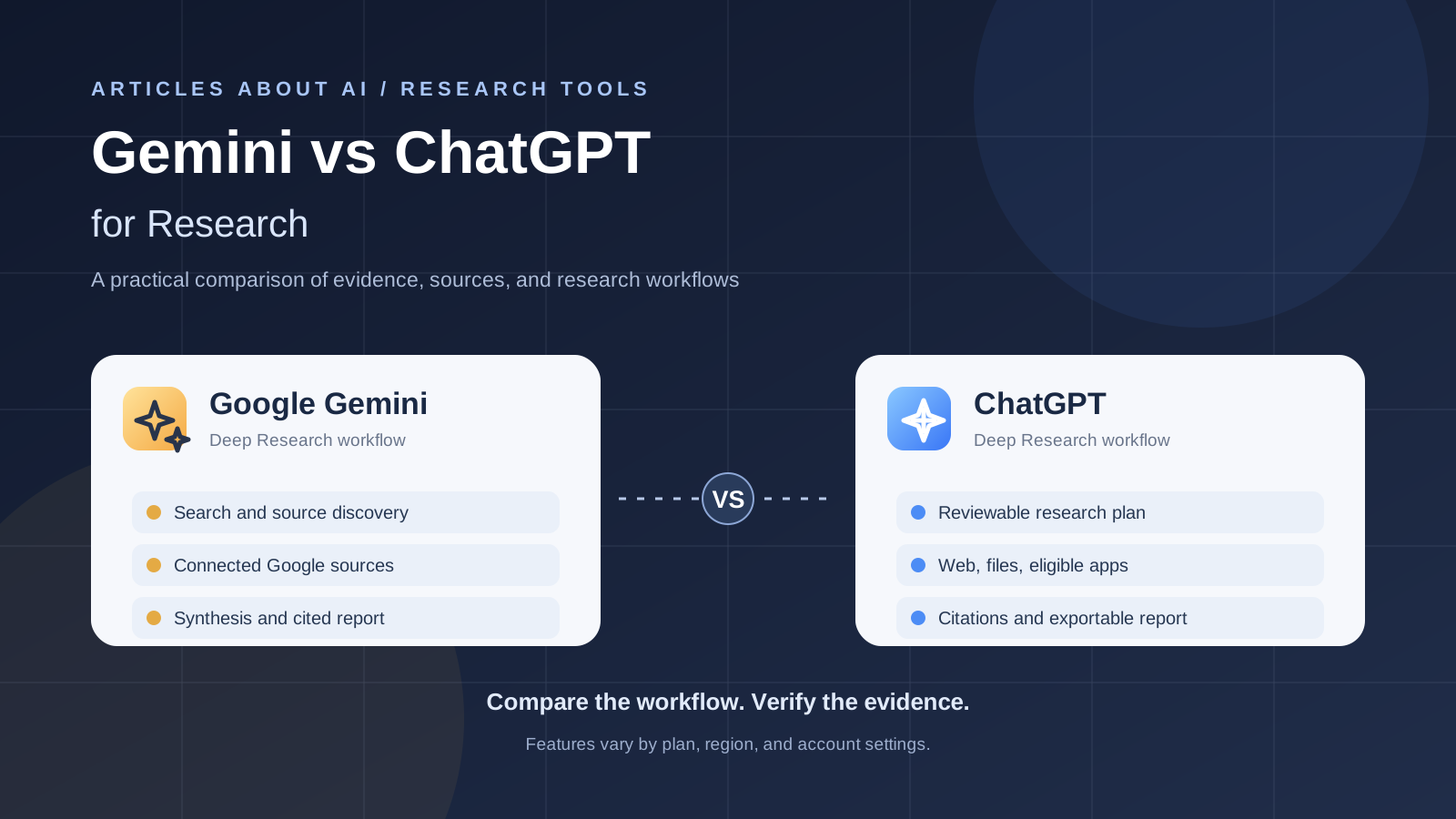
Choosing between Gemini and ChatGPT for research is less about which chatbot sounds more convincing and more about how each one gathers evidence, handles your source material, and helps you verify its conclusions. Both products can support research, but their tools, source controls, connected services, and report workflows are not identical.
This guide focuses specifically on research tasks—not a general comparison of writing, coding, image generation, or everyday assistance. It explains where each workflow can fit, what to test before choosing, and how to avoid treating a polished AI report as proof that every claim is correct.
Short answer: Start with Gemini if your research is closely tied to Google Search and eligible Google services such as Drive or Gmail. Start with ChatGPT Deep Research if you want to review and steer a proposed research plan, work across supported sources, and turn the result into a documented report. These are practical starting points, not a universal ranking: availability depends on your account, plan, region, and workspace settings.
Gemini vs ChatGPT for research: at a glance
| Research need | Gemini | ChatGPT |
|---|---|---|
| Multi-step research | Gemini Deep Research can investigate a topic and synthesize a report | Deep Research plans, investigates, and synthesizes a documented report |
| Web sources | Google Search is a default source in Gemini Deep Research | Public web search is available; source controls can include specific sites |
| Connected information | Depending on access, Gemini can use sources such as Gmail or Drive | Eligible connected apps and data sources can be available when enabled |
| Uploaded material | File uploads and supported notebooks may be available in the Gemini workflow | Uploaded files can be included in research tasks |
| Reviewing the process | Check the controls and progress shown in your current Gemini interface | In ChatGPT, you can review or modify the proposed plan and steer research while it runs |
| Citations | Reports can include source links; verify each important claim | Outputs include citations or source links; verify that they support the claims |
| Best first test | A research brief that benefits from Google-connected context | A multi-part question requiring a reviewable plan and traceable evidence |
This table compares documented workflows, not measured answer accuracy. We did not run a controlled benchmark in which both systems received the same questions and were graded against a verified answer key. A fair winner would require that kind of repeatable test.
1. What makes Gemini useful for research?
Gemini Deep Research is designed for in-depth, multi-step investigations rather than only answering one prompt. Google’s Gemini Apps help documentation says Deep Research uses Google Search by default and can allow additional sources, including personal Gmail or Drive, as well as uploaded files and NotebookLM notebooks. The exact options depend on the account and product experience available to you.
That can make Gemini a sensible first choice when your work already lives in Google’s ecosystem. For example, a project may involve public information from the web, documents stored in Drive, and notes collected in a NotebookLM notebook. If those sources are available to your account and permitted for the task, bringing them into a single research workflow can reduce manual copying.
Gemini can be a good fit for:
- Research that starts with broad web discovery and Google Search.
- Work that needs context from supported Google services.
- Building an initial report from a collection of sources or uploaded files.
- Exploratory research where you want to map a topic before narrowing the question.
What to check: Confirm which source options are actually available in your account, and inspect the report’s source links. A reference in the bibliography is useful only if it opens, is relevant, and supports the sentence that cites it.
Official reference: Use Deep Research in Gemini Apps.
2. What makes ChatGPT useful for research?
ChatGPT Deep Research is designed for questions that require multiple steps, analysis across sources, and a structured report. OpenAI’s help documentation describes a workflow in which you state the outcome, provide context and sources, review or modify a proposed plan, follow progress, and then inspect the resulting citations or source links.
The ability to steer the plan matters when the question has boundaries that are easy to miss. You might want to compare products only using official documentation, separate current facts from projections, include evidence that disagrees with the leading view, or focus on a particular time period. State those constraints in the prompt and review the proposed plan before the research proceeds.
ChatGPT can be a good fit for:
- Multi-part questions where you want to define the scope and desired report structure.
- Research that benefits from reviewing and refining the proposed plan.
- Combining web sources with uploaded files and eligible connected sources.
- Reports that need to be reviewed, revised, and exported for further use.
OpenAI says completed Deep Research reports include citations or source links, and its ChatGPT workflow supports downloading reports in formats such as Markdown, Word, and PDF. Availability and limits depend on the account and plan.
Official reference: Deep research in ChatGPT — OpenAI Help Center.
3. Which one gives more accurate research answers?
There is no evidence in this comparison to justify declaring either Gemini or ChatGPT universally more accurate. Performance can change with the topic, wording of the prompt, source access, selected tools, model and plan, and the way you score the result.
For research, accuracy has several parts:
- Coverage: Did the system find the most relevant primary sources, or did it miss a key document?
- Source quality: Does it prioritize official documentation, original studies, government data, and direct statements where appropriate?
- Claim support: Does each citation actually substantiate the claim beside it?
- Interpretation: Does the report distinguish what a source states from the system’s inference?
- Uncertainty: Does it acknowledge conflicting evidence and missing information?
- Freshness: Is the information current enough for the question, and is the publication date clear?
A long report with many citations can still be wrong. Links may be tangential, a source can be misinterpreted, or a conclusion can be stronger than the evidence allows. The best choice is the system that performs better on your real tasks under the same test conditions.
4. A fair test you can run yourself
If you want to compare the tools rather than rely on general impressions, give both the same research brief. Use the same date range, source restrictions, files, and expected output. Then evaluate the results against the original sources.
Try this prompt in both systems:
Research the current state of [your topic] as of [date]. Prioritize primary sources and official documentation. Include at least three credible sources that represent different perspectives where available. For every major claim, provide a working source link and explain what evidence supports it. Separate confirmed facts from interpretation, identify disagreements between sources, state important gaps, and do not invent statistics or citations. Finish with a concise conclusion and a list of claims that still need verification.
Score each report from 1 to 5 on the following criteria:
| Criterion | What a high score looks like |
|---|---|
| Source relevance | Sources directly address the research question |
| Primary-source use | Original documents are used when available |
| Citation accuracy | Links open and support the attached claims |
| Coverage | Important angles and credible counterarguments are included |
| Reasoning | Conclusions follow from the evidence rather than from assumptions |
| Transparency | Unknowns, conflicts, and limitations are clearly stated |
| Usability | The report is structured for the decision you need to make |
Do not score based on length, confident tone, or the number of references alone. Open a sample of the cited sources yourself, and give both systems the same penalty for unsupported claims.
5. Which tool is better for different research tasks?
Academic and literature research
Either assistant can help you map a topic, summarize papers, compare arguments, and identify useful search terms. Neither should replace reading the relevant papers or checking the methods, sample size, limitations, and publication status of a study. For a closed collection of papers and notes, Google’s NotebookLM may also be worth testing; see our guide to using NotebookLM for research.
Market and competitor research
Use a workflow that prioritizes dated primary sources: company filings, product documentation, official pricing pages, and direct announcements. Ask the tool to separate confirmed facts from estimates and to flag where companies use different definitions. Check every important price, market-size estimate, and competitive claim before using the report for a business decision.
Research involving your own documents
The better option is the one that can access the files you are allowed to use and that keeps the evidence easy to trace. Review connector permissions and organizational policies before providing confidential documents. Do not assume that a service can see a Drive folder, mailbox, or workspace merely because it offers integrations; the source must be available and authorized for your account.
Quick current facts
For a narrow question such as a release date or a product’s current feature, ordinary web search may be faster than a full deep-research task. Use multi-step research when you need to reconcile several sources, compare competing explanations, or create a report.
If you need a practical ChatGPT workflow, read our guide to using Deep Research in ChatGPT. For a broader overview beyond research alone, see ChatGPT vs Claude vs Gemini: Which AI Assistant Is Best in 2026?.
6. Common mistakes when using AI for research
- Trusting the summary instead of opening sources. Verify key statements against the original page or document.
- Using only secondary coverage. When possible, find the original announcement, paper, dataset, or official policy.
- Ignoring publication dates. A page may be accurate historically but outdated for a current decision.
- Confusing correlation with causation. Ask the system to identify the study design and alternative explanations.
- Treating estimates as measured facts. Require clear labels for forecasts, assumptions, and unknown figures.
- Failing to check citations. A plausible title or a reference list does not prove that a source exists or supports the claim.
- Uploading sensitive material without review. Check privacy, retention, connector, and workspace rules before sharing confidential files.
For additional context on how the products differ outside research, our guide to ChatGPT vs Google Gemini compares their broader everyday workflows.
Frequently asked questions
Is Gemini better than ChatGPT for academic research?
Not universally. Both can help organize a research question and synthesize sources, but academic reliability depends on the quality of the source set, correct interpretation, and checking original papers. Test both with the same papers and a clear scoring rubric.
Does ChatGPT Deep Research always cite reliable sources?
No. OpenAI documents that Deep Research provides citations or source links, but users still need to check that links work and that the cited material supports each important claim. Citation presence is not a guarantee of correctness.
Can Gemini Deep Research use Google Drive or Gmail?
Google’s help documentation lists Gmail and Drive among sources that may be added to a Gemini Deep Research task. Availability depends on the account, settings, and current product experience; verify the available source controls before starting.
Should I use Deep Research for every question?
No. A quick search is usually more efficient for a simple fact. Use Deep Research when you need several research steps, evidence synthesis, source comparisons, or a structured report.
Which AI research tool should I choose?
Choose based on your workflow, not a blanket ranking. Start with Gemini when supported Google-connected sources are central to the task. Start with ChatGPT when you want to review and steer a proposed research plan and produce a documented report. Then compare both on representative tasks and verify their citations.
Final verdict
Gemini and ChatGPT are both capable research workflows, but the right starting point depends on the sources you need and how you want to control the investigation. Gemini’s Google-connected source options may be especially convenient for work already organized around Google services. ChatGPT’s documented plan-review and report workflow may suit investigations where scope control and iterative refinement are important.
Neither product removes the need for source checking. For consequential research, treat the AI report as a research draft: open the references, verify key claims, compare conflicting evidence, and clearly label any uncertainty before sharing or acting on the conclusions.
Feature availability and product interfaces can change. Check the official documentation linked above for the latest account, plan, and regional details.