
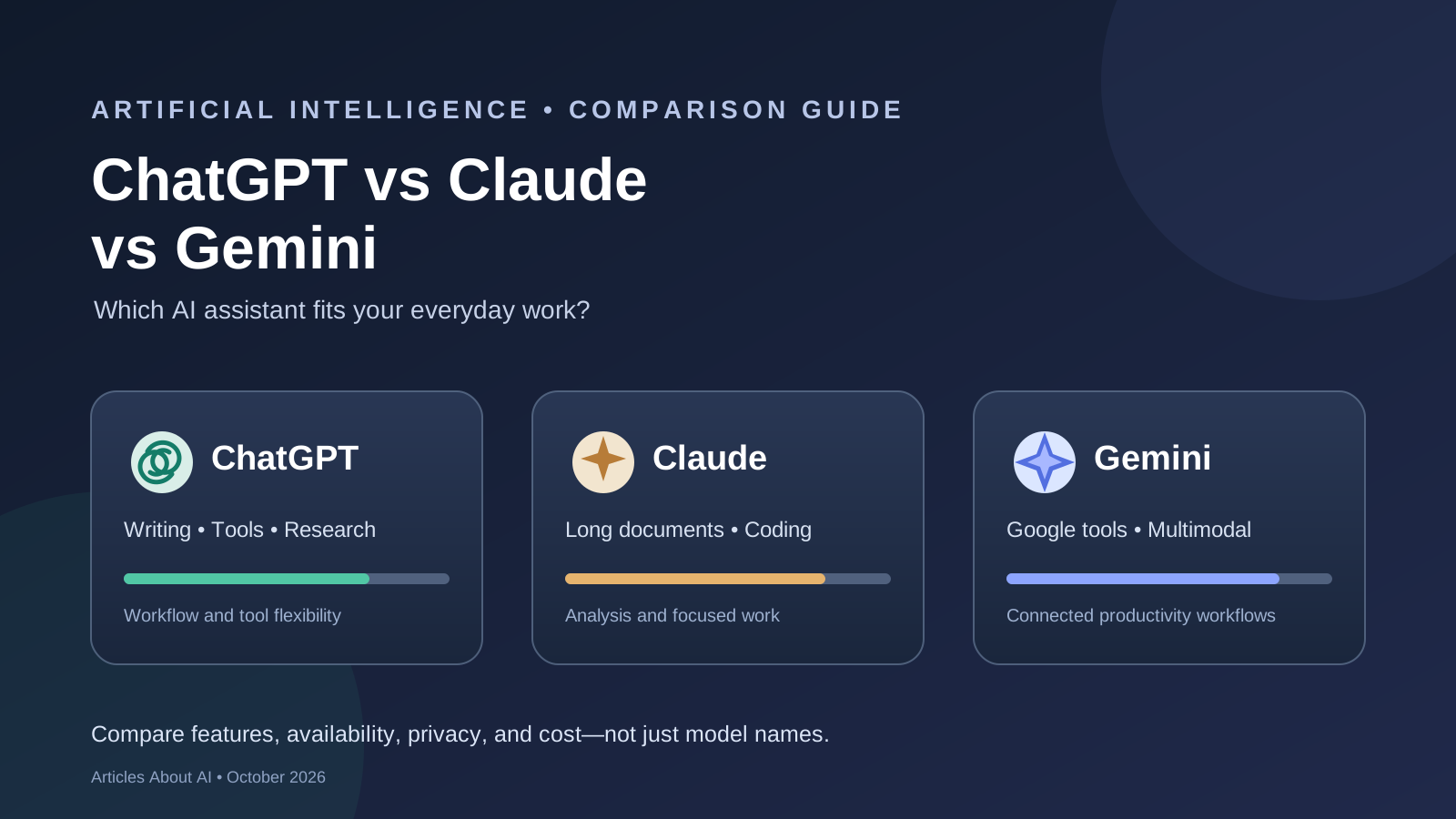
ChatGPT, Claude, and Google Gemini are three leading AI assistants, but choosing between them is not as simple as naming one overall winner. The best option depends on what you need to do: write and revise content, research a difficult question, work with long documents, build software, analyze images, or connect AI with the apps you already use.
This guide compares the three assistants by practical workflow rather than treating brand names as interchangeable model benchmarks. Product capabilities, model availability, usage limits, and subscription terms change frequently. A feature available in one model or plan may not be available in every interface or region, so verify the exact option before paying for it.
Quick comparison
| What you need | What to evaluate first |
|---|---|
| Everyday help, writing, and flexible tools | ChatGPT |
| Careful analysis, long documents, and writing workflows | Claude |
| Google-connected work and multimodal tasks | Gemini |
| Software development | Test the current coding model and tools from all three on the same repository |
| Research with citations | Compare source quality, freshness, and whether citations actually support the claims |
| Best value | Compare your real task success and usage costs, not subscription prices alone |
These are starting points for evaluation, not a measured ranking. No controlled head-to-head test was conducted for this article, and there is no single result that proves one assistant is best for every user.
1. ChatGPT: a flexible general-purpose assistant
ChatGPT is worth evaluating if you want one workspace for conversation, writing, research, file analysis, image-related tasks, and supported tools. OpenAI’s official release notes document ongoing changes to ChatGPT features and model availability, including GPT-6 updates during October 2026. What appears in your model picker can depend on your plan, rollout status, and workspace settings.
Where ChatGPT may fit well
- Drafting, rewriting, outlining, and editing content for different audiences.
- Exploring questions and following up on research in one conversation.
- Working with supported files and turning information into structured outputs.
- Using available tools and integrations for multi-step tasks.
- Iterating on an answer by adding constraints, examples, or source material.
What to verify
Do not assume every ChatGPT account has access to every model, tool, or usage allowance. Check the model selected, feature availability, file limits, and plan terms. For research, inspect the original sources instead of relying on a fluent summary. For coding or other consequential tasks, run tests and review the output before using it.
Official reference: OpenAI ChatGPT release notes.
2. Claude: an option for focused analysis and knowledge work
Anthropic’s Claude family includes models positioned for different balances of capability, speed, and cost. Its October 2026 model announcements include Claude Opus 5.5, Sonnet 5.5, and Haiku 5.5. These names represent distinct model options, so a fair comparison should record the exact model and interface rather than simply saying “Claude.”
Where Claude may fit well
- Reviewing and synthesizing lengthy documents.
- Drafting and revising structured professional writing.
- Working through code, debugging, and software-engineering tasks.
- Analyzing material supplied by the user while keeping track of stated constraints.
- Supporting workflows where a clear explanation and careful review matter.
What to verify
Check which Claude model is available to you, the limits of your subscription or API route, and whether the tools you need are enabled. A model’s published benchmark or provider description is not proof that it will outperform alternatives on your own work. Test representative tasks and verify important factual claims against the source material.
Official references: Anthropic model announcements and Claude release notes.
3. Google Gemini: an option for Google-connected and multimodal work
Gemini is worth considering if your workflow relies on Google’s products or involves different kinds of input, such as text, images, audio, video, and documents. Google publishes model information and product release notes, but features can differ between the Gemini app, developer APIs, and other Google products.
Google’s October 2026 materials identify Gemini 4 Argon as a frontier model for complex tasks. That does not mean every Gemini user receives the same model or feature set. Availability may depend on the product, plan, region, and rollout.
Where Gemini may fit well
- Workflows that benefit from integration with supported Google services.
- Questions that combine text with images or other supported media.
- Document and information workflows where Google tools are already central.
- Developers who want to evaluate Gemini through Google’s developer platform.
- Tasks where the relevant model’s context, modality, and tool support match the job.
What to verify
Check the exact model name, supported input types, context and usage limits, regional availability, and pricing route. Do not assume that a feature shown in a product demonstration is available in every plan. For multimodal tasks, verify extracted details against the original image, audio, video, or document.
Official references: Google DeepMind model cards and Gemini Apps release notes.
ChatGPT vs Claude vs Gemini by task
Writing and editing
All three can draft and revise text. To compare them properly, give each assistant the same brief, audience, source material, and length constraints. Then assess factual accuracy, clarity, tone, instruction-following, and the amount of editing needed. Do not score an answer highly just because it sounds polished.
For work that depends on a specific house style, test a real example from your own publication or business. Check whether the assistant preserves the facts, follows formatting requirements, avoids repetition, and handles revisions without introducing new errors.
Research and fact-checking
A useful research assistant must do more than produce a convincing summary. It should identify relevant sources, distinguish primary evidence from commentary, represent uncertainty, and link each important claim to evidence that supports it.
For a fair test, ask all three assistants the same current question. Open the cited pages, check publication dates, and confirm that the evidence supports the answer. If one assistant has browsing enabled and another does not, record that difference: you are comparing complete product workflows, not only the underlying models.
See also our guide to using Deep Research in ChatGPT and how ChatGPT Search works.
Coding and software development
Coding performance depends on the task. Generating a short function, debugging an existing repository, making changes across multiple files, and running a long agentic workflow are different challenges. The best comparison uses the same repository, commit, instructions, tools, and acceptance tests.
Measure whether the code works, whether tests actually pass, whether the assistant introduces unrelated changes, how much human correction is needed, and how much time or usage the task consumes. Inspect the diff and run the tests yourself; do not accept a model’s claim that a change is correct without verification.
Read our task-specific comparisons: Claude Opus 5.5 vs GPT-6 Astra for coding and GPT-6 vs Claude Opus 5.5 for complex reasoning.
Images, audio, video, and documents
Multimodal performance is not one ability. A system may interpret a chart well but struggle with small text, timestamps, noisy audio, scanned pages, or relationships between multiple files. Compare the specific input types and features you actually need.
Use identical source files and ask questions with verifiable answers. For image tasks, check labels and values directly against the image. For audio, verify names and numbers against the recording. For video, confirm event order and timestamps. For documents, check tables, footnotes, and page references.
Our related guide, Gemini 4 vs GPT-6 for multimodal tasks, explains how to design a more reliable comparison.
Pricing: compare the real cost of completing work
Subscription prices and API token prices measure different things. A subscription may bundle a user interface and a usage allowance; an API is typically billed according to usage and applicable product terms. Some features may also require a particular tier or separate tool usage.
Before choosing a paid plan, check:
- The exact model and features included.
- Message, file, context, and rate limits that affect your workload.
- Whether API use is included or billed separately.
- Any tool, storage, or integration costs relevant to the task.
- How often you must retry or manually repair the output.
- Whether your team needs shared controls, administration, or additional privacy terms.
The lowest advertised price is not necessarily the best value. A more expensive option may cost less overall if it reliably completes a task with fewer retries and less human correction. Conversely, a premium model may be unnecessary for routine summaries or simple drafting.
Because pricing and plan terms change, use each provider’s official pricing and plan pages at the time you make the decision rather than relying on old screenshots or third-party summaries.
Privacy and data handling
Before submitting confidential files, customer records, source code, or business information, review the policies and controls for the exact product and account type you intend to use. Consumer, team, enterprise, and API offerings may have different settings and terms.
Check data retention, training use, administrator controls, connected-app permissions, and the process for deleting or exporting data. Use redacted or synthetic examples when a full sensitive dataset is not required. Do not treat a general statement about a provider as a substitute for reviewing the terms that apply to your account.
A practical test to choose the best AI assistant
You can run a small evaluation before buying or switching tools:
- Select 10–15 realistic tasks from your own work: writing, research, document analysis, coding, or media understanding.
- Give each assistant the same inputs, instructions, and constraints wherever the product supports them.
- Decide the scoring rules before reviewing the answers. Include correctness, completeness, source quality, instruction-following, and critical mistakes.
- Verify factual claims against primary sources and run code or calculations independently.
- Record the time, retries, usage or cost, and amount of human editing required.
- Repeat important tasks so that one unusually good or bad response does not determine the result.
- Recheck the model and plan names because features and availability may change.
If the tools cannot use identical inputs or features, note the difference rather than pretending the comparison is perfectly controlled.
Which AI assistant should you choose?
Choose ChatGPT if its available tools and overall workflow best match your recurring tasks. Choose Claude if its current models and writing, analysis, or coding workflow perform best on your representative examples. Choose Gemini if its available capabilities and Google-connected workflow fit your needs. These are sensible starting points, not a universal ranking.
For many users, the most useful answer is to keep two assistants available for different tasks—but only if the added cost and switching overhead are justified. A repeatable test using your own work is more reliable than a generic leaderboard or a claim that one brand is best at everything.
Final verdict
ChatGPT vs Claude vs Gemini is best approached as a practical workflow comparison. The three products evolve quickly, their models and features are not interchangeable, and no single benchmark can determine the best choice for every task.
Compare the exact models and plans available to you, verify the results, and measure the total effort required to finish real work. That approach will help you choose the best AI assistant for writing, research, coding, multimodal tasks, and productivity without relying on unsupported claims.