
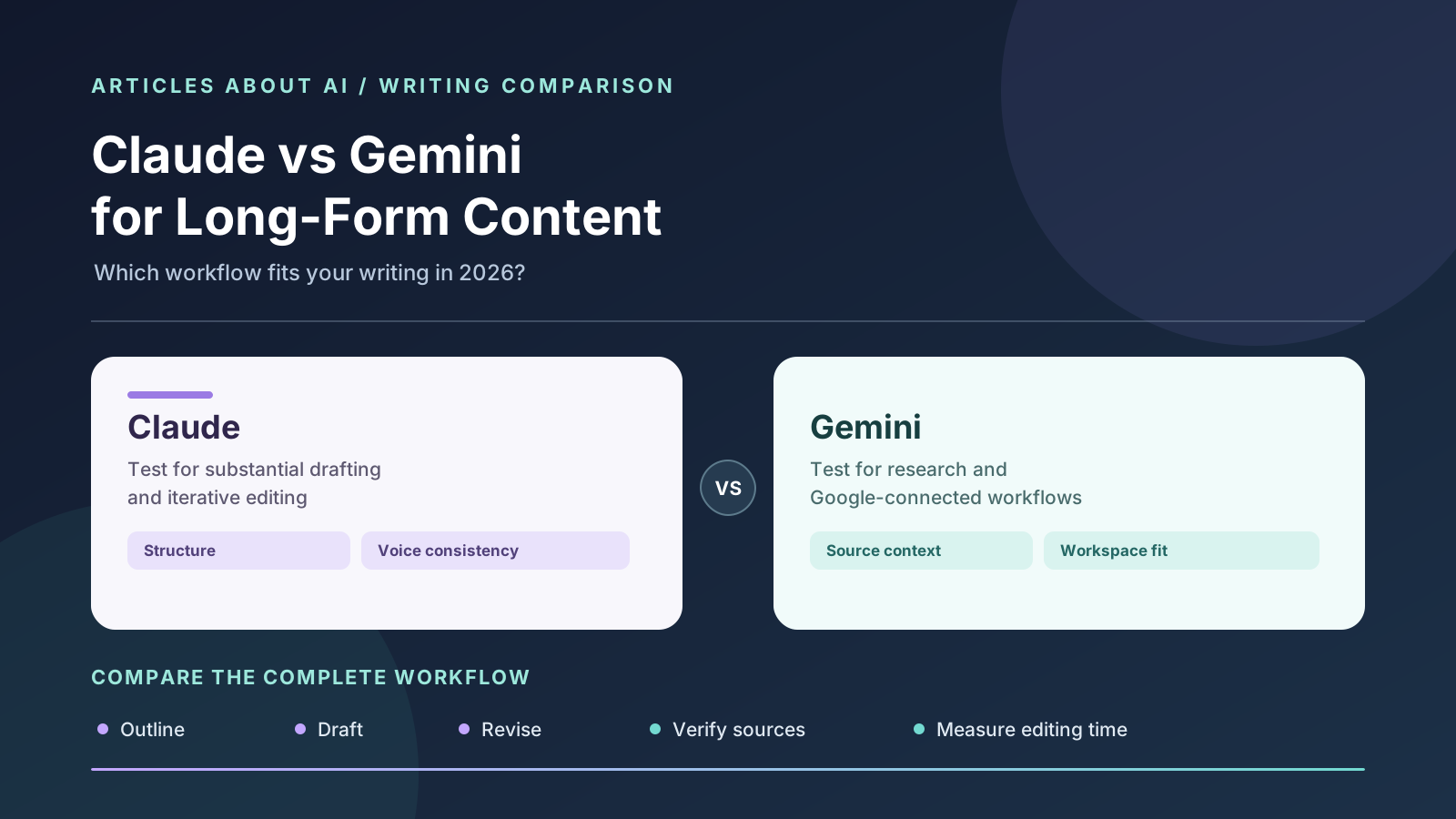
Choosing between Claude and Google Gemini for long-form content is not simply a question of which assistant can generate more words. A 2,000-word article, a research report, a technical explainer, and a multi-chapter document all require planning, source handling, consistent terminology, careful revision, and factual checks. The best tool is the one that helps you manage those stages with the least rework.
Short answer: Start by testing Claude if your main challenge is developing and revising a substantial draft while maintaining a coherent structure and voice. Start by testing Gemini if your work benefits from Google-connected context, document workflows, or research features available to your account. Neither recommendation is a universal performance verdict. Model options, context limits, integrations, and features vary by plan and change over time.
This guide compares the two tools specifically for long-form writing—not coding, image generation, or general chatbot use. It explains how to choose by workflow, how to test both systems fairly, and how to reduce common problems such as repetitive sections, unsupported claims, and inconsistent terminology. For a broader comparison of writing assistants, see Best AI Writing Tools in 2026.
Claude vs Gemini for long-form content: at a glance
| Writing requirement | Claude: what to test | Gemini: what to test |
|---|---|---|
| Planning a long article | Outline quality, section logic, and whether the argument develops naturally | Outline quality and how well it incorporates available context |
| Drafting from a detailed brief | Voice, flow, instruction-following, and handling of constraints | Voice, flow, instruction-following, and integration with your workflow |
| Revising a large document | Ability to preserve the main argument while improving selected sections | Ability to revise content while retaining relevant source and workspace context |
| Working with source material | How faithfully it distinguishes source claims from interpretation | How well available file and Google-connected workflows support source review |
| Research-backed writing | Available search or research features, citations, and uncertainty handling | Available search, Deep Research, and connected-source features |
| Maintaining consistency | Repeated terminology, definitions, tone, and cross-section logic | Repeated terminology, definitions, tone, and cross-section logic |
| Collaboration and workspace fit | Project organization and the controls available in your plan | Fit with eligible Google services and the tools enabled for your account |
| Best way to decide | Run the same assignment and measure editing effort and errors | Run the same assignment and measure editing effort and errors |
This is a workflow comparison, not a controlled benchmark. We have not run a statistically controlled experiment across all current Claude and Gemini models. The result you get depends on the selected model, prompt, input material, task complexity, and product features available to your account.
What makes long-form writing different?
A short answer can be useful even if it contains only one central point. A long article has more ways to fail. It can repeat the same idea in different sections, contradict itself, drift away from the original question, or introduce details that are not supported by the source material.
A reliable long-form workflow usually includes six distinct stages:
- Briefing: Define the audience, purpose, scope, format, and reader’s main question.
- Research: Collect credible source material and identify what remains uncertain.
- Planning: Arrange the argument into sections that each serve a distinct purpose.
- Drafting: Develop the sections without losing the overall thesis or audience.
- Revision: Remove repetition, improve transitions, and verify consistency.
- Fact-checking: Compare claims, quotations, numbers, and dates with the original sources.
An AI assistant may perform well at one stage and less well at another. For example, a strong first draft may still need substantial source verification. A useful research summary may not translate into a clear narrative without editorial direction. This is why the comparison should focus on the complete process rather than one impressive sample.
1. Claude for long-form writing
Claude is worth evaluating when your work depends on developing a substantial document, revising several sections, and preserving a consistent line of reasoning. Its available Projects and document-oriented workflows can help organize ongoing tasks when included in your plan. The exact capabilities depend on the selected model and the interface you use.
Where Claude may fit well
- Developing a detailed article from an outline and a clear brief.
- Revising paragraphs while preserving the intended argument.
- Reviewing a long draft for repetition, missing transitions, and unclear definitions.
- Working with supplied reference material and a style guide.
- Iterating through several rounds of editing.
- Keeping a project organized around a particular subject or document set, where supported.
For instance, a publisher preparing a technical explainer can provide an outline, product documentation, terminology rules, and examples of the desired style. Claude can then help draft individual sections, identify overlap, and suggest revisions. The editor should still check every product claim and confirm that the final article reflects the sources accurately.
A practical Claude workflow
First, ask for a plan rather than the entire article. Request a thesis, target audience, section outline, and a short note explaining what each section contributes. Check that the outline answers the reader’s question and that the sections do not repeat one another.
Second, draft from the approved structure. If the article is long, work section by section. Remind Claude of the overall thesis, the intended audience, terminology, and the points already covered. This helps keep later sections connected to the whole article.
Third, request a structural edit. Ask Claude to flag repeated ideas, weak transitions, unsupported claims, and sections that do not advance the argument. It is often better to ask for an edit plan first, then approve targeted changes, rather than asking for a complete rewrite that may remove useful details.
Fourth, verify the source relationship. Ask which statements are directly supported by supplied sources and which are interpretation or general background. This classification is only a review aid: check the original sources yourself.
Limitations to check
Claude can produce polished prose that still contains errors, oversimplifications, or invented details. A coherent tone does not guarantee factual reliability. Long prompts can also become difficult to manage if the brief, source notes, and revision instructions conflict.
Do not assume that every Claude model or subscription includes the same context capacity, Projects features, search tools, or usage allowance. Confirm the model and tools available to your account before choosing a workflow around a specific feature.
Official starting point: Claude.
2. Google Gemini for long-form writing
Gemini is worth testing when long-form content depends on material and workflows associated with Google’s ecosystem. Depending on account eligibility and workspace settings, available Gemini experiences may connect with supported Google services, files, or research features. Those capabilities can be useful when your source material is already organized in that environment.
Where Gemini may fit well
- Turning a detailed brief or set of notes into a structured draft.
- Summarizing source material before drafting.
- Developing research-led content when suitable search or Deep Research features are available.
- Working with documents and eligible Google-connected context.
- Revising content while staying close to an existing workflow.
- Supporting reports and explainers that depend on multiple reference documents.
Imagine a team preparing a report from research notes, documents, and information stored in Google Workspace. If the team’s account supports the relevant Gemini integrations, working in that environment may reduce copying and switching between apps. The advantage is not automatic writing superiority; it is the potential fit between the assistant and the team’s source workflow.
A practical Gemini workflow
Start with the evidence. Gather the source documents and ask Gemini to summarize each source separately. Request a table of key claims, source references, dates, and unresolved questions. Do not let a summary replace reading the original source when the claim is important.
Build an outline tied to the reader’s question. Ask Gemini to group the evidence into sections and explain what each section contributes. Remove sections that repeat an earlier point or do not help answer the main question.
Draft and revise in stages. Use the outline to draft the article, then review transitions, terminology, and consistency. Ask for a list of claims that need checking, especially numbers, dates, product availability, and comparisons.
Check the actual feature availability. Google changes product features and account eligibility over time. A capability described in a product announcement may not be available in every region, plan, or workspace. Check the controls visible in your own account and current official documentation.
Limitations to check
Access to connected services and advanced research tools can vary. A connected workflow is useful only if the relevant files are accessible and the permissions are appropriate. As with other assistants, Gemini can produce plausible but incorrect statements, misunderstand source material, or generate a summary that omits a crucial qualification.
For sensitive work, follow your organization’s data policies and review the settings governing connected services and uploaded material. Do not upload confidential content unless you are authorized to do so and understand the applicable terms.
Official starting point: Google Gemini. For a more research-focused comparison, see Gemini vs ChatGPT for Research.
3. Which tool produces better long-form drafts?
There is no dependable answer for every topic, prompt, or model version. Rather than assume one tool is always better, compare the drafts on criteria that matter to your publication or team.
Structure and argument
A strong long-form draft has a clear central argument. Each section answers a different part of the reader’s question, and the order feels logical. Check whether the draft introduces concepts before relying on them, explains why each section matters, and ends with a conclusion supported by the preceding discussion.
A simple test is to ask each tool for a one-sentence summary of every section. If two sections have nearly identical summaries, the article may be repetitive. If a section cannot be summarized in a way that relates to the central question, it may be unnecessary or poorly placed.
Voice and readability
The best prose is not necessarily the most formal or the most polished. It should fit the reader and the subject. A technical guide may need precise definitions and direct instructions, while a feature article may need a more exploratory style.
Provide both assistants with the same short style guide. Include examples of preferred wording, sentence length, terminology, and tone. Then check whether the model follows the guide across the whole document—not just the opening section.
Source fidelity
For research-backed content, ask each tool to identify the claims supported by each source. Check quotations, dates, statistics, and product details against the original documents. If the tools disagree, do not select the more confident-sounding answer; investigate the underlying evidence.
Revision quality
A long-form tool should improve the draft without accidentally removing important qualifications. Give each assistant the same revision instructions: shorten a repetitive section, preserve a technical definition, clarify a difficult paragraph, and correct a claim using a supplied source. Review whether the changes address the request without introducing new errors elsewhere.
Consistency across sections
Look for changes in terminology, inconsistent descriptions of the same concept, shifts in tone, repeated introductions, and conclusions that conflict with earlier sections. You can ask an assistant to run a consistency review, but verify its findings yourself.
4. Claude vs Gemini for research-backed articles
Research-backed writing requires more than a plausible outline and fluent prose. It requires a traceable relationship between the evidence and each important claim.
The useful comparison is how each tool supports your actual research process. Check which search or research features are available, whether you can inspect the sources, how clearly the assistant distinguishes evidence from interpretation, and whether the final draft preserves the qualifications in the original material.
Use this sequence:
- Write a research question and define what counts as an authoritative source.
- Collect primary sources such as official documentation, announcements, papers, or direct statements.
- Ask the tool to summarize each source separately before combining them.
- Build a claim ledger with the claim, source, date, and verification status.
- Draft from the verified notes rather than from an unsourced generated summary.
- Open the original source for every consequential claim.
- Recheck dates and availability immediately before publication.
When current product features or pricing are involved, use official documentation and the vendor’s pricing page. When discussing scientific findings, consult the original paper and examine its methods and limitations. Secondary coverage can provide context, but it should not replace primary evidence when the original source is available.
For a broader look at how AI model rankings should be interpreted, read Best AI Models in 2026: Benchmark Rankings Explained. Benchmarks can help answer specific questions, but a result on one task does not establish which assistant is best for a different writing workflow.
5. Long documents, context, and consistency
Writers often use “long context” as shorthand for a model’s ability to accept a large amount of input. But a large context window does not guarantee that every detail will be recalled or applied correctly throughout a complex document.
For practical work, test more than the maximum advertised input size. Check whether the assistant can locate a specific detail in a large source set, keep a definition consistent, and avoid confusing information from different documents.
A good workflow reduces avoidable context problems:
- Keep the brief and style guide concise and explicit.
- Maintain a separate list of verified facts and required terminology.
- Divide very large documents into logical sections.
- Keep a running summary of decisions already made.
- Ask for references to the relevant source passages when possible.
- Review the final document for contradictions and omissions.
If you work on a multi-part report, do not assume that asking the model to “remember everything” is enough. Maintain a human-controlled source of truth for names, figures, definitions, and decisions. Use the AI assistant to help apply that information, not as the only record of it.
6. Cost, access, and product fit
Pricing and plan inclusions change, so check current official terms rather than relying on a static comparison table. Consider the total cost of the workflow, including usage limits, access to specific models, connected tools, and any separate software you still need.
Ask these questions before subscribing:
- Does the plan include the exact model you want to use?
- Are research, file, and integration features included?
- What usage limits apply to your typical workload?
- Can your team use the features under its workspace and privacy policies?
- Will the tool reduce enough editing or administrative work to justify the cost?
- Can you export or move the finished content into your publishing system?
A solo writer may only need one assistant. A team may value connected documents, shared instructions, collaboration controls, or administrative settings. Do not pay for a feature because it sounds impressive; pay for it when it solves a recurring problem in your workflow.
Check the official product pages for current details: Claude and Google Gemini.
7. A fair 30-minute comparison test
You can make a useful initial decision without building a complex benchmark. Run the same assignment through both tools and record the differences.
Prepare one realistic brief
Choose a topic you understand well enough to evaluate. Provide both assistants with the same target reader, purpose, outline requirements, length range, style guide, and source material. Avoid giving one tool extra information or more detailed instructions.
Request an outline first
Give each tool up to five minutes to produce an outline. Score it on relevance, section order, coverage, and repetition. Do not reward an outline simply because it has more headings.
Draft one representative section
Ask both tools to draft the same section from the same source material. Check clarity, accuracy, voice, and whether every important claim is supported. This is more manageable than comparing two complete articles at the start.
Request identical edits
Ask each tool to remove repeated ideas, clarify a complex paragraph, preserve a defined term, and flag unsupported claims. Compare whether it follows the instructions and whether the revision introduces new issues.
Score the results
Use a 1–5 score for each criterion:
| Criterion | What a high score means |
|---|---|
| Structure | The outline develops one clear argument without redundant sections |
| Readability | The prose is clear and suited to the target reader |
| Source fidelity | Claims accurately reflect the supplied evidence |
| Consistency | Terms, tone, and conclusions remain aligned across sections |
| Revision control | The tool makes requested edits without damaging other content |
| Editing time | You can reach a reliable final draft with less manual work |
| Workflow fit | The tool works with your files, collaboration, and publishing process |
Record the actual time spent reviewing and correcting the output. A slightly less polished first draft may still be the better choice if it is easier to verify and revise. Conversely, a fluent draft that requires extensive fact-checking may not save time at all.
8. Common mistakes when using AI for long-form writing
Asking for a complete article from a vague prompt
“Write a comprehensive article about this topic” does not define the audience, purpose, evidence, or scope. The result may be long but generic. Provide a detailed brief, specify what the article must answer, and approve the outline before drafting.
Treating length as depth
A 3,000-word draft is not automatically more useful than a 1,500-word one. Remove repetition and require each section to add a new explanation, example, comparison, or practical step.
Allowing the model to invent missing evidence
If the source material does not support a claim, ask the assistant to flag the gap. Do not ask it to make the argument sound more convincing by filling in unknown details.
Editing without a change plan
Repeated full rewrites can erase strong passages, remove qualifications, or introduce new errors. Ask for a diagnosis first, then request targeted revisions and compare them with the original.
Ignoring the reader’s intent
An article can mention all the right keywords and still fail to answer the question. Make the reader’s main problem the organizing principle of the piece. Use related terms naturally when they help explain the subject; do not stuff them into every section.
Publishing without a final human review
Verify claims, links, names, dates, quotations, formatting, and image paths. Read the article as a reader would, and confirm that its conclusion follows from the evidence. AI can accelerate the workflow, but the publisher remains responsible for the published content.
For practical prompting techniques, see How to Write Better ChatGPT Prompts. For another task-specific comparison, read ChatGPT vs Claude for Writing.
Frequently asked questions
Is Claude better than Gemini for long-form writing?
Not in every situation. Claude is worth testing for drafting and revising substantial documents. Gemini may be a better workflow fit when eligible Google-connected context and research tools matter. Use the same brief and score both tools on structure, accuracy, revision quality, and editing time.
Which AI is better for writing long blog posts?
Start by testing Claude and Gemini with the exact type of blog post you publish. Supply the same outline, sources, audience, and style guide. Check for repetition, unsupported claims, and how much editing is needed before publication.
Can Gemini write a long research report?
Gemini can assist with research and writing when the necessary features are available to your account. The quality of the result depends on the sources, prompt, model, and review process. Verify every important claim against the original evidence before using the report.
Can Claude keep a long article consistent?
Claude can help review terminology, tone, and structure across a long draft, but you should not assume consistency is guaranteed. Provide a style guide and a list of verified facts, then conduct a separate review for contradictions, repeated points, and changed definitions.
Should I use Claude and Gemini together?
You can, but using two assistants is only useful if the second pass adds value. One possible workflow is to draft with one tool and ask the other to critique the structure or identify unclear claims. Verify the critique independently, and avoid copying sensitive material into a service unless your data policies allow it.
Do AI writing tools improve SEO rankings?
No tool can guarantee rankings. AI may help organize an article, clarify explanations, and support editing, but search performance depends on the usefulness and reliability of the content, the site, competition, and other factors. Focus on satisfying the reader’s intent rather than inserting as many keywords as possible.
Final verdict
For long-form content, choose Claude or Gemini based on the work you need to complete—not on a blanket claim that one assistant is the best writer. Test Claude for substantial drafting and iterative editing; test Gemini when its research and Google-connected workflow fits your source material and team environment. Then compare both on the same real assignment.
The deciding factors should be source accuracy, structure, voice consistency, revision control, editing time, and total cost. Use AI to accelerate planning and drafting, keep a verified source of truth, and retain human responsibility for the final article. That process is more reliable than expecting any model to produce publication-ready long-form content in a single attempt.