
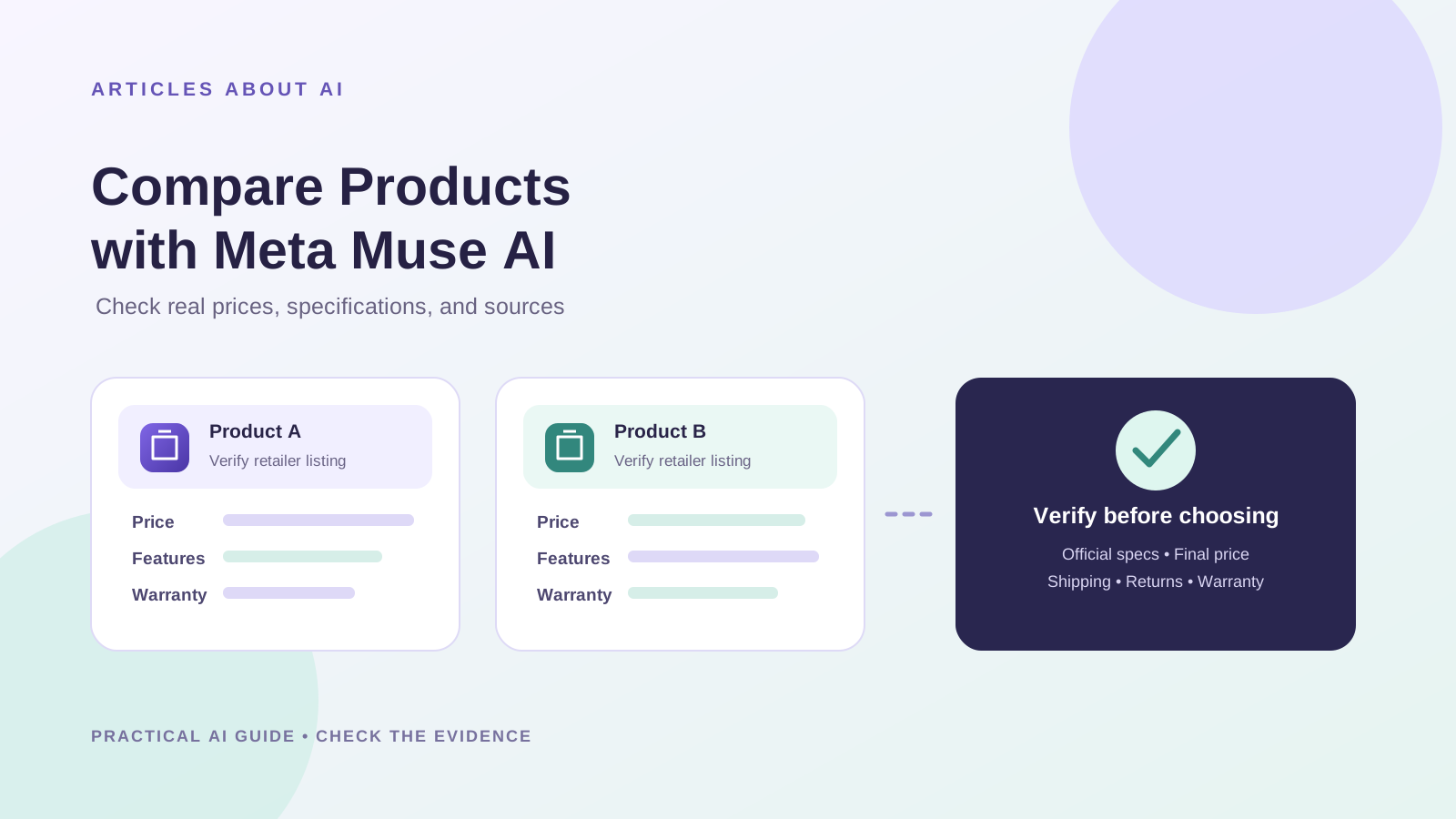
Meta Muse is designed to help with multi-step tasks, including web browsing and shopping-related workflows. Meta says Muse can navigate websites, work with connected services, and ask for approval before certain consequential actions. That makes it a potential helper when comparing products—but a generated comparison is not proof that prices, specifications, or stock levels are current.
This guide explains how to use Meta Muse AI to organize a product comparison, then verify the details against official manufacturer pages and retailer listings. It does not claim that a live shopping test was performed for a specific product or that Muse always retrieves accurate prices.
Can Meta Muse AI compare products?
Meta’s official Muse product information describes a personal AI agent with a browser, connectors, and the ability to help with shopping and purchases. Actual capabilities depend on the version, region, connected services, and task. Muse may be able to gather information from websites, but users should still check the source pages and confirm the final purchase details themselves.
For an overview of Muse’s features, read our guide to what Meta Muse AI is and how it works. If you want to use AI for broader evidence gathering, see how to research a topic with Meta Muse AI and verify every source.
Step 1: Choose two or three exact products
Start with products that can be compared fairly. Use the exact model number, generation, size, storage capacity, or other identifier—not just a broad product category.
For example, comparing two laptops requires more than their brand names. Record the full model numbers and configurations, including processor, memory, storage, display, battery, warranty, and regional model if relevant. A retailer may list different configurations under nearly identical product names.
Before asking Muse to research, decide which features matter most. Separate must-have requirements from preferences so that a low price does not outweigh a feature you actually need.
Step 2: Give Muse a specific research task
Use this prompt as a starting point. Replace the bracketed details with the products and market you care about.
Compare these products for me: [exact product A and model number] and [exact product B and model number].
My country or delivery region is [region], and my priorities are [list priorities].
For each product, find the manufacturer’s official specification page and current listings from reputable retailers that deliver to my region. Record the exact model number, listed price, currency, availability, configuration, shipping fee if shown, warranty, return policy, and the date you checked the listing.
Provide the direct URL for every factual claim. Distinguish manufacturer specifications from retailer claims. Do not estimate missing prices, invent links, or assume two similar model names describe the same configuration. If you cannot access a page or verify a detail, mark it as unverified.
Calculate the comparable total cost only when the required fees are available. Finish with a table of verified facts, unresolved questions, and the best fit for my stated priorities. Do not buy anything or submit personal information.
The prompt asks for evidence and limits unsupported guesses. It cannot guarantee that every instruction will be followed, so inspect the result before relying on it.
Step 3: Verify specifications with the manufacturer
Use the manufacturer’s product page or official technical documentation as the starting point for specifications. Check the details that could change the comparison, such as:
- Exact model or part number
- Processor, memory, storage, and display configuration
- Dimensions, weight, battery capacity, or rated performance where relevant
- Included accessories and what is sold separately
- Warranty terms and regional limitations
- Whether the product is new, refurbished, used, or an older generation
A retailer page can be useful for the exact configuration it sells, but it may contain incomplete or inconsistent details. If the manufacturer and retailer disagree, do not silently choose one. Record the discrepancy and check the exact model identifier or contact the seller.
Step 4: Check current prices at the retailer
Prices and stock can change quickly. Open the retailer’s own listing and confirm that the product, configuration, and price match the comparison table. Note the currency and the date checked.
Do not treat a search-result snippet or a price mentioned in an AI response as a confirmed live offer. Promotions may expire, prices may require a membership, and a listing may show a different configuration from the one you intended to compare.
The US Federal Trade Commission recommends checking the full cost, including shipping, handling, taxes, and other fees, and reviewing the seller’s terms before buying. Its guidance is useful for building a careful comparison, although local consumer rules differ by country.
Official guidance: FTC — Online Shopping.
Step 5: Compare the total cost, not just the headline price
A lower displayed price does not always mean a better deal. Compare the same configuration and calculate the total only when you have enough information.
| Cost or term | What to verify |
|---|---|
| Listed price | Exact item and configuration |
| Shipping and handling | Fee and delivery destination |
| Taxes and other fees | Whether included or calculated at checkout |
| Discounts | Eligibility, expiration, and conditions |
| Warranty | Length, provider, and regional coverage |
| Returns | Deadline, return shipping, and restocking fees |
| Delivery | Estimated date and seller’s stated terms |
If a required fee is unknown, mark the total as incomplete rather than presenting an invented number. Do not compare a discounted refurbished item with a brand-new item without making the condition difference explicit.
Step 6: Check whether the seller and offer are trustworthy
A product comparison is only as reliable as its listings. Check the seller’s identity, recent reputation, contact details, return policy, and payment options. Be cautious when a price is dramatically lower than prices at established retailers, particularly when the seller is unfamiliar or the listing omits key details.
The FTC advises shoppers to read reviews critically, research sellers, check return and refund policies, and keep records of purchases. See its official online-shopping guidance and advice about buying from online marketplaces.
These US resources are not a substitute for the laws that apply in your own country. Check the retailer’s terms and local consumer protections before paying.
Step 7: Ask Muse to explain the trade-offs
Once the facts are checked, ask Muse to compare the products against your priorities. For example:
Using only the verified details in the table, compare these products against my priorities. Explain which product is the better fit for each priority, list the trade-offs, and identify any missing information that could change the recommendation. Do not use unverified claims or assume the most expensive product is best.
A useful recommendation should explain why one product fits your needs. It should not simply choose the lowest price or repeat marketing language.
Keep facts and judgments separate. “The manufacturer lists 16 GB of memory” is a verifiable specification. “This is the best laptop” is a conclusion that depends on your workload, budget, and preferences.
Step 8: Confirm everything at checkout
Before you buy, open the final checkout page yourself. Confirm the exact model, seller, final price, currency, delivery address, taxes, shipping, estimated delivery date, and return conditions. A price in a research table may no longer be available by the time you reach checkout.
Meta says Muse is designed to ask for approval before certain actions such as purchases, and that users can review its activity. Treat approval as a final decision point: read the details rather than approving an action just because the agent prepared it.
Never give an AI agent more account access than the task requires. Do not ask it to purchase an item until you have independently verified the seller and terms.
A reusable product-comparison checklist
Before accepting the result, make sure that:
- Both products have exact model numbers and matching configurations.
- Specifications link to official manufacturer pages where possible.
- Each price links to the retailer’s own listing.
- The currency and date checked are recorded.
- Shipping, taxes, and other required fees are included or marked unknown.
- Warranty, return policy, and product condition are checked.
- Conflicting or inaccessible sources are clearly marked.
- The recommendation is based on your priorities.
- No purchase was made without your explicit review and approval.
Common mistakes to avoid
Comparing similar names instead of exact models. Two listings can look nearly identical while offering different memory, storage, accessories, or regional variants.
Trusting the first price shown. A snippet may be old, a promotion may have expired, or shipping may change the total.
Treating retailer copy as independent proof. Verify technical claims with the manufacturer when possible and use reputable independent reviews for real-world performance.
Assuming availability means delivery to your region. Confirm that the seller ships to your location and check the delivery estimate.
Letting an AI recommendation replace your judgment. Use the agent to organize the evidence, then decide based on your requirements and verified facts.
Frequently asked questions
Can Meta Muse AI find current product prices?
Meta describes Muse as an agent with a browser and shopping-related capabilities. Whether it can retrieve a specific current price depends on access to the relevant site and the task. Always open the retailer’s listing to verify the price, configuration, and availability.
Can Muse compare product specifications?
You can ask Muse to collect and organize specifications from product pages. Verify important details against the manufacturer’s official documentation, especially when model numbers or configurations are similar.
Does Muse automatically buy the product it recommends?
A recommendation is not the same as a completed purchase. Meta says Muse asks for approval before certain sensitive actions, including purchases. Review the final item and terms before authorizing any transaction.
What is the most reliable source for a product’s specifications?
The manufacturer’s official product page or technical documentation is usually the best starting point. Retailer listings are important for the specific configuration, price, stock, and terms being offered. Independent expert reviews can add real-world performance context.
Is this article a live benchmark of Muse’s shopping accuracy?
No. It is a practical verification workflow based on published product descriptions and consumer-shopping guidance. It does not claim that a controlled test of Muse’s price accuracy was conducted.
Conclusion
Meta Muse may help organize a product search and compare information across multiple pages, but the quality of a buying decision depends on checking the evidence. Use exact model numbers, prioritize manufacturer documentation, verify current retailer listings, compare the full cost, and review return and warranty terms before buying.
The safest workflow is to let Muse gather and structure the information while you verify the sources and make the final decision.
Sources
- Meta Newsroom — Introducing Muse: The World’s First Personal AI Agent Built for Everyone
- Meta AI — Muse: Features and Capabilities
- Federal Trade Commission — Online Shopping
- Federal Trade Commission — Buying From an Online Marketplace
Editorial note: Statements about Muse’s capabilities are attributed to Meta’s published product information. This guide does not claim independent testing of Muse or guarantee that its results will always be accurate.