
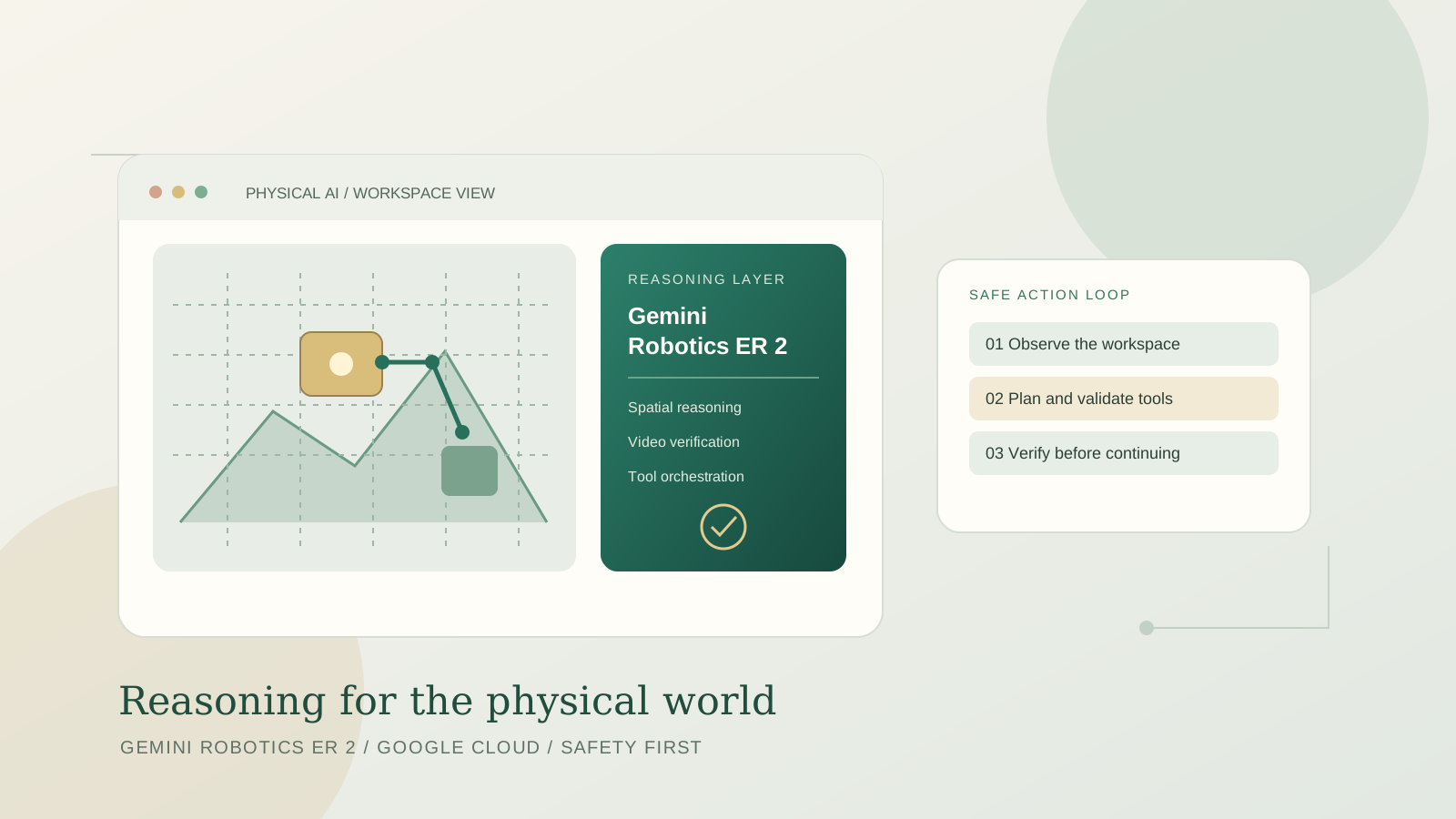
Google Cloud announced on October 27, 2026, that Gemini Robotics Embodied Reasoning 2 (ER 2) is available in public preview on the Gemini platform. The model is designed to help robots interpret physical environments, reason about spatial and temporal information, plan multi-step tasks, and coordinate tools such as robot control APIs. It is aimed at developers and organizations building physical AI systems—not people looking for a general-purpose chatbot.
This guide explains how to access the preview, initialize the Google Gen AI SDK, send a first request, connect model reasoning to robot tools, and evaluate the system safely before using it around real equipment.
What is Gemini Robotics ER 2?
Gemini Robotics ER 2 is a vision-language model specialized in embodied reasoning: interpreting a physical scene and deciding what should happen next. Google describes capabilities that include spatial reasoning, identifying and pointing to objects, reading instruments, understanding robot video, classifying task progress, detecting whether a step succeeded, and coordinating multi-step tool use. It can serve as a high-level reasoning layer while lower-level systems handle motion control.
The distinction between a reasoning model and a motion controller matters. ER 2 can interpret a request such as “move the sample tray to the marked station” and coordinate functions exposed by a robotics application, but the application still needs validated control interfaces, collision checks, and a safe execution layer. Do not assume that a language model directly produces safe motor commands for every robot.
Google lists the model as a public preview on the Gemini Enterprise Agent Platform, with the model ID gemini-robotics-er-2-preview. The release is a preview offering, so availability, terms, quotas, and capabilities may change. See the official Google Cloud announcement and the model documentation.
Before you begin
Prepare the following:
- A Google Cloud project with billing configured.
- Access to the Gemini Enterprise Agent Platform preview.
- The Google Gen AI Python SDK.
- Google Cloud credentials configured for local development.
- A simulated robot or a low-risk test environment.
- A clearly defined task with a measurable success condition.
Google’s current documentation says the preview endpoint uses the global location and authenticates through Google Cloud credentials rather than a standalone Gemini API key. Follow the setup instructions for the platform you actually use; the standard Gemini API and the enterprise platform do not necessarily share the same authentication path.
Step 1: Set up the Python environment
Install or upgrade the official SDK:
pip install --upgrade google-genai
For local development, authenticate with Application Default Credentials:
gcloud auth application-default login
Make sure the relevant API is enabled for your Google Cloud project and that your account has the required permissions. Store credentials in the supported credential mechanism; never commit service-account keys, access tokens, or other secrets to a public repository.
Step 2: Initialize the client
The official Google Cloud overview uses the Google Gen AI SDK with the enterprise backend. Replace the placeholder project ID with your own Google Cloud project:
from google import genai

client = genai.Client(
    enterprise=True,
    project="YOUR_GOOGLE_CLOUD_PROJECT_ID",
    location="global",
)
The code above initializes the client; it does not move a robot or grant physical access by itself. Keep the model ID and configuration aligned with the latest official documentation, because preview interfaces may evolve.
Step 3: Send a first request
For an initial test, ask the model to identify objects in a supplied image or describe the next safe step in a simulated workspace. A basic text-only example is:
from google import genai

client = genai.Client(
    enterprise=True,
    project="YOUR_GOOGLE_CLOUD_PROJECT_ID",
    location="global",
)

response = client.models.generate_content(
    model="gemini-robotics-er-2-preview",
    contents=(
        "Describe a cautious inspection plan for a simulated robot workspace. "
        "List assumptions and identify actions that require human confirmation."
    ),
)

print(response.text)
This example tests text-based reasoning and project access. For spatial reasoning, instrument reading, or video-based progress verification, provide the supported image or video input using the format shown in the official SDK examples. A production robotics pipeline should validate the returned structure before using it to invoke a control function.
Step 4: Use spatial reasoning to interpret a workspace
Spatial reasoning is useful when a robot needs to identify objects, estimate their relative positions, or translate a natural-language goal into structured information. Google documents examples such as locating objects in an image, returning normalized coordinates, interpreting instruments, and reasoning about trajectories.
A practical implementation should:
- Capture an image using a calibrated camera.
- Describe the task and constraints precisely.
- Ask for a structured response, such as object labels and coordinates, where supported.
- Validate that the returned coordinates are within the expected image bounds.
- Convert coordinates to the robot’s reference frame using calibrated geometry.
- Check reachability and collision constraints with a conventional robotics stack.
- Require a verification step before executing the movement.
Do not send raw model coordinates directly to a motor controller. Image coordinates, world coordinates, and robot joint coordinates are different representations; the application must handle transformations, uncertainty, and mechanical limits.
Step 5: Connect reasoning to robot tools
Gemini Robotics ER 2 can coordinate low-level control interfaces exposed as tools, such as vision-language-action models, navigation APIs, or custom functions. The model can help select and sequence those functions, while your application remains responsible for validating arguments and controlling execution.
A robust tool interface should specify:
- The action the function performs.
- Required arguments and their units.
- Valid ranges and allowed values.
- Preconditions that must be true.
- Expected result and error states.
- Whether the action is reversible.
- Which actions require human approval.
For example, a read_sensor() function may be safe to call repeatedly, while a move_arm() function must check workspace limits, object presence, speed constraints, and emergency-stop status. A function that opens a valve, moves a heavy object, or handles a hazardous material needs additional independent interlocks.
The model should never be the sole authority for safety-critical decisions. Keep safety logic outside the prompt and enforce it in the tool implementation and robot controller.
Step 6: Verify progress from video
One of the model’s stated uses is reasoning over video to classify whether a task is progressing, identify key moments, and detect whether an action succeeded. This is valuable in workflows where the robot must not blindly continue after a failed step.
A practical verification loop looks like this:
- Record the current state before an action.
- Execute one bounded action in simulation or a controlled test cell.
- Inspect the resulting image or video segment.
- Ask the model to classify the outcome against a precise criterion.
- Compare that result with sensor readings and application state.
- Continue only if the required conditions are satisfied.
- Otherwise stop, retry within a limited policy, or request human review.
Google reports a 91.3% accuracy result for a specific video moment-finding evaluation in its announcement. That is a task-specific vendor-reported result, not a guarantee of 91.3% success for every robot, camera, factory, or video stream. Validate performance on your own representative data before relying on it.
Step 7: Test in simulation before hardware
Google describes using simulation environments such as MuJoCo-Warp and NVIDIA Isaac Sim to test behavior before deployment. Simulation lets teams evaluate task plans, tool arguments, edge cases, and failure recovery without exposing people or equipment to the same physical risks.
Build a test set that includes ordinary tasks, ambiguous instructions, occluded objects, unexpected obstacles, sensor failures, timeouts, and conflicting instructions. Record success rate, unsafe action proposals, false success detections, recovery behavior, latency, and cost. Test the system after changes to prompts, tool definitions, model versions, cameras, or robot hardware.
For broader operational controls, see our guides to AI agent reliability evaluation and production observability for AI agents. Those principles are especially important when a physical workflow spans multiple tools and state transitions.
Availability, model ID, and pricing
The documented preview model ID is gemini-robotics-er-2-preview. The Google Cloud model page lists the model as Preview and shows global availability for the preview endpoint. The same documentation describes supported input modalities and tools, including text, images, audio, video, function calling, and code execution; check the live model page for the current capability matrix.
Do not assume that a price from another Gemini model applies to Robotics ER 2. Consult the current Gemini Robotics ER pricing and model information before estimating spend. Total operating cost can include model usage, video and image processing, cloud infrastructure, simulation, data storage, network transfer, and engineering time. Preview quotas and terms may also differ from general-availability services.
Safety, privacy, and limitations
Robots interact with the physical world, where errors can damage property or injure people. Google warns that the robotics models should not be used for safety-critical applications where a malfunction could cause death, injury, or property damage. Treat the model as a reasoning component within a safety-engineered system—not as a replacement for validated control software, physical safeguards, or trained operators.
Use least-privilege credentials, limit tool access, separate read-only analysis from physical actions, and maintain logs that make decisions and tool calls auditable. If cameras or microphones capture identifiable people, follow applicable privacy requirements and the platform’s terms. Test uncertainty handling and ensure the system stops safely when observations are unclear or a tool returns an error.
Frequently asked questions
Is Gemini Robotics ER 2 generally available?
No. The October 27, 2026 Google Cloud announcement describes public preview availability on the Gemini platform. Preview features can change and may have limited support.
What is the model ID?
The documented model ID is gemini-robotics-er-2-preview.
Does it directly control every robot?
No. It can reason about the scene and coordinate tools exposed by a robotics application. Actual movement depends on the robot’s APIs, control stack, calibration, and safety mechanisms.
Can I use it with video?
The model documentation lists video input and describes video-based task progress and moment-finding capabilities. Follow the current official examples for supported formats and input limits.
Is it safe to deploy in a factory?
A preview model should not be treated as a certified safety controller. Start in simulation, validate against your own environment, keep independent safety systems in place, and follow the provider’s usage restrictions.
Conclusion
Gemini Robotics ER 2 brings embodied reasoning, spatial understanding, video-based progress checks, and tool orchestration to Google Cloud’s robotics development platform. Developers can begin with the documented preview model ID and Google Gen AI SDK, but reliable physical AI requires careful calibration, strict tool validation, independent safety controls, and measured evaluation. Build the first workflow in simulation, verify every consequential action, and consult the official documentation for current availability, quotas, pricing, and terms.
Official sources
- Google Cloud Blog: Gemini Robotics ER 2 is now available on Google Cloud
- Google Cloud documentation: Gemini Robotics ER 2 model details
- Google Cloud documentation: Gemini Robotics ER 2 overview and SDK setup
- Google DeepMind: Gemini Robotics ER 2 model card
- Google DeepMind: Gemini Robotics 2 and safety