
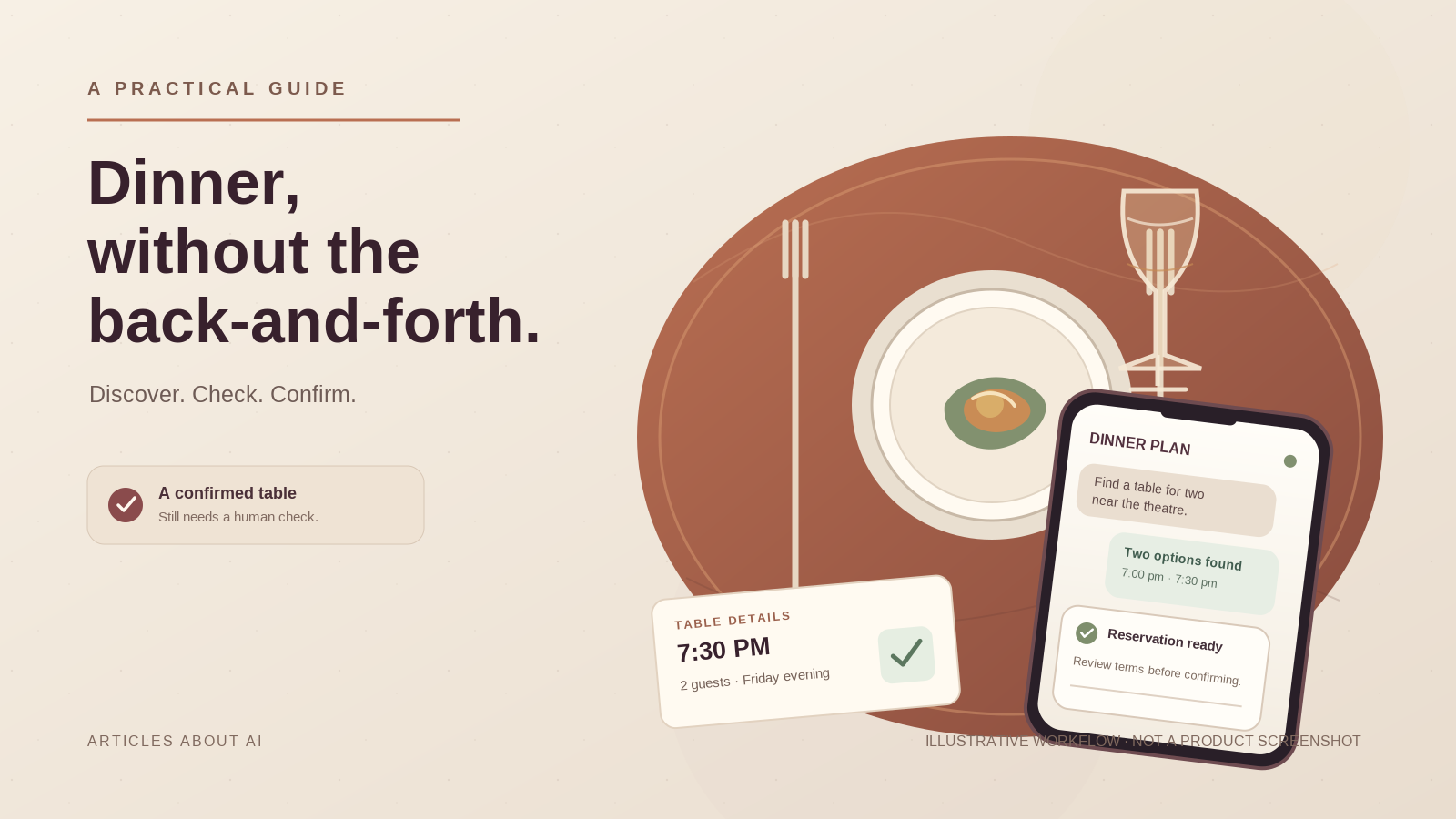
Booking a restaurant is rarely just a matter of choosing a name. You may need to find a place that suits the occasion, compare menus, check whether a table is available at the right time, account for dietary preferences, and remember the deposit or cancellation rules. Instinct is designed to handle parts of that process as a personal AI assistant you can message or call.
The restaurant-booking story changed materially on October 30, 2026, when Instinct announced a partnership with OpenTable. OpenTable described itself as Instinct’s first restaurant-reservations partner and said the integration can help diners discover restaurants, search menus, book tables, change party size, cancel reservations, and check booking terms. That is more specific than a general claim that an AI agent can browse restaurant websites.
This guide explains how to use Instinct AI to book restaurants, what the OpenTable integration is publicly documented to support, how to write a useful request, and what to verify before trusting an assistant with a reservation.
Can Instinct AI book restaurant reservations?
Yes. Instinct’s current Privacy Policy, revised November 17, 2026, explicitly gives booking a restaurant reservation as an example of what its browser functionality may do on a user’s behalf. It also says Instinct can interact with third-party websites and services, including services that a user has not separately connected.
There is now a named reservation partner as well. In an announcement on its official LinkedIn page, OpenTable said it is Instinct’s first restaurant-reservations partner. The announcement describes a specific set of tasks: restaurant discovery, menu searches based on dietary preferences and budget, booking a table, adjusting the party size, canceling, and checking terms such as deposits and cancellation policies. Instinct founder Noah Shinn also announced the partnership on October 30, 2026, saying the assistant could book and manage reservations, including moving a booking when plans change.
That evidence supports a real booking workflow through OpenTable. It does not mean that every restaurant is listed, every table is available, or every Instinct account has the same access. The announcement does not publish a success rate, a complete list of supported countries, or a guarantee that all users can use the integration immediately.
What the Instinct and OpenTable integration can do
OpenTable’s announcement describes six useful parts of the dining workflow:
| Task | What the announcement says the integration supports | What you should still verify |
|---|---|---|
| Discover restaurants | Find places that match your taste | Location, opening hours, current fit, and whether the restaurant is participating |
| Search menus | Look for dishes that fit dietary preferences and budget | Ingredients, allergens, cross-contact, and current menu details |
| Book a table | Make a reservation | Restaurant, date, time, party size, and final confirmation |
| Change party size | Adjust the number of diners | Whether the new party size is available |
| Cancel | Cancel a reservation when plans change | The restaurant’s deadline, deposit rules, and any cancellation charge |
| Check booking terms | Review deposits and cancellation policies | The exact terms shown for the selected booking |
The important distinction is between finding an option and confirming a reservation. A restaurant recommendation is not a booking. A time displayed in a search result is not necessarily still available by the time the reservation is submitted. OpenTable’s Terms of Use explain that availability is determined when a user makes a query, using information supplied by the restaurant, and that reservation confirmations are sent by email or another agreed electronic message.
For a broader explanation of Instinct’s capabilities, see Instinct AI Features Explained. If you are new to its messaging-based interface, our Instinct AI App Guide explains how to start and manage a conversation.
Before you ask Instinct to book: prepare the details
A vague request such as “Find somewhere nice for dinner” leaves too many decisions open. A useful restaurant request gives the assistant enough information to narrow the search without encouraging it to guess.
Prepare these details:
- Date and time: Give the exact date, a preferred time, and an acceptable time range. “Friday at 7:00 p.m., or between 6:30 and 8:00 p.m.” is clearer than “Friday night.”
- Party size: State the number of people. If the number may change, say so before the booking is made.
- Location: Specify a neighborhood, city, venue, hotel, or maximum travel distance. Do not assume the assistant should use your current location unless you have chosen to share it.
- Cuisine and atmosphere: Mention cuisine, noise level, formality, outdoor seating, accessibility, or the reason for the meal if it matters.
- Budget: Give a per-person or total food budget and say whether that includes tax, service, drinks, and any deposit.
- Dietary requirements: Describe preferences and allergies accurately. For a serious allergy, ask the assistant to confirm the restaurant’s procedure directly; a menu search alone cannot establish that a dish is safe.
- Flexibility: Tell it which dates, times, or nearby neighborhoods are acceptable alternatives.
- Action boundary: State whether you want research only, a proposed booking, or permission to confirm one specific option.
This preparation is especially important because dietary information can be sensitive. Instinct’s Privacy Policy notes that information about a food allergy or a dietary restriction connected to religious beliefs may be sensitive or special-category data. Share only what is necessary for the task.
Step-by-step: how to book a restaurant with Instinct AI
1. Ask for a shortlist before making a reservation
Start by asking Instinct to identify suitable restaurants and compare them. Keep the first instruction focused on research, not booking.
For example:
Find restaurants for two people near [neighborhood] on [date]. We would like [cuisine or atmosphere], with a budget of [amount] per person. Our preferred time is [time], but [time range] is acceptable. Compare available tables, menus, distance, and any stated deposit or cancellation terms. Do not make a reservation or contact a restaurant yet.
This gives you a chance to correct the location, budget, cuisine, or timing before the assistant takes an action. It also makes the difference between a recommendation and an available table visible.
2. Review the restaurant and the exact slot
When Instinct returns options, check the details that could change your decision:
- Is this the correct restaurant and branch?
- Is the address convenient for the rest of your plans?
- Does the available time fit your schedule?
- Is the party size correct?
- Does the menu appear to meet your needs?
- Is there a deposit, card hold, prepaid menu, or late-cancellation charge?
- Does the restaurant have a dress code, minimum spend, or other booking condition?
If you have an allergy, ask for the restaurant’s own confirmation rather than relying on a dish description or an AI summary. If the restaurant cannot confirm the relevant preparation and cross-contact procedures, choose another option or contact the venue yourself.
3. Authorize one specific booking
Once you have chosen an option, send a separate instruction that identifies the exact restaurant and slot. Do not tell the agent to book whichever option it thinks is best if several choices have different cancellation rules.
A practical confirmation prompt is:
Book [restaurant and branch] for [number] people on [date] at [time]. Before submitting, show me the final booking details, including the address, deposit, card requirement, cancellation deadline, and any special conditions. Wait for my approval before accepting a charge or a non-refundable term. Do not book another restaurant as a backup.
The approval boundary is useful even when a service can complete a task autonomously. It gives you a final opportunity to catch a wrong date, an unsuitable deposit, or a booking at the wrong branch.
4. Check the confirmation, not just the assistant’s reply
After the booking attempt, ask Instinct for the confirmation details. Then check the confirmation in the relevant message, email, or reservation account.
A complete record should identify:
- Restaurant name and address
- Date and local time
- Party size
- Reservation name
- Confirmation or reference number, if provided
- Deposit or card-hold status
- Cancellation deadline and charge
- Any seating or dietary request recorded
If the assistant says it has finished but cannot provide a confirmation, treat the booking as unverified. Open the reservation service or contact the restaurant before travelling.
5. Change or cancel the reservation when plans move
OpenTable says the Instinct integration can adjust party size and cancel a reservation. It is still important to state the exact change and ask the assistant to report the updated status.
For a party-size change, try:
Update my reservation at [restaurant] on [date] from [old number] to [new number]. Check whether the restaurant can accommodate the new party size. Show me any change to the time, deposit, or cancellation terms before confirming.
For a cancellation:
Cancel my reservation at [restaurant] on [date] at [time]. First check whether a fee or deposit forfeiture applies. Do not cancel until you show me the applicable terms and I approve.
OpenTable’s terms say some restaurants require card details to finalize a reservation and that the restaurant’s cancellation policy is disclosed during booking. Its general terms also ask diners to cancel reservations they cannot honor at least 30 minutes in advance; an individual restaurant may impose an earlier deadline or a stricter deposit policy. Check the terms attached to your own booking rather than assuming that every restaurant uses the same rule.
What if the restaurant only accepts phone reservations?
A restaurant may not appear in an online booking system at all. It may take reservations by phone, use its own website, or handle special requests through a host or events team.
Instinct announced a phone-calling feature called Instinct Concierge on September 16, 2026. Founder Noah Shinn described it as a service for higher-touch tasks, including calling businesses and booking a restaurant that does not accept online reservations. TechCrunch reported the feature was initially rolling out to some users through early access, with wider availability planned. That is a separate capability from the OpenTable integration, and you should check whether Concierge is enabled for your own account before relying on it.
If it is available, define what the assistant may say and what it may agree to. For example:
Call [restaurant] and ask whether a table for [number] people is available on [date] between [time range]. Ask about the deposit, cancellation deadline, and any minimum spend. You may give my first name and callback number, but do not accept a booking, pay a deposit, or agree to any condition until you report back and I approve.
This is a good use of a phone-based assistant: it can handle the initial enquiry while leaving the final commitment with you.
Can Instinct get a sold-out or hard-to-book table?
No AI assistant can guarantee a table that is not available. A normal reservation search can show the slots a restaurant or booking platform currently exposes. A sold-out table is a different problem: it may require a legitimate waitlist, a later cancellation, a direct call to the restaurant, or a change of date.
Do not ask an agent to repeatedly query a booking platform at very short intervals or to bypass its access controls. A September 23, 2026 CNN Business report described a user whose Instinct agent made roughly 200 requests per hour while searching Resy for a highly competitive table. Resy temporarily deactivated the account and said it did not permit unapproved third-party bots or agents to independently access or interact with the platform. The report concerns Resy, not the OpenTable partnership, but it illustrates why a user should not assume that every automated booking strategy is permitted.
A safer request is:
If no suitable table is available, check whether the restaurant offers an official waitlist or cancellation alert. Do not repeatedly refresh, make rapid automated requests, or use a method that violates the booking platform’s rules. Show me other dates and nearby alternatives.
Instinct’s own Terms of Service say users are responsible for ensuring that actions on third-party services comply with those services’ terms. The terms also require meaningful human oversight and say actions can contain errors or may not be reversible.
Costs, deposits, and privacy: what to check
The current Instinct Terms of Service say the service is available without charge, while reserving the right to introduce fees with notice. That does not make every dinner reservation free. A restaurant may require a deposit, card hold, prepaid experience, or late-cancellation charge. OpenTable’s deposit guidance explains that restaurant deposit and refund rules vary by venue and by the policy attached to a booking.
Before confirming, ask Instinct to show the full amount due now, any amount held on a card, the amount that could be charged after a late cancellation or no-show, and the deadline for changing plans. Do not treat a displayed menu price as the total cost of the reservation.
A restaurant request can also reveal your location, schedule, companions, food preferences, and possibly health-related information. Instinct’s Privacy Policy explains that it may process information provided in prompts and information exchanged with third-party services to complete a reservation. If you connect accounts or share personal details, review the policy and use the narrowest permissions that will complete the task.
A practical restaurant-booking prompt
If you want one reusable instruction, adapt this template:
Help me arrange dinner at [location] on [date] for [party size]. Find restaurants that match [cuisine, atmosphere, or occasion] and a budget of [amount]. My preferred time is [time], with flexibility from [start] to [end]. Consider [dietary preferences or accessibility needs]. First show me a shortlist with available times, menu links, distance, and all deposits or cancellation terms you can verify. Do not book, cancel, provide payment details, or contact a restaurant until I approve one exact option. After booking, send me the confirmation details and tell me if anything remains unconfirmed.
The best results come from treating the assistant as a capable coordinator, not as an authority that can make every dining decision safely on your behalf.
Frequently asked questions
Does Instinct AI work with OpenTable?
OpenTable announced that it is Instinct’s first restaurant-reservations partner. The announced integration supports restaurant discovery, menu search, booking, party-size changes, cancellations, and checking booking terms. Availability for a particular account or location should be checked directly.
Can Instinct AI book a table and then change it?
OpenTable’s announcement says the integration can manage reservations, including adjusting party size and canceling. Instinct’s founder also described the ability to move a reservation when plans change. Always check the updated confirmation after a change.
Can Instinct call a restaurant that does not take online bookings?
Instinct Concierge was announced for phone calls, including restaurant bookings by phone. The feature was initially described as an early-access rollout, so not every user should assume it is enabled.
Can Instinct guarantee a reservation at a sold-out restaurant?
No. A booking agent cannot guarantee that a restaurant will release a table or accept a request. Use official waitlists or permitted booking channels and avoid rapid automated polling.
Are deposits and cancellation fees included in Instinct’s price?
No. Instinct’s current terms describe the assistant as available without charge, but restaurant deposits, card holds, prepaid experiences, and cancellation fees are separate terms set by the restaurant or booking service. Review the exact policy before confirming.
Should I let Instinct book without asking me again?
For a low-risk task with clear limits, you may choose a more autonomous workflow. For a reservation involving a deposit, cancellation penalty, allergy, special occasion, or uncertain details, ask for the final terms and approve the exact booking first.
Sources and further reading
- Instinct official website
- Instinct Privacy Policy — last revised November 17, 2026
- Instinct Terms of Service
- OpenTable official LinkedIn announcement — first restaurant-reservations partner
- Noah Shinn’s October 30, 2026 OpenTable announcement
- OpenTable Terms of Use
- OpenTable guidance on restaurant deposits
- TechCrunch: Instinct Concierge and phone calls
- CNN Business report on AI agents and restaurant reservations
For a broader look at using Instinct for ordinary life administration, continue with How to Use Instinct AI to Manage Everyday Tasks. You can also read Is Instinct AI Free? Pricing, Availability, and Access Explained for the service’s current access and pricing terms.