
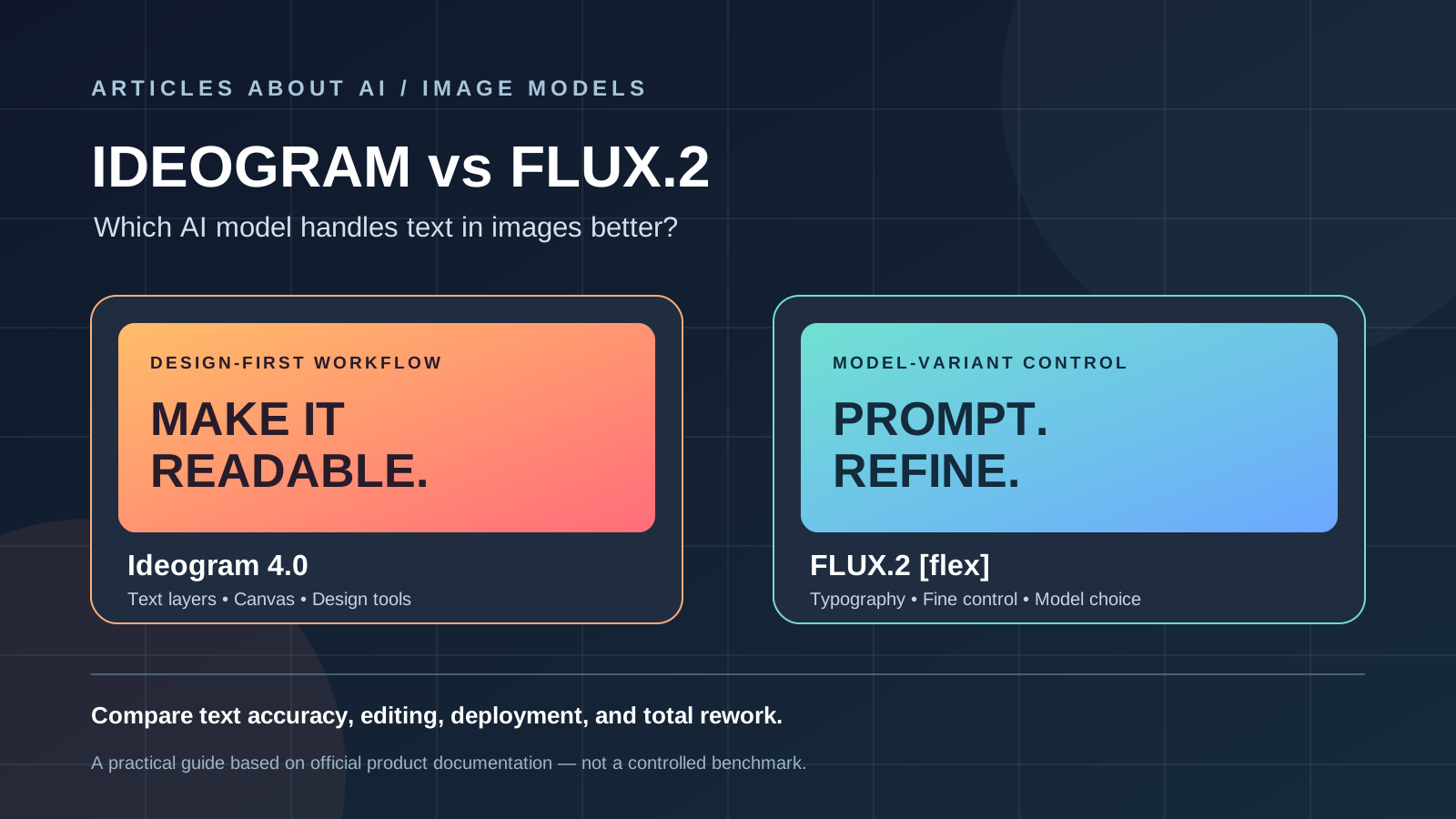
When an AI image needs to contain an exact headline, product label, poster title, or call to action, visual quality is only half the job. The words must also be readable, spelled correctly, and placed where a designer intended. That makes Ideogram vs FLUX.2 a more specific decision than a general AI image generator comparison.
Ideogram is strongly design-oriented, with dedicated text-rendering and editable-text workflows. Black Forest Labs’ FLUX.2 family includes FLUX.2 [flex], a variant positioned for typography and fine-grained generation control, alongside models aimed at speed, production, and maximum image quality. Both ecosystems have evolved, so older assumptions that one tool can handle text and the other cannot are no longer reliable.
This guide compares their current documented capabilities and practical trade-offs. It is not a controlled benchmark: results depend on the exact model variant, prompt, canvas size, and editing workflow. Test the same brief in both tools before committing to a production process.
Quick verdict: Ideogram or FLUX.2?
| Use case | Starting point | Why |
|---|---|---|
| Posters, social graphics, and headline-led layouts | Ideogram | A design-focused workflow with text rendering and editable text layers |
| Typography-heavy generation with adjustable model controls | FLUX.2 [flex] | Black Forest Labs identifies Flex as its typography-oriented variant |
| Fast, high-volume image generation | FLUX.2 [klein] or [pro] | These variants target speed and production workflows; check the current model documentation |
| Brand visuals that need repeatable editing | Test both | Reference images, text editing, and output consistency matter more than a single attractive result |
| Local deployment and customization | Compare the specific licenses and weights | Ideogram 4.0 and some FLUX variants have different deployment and usage conditions |
| A quick, hosted design workflow | Ideogram’s web app | Canvas and text-focused editing reduce the need to assemble every step yourself |
Bottom line: start with Ideogram for a straightforward design workflow and direct text editing. Test FLUX.2 [flex] when you want model-level control over typography or need to integrate image generation into a broader pipeline. Neither choice removes the need to proofread final text.
1. Text rendering and typography
Ideogram: text as part of the design task
Ideogram’s product documentation emphasizes text rendering for posters, logos, packaging, book covers, and social media graphics. Its Canvas workflow also supports adding text directly and editing compositions, while its text-layer feature is designed to turn generated text into editable components.
This distinction matters in production. If a campaign headline changes after a first draft, an editable text layer can be more useful than regenerating an entire image and hoping the new wording appears correctly. For any image containing legal copy, prices, product specifications, or a brand name, still inspect every character before publishing.
Official references: Ideogram text rendering, Editable Text Layers, and Ideogram Canvas.
FLUX.2: choose the variant for the task
FLUX.2 is a model family, not one uniform tool. Black Forest Labs describes [flex] as a variant for typography and fine-grained control; [pro] is positioned for production, [max] for top-tier quality, and [klein] for speed. The family also supports image editing and reference-driven workflows, depending on the model and interface used.
That means a fair comparison should not test Ideogram against an unspecified “FLUX” model. For a poster with several words, begin with FLUX.2 [flex]. For high-volume product visuals, compare the production-oriented variants instead. Availability, API pricing, local deployment, and controls may differ by variant.
Official references: FLUX.2 model overview and Which FLUX.2 model should I choose?.
2. Editing and iteration
A first generation rarely completes a real design task. You may need to replace an object, reposition a headline, expand a background, or adapt one composition to several aspect ratios.
Ideogram offers Canvas tools such as Magic Fill and Extend, as well as a text-layer workflow for supported generated designs. These features can make it easier to refine an image without restarting from a blank prompt. Their effectiveness depends on the particular edit and image.
FLUX.2 supports image generation and editing, including workflows that use multiple reference images. Black Forest Labs documents reference-image support across the model family, but the number of references and the available controls depend on the selected variant and interface.
For repeated edits, compare the whole workflow rather than only the initial output: number of retries, ease of changing copy, preservation of product details, output resolution, and how much manual cleanup is required.
3. Open weights, hosting, and deployment
The deployment question is important for teams with privacy, customization, or infrastructure requirements.
Ideogram announced Ideogram 4.0 as an open-weight model under a commercial license in June 2026. That release can support more than one usage pattern, including the hosted product and eligible local or customized deployments. Read the applicable model license and deployment instructions before building a commercial workflow.
FLUX.2 has variant-specific terms. For example, Black Forest Labs describes FLUX.2 [dev] as intended for non-commercial development, while other variants are offered through hosted products and APIs under their own terms. Do not assume that every model carrying the FLUX name has identical permissions.
Open weights do not automatically mean unrestricted commercial use, unrestricted redistribution, or identical hardware requirements. Before deployment, verify the exact model version, license, permitted use, and any additional terms attached to the service you use.
Primary sources: Ideogram 4.0 announcement, Black Forest Labs model catalog, and FLUX.2 documentation.
4. Quality, prompt following, and consistency
For a headline-driven design, evaluate more than whether the main words look correct. Check letter shapes, punctuation, spacing, alignment, contrast, visual hierarchy, and whether the generated image follows the brief. A model can render a title legibly yet still produce a weak layout or distort a product.
For brand work, test repeated outputs using the same approved reference images, color palette, product angle, and text. Record how often the model preserves the important elements across variations. If the work will be edited later, also test whether the editing tools preserve the rest of the composition when one element changes.
Avoid treating vendor marketing claims as a universal, independent accuracy score. A published percentage may depend on a specific evaluation setup and does not guarantee the same performance for your font, language, prompt length, or image size. Your own representative test set is the more useful decision tool.
5. Pricing and total production cost
There is no single fair price comparison between Ideogram and FLUX.2 without specifying the plan, model variant, image resolution, editing operations, and volume. Hosted subscriptions may bundle different limits and features; API use may be billed per image or according to the selected model; local inference adds hardware and maintenance costs.
Compare the cost of an accepted, publication-ready asset—not just the cost of one generation. Include failed attempts, upscaling, retouching, copy correction, and the time spent moving files between tools. A slightly more expensive generation can be cheaper overall if it reduces rework, but that must be measured with your own workload.
Check the current official Ideogram pricing page and the FLUX.2 model documentation before budgeting. Prices and included features can change.
6. A repeatable test for your team
Use the same brief in each tool and record the result instead of relying on memory. A useful test set contains at least three tasks:
- Poster: generate a clean event poster with an exact 5–8 word headline, a date, and a short call to action.
- Product graphic: create a product image with the exact product name and one short label; check whether the product itself stays consistent.
- Social campaign: create a square and a wide version using the same wording and visual identity.
Use identical copy, target aspect ratios, and reference material wherever the tools allow. Generate several candidates rather than comparing a single lucky result. Score spelling, layout, prompt adherence, editing effort, consistency, and total cost. Keep the original outputs so reviewers can compare them side by side.
For another practical image-model comparison, read FLUX vs Stable Diffusion. You can also compare Ideogram’s general design workflow with Midjourney in our Ideogram vs Midjourney guide or see a more specialized creative workflow in Leonardo AI vs Midjourney for game art.
7. Which one should you choose?
Choose Ideogram first if your everyday work revolves around posters, covers, social graphics, logos, packaging concepts, or designs where text editing is central. Its design-oriented interface and editable text workflow are practical advantages when you need to refine copy after generation.
Choose FLUX.2 [flex] for a focused typography test if you need more direct control over model generation or are evaluating a model family for integration into a larger creative system. Consider other FLUX.2 variants when speed, production throughput, reference-based editing, or maximum quality matters more than typography alone.
For teams deciding between hosted convenience and deployment flexibility, assess the exact model license, API terms, privacy requirements, hardware budget, and maintenance workload. Ideogram 4.0’s open-weight release and FLUX’s variant-specific options mean the old “hosted versus open” distinction is too simplistic; the actual terms and technical setup determine what you can do.
The most reliable recommendation is to test both on the same real brief. Use the tool that produces correct, editable, on-brand assets with the least total rework—and manually verify all text before publishing.
Official sources
- Ideogram 4.0 announcement and commercial-license information
- Ideogram text-rendering feature
- Ideogram editable text layers
- Ideogram Canvas, Magic Fill, and Extend
- Ideogram pricing
- Black Forest Labs FLUX.2 overview
- FLUX.2 model selection guide
- Black Forest Labs: What is FLUX.2?
Last reviewed: October 29, 2026. Features, model variants, prices, and licenses can change. Verify the current official terms before choosing a model for commercial deployment.