
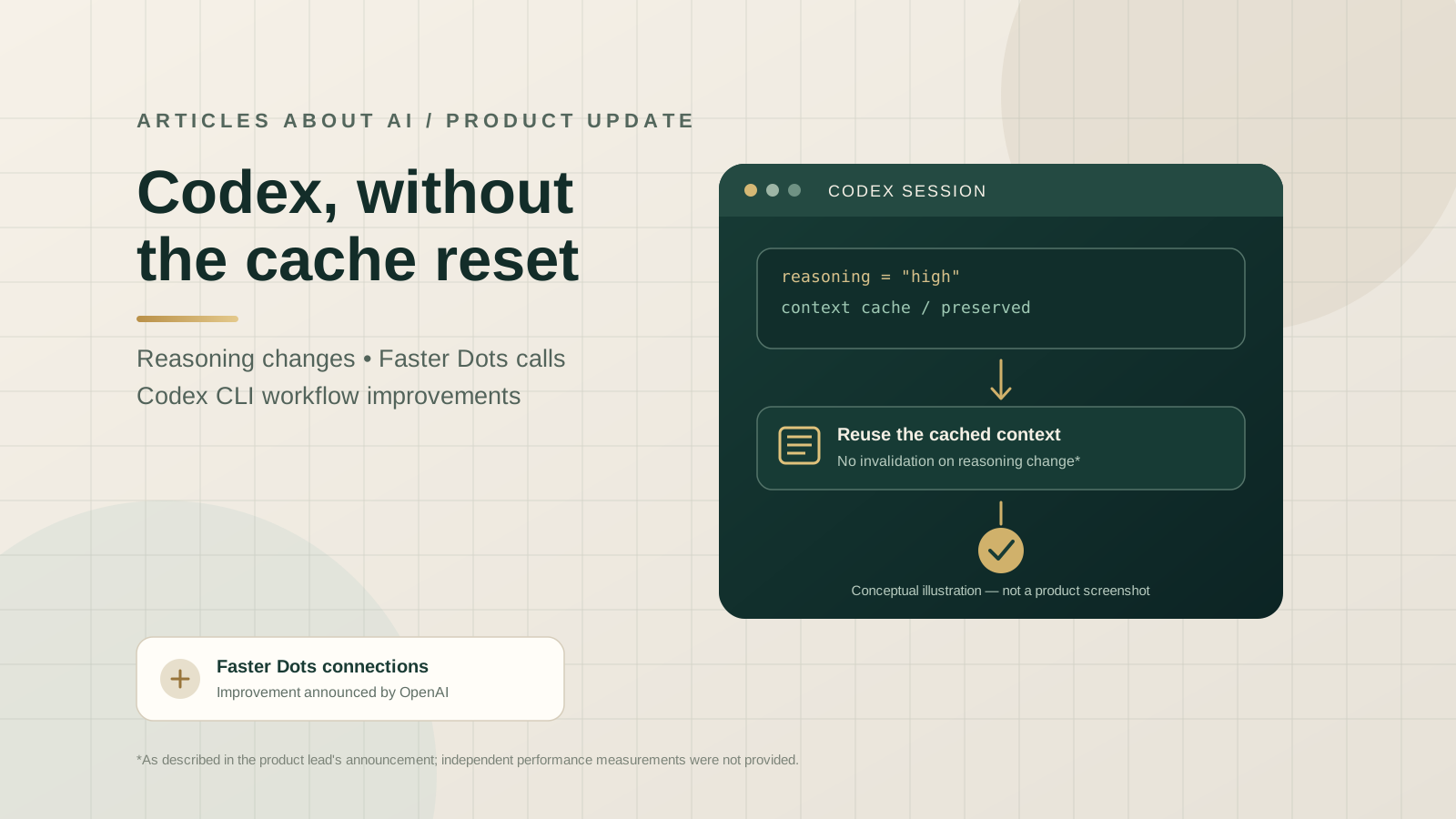
OpenAI has announced a small but potentially useful set of changes across Codex, ChatGPT Work, and the Codex command-line interface (CLI). The product update says that changing the reasoning setting during an active Codex or Work conversation no longer invalidates the cache. The same announcement says calls connect much faster for Dots, while a follow-up post lists several Codex CLI improvements for prompts, settings, enterprise authentication, and session recovery.
The announcement came from Thibault Sottiaux, an OpenAI product lead associated with Codex, in a post published on X on October 23, 2026, at 23:12 UTC. A follow-up about the CLI appeared roughly a minute later. The claims below are attributed to those announcements; OpenAI did not publish numerical benchmarks for the cache or Dots improvements in those posts.
For developers using an AI coding agent throughout a long task, the practical question is not simply whether a feature was shipped. It is whether a change in settings interrupts work, how a session resumes, and whether the workflow behaves more predictably. This guide separates the confirmed changes from the questions that still require documentation or hands-on verification.
What changed in the latest Codex update?
The Day 19 update described three headline items: faster connection setup for Dots, cache preservation when changing reasoning settings mid-conversation in Codex and Work, and a Codex CLI update. In a follow-up, Sottiaux listed reusable prompt presets, inline model and permission settings, enterprise MCP sign-in, fixes for failures when resuming long sessions, and Windows corporate-proxy authentication.
These changes cover related but distinct workflows. Cache preservation concerns an active conversation’s cached context. Prompt presets concern reusing instructions. Inline settings concern changing configuration from within the CLI workflow. Session-resume fixes address reliability when returning to a long-running interaction. They should not be treated as one feature or assumed to be available in every client or account at exactly the same time.
The primary sources are the original Day 19 announcement on X and the follow-up post describing Codex CLI changes. The posts establish what OpenAI’s product lead announced; they do not provide a detailed rollout matrix or measured performance results.
Reasoning changes no longer invalidate the cache
A cache can let a system reuse eligible context rather than rebuild or reprocess the same material for every step. In an AI coding workflow, that context may include the conversation history or other reusable inputs, depending on the product’s implementation. Cache behavior is technical and implementation-specific: it should not be assumed to be identical to API prompt caching, application memory, or a model’s full context window.
OpenAI’s announcement says that changing the reasoning setting during a Codex or Work conversation no longer invalidates the cache. In practical terms, this is intended to make an in-session change of reasoning level less disruptive to cache reuse. It may be useful when a developer starts with one reasoning setting and later adjusts it as a task becomes more complex or needs a quicker response.
However, the announcement does not specify cache-hit rates, token savings, latency reductions, or changes in billing. It would be inaccurate to claim that the update guarantees lower costs or a fixed speed increase. Those outcomes depend on implementation details and usage patterns that were not quantified in the announcement.
This change is also distinct from the earlier API feature for longer prompt-cache retention. Our guide to OpenAI’s 12-hour prompt caching API update explains retention windows and the trade-off between cache reuse and cache-write pricing. That API feature should not be conflated with the newly announced behavior inside Codex and ChatGPT Work.
Faster Dots calls: what users can and cannot conclude
The announcement says that calls connect much faster for Dots. That is a qualitative statement about connection speed, not a published benchmark. The post does not specify the prior or new connection time, the test conditions, the percentage improvement, or whether the change has reached every user.
The reasonable conclusion is narrow: OpenAI’s product lead says the connection experience has been improved. Users should check the current product interface and official documentation for availability, and evaluate their own workflows if connection time materially affects their use case. Without published measurements, an article should not attach a percentage to the improvement or infer a guaranteed productivity gain.
Dots is relevant here as part of the wider workflow around persistent, agentic assistance, but the announcement itself is not a full product specification. It does not explain every supported capability, the precise connection architecture, or the availability of the change across plans and regions.
Codex CLI: prompt presets, settings, and enterprise sign-in
The follow-up announcement identifies several CLI changes that may matter to developers and teams:
- Reusable prompt presets: reusable instructions can reduce the need to retype the same starting prompt for recurring tasks. The announcement does not specify every supported preset format or management command, so users should consult the current CLI documentation before relying on a particular syntax.
- Inline model and permission settings: the update describes model and permission settings that can be adjusted inline. Teams should still review the active model and permission choices before running commands that can read, modify, or execute project files.
- Enterprise MCP sign-in: the announcement lists enterprise sign-in for MCP, the Model Context Protocol. Administrators should verify their organization’s supported authentication setup and policies in the current documentation.
- Long-session resume fixes: OpenAI says it fixed failures when resuming long sessions. The post does not provide a failure rate or a list of affected environments, so it should be described as a reported reliability fix rather than a guarantee that every resume issue is resolved.
- Windows corporate-proxy authentication: the follow-up also says authentication through Windows corporate proxies has been addressed. Enterprise users should validate the behavior in their own managed network and proxy configuration.
For ongoing workflows, our guide to creating reusable Codex skills and plugins covers the difference between repeatable instructions, packaged capabilities, and external tool integrations. For context on guiding an active task, see how faster Codex steering works in ChatGPT Desktop. These articles cover adjacent workflows, while this update focuses on the newly announced changes.
How to verify the changes in your workflow
If the features are available in your environment, a simple, controlled check can help determine whether they matter to your work. This is a suggested evaluation procedure, not a test performed by Articles About AI.
- Record your current environment. Note the Codex client or CLI version, operating system, account or workspace context, and any enterprise network restrictions.
- Use a repeatable task. Choose a non-sensitive coding task with a clear outcome and a conversation long enough to resemble your normal workflow.
- Change the reasoning setting mid-conversation. Observe whether the session continues as expected. Do not assume that visible continuity alone proves a cache hit; that requires an appropriate diagnostic or product indicator.
- Try resuming a long session. Record whether it resumes successfully, and capture any error messages without exposing credentials, source secrets, or private project data.
- Check CLI settings and sign-in. If using prompt presets, inline settings, MCP, or a corporate proxy, verify the behavior against your organization’s current security and configuration requirements.
- Compare repeated runs cautiously. Record connection or task timings over multiple runs if performance matters. Keep task inputs and environment as consistent as possible, and avoid drawing conclusions from a single run.
These steps can help a team decide whether the changes improve its actual workflow. They do not replace official documentation, and they do not establish a universal benchmark.
Security and governance considerations
Convenience features do not remove the need for permission review. Inline model and permission controls can make configuration changes easier, but enterprise teams should continue to apply least privilege, review tool access, and use approved authentication flows. MCP sign-in should be configured according to the organization’s identity and data-access policies. A fix for corporate-proxy authentication should also be validated against the network controls in place.
When testing session resumption or cache behavior, avoid placing secrets or regulated data in test prompts unless the environment is approved for that information. Cache reuse is a performance mechanism, not a substitute for understanding the product’s data-handling and retention rules.
For broader context on AI tools and model selection, see our overview of open-weight versus closed AI models. The trade-offs differ by use case: model capability, access controls, deployment requirements, and workflow integration all matter alongside speed.
Frequently asked questions
Does changing reasoning settings in Codex now preserve the cache?
OpenAI’s product lead announced that changing reasoning in Codex and ChatGPT Work mid-conversation no longer invalidates the cache. The post did not publish technical implementation details or a cache-hit benchmark.
Does the update guarantee lower API costs?
No such guarantee was announced. The post does not quantify token savings, billing impact, or latency. The in-product cache change should also be distinguished from API prompt-cache retention and pricing.
What changed in Codex CLI?
The follow-up announcement lists reusable prompt presets, inline model and permission settings, enterprise MCP sign-in, fixes for failures resuming long sessions, and Windows corporate-proxy authentication. Users should verify the exact version and availability in the current official documentation.
Is the Dots connection improvement independently benchmarked?
No independent benchmark or numerical measurement was identified in the primary announcement. “Much faster” is the product lead’s qualitative description, not a measured percentage that this article can independently confirm.
Did Articles About AI test these features?
No. This article summarizes the original product announcements and provides a suggested verification procedure. Articles About AI has not independently tested the changes or verified their rollout across accounts and environments.
Sources and editorial note
- OpenAI product lead’s Day 19 announcement on X — posted October 23, 2026, at 23:12 UTC.
- Follow-up post on Codex CLI changes — posted approximately one minute later.
- Official Codex CLI repository and release history — consult the current release notes and documentation for version-specific details.
- OpenAI API prompt caching documentation — background on API prompt caching, which is related but not identical to the in-product change described here.
Editorial note: This report relies on OpenAI product announcements for the claims about newly shipped changes. No independent performance test was conducted, and no numerical speed, cache-hit, cost-saving, or reliability improvement is asserted. Availability and exact behavior may vary by client version, account, workspace, and rollout status.