
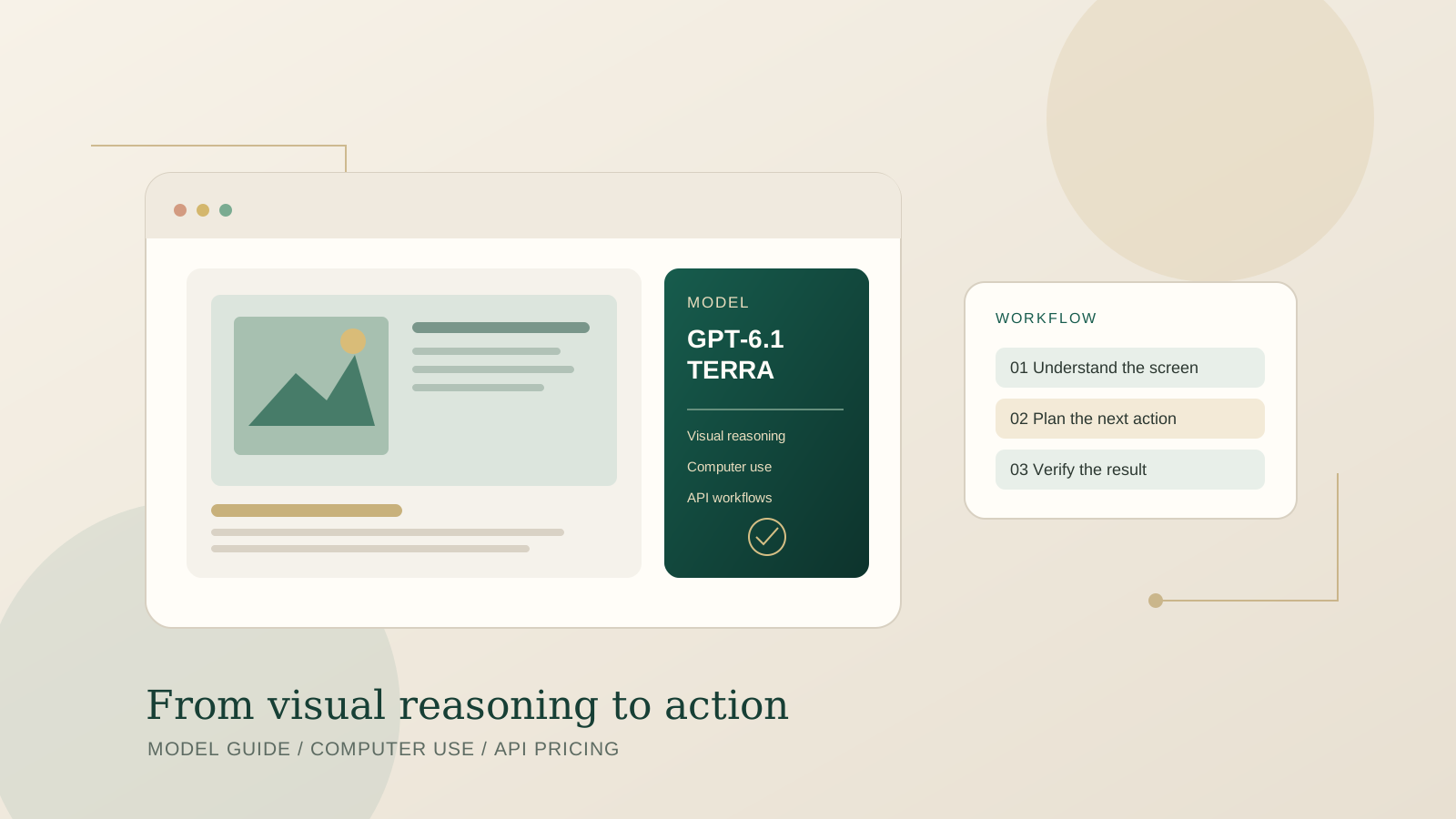
GPT-6.1 Terra is OpenAI’s fast, cost-efficient model designed for visual reasoning, computer interaction, and clear writing. Announced on October 26, 2026, it is available through the OpenAI API and is rolling out in ChatGPT Work and Codex for eligible plans. This guide explains where to access it, how to make a first API request, what its published pricing means, and how to evaluate it before using it in an automated workflow.
The key distinction is that GPT-6.1 Terra is available in ChatGPT Work and Codex, not the regular ChatGPT chat experience, according to OpenAI’s release notes. Availability can depend on plan, region, workspace permissions, and rollout status. Check the model picker and your workspace settings rather than assuming the model is enabled for every account. Official announcement: https://openai.com/index/introducing-gpt-6-1-terra/
What GPT-6.1 Terra is designed to do
OpenAI positions GPT-6.1 Terra around visual understanding and action: interpreting visual information, working with computer interfaces, handling forms, and producing natural written output. The company also reports improvements over GPT-5.6 Terra in visual reasoning, coding, and factuality evaluations. Those are vendor-reported results, so they should be treated as useful starting points rather than a guarantee that the model will succeed on every real-world task.
Terra sits between cost-focused and higher-capability options in the GPT-6 family. OpenAI describes GPT-6 Astra as its flagship for the most demanding tasks, while GPT-6.1 Sol targets complex work at a lower cost. Terra is intended to offer a practical balance of speed, capability, and price for repeated work involving visual context or computer use. Choose based on the actual task, not a model name or one benchmark score.
How to access GPT-6.1 Terra in ChatGPT Work or Codex
- Open ChatGPT Work or Codex, depending on the workflow you want to complete.
- Open the model selector and look for GPT-6.1 Terra.
- If it is missing, verify that your plan includes the relevant Work or Codex experience, your workspace administrator has allowed access, and the rollout has reached your account.
- Start with a bounded task that has a clear outcome, such as reviewing a document, interpreting a screenshot, or completing a low-risk sequence in a test environment.
- Review the result before allowing the model to make consequential changes.
OpenAI’s release notes say Terra is rolling out to Plus, Pro, Business, Enterprise, and Edu plans in Work and Codex, subject to plan and workspace availability. Overall plan usage limits remain unchanged. Check the current OpenAI release notes because rollout details can change.
How to call GPT-6.1 Terra through the API
Developers can access the model using the API model ID gpt-6.1-terra. Keep your API key in an environment variable or a secret manager; do not paste it into source code, browser-side JavaScript, public repositories, or logs.
A minimal JavaScript example using the official OpenAI SDK and Responses API is:
import OpenAI from "openai";

const client = new OpenAI({
  apiKey: process.env.OPENAI_API_KEY
});

const response = await client.responses.create({
  model: "gpt-6.1-terra",
  input: "Review this task description and propose a safe, step-by-step plan."
});

console.log(response.output_text);
Install the SDK in your project and configure OPENAI_API_KEY in your local environment before running the example. This sample demonstrates a text request; computer-use automation requires the appropriate supported tools and execution environment. Do not assume that selecting the model alone gives an application permission to control a desktop or browser.
For current model parameters, supported tools, context limits, and implementation details, consult the official GPT-6.1 Terra model documentation and the OpenAI API model directory.
GPT-6.1 Terra API pricing
OpenAI’s published standard API pricing is:
| Usage type | Price per 1 million tokens |
|---|---|
| Input tokens | $1.00 |
| Cached input tokens | $0.05 |
| Output tokens | $5.00 |
These are token prices, not a fixed price per completed task. Actual spend depends on input length, output length, cached input, and any additional tools or infrastructure used by your application. Computer-use workflows can also involve multiple model turns, screenshots, retries, and external services, so estimate costs using representative tasks instead of multiplying a single request price by a guessed number of actions.
API usage is billed separately from a ChatGPT subscription. Before moving a workflow into production, set budget alerts or spending limits where available and record cost per successful task. Our guide to controlling AI agent API usage, budgets, and rate limits covers practical controls for avoiding unexpected usage.
Practical computer-use workflow: start small and verify
A reliable computer-use system needs more than a capable model. It needs a clear task specification, limited permissions, observable actions, and a recovery path. Use this sequence when evaluating GPT-6.1 Terra:
- Define the completion condition. Specify what should be true at the end, not just a vague instruction such as “handle this website.”
- Use a test account or staging environment. Avoid testing with live customer data, production settings, or irreversible actions.
- Provide only necessary context. Supply the relevant screenshot, page details, or task instructions without exposing unrelated private information.
- Require confirmation for consequential steps. Payments, sending messages, deleting records, changing permissions, and submitting legally significant forms should have an explicit human approval gate.
- Check the result independently. Confirm the final state in the application, not only in the model’s summary.
- Log errors and retries. Track failed actions, timeouts, wrong-field selections, and the cost of completing the workflow.
For a structured testing method, see our AI agent reliability evaluation checklist. For production systems, AI agent observability and production tracing explains why traces and outcome verification matter when a task spans multiple tools.
When should you choose Terra instead of Sol or Astra?
Use GPT-6.1 Terra as a candidate when the work involves visual interpretation, computer interaction, or repeated office tasks where speed and cost matter. Consider GPT-6.1 Sol or GPT-6 Astra for tasks where deeper reasoning, more difficult coding, or a higher success rate on a demanding workflow is worth the additional expense. This is not a universal ranking: performance depends on the task, reasoning settings, tools, and the quality of the surrounding application.
A fair comparison should use the same task set, instructions, tool permissions, and success criteria. Measure task completion, factual errors, number of retries, end-to-end latency, human correction time, and total cost per successful result. Do not choose a model solely because it leads on one published benchmark.
For a broader model-selection approach, see GPT-6 versus Claude Opus for complex reasoning and our guide to evaluating AI agent reliability. Confirm that those pages match your use case before drawing conclusions across different model generations.
Security and reliability considerations
Computer-use models can interact with interfaces, but they can still misread a screen, choose the wrong control, or misunderstand ambiguous instructions. Treat model actions as untrusted until verified. Keep credentials outside prompts, minimize access to sensitive systems, isolate test environments, and maintain an audit trail.
Web pages, documents, and emails can contain malicious or irrelevant instructions. Do not allow content encountered by an agent to override your system-level rules or expand its permissions. Limit which tools the agent can call, validate tool arguments, and separate planning from approval for high-impact actions. If an automation fails, make sure it can stop safely instead of continuing blindly.
For a more complete security approach, read our article on dynamic permissions and AI agent security. The appropriate safeguards depend on the application and the impact of an incorrect action.
Frequently asked questions
Is GPT-6.1 Terra available in regular ChatGPT?
OpenAI’s October 26, 2026 release notes list GPT-6.1 Terra in ChatGPT Work and Codex, not the standard Chat experience. Access depends on rollout, plan, region, and workspace settings.
What is the GPT-6.1 Terra API model ID?
The model ID is gpt-6.1-terra. Check the official model documentation for current supported capabilities and parameters.
How much does GPT-6.1 Terra cost?
The published standard API rate is $1 per million input tokens, $0.05 per million cached input tokens, and $5 per million output tokens. API costs are separate from ChatGPT subscription fees and do not represent a fixed price per task.
Can GPT-6.1 Terra control a computer by itself?
The model is designed to support computer-use workflows, but an application still needs an appropriate supported tool setup, execution environment, permissions, and safeguards. The model name alone does not grant desktop or browser access.
Is GPT-6.1 Terra better than GPT-6.1 Sol?
There is no universal answer. Terra is positioned for efficient visual reasoning and computer interaction, while Sol is intended for more demanding work. Test both on your own tasks and compare end-to-end cost, accuracy, speed, and correction effort.
Bottom line
GPT-6.1 Terra is worth evaluating for computer-use automation, visual reasoning, and repeated work where efficiency matters. Developers can begin with the gpt-6.1-terra API model ID, while eligible users can check Work and Codex for access. Start with low-risk tests, use current official documentation for implementation details, and measure cost per verified success before scaling.