
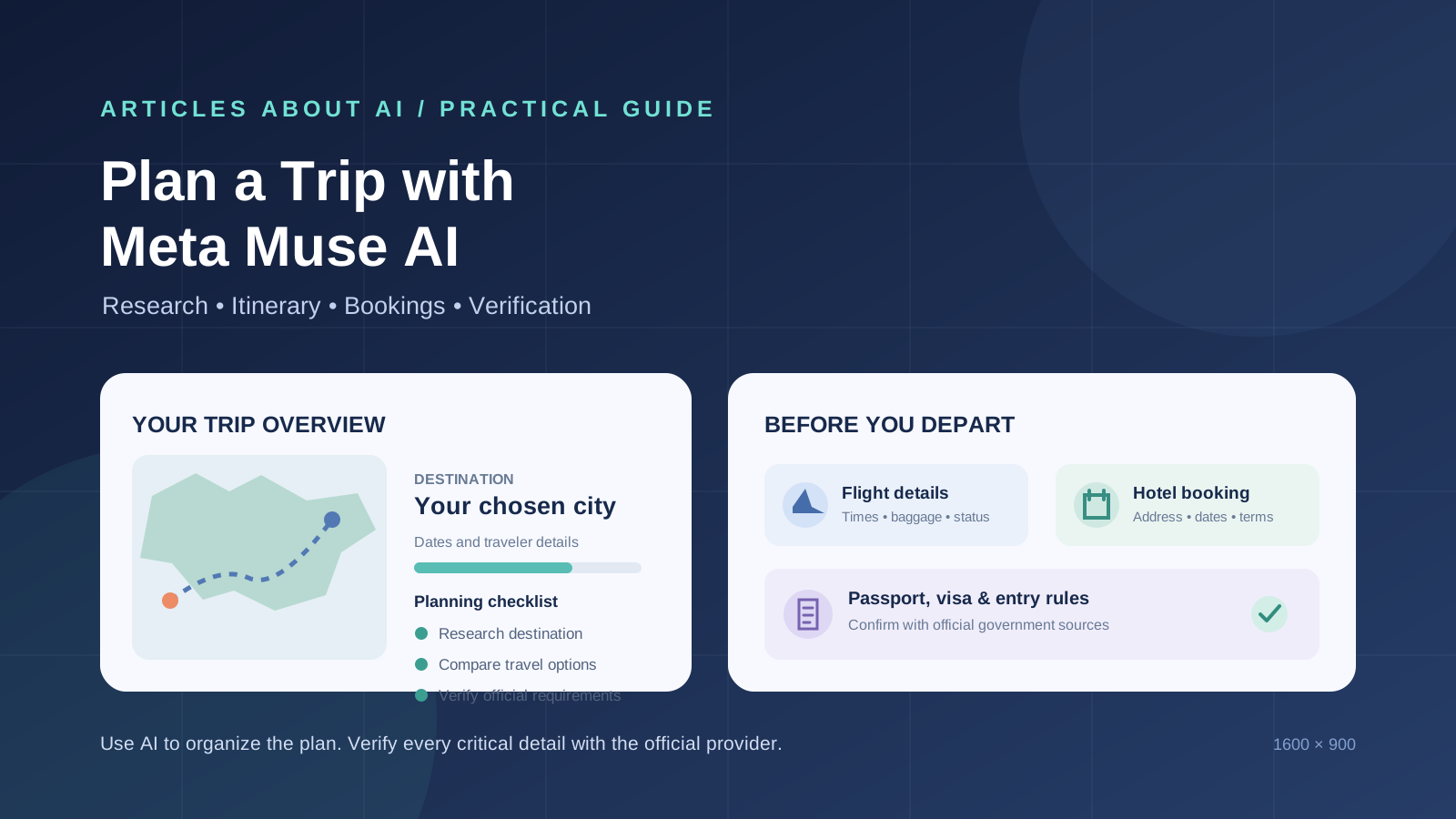
Planning a trip involves more than choosing a destination and asking an AI assistant for an itinerary. Travelers must compare transport options, check accommodation details, understand entry requirements, confirm booking conditions, and make sure time-sensitive information is still valid on the day of departure.
Meta Muse AI can help organize the research and planning work behind a trip. You can ask it to develop an action plan, browse for information, work with connected apps, and help with multi-step tasks. Meta also lists travel bookings among the examples of tasks Muse can assist with. However, an AI-generated itinerary is not proof that a flight, hotel, visa rule, or attraction schedule is correct. Verify critical details with the airline, accommodation provider, government authority, or official attraction before you pay or travel.
This guide explains a practical way to use Meta Muse AI as a travel-planning assistant while keeping final decisions and checks under your control. It is a workflow guide, not a claim that we conducted a live booking or travel-accuracy test of Muse.
What can Meta Muse AI help with when planning a trip?
Meta describes Muse as a personal AI agent that can browse the web, create action plans, work across connected apps, complete multi-step tasks, and help with travel bookings. Depending on the services connected to your account and the permissions you grant, it may help you:
- Turn a destination idea into a structured planning checklist.
- Research neighborhoods, attractions, transport options, and seasonal considerations.
- Draft a day-by-day itinerary based on your dates and preferences.
- Compare flight, hotel, and ground-transport options using information you provide or sources it can access.
- Organize confirmation emails, reservations, and reminders through supported connected apps.
- Track outstanding tasks, such as checking entry requirements or confirming airport transfers.
These are planning uses, not guarantees that Muse has access to every airline, booking platform, government database, or real-time inventory system. Check which connectors and permissions are actually available in your account. For an introduction to the agent, read our guide to what Meta Muse AI is, its features, availability, and how it works.
Step 1: Give Muse the essential trip details
Start with a clear travel brief instead of a vague request such as “Plan a holiday for me.” The quality of the itinerary depends on the information you provide.
Include:
- Destination: the city, region, or countries you are considering.
- Dates: departure and return dates, including flexibility if your dates can change.
- Starting point: the departure city or airport.
- Travelers: number of adults and children, plus any relevant accessibility or mobility needs.
- Budget: the total budget or separate limits for flights, accommodation, food, and activities.
- Travel style: relaxed, cultural, outdoors-focused, family-friendly, business, or a mixture.
- Constraints: preferred flight times, luggage needs, dietary requirements, hotel location, and must-see activities.
Avoid sharing passport numbers, payment-card details, or other sensitive identity information in an ordinary planning prompt. Provide only the context needed to research options.
Prompt: create a trip brief
Help me organize a trip to [destination] from [departure city] between [dates]. There will be [number and type of travelers]. My total budget is [amount and currency]. I prefer [travel style], and my priorities are [list]. My constraints are [flight times, luggage, accessibility, hotel preferences, or other requirements].
First create a planning brief and a checklist of decisions and information still missing. Do not book, pay, cancel, or send anything. Clearly label estimates, assumptions, and facts that still need confirmation from an official provider.
Ask Muse to identify missing information before it starts building the itinerary. This reduces the risk of receiving a detailed plan based on an incorrect date, departure airport, or budget.
Step 2: Research the destination before choosing activities
Ask Muse to research the destination in categories rather than returning a long list of popular attractions. A useful destination overview should cover:
- Main areas and neighborhoods, including their distance from the places you plan to visit.
- Typical travel times between the airport, accommodation, and major attractions.
- Seasonal weather considerations for your dates.
- Local transport options and payment methods.
- Local customs, laws, and practical visitor guidance.
- Accessibility, family suitability, and any requirements relevant to your group.
- Official visitor information and current travel advisories.
Request links to the original sources and the date each item was checked. Give preference to official tourism authorities, transport operators, government travel advice, and the websites of the attractions themselves. Reviews and travel blogs can add useful context, but they should not be treated as authoritative sources for entry rules, opening hours, or safety notices.
Prompt: research a destination
Research [destination] for a trip from [dates]. Organize the findings into neighborhoods, transport, attractions, seasonal considerations, local rules, and practical visitor information.
For every time-sensitive or important claim, provide the original source URL, publisher, publication or update date if available, and the date checked. Separate official information from traveler opinions. If you cannot verify a claim from a reliable source, mark it as unconfirmed instead of guessing.
For a deeper evidence-checking method, see how to research a topic with Meta Muse AI and verify every source. You can also apply the structured approach in our guide to creating a research brief with Meta Muse AI and checking its accuracy.
Step 3: Build a realistic day-by-day itinerary
Once you have a destination overview, ask Muse to turn your priorities into a practical itinerary. A good itinerary accounts for geography, opening hours, transport time, meal breaks, and the energy required for each activity.
Ask for each day to include:
- A morning, afternoon, and evening plan.
- The address or precise location of each stop.
- Estimated travel time between stops, clearly labeled as an estimate.
- The official website for opening hours, ticket rules, or reservations.
- A backup activity in case of bad weather or a closure.
- Free time and realistic breaks.
Do not accept an itinerary that moves repeatedly across a large city without explaining the travel time. Ask Muse to group nearby attractions together and identify any day that appears overloaded.
Prompt: create the itinerary
Build a day-by-day itinerary for [destination] from [start date] to [end date]. Include the places I listed: [places]. Group activities by location to reduce unnecessary travel. For each stop, include its official website, address, current published opening hours if verified, ticket or reservation requirements, and estimated travel time from the previous stop.
Do not invent opening hours, ticket availability, transport schedules, or prices. Mark anything you cannot confirm as “verify directly.” Include breaks, flexible time, and one alternative for each day.
Before relying on a suggested activity, open its official page. Seasonal schedules, public holidays, maintenance, and special events can change access or opening hours.
Step 4: Compare flights without confusing estimates with confirmed fares
Muse may help research or organize travel-booking tasks, but flight information changes quickly. A search result or AI-generated comparison is not a reservation, and a quoted fare may no longer be available when you open the airline’s website.
Compare flight options using the same criteria:
- Airline and flight number.
- Departure and arrival airports, including terminal when published.
- Local departure and arrival dates and times.
- Direct flight or connection details.
- Total journey duration and layover length.
- Cabin and checked-baggage allowance.
- Change, cancellation, and refund conditions.
- Total price, including taxes and mandatory fees.
- Whether the itinerary is one ticket or separate tickets.
Verify the final itinerary and fare conditions on the airline’s own website or with the authorized booking provider before payment. After booking, save the confirmation and booking reference. Check the airline’s official flight-status page again before leaving for the airport and on the day of travel.
Prompt: compare flight options
Compare these flight options for [route] on [date]: [paste links or flight details]. Use a table with airline, flight number, local times, airports, total duration, connections, baggage allowance, fare conditions, and total price.
Distinguish information shown by the airline from estimates or details supplied by third-party websites. Link to the airline’s official page for each option. Do not describe a fare as available or a seat as confirmed unless the booking provider currently confirms it.
Step 5: Verify passport, visa, and entry requirements independently
This is one of the most important checks in international travel. Entry requirements can depend on your nationality, passport type, destination, transit country, purpose of travel, length of stay, and sometimes the route you take.
Ask Muse to prepare a list of questions to investigate, but confirm the answers with the destination government’s official immigration or embassy website and the relevant transit-country authority. Check:
- Whether you need a visa, e-visa, electronic travel authorization, or other permission.
- Whether your passport must remain valid for a specified period after arrival or departure.
- Whether blank passport pages are required.
- Whether transit through another country requires separate authorization.
- Whether proof of onward travel, accommodation, funds, or other documents is required.
- Whether special rules apply to children, dual nationals, or the purpose of your visit.
The IATA Travel Centre provides passport, visa, and health-requirement information drawn from official sources used by airlines. It is a useful cross-check, but travelers should still consult the relevant government authority for definitive requirements. The U.S. Department of State’s international travel checklist and the Australian Government’s travel essentials checklist also explain why travelers should check destination advice, documents, insurance, and health considerations before departure.
Prompt: create an entry-requirements checklist
I will travel using a [nationality and passport type] passport from [departure country] to [destination], transiting through [transit countries if any], for [purpose] from [dates].
Identify the entry, visa, passport-validity, and transit questions I must verify. Link only to the relevant official government, embassy, or recognized travel-requirement sources. Show the authority responsible for each rule and the date checked. Do not infer my eligibility or present an AI summary as legal permission to travel.
Do not purchase a non-refundable ticket on the assumption that a visa will be granted. Confirm the applicable rules and obtain the required authorization before travel.
Step 6: Check hotels and accommodation details
A hotel name and a high review score are not enough to confirm that a property suits your trip. Ask Muse to compare accommodation options using the exact details that affect your stay.
Check:
- Full address and distance from your planned activities.
- Check-in and check-out dates and local times.
- Room type, occupancy, and bed configuration.
- Whether taxes, resort fees, or cleaning fees are included.
- Breakfast, Wi-Fi, parking, and accessibility details.
- Cancellation deadline and refund conditions.
- Deposit, prepayment, and payment-at-property rules.
- Whether airport transfers are included or separately charged.
Use the hotel’s official website or your booking provider’s confirmation to verify the final terms. Be cautious if a message asks you to pay through an unfamiliar link or outside the booking platform. Contact the property through a contact method published on its official website if anything looks inconsistent.
Prompt: audit accommodation options
Review these accommodation options: [official hotel links or booking links]. Compare the address, room type, occupancy, dates, total price, taxes and fees, breakfast, check-in policy, cancellation deadline, and payment terms.
Cite the source for each detail and flag missing or conflicting information. Do not assume that a third-party listing and the hotel’s own website have identical terms. I will make the final booking decision.
Step 7: Organize local transport, reservations, and travel documents
Once the main bookings are confirmed, use Muse to organize the remaining logistics. Ask it to build a checklist for airport transfers, train or bus tickets, local transit passes, attraction reservations, and any time-sensitive appointments.
For each reservation, keep a record of:
- Provider name and official contact details.
- Confirmation number or booking reference.
- Date, local time, and location.
- Amount paid and any remaining balance.
- Cancellation or change conditions.
- Required documents or QR codes.
- A backup contact method if the service provider cannot be reached.
You can also ask Muse to organize a travel folder or a chronological summary from confirmation emails if you have connected the relevant email service and granted the necessary permissions. Review what information it can access before connecting an account. Keep original booking confirmations available offline; do not rely on an AI-generated summary as the only record.
Step 8: Verify safety, health, and insurance information
Ask Muse to identify the official travel-advice page for your destination and summarize the issues you should review. Then open the government source yourself and check its latest update. For a related step-by-step verification method, see how to fact-check a news story with Meta Muse AI.
Depending on your destination and circumstances, verify:
- Current safety and security advice.
- Local laws and restrictions that may affect visitors.
- Health guidance and any required certificates or vaccinations.
- Whether prescribed medication is permitted and whether supporting documentation is needed.
- Travel-insurance coverage, exclusions, emergency assistance, and activities covered.
- Emergency numbers and the location of relevant consular services.
The Australian Government’s travel checklist recommends reviewing destination advice, local laws, passport validity, visas, insurance, and health preparations. The U.S. Department of State checklist similarly directs travelers to destination-specific advisories and entry requirements. Use the travel-advice service of your own government where available; guidance can differ by nationality.
Step 9: Create a final pre-departure verification checklist
Ask Muse to consolidate the confirmed information into one checklist. Separate completed tasks from items that still need a direct confirmation. Recheck time-sensitive details close to departure, because schedules, entry rules, weather, and operating hours can change.
A practical final checklist includes:
- Passport validity and required visas or travel authorizations confirmed with official authorities.
- Flight dates, times, airports, terminals, and baggage allowance checked with the airline.
- Booking references and ticket status confirmed.
- Hotel dates, address, room details, and cancellation terms checked.
- Airport transfer and local transport arrangements confirmed.
- Attraction tickets and reservation times checked with official providers.
- Travel insurance policy and emergency contact details saved.
- Medication, health documents, and destination-specific requirements reviewed.
- Copies of essential documents stored securely, with offline access where appropriate.
- Weather and official travel advice reviewed shortly before departure.
Prompt: prepare the final trip audit
Review my trip plan and create a final pre-departure audit. Use these confirmed bookings and official source links: [paste information].
Organize the result into “confirmed,” “needs direct verification,” and “not yet arranged.” Check dates, local times, airport names, addresses, booking references, baggage rules, entry documents, cancellation deadlines, and unresolved conflicts. Do not fill gaps by guessing. For every unresolved item, tell me which official provider or authority I should contact.
Step 10: Use Muse to manage changes without making unapproved decisions
Travel plans can change because of delays, cancellations, weather, illness, or revised opening hours. If Muse can access relevant connected services, it may help organize updates and suggest alternatives. Ask it to show the original plan, the new information, the practical impact, and the source before proposing a change.
Do not allow an agent to cancel a booking, purchase a replacement ticket, change a hotel, or send personal information without reviewing the exact action and its cost. Meta says Muse is designed to keep users in control through permissions and approval steps. Check the permission request carefully and deny actions that do not match your intention.
Common mistakes to avoid when using AI for travel planning
Treating an itinerary as a confirmed reservation
An itinerary is a plan, not a ticket. Confirm every flight, hotel, transfer, and activity with the provider and save the official confirmation.
Trusting outdated visa or passport information
Entry rules can change and may depend on nationality and transit route. Use official government sources and check them again before departure.
Ignoring local time zones
Departure and arrival times are usually shown in the local time of each airport. Check dates carefully, especially for overnight flights and connections.
Comparing headline prices instead of total costs
Baggage, seat selection, taxes, transfers, deposits, and cancellation conditions can change the real cost. Compare the complete terms, not just the first price displayed.
Planning too many activities
A schedule with no travel buffers or breaks can fail after one delay. Leave room for queues, meals, transport, and unexpected changes.
Sharing sensitive information unnecessarily
Do not place passport scans, full payment details, or account passwords in prompts unless a specific, trusted workflow genuinely requires the information and you understand its permissions and security implications.
Frequently asked questions
Can Meta Muse AI plan an entire trip?
Muse can help organize multi-step tasks, research information, create action plans, and assist with travel bookings according to Meta’s published product description. The exact actions available depend on account access, connected services, and permissions. You should independently verify critical details and approve any booking or payment.
Can Muse book flights and hotels for me?
Meta lists travel bookings as an example of a task Muse can help with. That does not mean every airline, hotel, route, or booking provider is supported in every account. Check the available service and permission flow, review the final price and terms, and make sure you receive an official confirmation.
Can I trust an AI-generated visa answer?
No. Use AI to identify the questions and official sources, not as the final authority on immigration eligibility. Confirm requirements with the destination government’s immigration authority or embassy and check transit rules separately.
How do I make sure flight information is current?
Use the airline’s official website or app to confirm the flight number, local times, terminals, baggage allowance, and flight status. Recheck close to departure because operational details can change.
What should I ask Muse to do first?
Start with a trip brief that includes your destination, dates, departure point, travelers, budget, preferences, and constraints. Ask it to list missing information and research tasks before building the itinerary or taking any action.
Final thoughts
Meta Muse AI can make trip preparation more organized by turning a travel idea into research tasks, an itinerary, booking comparisons, reminders, and a pre-departure checklist. Its value depends on the quality of the information you provide and the services available to it.
The safest approach is to use Muse to organize and cross-check your work, then verify every critical detail with the airline, hotel, booking provider, or official government authority. Treat unconfirmed information as a question to investigate—not as permission to travel.