
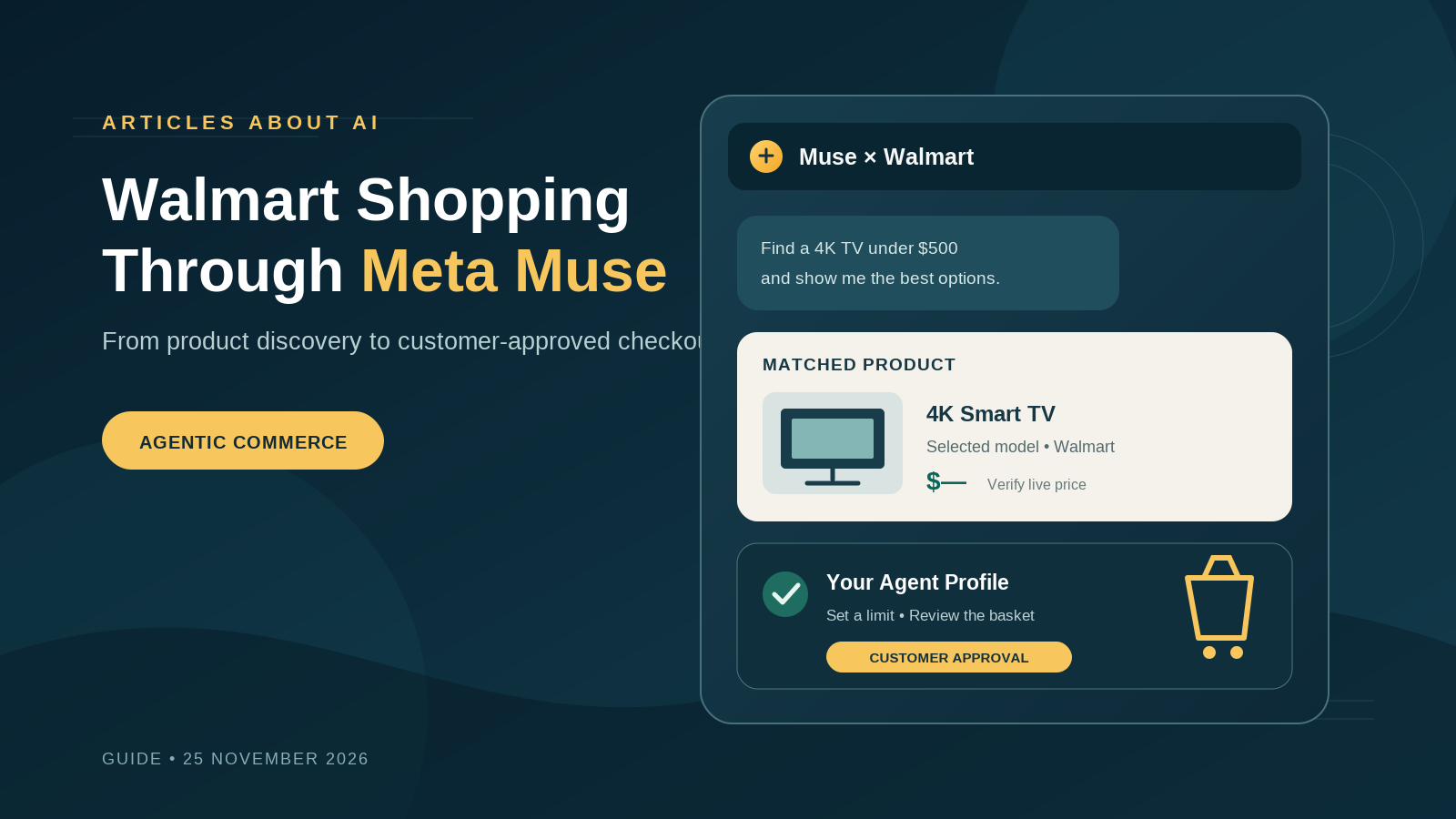
Shopping online usually means switching between search results, product pages, reviews, delivery options, and checkout screens. Walmart’s new integration with Meta Muse is designed to compress part of that process into a conversation: you describe what you need, Muse helps discover matching Walmart products, and Walmart’s Agent Gateway connects the request to its shopping systems.
Walmart announced on November 24, 2026 that customers can shop its Black Friday deals directly through Muse, Meta’s personal AI agent. The experience supports product discovery, building a basket, and completing a purchase. It is powered by the Walmart Agent Gateway, while Agent Profiles provide controls for purchases made by an agent.
This guide explains how to shop Walmart through Meta Muse, what to prepare, how the connection works, how to set a spending limit, and what to check before confirming an order. The goal is not simply to let an AI choose products; it is to use the agent to reduce search work while keeping the final buying decision under your control.
What is Walmart Shopping Through Meta Muse?
Meta Muse is a personal AI agent that can carry out tasks across supported services. With Walmart’s integration, a shopper can ask Muse to find products or deals, compare options, and assemble a shopping basket. Walmart says the experience is powered by its Agent Gateway, which receives the shopper’s list and helps identify products that match the request.
The integration is different from asking a general chatbot for shopping advice. Muse is connected to Walmart’s shopping experience, so the workflow can move from product discovery to a Walmart basket and checkout. Walmart says customers can use the same Walmart prices they would see on Walmart.com, along with applicable membership benefits such as free delivery.
There are three pieces to understand:
- Meta Muse: the conversational AI agent you tell what you want to buy.
- Walmart Agent Gateway: Walmart’s agent-facing connection that lets supported AI agents interact with its shopping systems.
- Walmart Agent Profile: the profile inside your Walmart account used to authorize an agent and manage its shopping permissions, spending limit, and purchase history.
For background on Muse’s broader capabilities and availability, see our guide to what Meta Muse AI is and how it works.
What You Need Before You Start
Before trying the Walmart Muse shopping flow, make sure you can access the relevant services:
- Access to Meta Muse. Open Muse through a supported Meta experience or the official Muse service where it is available to your account.
- A Walmart account. You will be redirected to Walmart to sign in and authorize the connection.
- A saved payment method. Walmart says checkout uses a card already saved in your Walmart account; confirm your payment details directly with Walmart.
- A clear shopping request. Decide on the product type, budget, quantity, preferred features, and any delivery requirements before asking Muse to search.
Availability can depend on the Muse rollout, account eligibility, retailer inventory, and the products offered through the integration. Walmart’s announcement describes the Black Friday shopping launch, but it does not promise that every Walmart item, market, or account will have identical access. If the Walmart option does not appear in Muse, do not assume that changing prompts will enable it; check the current availability shown in your own account.
How to Shop Walmart Through Meta Muse
The process described by Walmart has three main stages: ask Muse to find products, connect and configure your Walmart Agent Profile, and complete checkout.
Step 1: Tell Muse What You Want
Start with a specific shopping request rather than a broad instruction such as “find something good.” Include the product category, budget, important specifications, and intended use.
For example:
Find a 55-inch 4K television available through Walmart. Keep the price below $500, prioritize good picture quality and reliable customer reviews, and show me the strongest options before adding anything to my cart.
For holiday shopping, you could ask:
Find three gift options for a 10-year-old with a total budget of $75. Show the product names, prices, and why each one fits. Do not purchase anything yet.
Walmart’s launch examples include finding a Black Friday television deal under $500, discovering popular toys, and working through a holiday gift list. Muse can help explore products and build a basket, but a well-defined request makes it easier to evaluate whether the results actually match your needs.
Step 2: Review the Product Matches
Do not treat the first result as an automatic recommendation. Ask Muse to show the details that matter to your decision:
- Exact product name and model number
- Price and any visible promotion
- Size, color, capacity, or other selected variant
- Main specifications relevant to your use
- Availability and estimated delivery information, when shown
- Any important difference between competing products
A useful follow-up prompt is:
Compare these options using the exact model numbers. Separate confirmed specifications from details you could not verify. Show the current Walmart price and explain the practical differences. Do not add a product until I choose one.
For a more systematic comparison, use our guide on how to compare products with Meta Muse AI. It explains how to check specifications, compare offers, and avoid relying on unsupported product claims.
Step 3: Build the Basket
Once you have selected the products, ask Muse to add only the items and variants you approved. Be explicit about quantities and options. For example:
Add one unit of the second television option, in the 55-inch size. Do not substitute another model or add accessories. Show me the updated basket before checkout.
Check the basket carefully. Product names can be similar, and a different size, color, bundle, or model may change the price or suitability. If anything is unclear, ask Muse to remove the item or explain the difference before continuing.
Step 4: Sign In to Walmart and Set Up Your Agent Profile
When the connection requires authorization, Muse takes you to Walmart to sign in. Walmart says the flow then returns you to Muse. The first time you add an item to the cart, you will set up an Agent Profile within your Walmart account and choose a spending limit that you are comfortable with.
An Agent Profile is designed to distinguish purchases made by an AI agent from purchases you make yourself. Walmart introduced these profiles so customers can see agent purchases separately and decide how much authority to grant each agent.
Choose a limit that fits the task rather than granting a broad allowance. If you are testing the integration, a lower limit is a sensible starting point. Review the permissions presented on Walmart’s own screen before authorizing them.
Step 5: Check the Order and Complete Checkout
Walmart says customers can complete the purchase within the conversation using a payment card saved in their Walmart account. The company also says the same Walmart prices shown on Walmart.com apply, and its normal return policy remains in effect.
Before confirming, check:
- Every product and selected variant
- Quantity and unit price
- Subtotal, delivery charges, taxes, and other displayed fees
- Delivery address and estimated arrival
- The payment method shown in your Walmart account
- Whether the order stays within the spending limit you selected
Only complete checkout after the final basket matches your instructions. Save the order confirmation and check the purchase record in your Walmart account afterward.
What Are Walmart Agent Profiles and Spending Limits?
Agent Profiles are one of the most important parts of this integration because they create a separate layer of authorization for AI-assisted purchases.
Walmart says customers can set spending limits, approve purchases, and review purchase history to identify orders placed by an agent. Its October 21 announcement described options such as requiring approval for every purchase or allowing an agent to buy within a customer-defined limit. Walmart also says it may request additional approval even when an order is within that limit.
In practical terms, a spending limit should be treated as a boundary, not as a reason to skip reviewing the basket. It does not mean every purchase below the limit is guaranteed to proceed without another confirmation. You can review or manage the Agent Profile through your Walmart account, including removing an agent profile when you no longer want it authorized.
Privacy and Payment Safety: What Does Muse See?
Walmart says its Agent Gateway is designed to help agents find relevant products without giving them a customer’s broader purchase history. It also says agents do not receive customers’ payment-card information and cannot add or change payment methods. The customer authorizes the connection through Walmart, and Walmart manages the retailer-side account and purchase process.
That does not mean you should ignore privacy settings. Meta’s privacy and data practices govern information handled by Muse, while Walmart’s privacy notice governs information Walmart collects and processes. Review both services’ current terms and settings before connecting an account.
A few practical safeguards are worth following:
- Sign in only on the genuine Walmart page reached through the official flow.
- Never send a card number, password, or one-time verification code in a chat message.
- Do not authorize a purchase you have not reviewed.
- Keep the Agent Profile spending limit appropriate to the task.
- Check the order history after checkout and remove access you no longer need.
For a broader method of checking what an AI agent tells you, read how to research with Meta Muse AI and verify sources.
What Walmart Shopping Through Muse Can—and Cannot—Do
The November 24 launch confirms that Muse can help shoppers discover Walmart products, build a basket, and complete a purchase through the Agent Gateway. It is a practical example of agentic commerce: an AI agent moving beyond recommendations to carry out parts of a transaction with customer authorization.
However, the announcement should not be stretched into claims that Muse can buy every product in every country, guarantee the lowest price, or make decisions without customer controls. Product availability, delivery options, account eligibility, and the exact approval flow can vary. Always rely on the product and checkout details shown in your own Walmart account at the time of purchase.
If your main goal is to compare offers across stores rather than shop through one retailer, our guide to using Instinct AI for online shopping and product research covers a different shopping workflow. You can also read how to use Instinct AI to compare prices before buying for a checklist focused on total cost and product variants.
Frequently Asked Questions
Can Meta Muse buy Walmart products for me?
Walmart says customers can use Muse to find products, build a basket, and complete a purchase through the Walmart Agent Gateway. The process includes signing in to Walmart and configuring an Agent Profile. Review the basket and any approval request before confirming an order.
Do I need a Walmart account to shop through Muse?
Walmart’s published setup flow takes customers to Walmart to sign in and authorize the Agent Profile. You should therefore be prepared to use a Walmart account for the connected shopping and checkout experience.
Can I set a spending limit for Muse?
Yes. Walmart says Agent Profiles let customers set spending limits and review purchases made by an agent. Walmart may still request additional approval for a purchase, including one within the configured limit.
Does Muse receive my Walmart credit-card details?
Walmart says agents do not receive customers’ payment-card information and cannot add or change payment methods. Checkout uses a card saved in the customer’s Walmart account.
Are Walmart prices different when I shop through Muse?
Walmart says customers receive the same Walmart prices they would see on Walmart.com, with applicable offers and fees shown before purchase. Check the final checkout screen because prices, availability, and delivery charges can change.
Is Walmart shopping through Muse available to everyone?
Walmart’s announcement confirms the launch of the experience but does not specify universal availability for every country, account, or product. Check whether the Walmart shopping option appears in your Muse experience and follow the eligibility information shown by Walmart.
The Bottom Line
Walmart shopping through Meta Muse brings product discovery, basket building, and checkout into a conversational AI experience. The Walmart Agent Gateway provides the retailer connection, while Agent Profiles give customers a way to set limits and track purchases made by an agent.
The safest way to use it is to treat Muse as a shopping assistant, not an unchecked buyer: define the task, compare exact products, set a conservative spending limit, inspect the final basket, and authorize checkout only when every detail is correct.
Sources
- Walmart: Walmart’s Black Friday Deals Continue. Meta’s Muse Can Now Shop Them, Too — November 24, 2026
- Walmart: Making It Possible for Agents to Shop on Behalf of Customers, While Keeping Customers in Control — October 21, 2026
- Meta: Introducing Muse — September 8, 2026
- Meta: Introducing Muse in the UK — November 23, 2026