
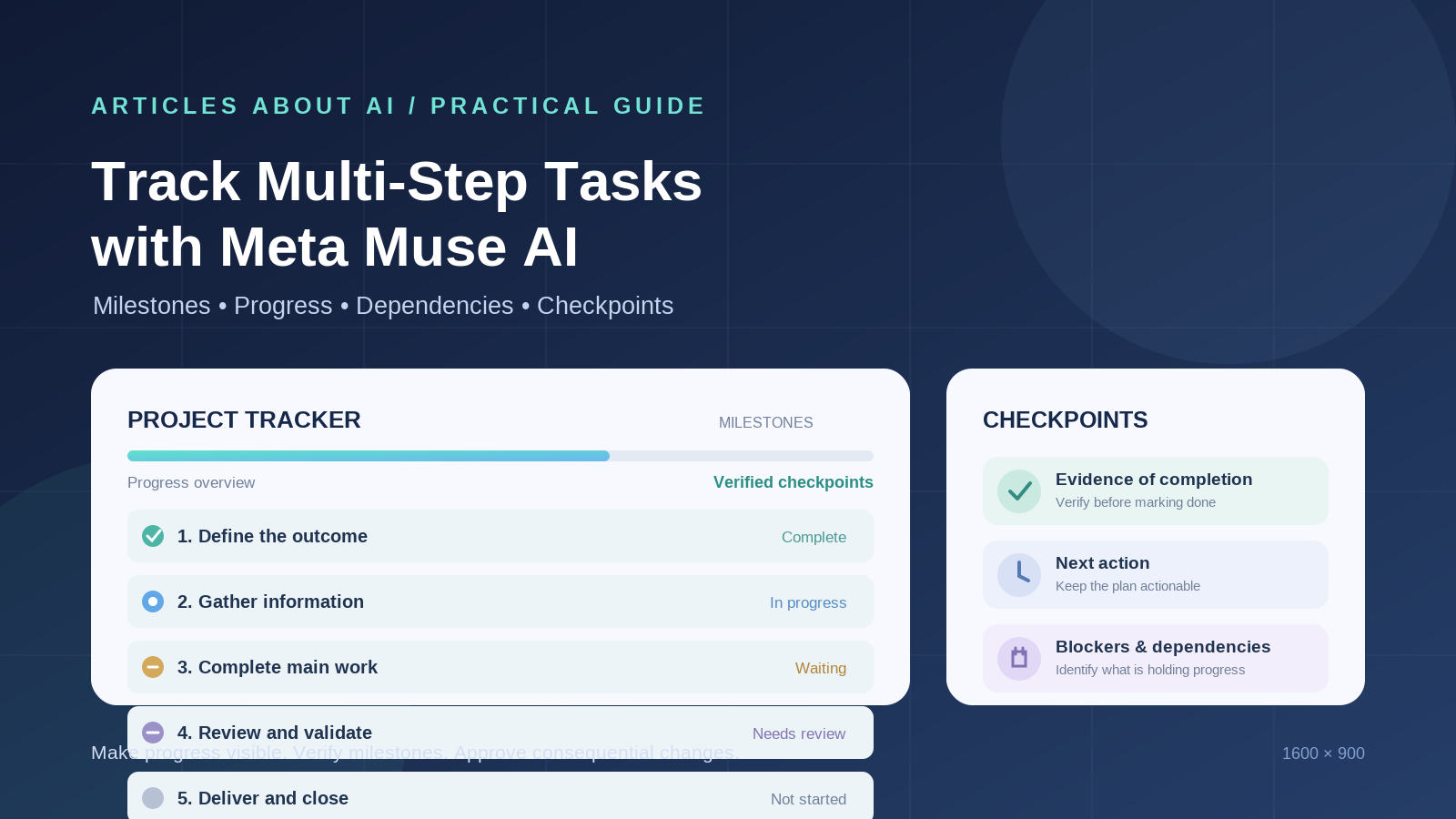
A complex task is rarely completed in one action. It may involve research, decisions, documents, approvals, follow-ups, and a final handoff. The challenge is not simply making a to-do list—it is keeping track of what is complete, what is blocked, what depends on another step, and what needs attention next.
Meta Muse AI can help turn a goal into an action plan, track progress, and continue working on parts of a task in the background. Meta describes Muse as an agent that can build plans, track goals, work across connected apps, and take actions under the user’s direction. This guide shows how to structure a multi-step task so that progress is visible and easier to review. It is a workflow guide, not a claim that we conducted a live task-tracking test of Muse.
What does multi-step task tracking mean?
Multi-step task tracking means monitoring a task that contains several related actions and a defined outcome. Instead of treating the entire project as one item, you divide it into smaller steps, identify dependencies, assign status, and use checkpoints to confirm that the work is progressing toward the goal.
A useful task tracker should make these questions easy to answer:
- What is the final outcome?
- Which steps must be completed?
- Which steps depend on other steps?
- What has been completed and what remains?
- Is anything blocked, and what is needed to unblock it?
- What is the next action?
- Is the deadline still realistic?
- What evidence confirms that the task is finished?
Muse may help maintain this plan when the task and relevant information are available to it. The exact capabilities depend on your account, connected apps, permissions, and the task. For an overview, see what Meta Muse AI is, its features, availability, and how it works.
Step 1: Define the outcome before tracking progress
Start with a clear definition of success. A vague goal such as “organize my project” is difficult to track because there is no objective completion condition.
Write down:
- Outcome: what must exist or happen when the task is complete.
- Deadline: the final due date and any intermediate dates.
- Scope: what is included and what is not.
- Constraints: budget, time, approvals, dependencies, or required resources.
- Completion evidence: what will prove the task is finished.
Prompt: define the task
I need to complete [task or project] by [deadline].
The final outcome should be [specific deliverable or result]. The scope includes [items] and excludes [items]. Constraints are [time, budget, approvals, resources].
Help me define measurable completion criteria and identify any information you need before creating a plan. Do not take external actions yet.
Ask Muse to clarify missing details rather than inventing assumptions. A well-defined outcome is the foundation for meaningful progress tracking.
Step 2: Break the task into milestones and actions
A milestone represents a meaningful stage or result. Actions are the smaller steps required to reach it. Avoid making a plan with dozens of tiny items that are difficult to maintain.
For example, a project to prepare a report could be divided into:
| Milestone | Actions | Completion evidence |
|---|---|---|
| 1. Scope confirmed | Define question, audience, and format | Approved brief |
| 2. Research completed | Collect sources and verify key claims | Source list and notes |
| 3. Draft prepared | Write and organize findings | Draft document |
| 4. Review completed | Check accuracy, gaps, and formatting | Review checklist |
| 5. Final delivered | Export and share approved version | Final file and delivery confirmation |
Ask Muse to create a milestone structure that is neither too broad nor unnecessarily detailed. Each action should be small enough to complete, but meaningful enough to track.
Prompt: create a milestone plan
Break [task] into milestones and specific actions. For each action, provide:
- A short action name
- The milestone it belongs to
- A suggested owner, if relevant
- A dependency, if any
- An estimated effort or duration, clearly labeled as an estimate
- A target date
- A completion criterion
- A status starting as “Not started”
Keep the plan manageable. Identify the critical path and the steps that can happen in parallel. Ask me to review the plan before treating it as final.
Step 3: Identify dependencies and blockers
Some actions cannot begin until another action is finished. These relationships are called dependencies. If they are not visible, a task tracker can show activity while the overall project remains stuck.
Examples:
- A document cannot be reviewed until a draft exists.
- A booking cannot be finalized until dates and traveler details are confirmed.
- A purchase may require approval before payment.
- A final report may depend on receiving data from another person.
Ask Muse to distinguish:
- Sequential tasks: one must finish before another begins.
- Parallel tasks: multiple steps can proceed at the same time.
- External dependencies: waiting for a person, provider, approval, or data.
- Blockers: a condition currently preventing progress.
Prompt: map dependencies
Review this task plan: [paste plan].
Identify dependencies, tasks that can run in parallel, and the critical path. For each dependency, explain what must happen first. Flag any action that is blocked by missing information, approval, or an external response. Do not mark a task as complete merely because a dependent task has been started.
This helps avoid false progress. A step that is waiting for a confirmation is not complete, even if the request has already been sent.
Step 4: Create a status system that is easy to maintain
Use a small set of consistent statuses. A simple system is often more useful than a complicated project-management framework.
| Status | Meaning |
|---|---|
| Not started | No work has begun |
| In progress | Work is actively underway |
| Waiting | The next step depends on an external response or input |
| Blocked | A problem prevents progress |
| Needs review | The work is complete but needs validation or approval |
| Complete | The completion criteria have been met and checked |
Ask Muse to use these labels consistently in progress summaries. If it cannot directly update a connected task-management app, ask it to maintain the status table in the conversation or in a document you can review.
Prompt: establish task statuses
Use these status labels for this task: Not started, In progress, Waiting, Blocked, Needs review, and Complete.
Track each action separately. When status changes, record what changed, the evidence or reason, and the next action. Do not assume a task is complete based only on a message saying that work has started.
Step 5: Set progress checkpoints
A multi-step task needs checkpoints at sensible intervals. The right cadence depends on the task: a short task may need one review, while a project lasting several weeks may need daily or weekly updates.
At each checkpoint, review:
- Completed actions since the previous update.
- Current status of each milestone.
- New blockers or dependencies.
- Changes to scope or deadlines.
- The next action for each active item.
- Whether the plan still fits the available time.
- Decisions that need your approval.
Prompt: progress update
Update the tracker for [task or project] using the latest information I provide: [updates].
Show a concise table with milestone, action, status, last update, blocker or dependency, next action, and target date. Summarize what changed since the previous checkpoint. Separate verified completion from reported progress. If a deadline or dependency is at risk, explain why and suggest options without changing the plan automatically.
A checkpoint should make the next decision easier—not simply repeat a long list of tasks. For a calendar-based workflow, see how to plan a week of work with Meta Muse AI.
Step 6: Track waiting tasks and follow-ups
“Waiting” is a common source of forgotten work. A task may be waiting for an email reply, a document, an approval, a payment, a delivery, or a decision.
For every waiting item, record:
- What you are waiting for.
- Who or what is expected to provide it.
- When the request was sent.
- The date when a follow-up may be appropriate.
- What you can do while waiting.
- What happens if the response does not arrive.
If reminders or connected apps are available, Muse may help monitor or organize follow-ups. Confirm what it will monitor, which account or app it will use, and what notification or action it is permitted to take.
Prompt: manage waiting items
Review the waiting items in this plan. For each one, identify the expected response, the request date, the next follow-up date, and an alternative action if no response arrives. Do not send follow-up messages or change any external record without asking for my approval.
Step 7: Replan when something changes
Multi-step tasks rarely follow the original plan perfectly. A new requirement, delayed response, unexpected cost, or changed deadline may require adjusting the schedule.
When something changes, ask Muse to:
- Summarize the change.
- Identify affected milestones and actions.
- Recalculate the dependencies.
- Explain the impact on the deadline or scope.
- Present options and trade-offs.
- Recommend a revised plan.
- Wait for your approval before making consequential changes.
Prompt: replan after a change
A change occurred: [describe change].
Compare the current plan with the new situation. Show which actions, milestones, dependencies, dates, and resources are affected. Give me two or three revised options, including trade-offs. Preserve completed work and do not make external changes until I approve the new plan.
This approach prevents the agent from silently rewriting the plan and helps you understand why a change is necessary.
Step 8: Keep a decision and activity log
A status table shows what is happening. A decision log explains why the plan changed. For tasks involving several people or approvals, the decision log can be as important as the checklist.
Record:
- Date and decision.
- The options considered.
- The reason for the decision.
- Who approved it.
- The tasks or milestones affected.
- Any follow-up action.
Muse’s published product information describes activity transparency and permission controls. For tasks that involve research and source checking, you can also use our guides to create a research brief with Meta Muse AI and check its accuracy and fact-check a news story with Meta Muse AI. Where an Activity log or task details are available, review them to understand actions taken and approvals requested. Do not assume that every interaction or external system will be represented in one place; keep your own record for important projects.
Step 9: Verify completion instead of relying on a progress percentage
A progress percentage can be misleading if it is based on the number of checklist items rather than their importance. Completing nine small steps does not necessarily mean that the project is 90% finished if one critical deliverable remains.
Before marking a milestone complete, verify its completion criteria. Examples include:
- The required document exists and has been reviewed.
- A booking has an official confirmation.
- A requested change appears in the intended system.
- An approval has been received.
- The deliverable has been shared with the correct recipient.
- A test has passed and its result is recorded.
Prompt: final completion audit
Audit the current task tracker against the original outcome and completion criteria.
List each milestone as verified complete, incomplete, or needing evidence. Identify any remaining dependencies, missing approvals, unresolved issues, or deliverables. Do not mark the overall task complete until every required completion criterion has evidence. Produce a final handoff summary with the outcome, evidence, unresolved items, and next steps.
Step 10: Use a reusable multi-step task tracker
You can ask Muse to maintain a compact tracker in a consistent format. Copy this template into the task conversation or a document and update it at each checkpoint.
| ID | Milestone / Action | Status | Dependency | Target date | Evidence / Next action |
|---|---|---|---|---|---|
| 1 | Define the outcome | Not started | — | [date] | [criterion] |
| 2 | Gather required information | Not started | 1 | [date] | [source or input] |
| 3 | Complete the main work | Not started | 2 | [date] | [deliverable] |
| 4 | Review and validate | Not started | 3 | [date] | [review result] |
| 5 | Deliver and close | Not started | 4 | [date] | [confirmation] |
The table is a starting point. Ask Muse to adapt the number of milestones and actions to the complexity of your task.
Common mistakes when tracking tasks with AI
Creating too many steps
A tracker with dozens of micro-actions becomes difficult to update. Use milestones for meaningful outcomes and only split actions when they need independent status or dependencies.
Treating activity as completion
“Started researching” is not the same as “research completed.” Require completion evidence for important milestones.
Forgetting external dependencies
Waiting for a person or service can stall the project. Make waiting items visible, add follow-up dates, and identify alternative actions.
Allowing the plan to change without review
An agent may suggest a new schedule or next action. Review the impact before accepting changes to deadlines, scope, spending, or communications.
Relying only on a percentage
Progress should reflect completed deliverables and critical-path status, not simply the number of boxes checked.
Not keeping a final record
At the end, save the outcome, final deliverables, approvals, and unresolved issues. A task is easier to audit—and easier to resume—when its history is clear.
Frequently asked questions
Can Meta Muse AI track a task over several days?
Meta describes Muse as able to build action plans, track progress, work on goals, monitor things, and continue tasks in the background. The precise workflow and available features depend on your account and connected services. Ask it to define the checkpoints and progress information it will maintain.
Can Muse automatically update a task tracker?
Muse can work with connected apps and take actions across multi-step workflows, according to Meta’s published description. Whether it can update your particular task-management app depends on the connector and permissions available. Confirm the exact action before granting access.
How do I know whether Muse has really completed a step?
Require evidence, such as a finished document, confirmation, an approved change, or a test result. A status update alone may not prove completion.
What is the best way to track blockers?
Give every blocked or waiting action a reason, the person or service needed, a follow-up date, and a next action. Review these items at every checkpoint.
Can Muse replan a task when the deadline changes?
You can ask it to analyze the impact and propose a revised plan. Review the changes, dependencies, and trade-offs, then approve the revised plan before consequential actions are taken.
Final thoughts
Meta Muse AI can be useful for keeping a complex task organized by turning a goal into milestones, tracking progress, surfacing blockers, and helping revise the plan as circumstances change. The most reliable workflow combines a clear outcome, manageable actions, consistent status labels, checkpoints, evidence of completion, and human approval for consequential changes.
Use Muse to make the work easier to follow—but keep the plan understandable, verify critical milestones, and retain a record of what was actually completed. If your multi-step task is travel-related, our guide to organizing a trip with Meta Muse AI and verifying travel details shows how to apply the same approach to bookings, documents, and pre-departure checks.