
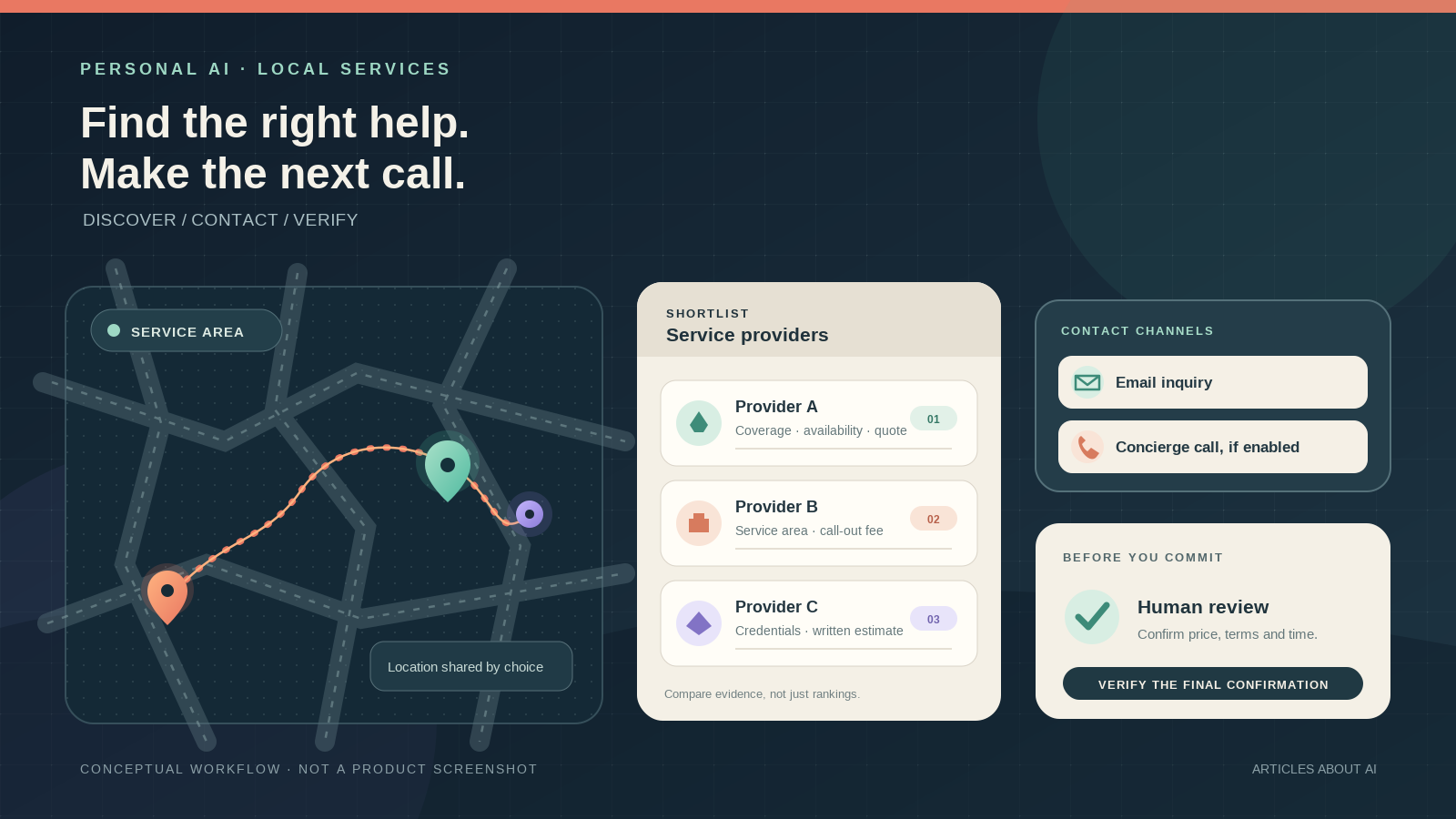
Finding a useful local service is only the first part of the job. You still have to check whether the provider covers your area, explain what you need, ask about availability and price, compare the answers, and decide whether to book. Those small steps can take longer than the original search.
Instinct is designed to handle parts of that process as a personal AI assistant. Its official website describes an assistant that users can text or call and that can use a phone and computer. Public reporting has also described location sharing to help find nearby businesses, an email address the assistant can use for task-related outreach, and Instinct Concierge for phone calls. These are related capabilities, but they are not one universal directory or a guarantee that every contact method is enabled for every account.
This guide explains how to use Instinct AI to find services and contact businesses, how to give it enough information to obtain useful answers, and how to keep control of appointments, quotes, personal information, and commitments.
What can Instinct do when you need a service?
Instinct’s official website presents it as a personal assistant that can use a phone and computer in the way a person does. Its Terms of Service, last revised November 17, 2026, say the assistant may access and interact with third-party websites, applications, and services, including services a user has not separately connected. The Privacy Policy, revised on the same date, describes browser-based interactions with third-party services and gives booking a restaurant and writing an email as examples.
For service research, three capabilities are especially relevant:
| Capability | What it can help with | Important qualification |
|---|---|---|
| Location-aware discovery | Identify businesses or services near a location you share and help narrow the search | Location sharing and results depend on the feature being enabled; verify the address, distance, and current service area |
| Email outreach | Ask a business about availability, a service area, a quote, or a follow-up using the assistant’s email identity | The assistant’s own email is distinct from your connected inbox; confirm which address is being used |
| Phone calls through Instinct Concierge | Handle higher-touch conversations, such as asking about an appointment or a service problem | Concierge was announced as an early-access rollout; do not assume it is available on every account |
In a September 9, 2026 report, TechCrunch described Instinct’s own email address and quoted founder Noah Shinn describing uses such as asking a business about availability and following up on a task. The same report discussed a location-sharing feature intended to help users find nearby businesses and restaurants. On September 17, TechCrunch reported the launch of Instinct Concierge, which the company initially rolled out to an early-access group for calls such as restaurant bookings, dentist cancellation lists, and service problems.
The distinction matters. A search result is not a verified provider. An email sent is not an agreed appointment. A phone call is not proof that a booking, repair, or account change has been completed.
Step 1: Describe the service problem, not just the business category
A request such as “find a plumber” leaves too much open. The assistant needs to know what kind of work is required, where the work must happen, how soon you need help, and what constraints matter.
Include:
- The service: for example, a leaking pipe, appliance repair, house cleaning, internet support, or a dentist appointment.
- The location: a city, neighborhood, postcode, or a location you explicitly choose to share.
- The service area: how far you are willing to travel or whether the provider must visit your address.
- Timing: preferred dates, time windows, and whether the request is urgent.
- Budget: a target range or a maximum call-out fee, if you have one.
- Requirements: language, accessibility, qualifications, warranty, equipment, or other practical needs.
A more useful first prompt is:
Find three appliance-repair businesses that serve [area] and work on [brand or appliance]. I need an appointment within [date range]. Compare their stated service areas, opening hours, call-out fees, earliest availability, and warranty information. Include the source for each detail. Do not contact or book anyone yet.
This gives Instinct a defined research task and prevents a premature commitment. If you prefer not to share precise location data, provide a neighborhood or postcode instead of enabling location sharing.
Step 2: Ask for a shortlist you can verify
Ask the assistant to return a small, comparable list rather than a single recommendation. Useful fields include the business’s legal or trading name, address, website, phone number, service area, stated opening hours, relevant qualifications, published prices, and the date or source of each claim.
You can ask it to separate three kinds of information:
- Confirmed details: information shown on the provider’s own website or supplied directly by the business.
- Directory or review information: third-party descriptions, ratings, and customer comments that still need checking.
- Unknown details: facts the assistant could not verify.
This is more reliable than asking which provider is “the best.” Search rankings and review scores are not proof that a business is suitable for a particular job. A provider may have a strong general rating but not cover your postcode, handle your equipment, or offer the appointment window you need.
For a home repair or another regulated service, ask for the relevant licence or registration details and verify them with the appropriate local authority. In the United States, the Federal Trade Commission’s contractor guidance recommends checking licences and insurance, comparing written estimates, and reviewing a written contract before hiring. Requirements differ by location and profession, so use the regulator for the jurisdiction where the work will take place.
Step 3: Choose how Instinct should contact the business
Once you have selected a provider, decide whether the next step should be an email, a website interaction, or a phone call. Do not assume these routes are interchangeable.
Email: ask a precise question and keep a record
Instinct’s own email identity can be useful when a task requires contacting a business or following up without using your personal inbox. TechCrunch’s September 9 report described the feature and gave examples of asking a business about availability, handling a service sign-up, and following up on a return.
Before asking Instinct to send a message, specify:
- The business and the correct contact address.
- The exact question or information you want.
- Which personal details may be shared.
- Whether the message should ask for information only.
- Whether the assistant must wait for your approval before sending.
Example:
Email [business] to ask whether it serves [postcode], whether it can handle [specific problem], and what its earliest appointment and call-out fee would be. Identify yourself as an AI assistant contacting on my behalf. Share only my first name and the postcode. Do not accept an appointment, authorize work, or agree to a charge. Show me the message before sending it.
Ask the assistant to save the reply and summarize the answer, including any conditions or unanswered questions. If the business responds with a quote or proposed appointment, compare it with your original request before moving forward.
Website contact: use the provider’s own process
Some providers use a contact form, booking page, customer portal, or quote-request workflow. Instinct’s Terms describe interaction with third-party websites and services, but the site may require an account, identity check, CAPTCHA, payment, or other step that the assistant cannot complete automatically.
If you want it to use a website, ask it to locate the provider’s official page first. Have it distinguish the provider’s own domain from an advertisement, directory listing, or look-alike page. For sensitive requests, ask it to prepare the form and show you the information before submission.
Phone: use Concierge only if it is available
Instinct Concierge adds a phone-based route for tasks that are difficult to complete through a web form or email. The September 16 announcement described calls to restaurants that do not take online reservations, requests to join a dentist’s cancellation list, and help with cable-bill problems. TechCrunch reported on September 17 that the feature was initially rolling out to early-access users.
If Concierge appears in your account, give it a short call brief:
Call [business] and ask whether it provides [service] at [location]. Ask for the next available appointment, the total call-out or consultation fee, the cancellation policy, and whether any deposit is required. Tell the business you are an AI assistant acting on my instructions. Do not book, cancel, accept terms, or authorize payment. Return the answers and any conditions for my review.
A call may reach a receptionist, an automated phone system, or a person who needs more information. The assistant may need you to answer a question or take over. Treat the call summary as a report, not as a contract or booking confirmation.
Step 4: Compare answers on the same basis
A useful comparison should put providers on equal terms. Ask Instinct to organize replies in a table and mark missing information instead of filling gaps with estimates.
| Comparison point | Question to ask |
|---|---|
| Service coverage | Does the provider serve the exact address or postcode? |
| Availability | What appointment dates and arrival windows are confirmed? |
| Price | Is the amount a fixed price, an estimate, or only a call-out fee? |
| Extra costs | Are travel, materials, diagnosis, weekend, or cancellation fees separate? |
| Qualifications | Which licence, certification, or insurance applies to the work? |
| Scope | What work is included, and what would require a separate quote? |
| Follow-up | Who will send the written estimate or confirmation, and by when? |
Do not compare a fixed quote with an estimate that excludes materials or travel. Ask the assistant to highlight differences and request clarification where the businesses have not answered the same questions.
For larger jobs, ask for written estimates from more than one provider. The FTC also advises consumers to check references, confirm licensing and insurance where applicable, and read a written contract carefully before committing. That guidance is U.S.-specific; use equivalent consumer-protection and licensing authorities in other countries.
Step 5: Set a clear approval boundary
Finding a provider and contacting it are not the same as hiring it. A business may interpret a message or phone conversation as a request to reserve a slot, accept a service term, or authorize work.
Instinct’s Terms say that the assistant may take actions when initiated and directed by the user. They also state that the user remains responsible for actions taken in response to their instructions, including communications, contracts, and transactions. The Terms further explain that third-party services have their own terms and that Instinct does not guarantee the accuracy or availability of third-party materials.
Use explicit boundaries such as:
- “Research only; do not contact anyone.”
- “Ask for information, but do not reserve a time.”
- “You may request an appointment, but wait for my approval before confirming.”
- “Do not agree to a quote, deposit, recurring plan, or cancellation fee.”
- “Do not share my full address or phone number unless I approve the exact message.”
When you are ready to proceed, give a separate instruction that names the selected provider, agreed service, date, price limit, and any conditions. Review the final confirmation from the business itself.
Privacy and safety when contacting service providers
A service request can reveal more than a search query. A home repair enquiry may disclose a home address and when someone will be there. A medical appointment can involve health information. A billing dispute may involve account numbers or financial details.
Instinct’s Privacy Policy says it may process information you provide, messages and other content you make available, and approximate or precise location information if you choose to share it. It also explains that the assistant can interact with third-party websites and services to complete tasks.
Use the minimum information needed for the enquiry. Share a general area before a full street address, and provide account or identity details only when the provider genuinely needs them and you have reviewed the destination. Do not send passwords, one-time codes, payment-card details, or identity documents in an ordinary service enquiry.
For a call or email, ask the assistant to identify itself accurately as an AI assistant acting on your behalf. This helps the business understand who is contacting it and reduces confusion about whether a statement or commitment came directly from you.
You can review connected services through Instinct Workspace settings. The Terms and Privacy Policy explain that connected-service access can be disconnected, although data already collected from some services may be retained in conversation history. Read the relevant policy before sharing sensitive information.
What are the limitations?
Instinct can help coordinate the steps, but several parts of the process remain outside its control:
- A business may not answer, may not accept email enquiries, or may refuse to speak with an automated assistant.
- A location result may be incomplete, out of date, or outside the provider’s actual service area.
- A website may block automation or require a human identity check.
- Concierge may not be enabled for your account, and a call may not resolve the request.
- A quoted price may change after inspection or once the provider sees the full scope of work.
- A provider’s response does not independently establish its credentials, quality, or trustworthiness.
The safest approach is to use Instinct to reduce research and coordination work, then verify the provider and the final agreement directly. For related workflows, see our guides to booking restaurants with Instinct AI, planning trips and travel, managing email and follow-ups, and organizing appointments. Our everyday tasks guide explains how to combine several small errands into one plan.
Frequently asked questions
Can Instinct AI find businesses near me?
Instinct has been reported to offer location sharing that can help it find nearby businesses and restaurants. The Privacy Policy says location information may include approximate location and, if you choose to share it, precise geolocation. Check the location feature and permissions available in your account, and verify the address and service area before relying on a result.
Can Instinct AI email a service provider?
Instinct introduced its own email identity for task-related communication. Its founder described uses such as asking a business about availability and following up. Availability and the exact workflow may depend on your account; review the recipient and message before allowing it to be sent.
Can Instinct AI call a business for me?
Instinct Concierge was announced as a phone-calling capability and initially rolled out to an early-access group. It has been described for tasks such as restaurant bookings, dentist cancellation lists, and service problems. Check whether Concierge is enabled in your account before relying on it.
Can Instinct AI book or hire a service provider?
It may be able to interact with third-party websites and services or contact a provider as part of a task. Whether it can complete a booking depends on the provider’s process, the features available to your account, and any required approval. Do not treat a message or call as confirmation; obtain the provider’s written confirmation and review all terms and fees.
Is Instinct a verified directory of local businesses?
Instinct’s public product description presents it as a personal assistant, not as a directory that certifies service providers. A business appearing in a search or replying to an email should still be checked independently. Verify licensing, insurance, references, pricing, and the written scope of work where relevant.
Sources and further reading
- Instinct — official product website
- Instinct Terms of Service — last revised November 17, 2026.
- Instinct Privacy Policy — last revised November 17, 2026.
- TechCrunch: Instinct now has its own email address — September 9, 2026.
- TechCrunch: Instinct and Meta’s Muse add phone calls — September 17, 2026.
- Federal Trade Commission: How to Avoid Scams After Weather Emergencies and Natural Disasters — U.S. consumer guidance on checking contractors, estimates, and written agreements.
Information checked November 25, 2026. Instinct features and access can change; the permissions and options shown in your own account are the practical source of truth.