
More Articles
Continue exploring practical AI solutions and guides.
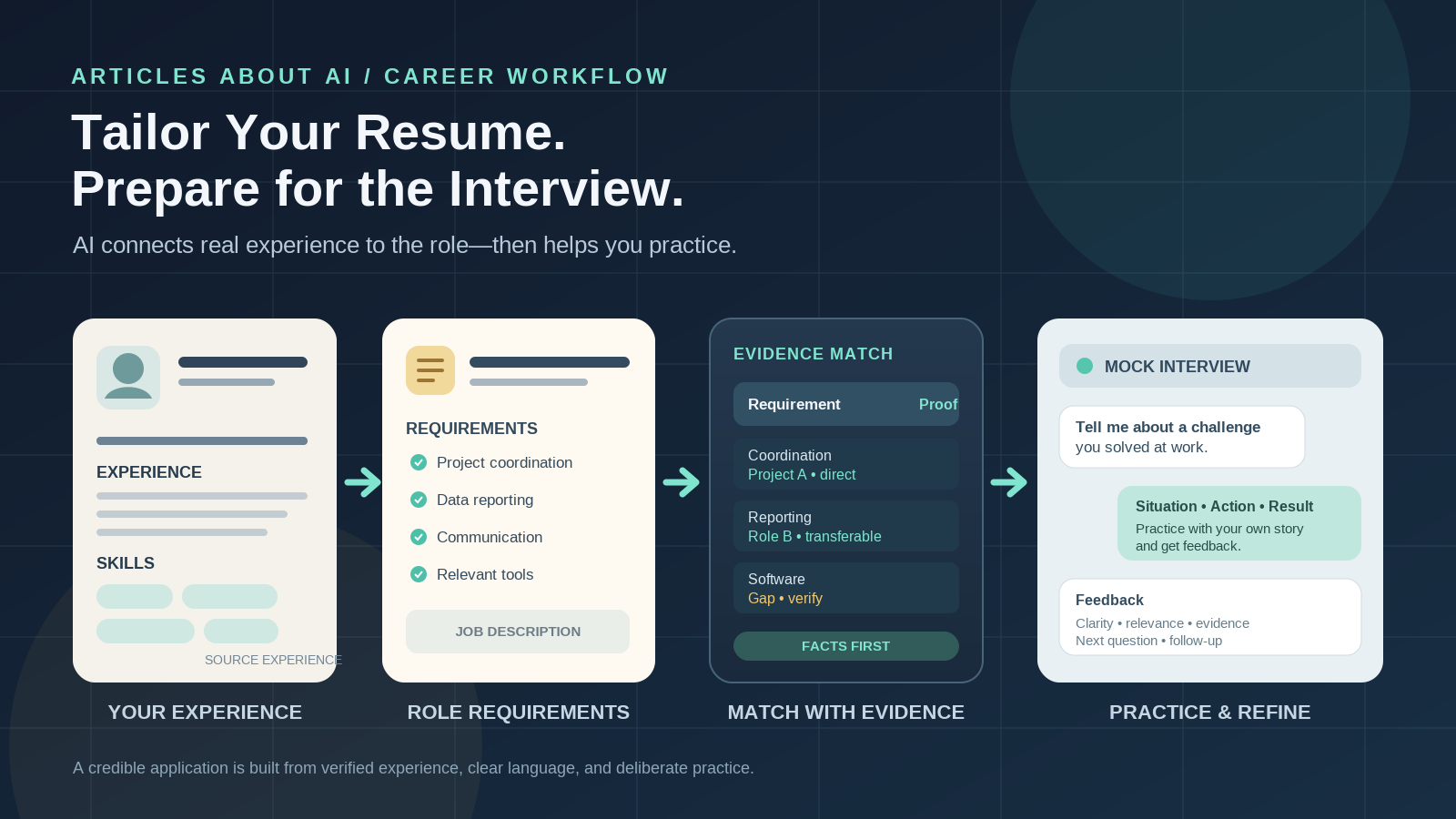
How to Use AI to Tailor Your Resume to a Job Description and Prepare for Interviews
Use AI to analyze job descriptions, match real experience, tailor resume bullets, improve ATS readability, and practice interview answers without inventing qualifications.
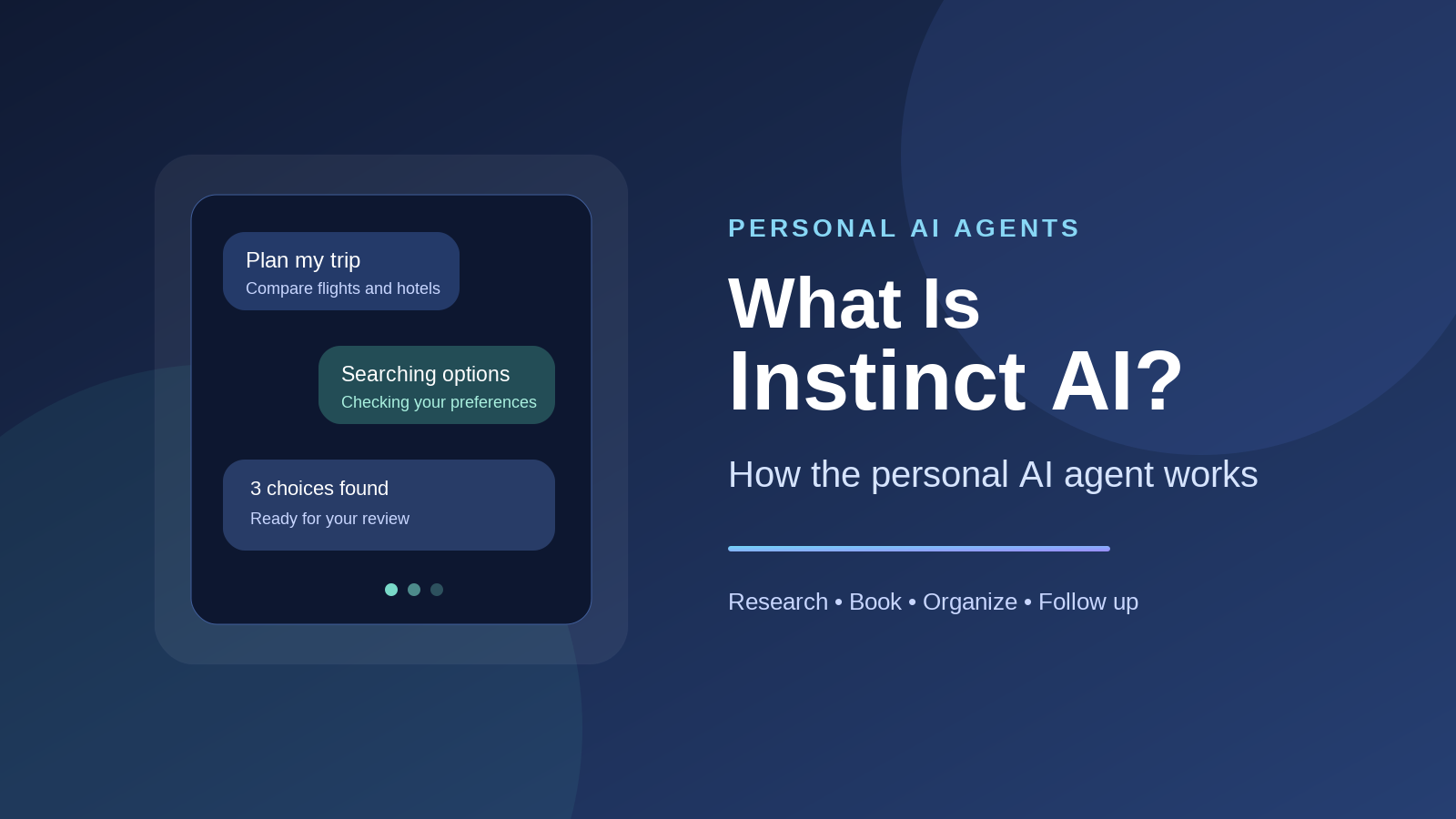
What Is Instinct AI? How the Personal AI Agent Works
Learn what Instinct AI is, how its personal agent handles everyday tasks, how people interact with it, what access it needs, and what to know about availability and privacy.
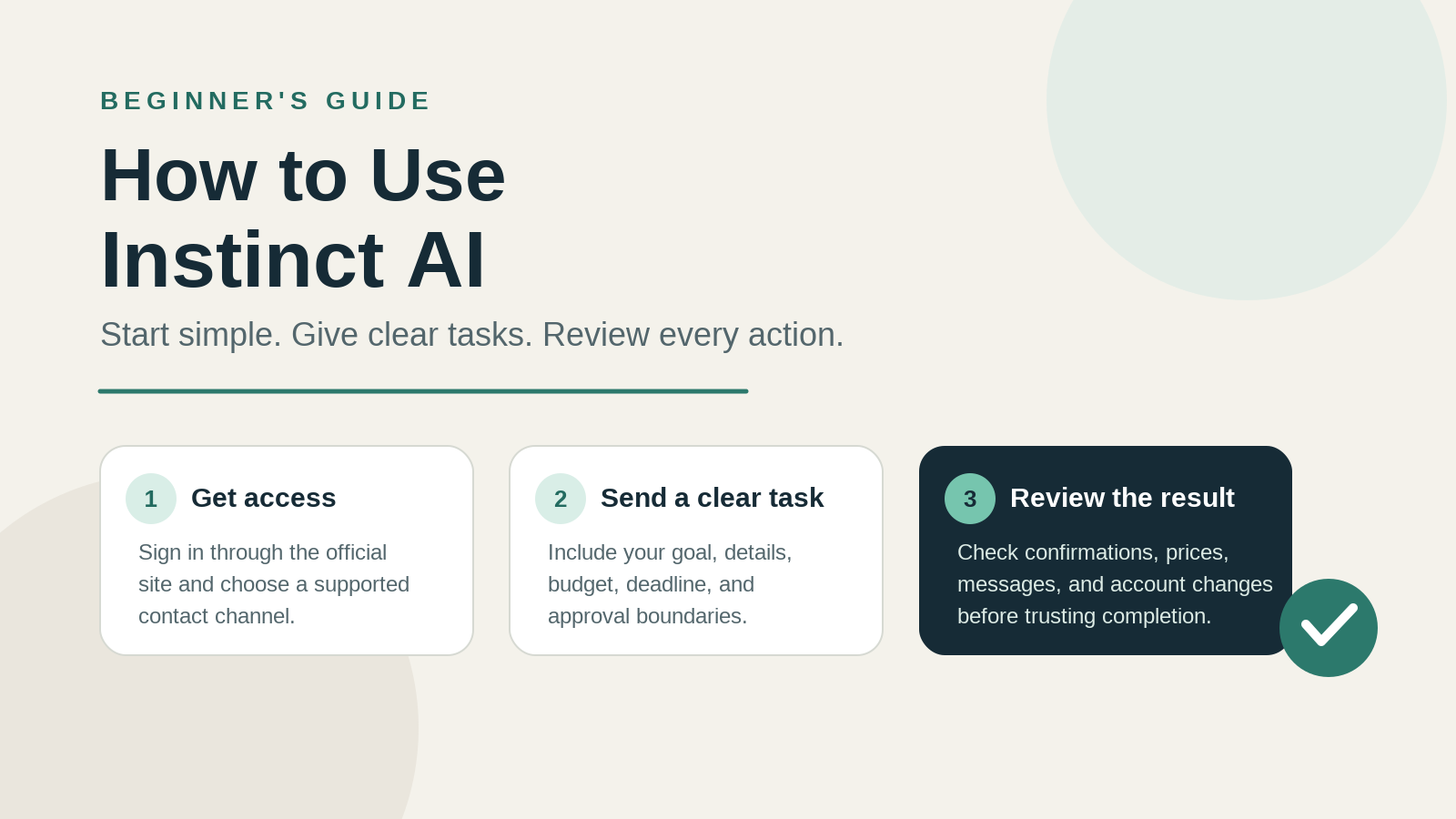
How to Use Instinct AI: A Complete Beginner's Guide
Learn how to get access to Instinct AI, start a conversation, give clear task instructions, connect services carefully, and review actions before trusting the personal AI agent.

How to Run MiniMax H3-Image Locally: Setup, Hardware, and License Requirements
Learn how to run MiniMax H3-Image locally with ComfyUI, Diffusers, or SGLang. Check model downloads, GPU memory, storage, setup steps, and community-license restrictions.
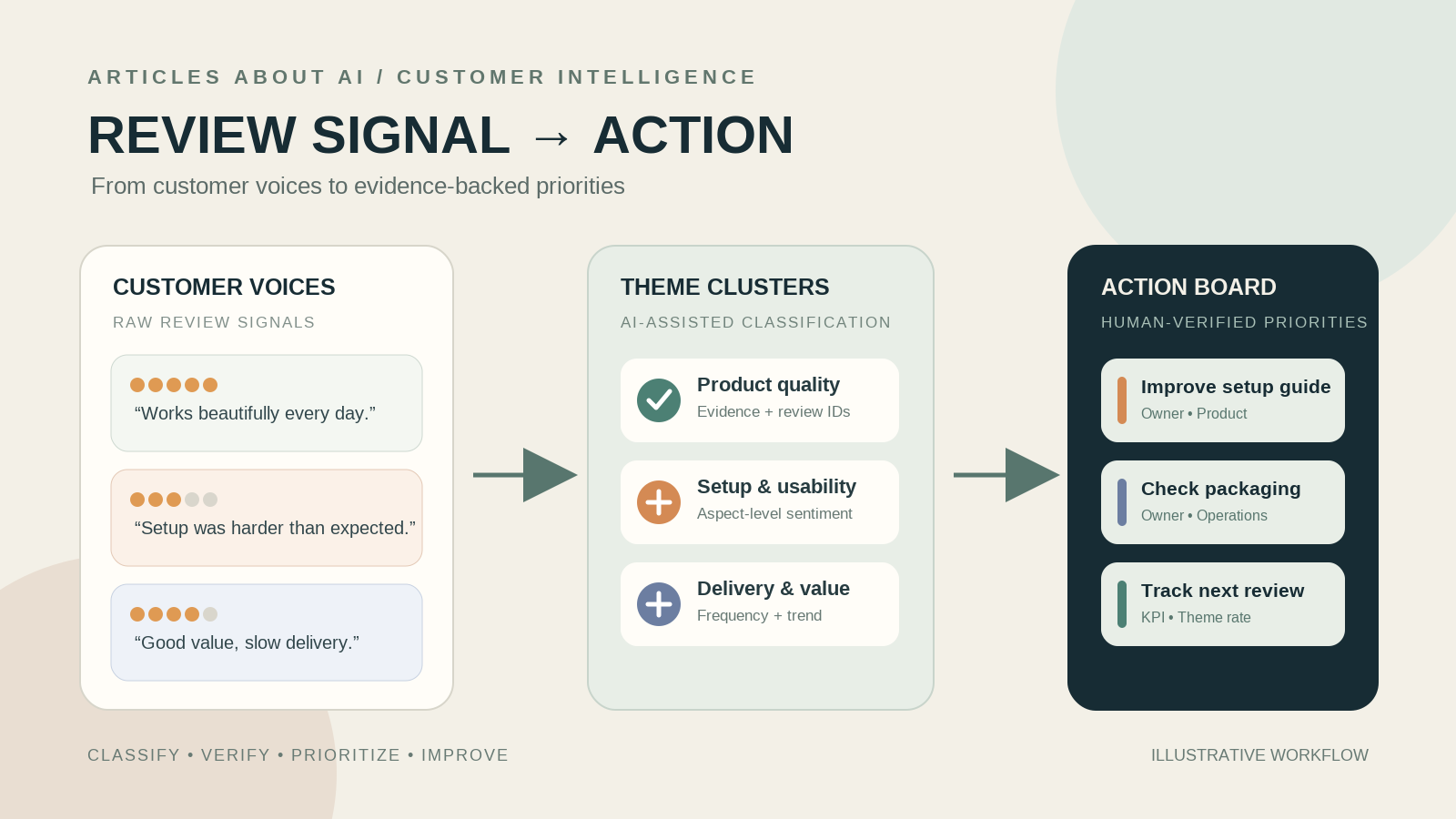
How to Analyze Customer Reviews with AI and Turn Feedback into an Action Plan
Use AI to analyze customer reviews, uncover recurring themes, measure sentiment by topic, compare products, and turn evidence-backed feedback into a prioritized action plan.
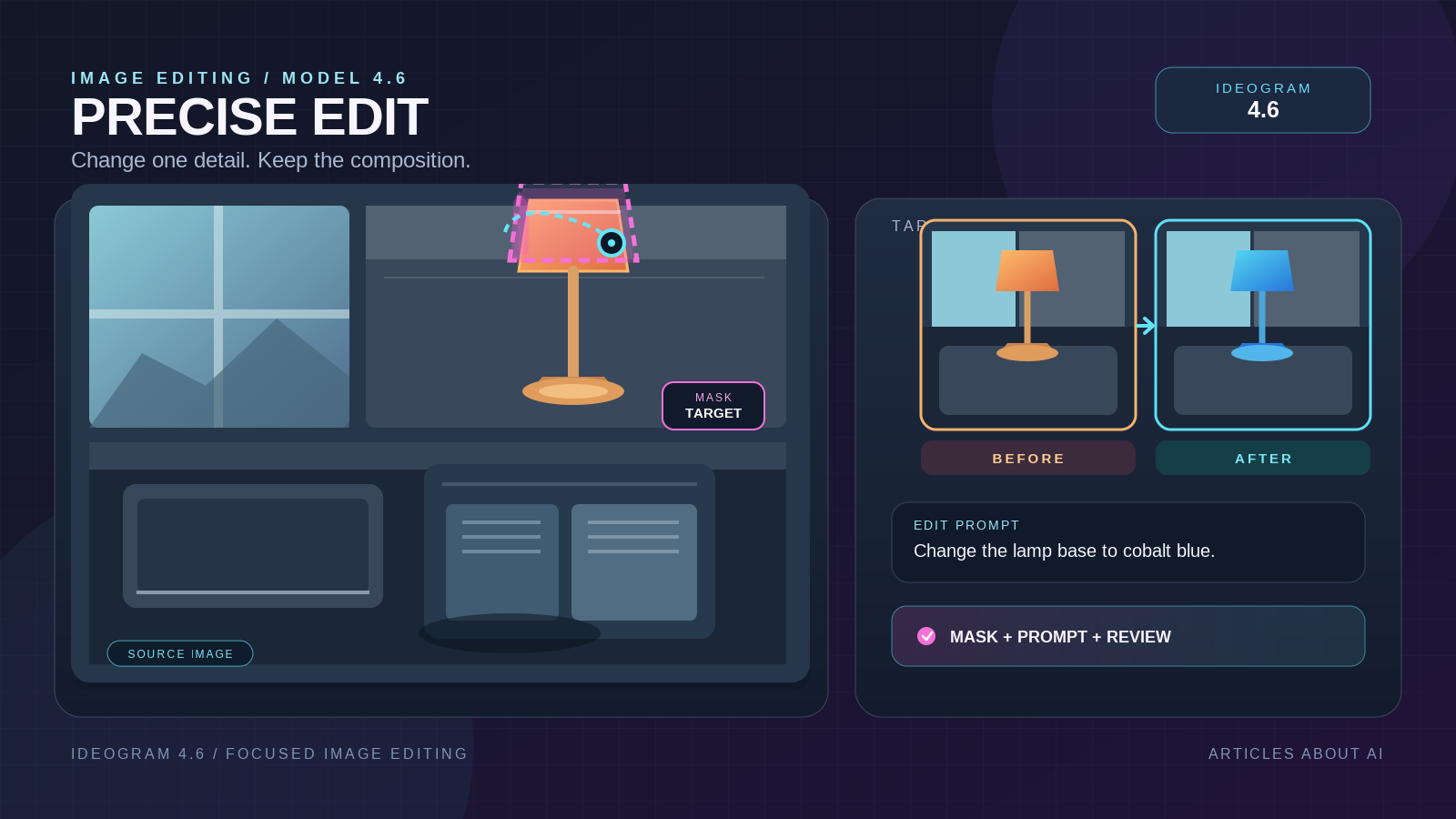
Ideogram 4.6 Precise Edit Tutorial: How to Change Specific Parts of an Image
Learn how to use Ideogram 4.6 to change specific parts of an image with focused prompts, masks, context windows, API settings, and practical editing examples.
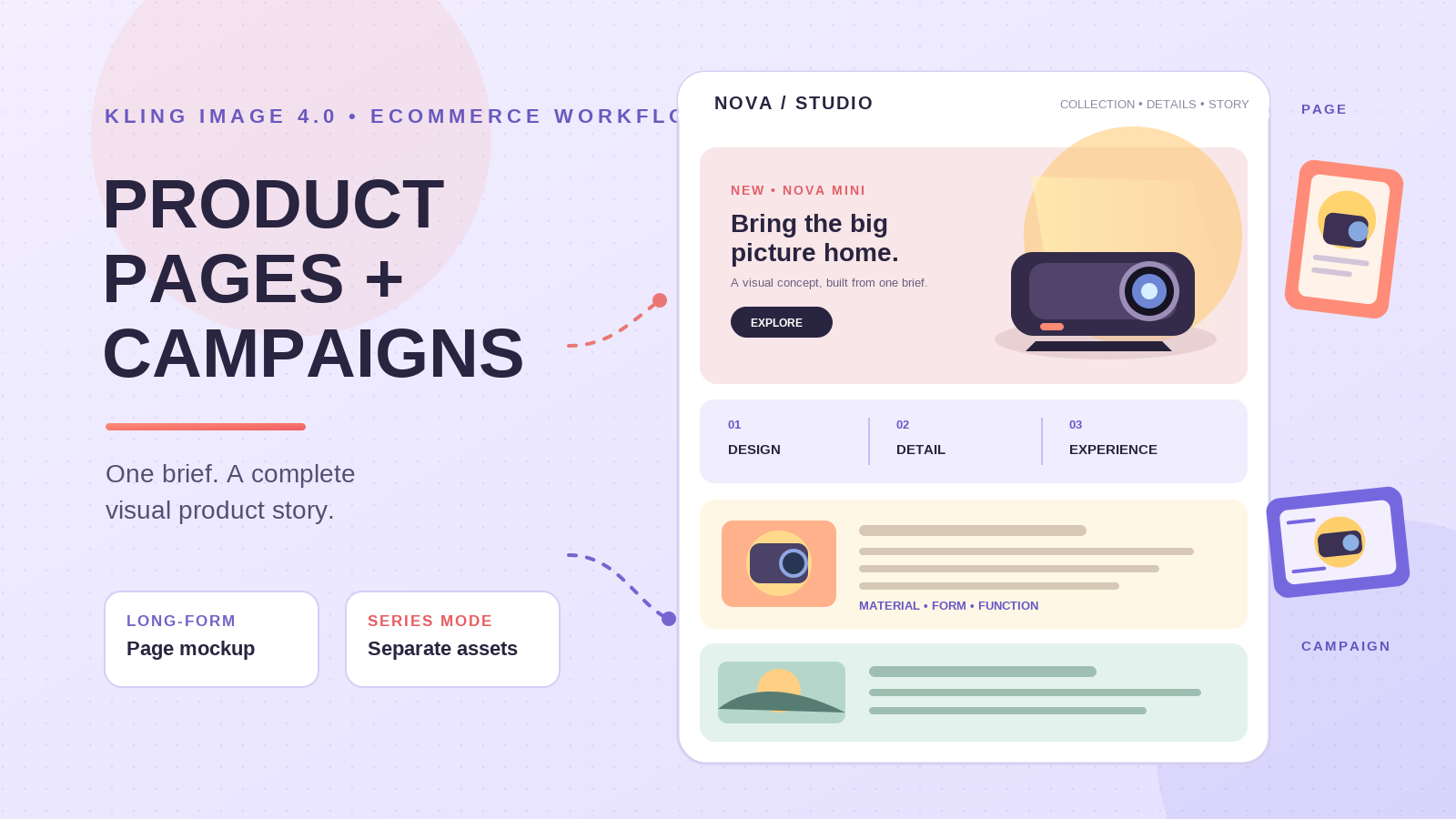
How to Create AI Product Pages and Marketing Graphics with Kling Image 4.0
Use Kling Image 4.0 to design long-form ecommerce product pages and coordinated marketing graphics with reference images, structured prompts, layer editing, and a quality-control workflow.
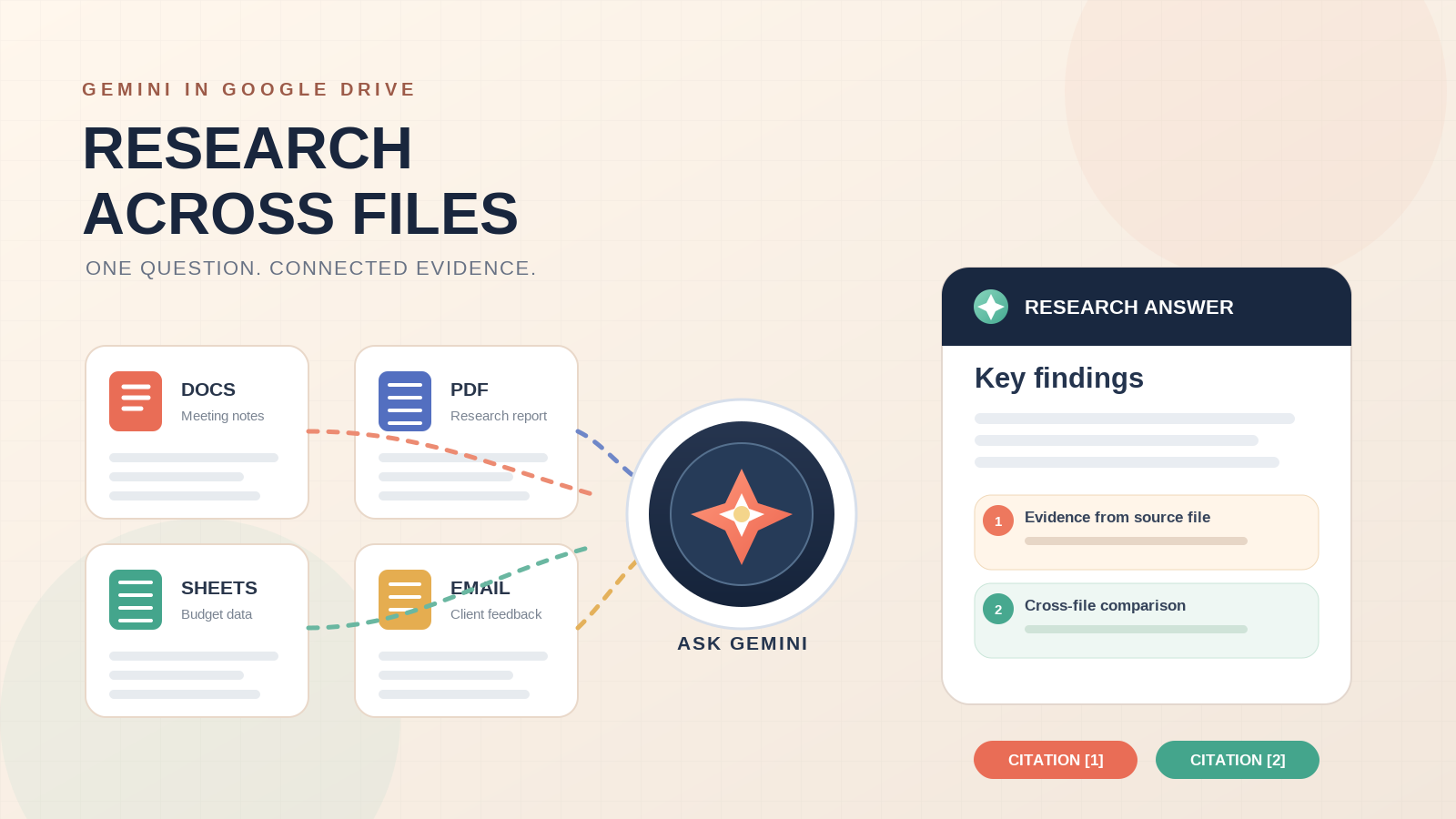
How to Use Gemini in Google Drive to Research Multiple Files and Get Cited Answers
Use Gemini in Google Drive to research multiple files, compare documents, extract evidence, and verify cited answers with a practical workflow and prompts.
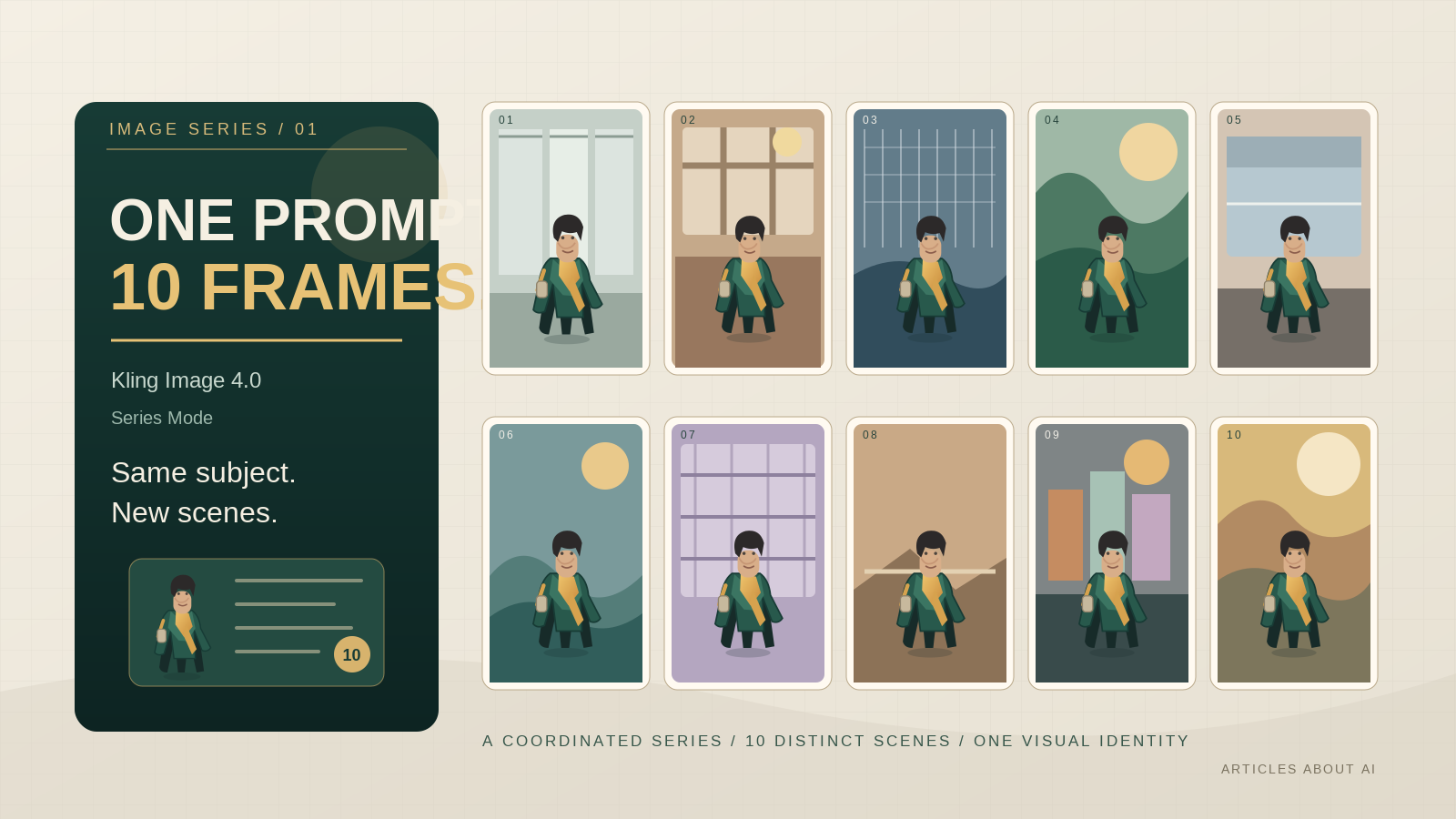
Kling Image 4.0 Tutorial: How to Generate 10 Consistent Images from One Prompt
Use Kling Image 4.0 Series Mode to generate 10 consistent images from one prompt. Learn reference images, prompt structure, scene planning, and review tips.
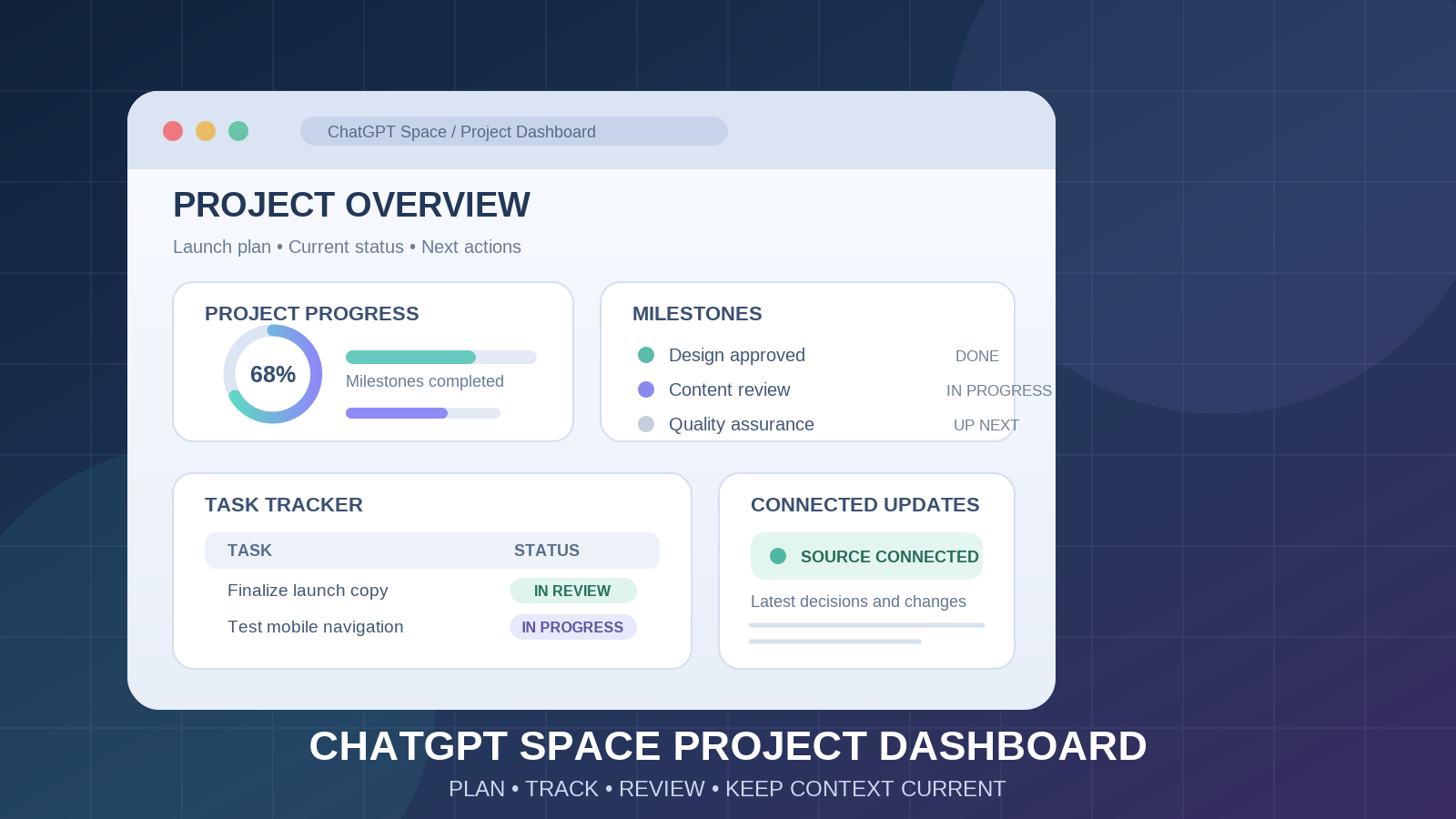
How to Build a Project Dashboard in ChatGPT Space That Updates Automatically
Create a practical project dashboard in ChatGPT Space with goals, milestones, tasks, decisions, risks, and connected-app updates. Includes setup steps and reusable prompts.
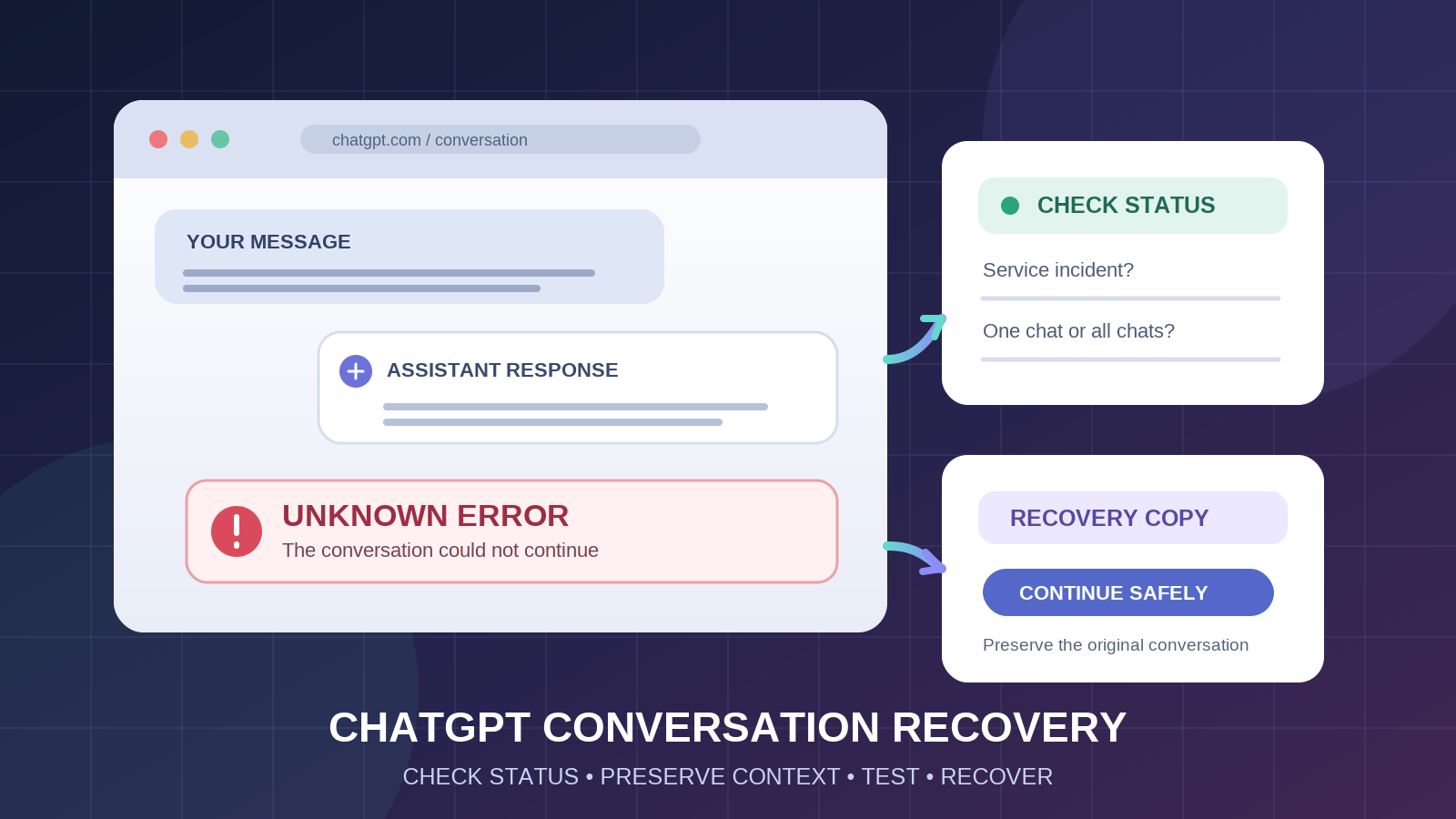
ChatGPT Conversation Shows “Unknown Error”: How to Fix It and Recover Your Chat
Troubleshoot ChatGPT’s Unknown Error with safe checks for outages, stuck conversations, browser sessions, large requests, and ways to recover work without deleting the original chat.
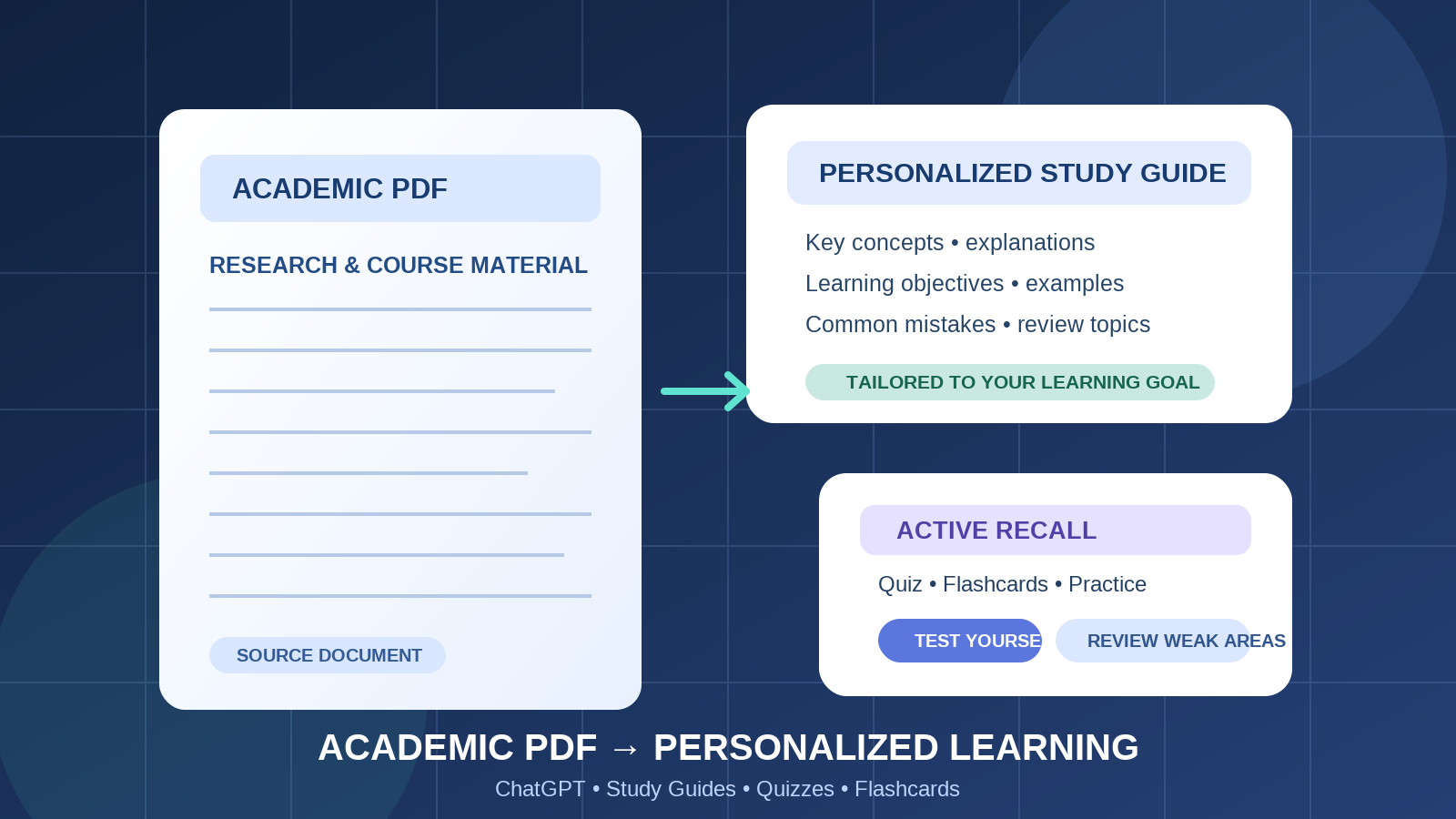
How to Turn Academic PDFs Into Personalized Study Guides with ChatGPT
Learn how to use ChatGPT to turn academic PDFs, textbooks, research papers, and course readings into personalized study guides, quizzes, summaries, flashcards, and review plans.
Page 4 of 32